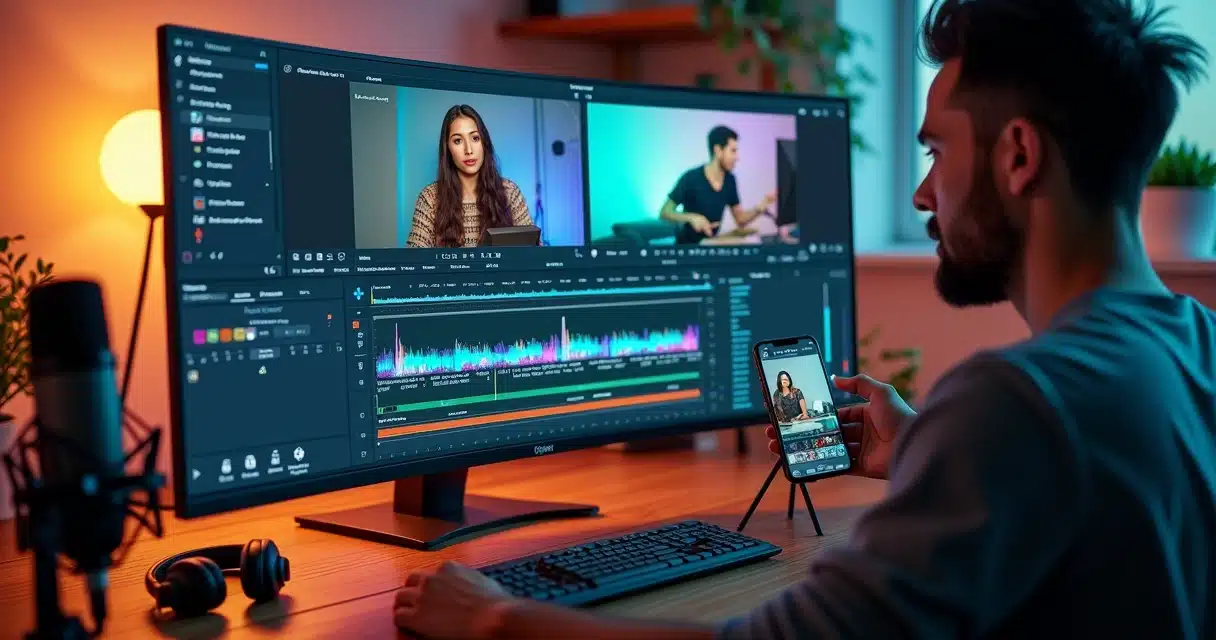

The podcast scene has never been so bustling. There are now around 3.2 million active and inactive programs worldwide, in a production that keeps growing. The question echoing among small, medium, or large producers is: how to turn long episodes into short clips capable of going viral on social media?
For a long time, this process was slow. It required the patience of a surgeon, a screenwriter’s clinical eye, mastery of editing software, and many hours of dedication to choose the best moments, cut, adjust audio, add subtitles, and shape it into the right format.
Good content does not go viral on its own. It needs to be showcased, and quickly.
In the speed of the internet, the audience’s attention slips away easily. That’s why artificial intelligence is transforming the way to create podcast clips, reducing a task that used to take hours down to minutes, which has intimidated many experienced people and deterred beginners.
The Challenge of Producing Podcast Clips without AI
Editing podcasts to cut the best excerpts was once a task that kept away those who were not involved in audiovisual production. The traditional method has several stages:
- Watch or listen to the entire episode, sometimes over 1 hour;
- Manually identify significant moments;
- Find where the interesting speeches start and end;
- Fine-tune cuts, remove silences, equalize audio;
- Add synchronized subtitles;
- Convert to formats required by each social network;
- Test exports, review everything again.
For many, the cost was not just financial, but also of time and consistency. Editors were necessary. The production pace became slow. Those who tried to do it alone got tired quickly.
How Artificial Intelligence Changed Everything
Today, AI makes the magic happen in minutes. With platforms like VDClip, just upload the video or podcast and wait for instant recommendations of ready-made cuts, with editing, subtitles, and even title suggestions.
This advancement is only possible because speech understanding has reached impressive levels. The Whisper, for example, was trained on 680,000 hours of audio of all kinds. The result? The AI understands accents, separates participants, recognizes questions and answers, topic changes, laughter, intense debates, and even complete stories.
Artificial intelligence goes beyond just searching for keywords in a sea of audio. It:
- Transcribes the entire episode in seconds;
- Separates speeches by participant;
- Automatically scores contexts of greater impact;
- Prioritizes exciting responses, debates, quick exchanges;
- Includes references for narrative structure, intonation, and pauses.
Thus, transcription has become a key piece for clip automation. It is not just about text: it is about understanding the conversation and extracting what captivates the audience the most.
 Why Do Podcast Clips Go Viral and Change the Game?
 Why Do Podcast Clips Go Viral and Change the Game?
Social media is now one of the main means of audiovisual consumption in Brazil. According to IBGE data, 87.6% of users access videos, programs, or series. Among young people, 84% watch videos online, and Instagram/TikTok already dominate attention.
Short clips with subtitles, quick context, and fast pace are shared more. They bring “hooks” of conversation, impactful phrases, exciting or funny snippets, and, above all, are easy to consume.
The secret is to transform that one-hour episode into irresistible small pills. Those who do this well appear more, gain followers, and spread their message across multiple channels.
The Simple Step-by-Step to Create Podcast Clips with AI
The process has indeed become easy and accessible. It is no longer necessary to know complex software or spend nights adjusting cuts. With VDClip, for example, all the heavy lifting is done by artificial intelligence. The user’s role is simply to indicate the podcast file or URL and wait for the selection of the best moments.
1. Upload the video or audio
The first step is to ensure the best possible quality of the file. The cleaner and clearer the audio, the better the AI’s results will be; noise or flaws can affect transcriptions or fine cuts. It can be the raw file or even a link to an already published episode.
2. Let the AI generate the complete transcription
With technology based on large models like Whisper, the platform transcribes in seconds. This step already separates speeches from different participants and structures the conversation for automatic analysis.
3. View the suggested cuts and previews
Here’s the magic: The AI already proposes various ready-made clips for review. Each cut already brings precise start/end cuts, quick context, and often even options for automatic subtitles and title and hashtag suggestions.
 4. Intentionally Choose Your Clips
 4. Intentionally Choose Your Clips
It is not enough to accept the first cut presented. The ideal is to vary between:
- A hook clip, to grab attention right in the first seconds, with an impactful phrase;
- A value clip, explaining something educational or surprising;
- A more human or relaxed clip, showing personality or humor.
Avoiding repetition and diversifying clip types is the key to engaging without tiring the audience.
5. Make Small Adjustments (if necessary)
The AI already gets 90% of the job right, but it’s worth reviewing:
- Remove very long initial or final pauses;
- Check proper nouns, numbers, and technical excerpts, common points of transcription errors;
- Improve audio by removing noise and adjusting volume, if the platform allows.
6. Add Subtitles: Audience Grows Without Sound
According to Wistia, 74% of videos on Facebook are watched without sound, and the use of subtitles has increased by 572% since 2021. Engaging, legible, and dynamic subtitles significantly increase retention time and the number of shares.
Curiosity: count on automatic subtitles to save work, but always review sensitive points!
7. Export in the Right Formats for Each Social Network
Each platform has preferences:
- TikTok/Reels: clips from 15 to 45 seconds, vertical format (9:16);
- Instagram/LinkedIn: clips from 30 to 60 seconds;
- YouTube Shorts: up to 60 seconds, vertical;
- YouTube traditional: clips of 1 to 3 minutes work very well.
With VDClip, the export already suggests formats adapted for each network. This saves work and reduces the risk of error, ensuring optimal viewing across all channels.
8. Repeat the Process to Create a Steady Flow of Content
 8. Repeat the Process to Create a Steady Flow of Content
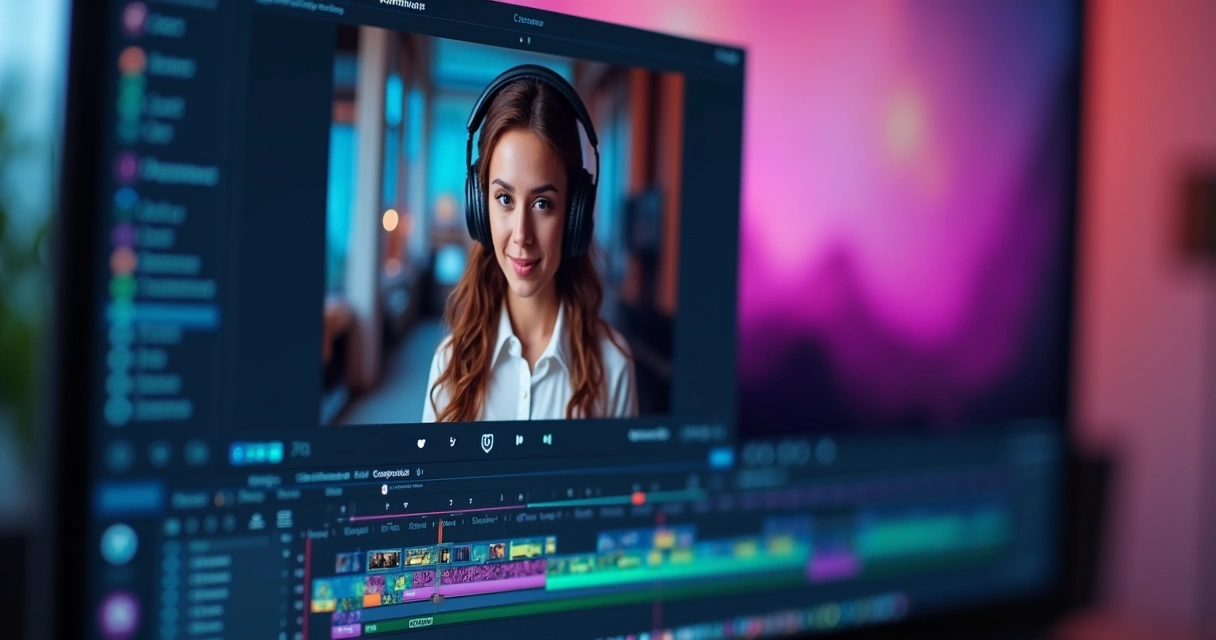
By repeating the automation for 3 to 8 clips per episode, the podcast gains its own life on social media. Short contents can be scheduled and distributed throughout the week, keeping the audience engaged.
The complete automation, with integration and scheduling, can be explored in detail in materials like automatic post scheduling and clip generation.
How to Identify the Best Moments of the Podcast Using AI
One of the main concerns of those starting to generate automatic cuts is: will the AI really choose the best moments of the episode? The answer lies in how the transcription and speech analysis algorithms work.
The AI goes beyond random selection. It focuses on:
- Exchanges of questions and answers, essential for creating a starting hook;
- Impactful, intense, or controversial phrases;
- Complete stories that tie together in a few seconds;
- Piques of laughter or emotion, increasing engagement;
- Sudden topic changes, ideal for humorous clips.
Therefore, a quick review of the suggested clips makes all the difference. In general, the best podcasts yield three main types of cuts per episode:
- Hook: an impactful phrase or question in the first seconds;
- Educational: an explanation or useful tip, easily shareable;
- Human: spontaneous, funny, or emotional snippets.
For those looking for more practical examples of moment selection, it’s worth checking this detailed guide on viral clips for social media.
Quick Checklist: How to Make Your Clips Ready to Go Viral
It’s not enough to cut; you need to create an experience. If a clip goes viral, it’s because it delivers instant value and invites sharing. Here’s a checklist that every content creator can follow:
- Place the best phrase in the first seconds;
- Add clear and dynamic subtitles;
- Diversify clip types (hook, educational, human);
- Ensure quick context to avoid confusion for those who haven’t heard the full episode;
- Adapt format, aspect ratio, and subtitles for each network;
- Review pace and tone: avoid long pauses or abrupt endings.
Tools like this automatic cut creator with AI already deliver much of the checklist ready. The user just needs to review and approve.
What Characterizes a Professional Clip?
 What Characterizes a Professional Clip?
The professional standard does not depend on great resources, but on a few pillars:
- Uniform audio, without peaks or noise; automation already reduces noise and balances volume;
- Quickly delivered context, without the need for prior explanation;
- Accelerated pace, without long pauses or abrupt cuts;
- Legible subtitles, true to what was said, with colors that stand out in the video;
- Smooth transitions between snippets, respecting speech exchanges;
- Export aligned with the required format for each platform.
A good clip grabs attention right away, is easy to understand, and invites sharing.
Practical Advantages of Using AI to Create Podcast Clips
Statistics from Salesforce and YouGov show that 71% of professionals using AI eliminated repetitive tasks and reduced an average of 5 hours of manual work per week.
By using AI like VDClip, the greatest gain is maintaining frequency: many people give up or publish little because they cannot keep up with the routine of manual cuts. Another advantage is the standardization of cuts and speed in accessing old content, facilitating the reuse of historical or relevant moments.
This allows creators to test multiple formats, conduct A/B testing, and distribute the same content with slight personalization for each channel. In other words: with the same episode, it is possible to produce several snippets to feed all networks.
For those seeking maximum agility, automatic cut selection by VDClip’s AI is recommended, available at the viral clip generator.
Care with Automatic Transcriptions and Clip Quality
Despite all the precision, there are still challenges. Proper nouns, foreign terms, and numbers can be incorrectly transcribed by AI. The best approach is to review the clips before posting, correcting small flaws and ensuring that nothing relevant was left out.
Another tip is to listen to the audio at a low volume: if it is still clear, it means that noise cleaning, volume balancing, and smooth silence cuts worked.
Adapting Clips for Each Social Network
Each social network requires a specific format: TikTok and Instagram demand vertical, large subtitles, and quick timing. LinkedIn focuses more on concise explanations. YouTube allows for a bit more breathing room but requires a direct start. With the advancement of tools, adaptation has become simple:
- Automatic aspect ratio adjustment;
- Inclusion of subtitles and graphical elements in the right size;
- Prevention of screen cuts and overlapping text with app buttons.
There is no longer any reason to lose reach due to formatting errors.
By centralizing clipping on VDClip, the same excerpt can turn into 4 or 5 ideal versions, disseminating the podcast without rework.
Summary: AI Democratizes, Speeds Up, and Enhances Clip Production
 Summary: AI Democratizes, Speeds Up, and Enhances Clip Production
The journey of podcast clip production has shifted from handcrafted to automated. The secret now lies in the combination of intelligent selection, personalization, and agility. With platforms like VDClip, any creator gains time, consistency, and quality without needing specialization in editing.
Automatically transcribing, identifying promising moments, adapting formats, and exporting for various networks is a new standard, not a luxury. Creators gain regularity, and communities receive clips that truly provoke reactions. For anyone wanting to experiment and produce more, using real artificial intelligence, it is recommended to check out the VDClip’s automatic cuts service, which does everything on its own: the user’s job is simply to paste the episode link.
Conclusion
The days when creating podcast clips required hours of manual editing are gone. With artificial intelligence, it has become simple and quick to create dozens of ready cuts in minutes, generating more engagement, reach, and consistency on social media. Just test a tool like VDClip.com to feel the difference: the user just needs to upload the file or URL and receives several ready clips, already with subtitles and in the ideal formats for each platform.
Do you want to transform your podcast into a content machine on social media? Try VDClip now and discover all the conveniences of automatic editing with AI. Produce, publish, and grow, all without hassle.
Frequently Asked Questions About Podcast Clips with AI
What is a podcast clip with AI?
A podcast clip with AI is a short excerpt from an episode that is automatically selected, edited, and subtitled by artificial intelligence. The tool transcribes the audio, identifies the best moments, and offers ready cuts for use on social media, multiplying the reach of your content without requiring manual editing.
How to automatically create podcast clips?
Today, you just need to upload the video or audio file of the episode on a platform like VDClip, let the AI transcribe and analyze the content, and choose from the suggested ready cuts. In a few minutes, you receive clips that are already edited, subtitled, and in the right formats for each social network.
What are the best apps for this?
VDClip stands out among the 100% national and complete platforms, allowing you to create, edit, and export clips in an automated way, without needing to know editing. The user just needs to provide the file or link; the rest is automatic.
Is it worth using AI to create clips?
Yes, using AI for podcast clips is advantageous because it saves many hours of work, reduces errors, standardizes formats, and allows testing of different types of content across various social networks quickly. Thus, even those who do not master editing can constantly feed their networks.
Is there a cost to use AI tools?
Most sophisticated tools have paid plans due to the processing of audio, subtitles, and automatic exports. Even so, the investment usually pays off, the time saved and the regularity in publication increase the results and audience of any podcast.