One long video becomes 30 viral clips
Paste the link. The AI watches the entire video, picks out the best moments, and returns every clip vertical, captioned, and ranked by viral potential.
Free to start. No credit card required.


 160K+ creators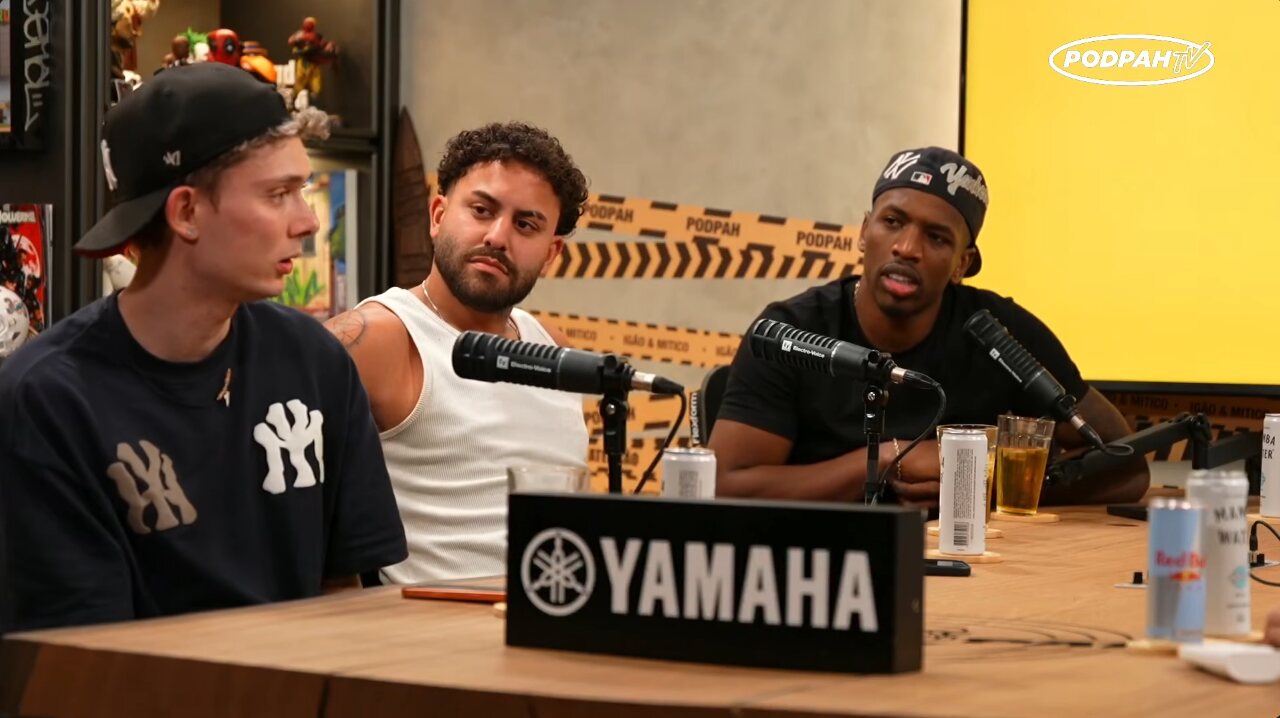
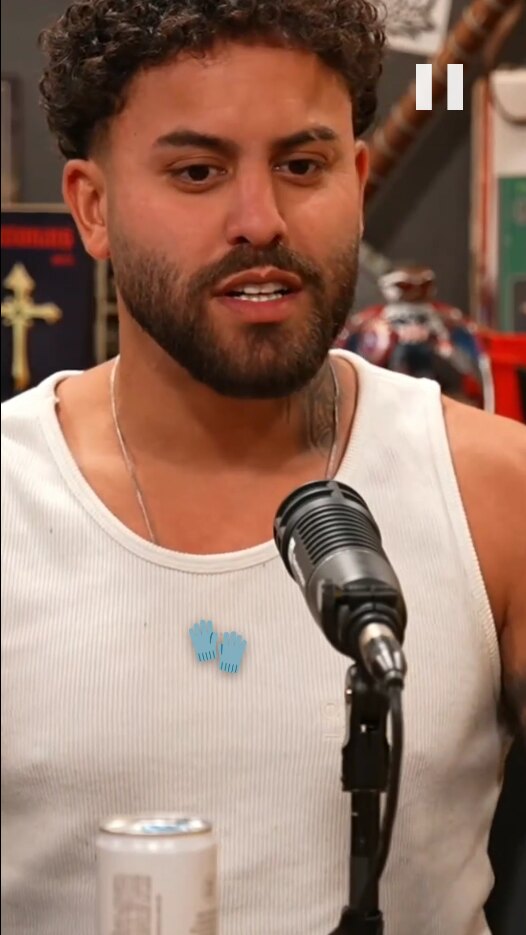 0:32
94
He revealed something no one knew
0:32
94
He revealed something no one knew
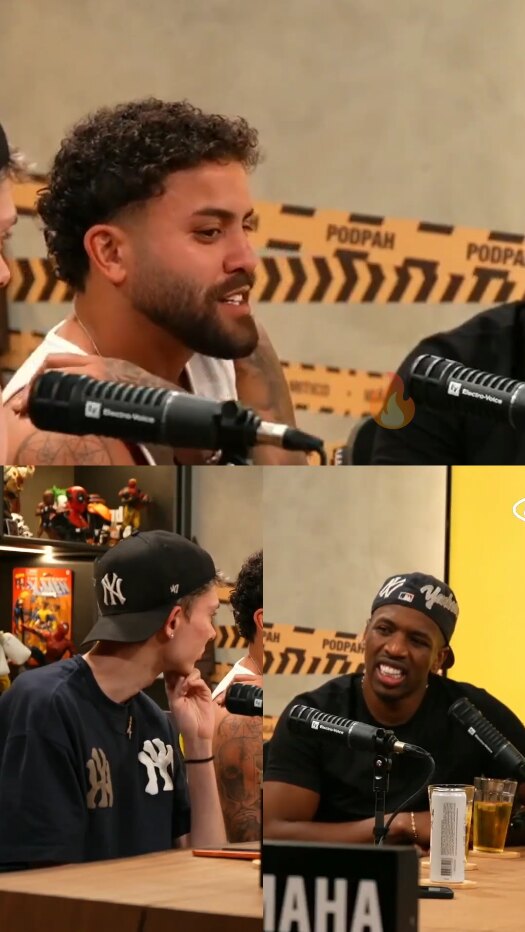 0:45
88
The answer caught everyone off guard
0:45
88
The answer caught everyone off guard
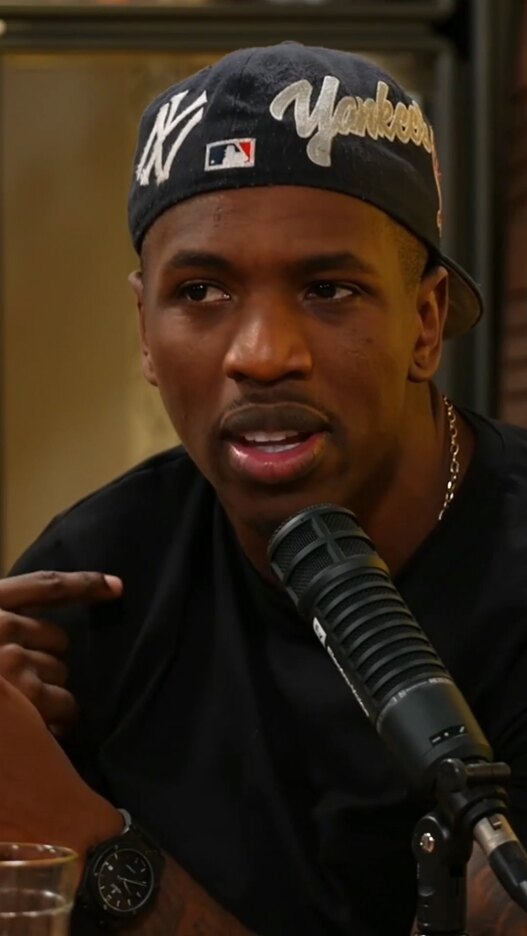 1:12
81
The question no one saw coming
1:12
81
The question no one saw coming
 0:58
76
What happened next was surreal
0:58
76
What happened next was surreal
 0:41
92
This message touched the whole church
0:41
92
This message touched the whole church
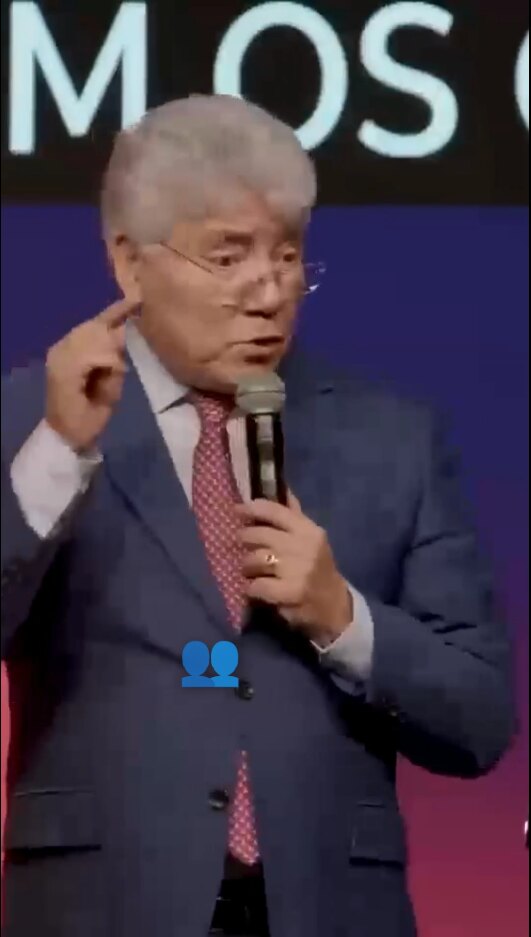 1:03
85
No one expected this testimony
1:03
85
No one expected this testimony
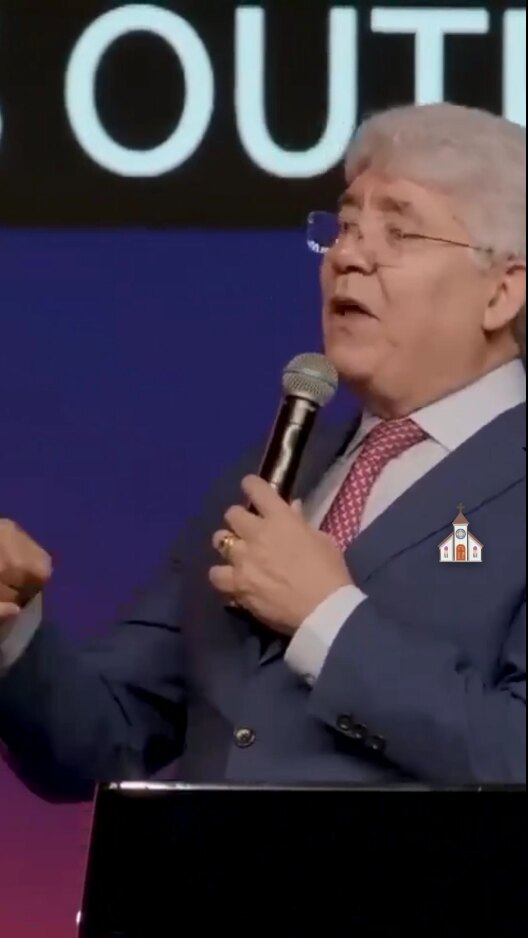 0:27
79
The audience started crying
0:27
79
The audience started crying
 0:52
71
Keep this word for your life
0:52
71
Keep this word for your life
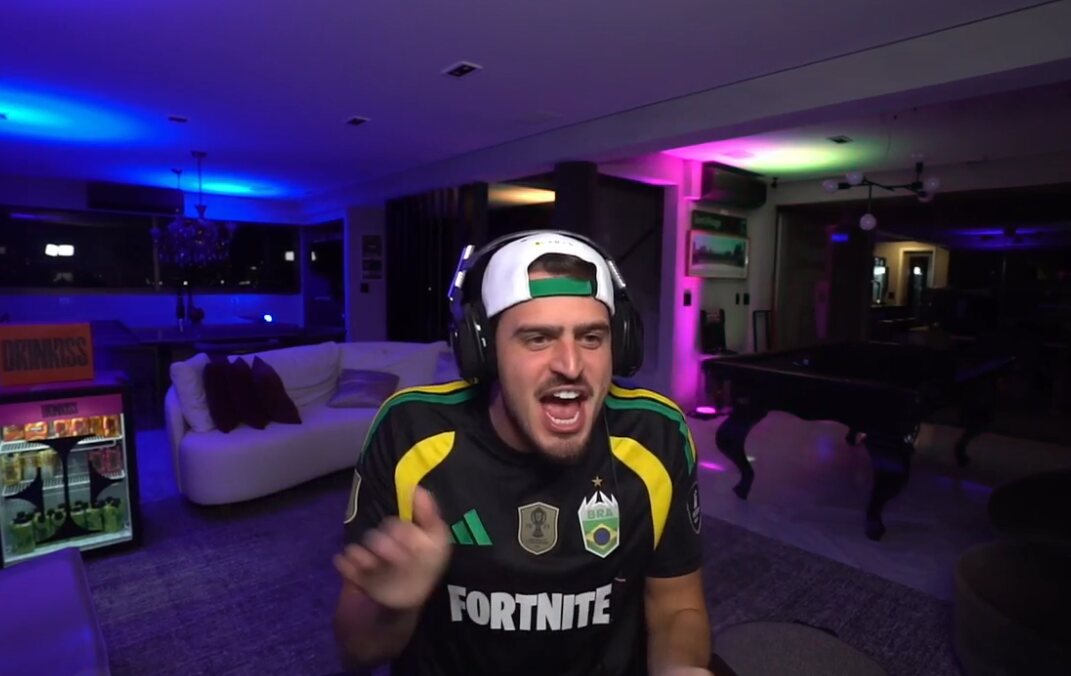
 0:19
96
Chat went wild over this play
0:19
96
Chat went wild over this play
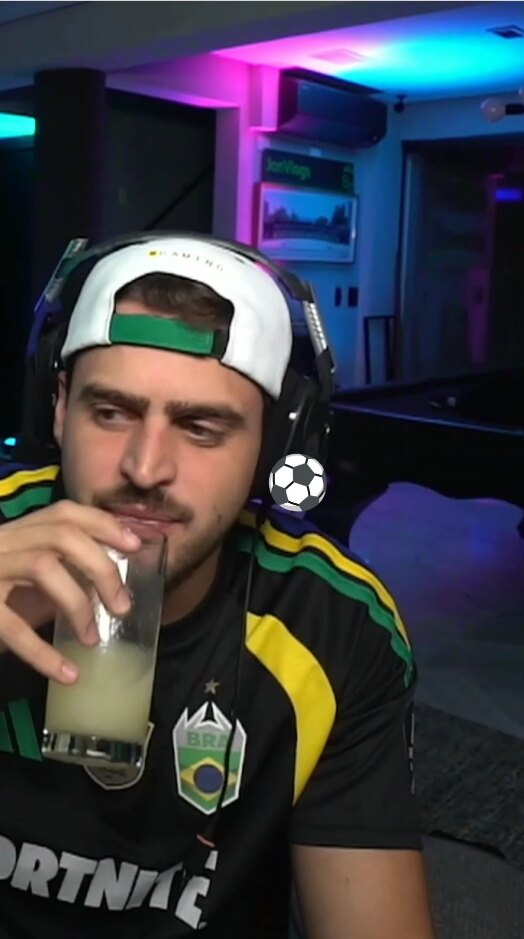 0:36
90
No one believed what happened live
0:36
90
No one believed what happened live
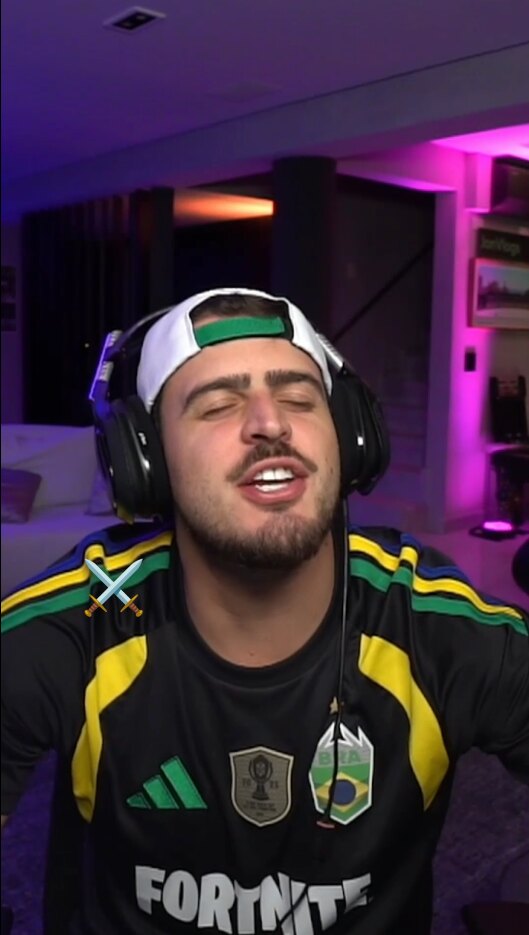 1:05
83
His reaction went viral instantly
1:05
83
His reaction went viral instantly
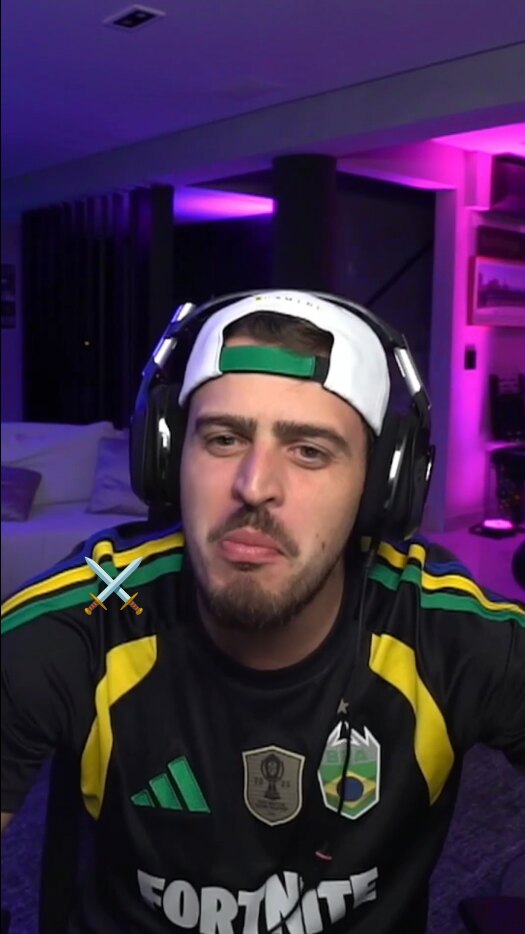 0:44
74
This was the most-watched clip of the stream
0:44
74
This was the most-watched clip of the stream
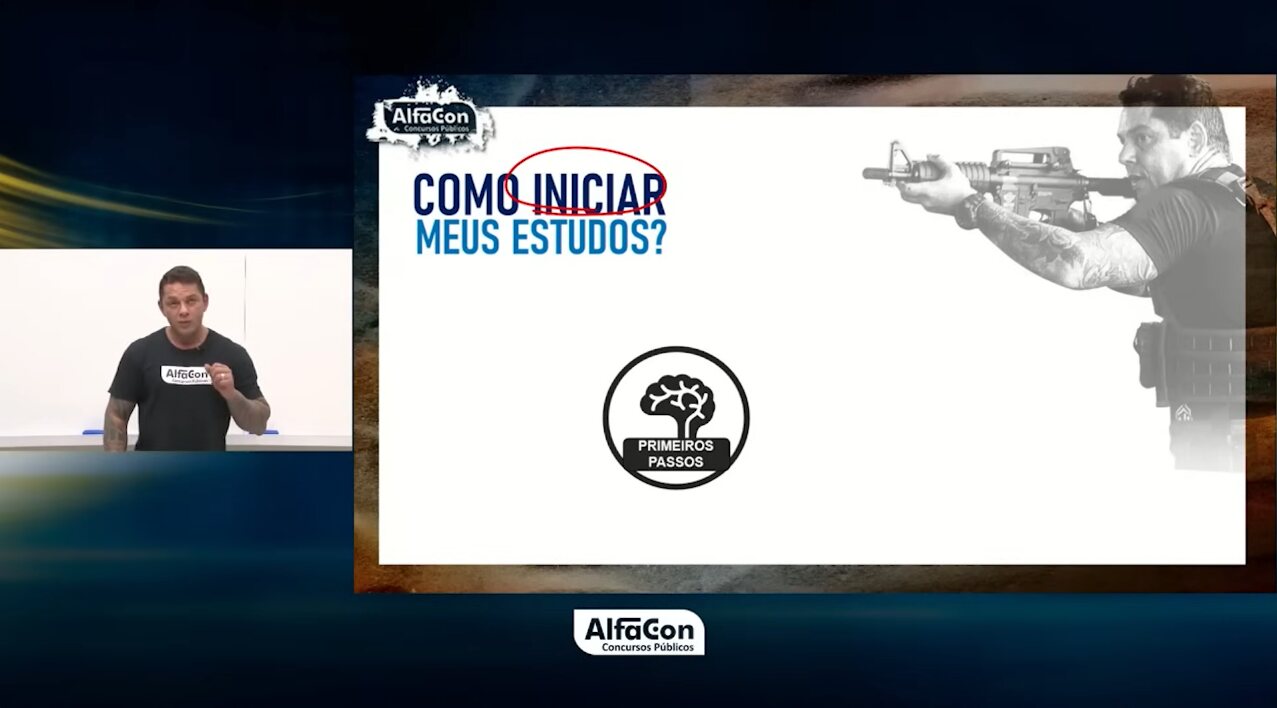
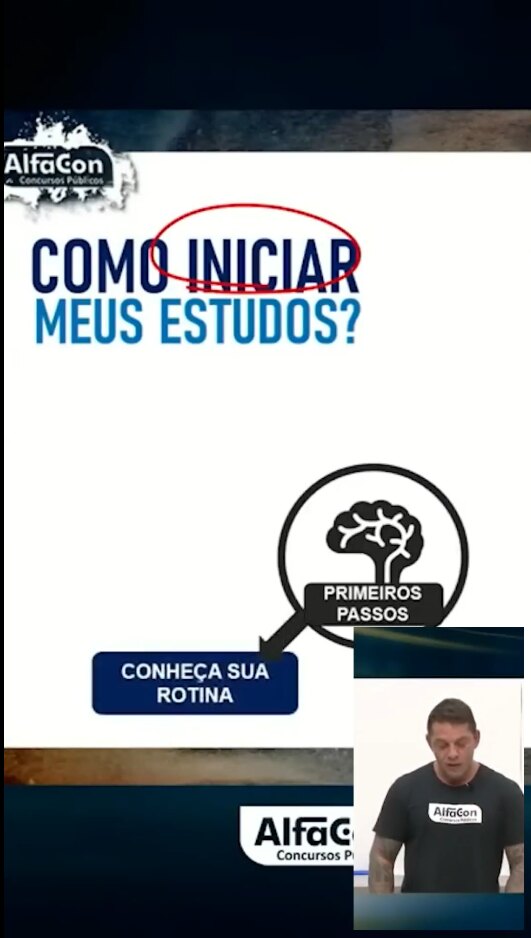 1:08
89
They didn't teach you this in school
1:08
89
They didn't teach you this in school
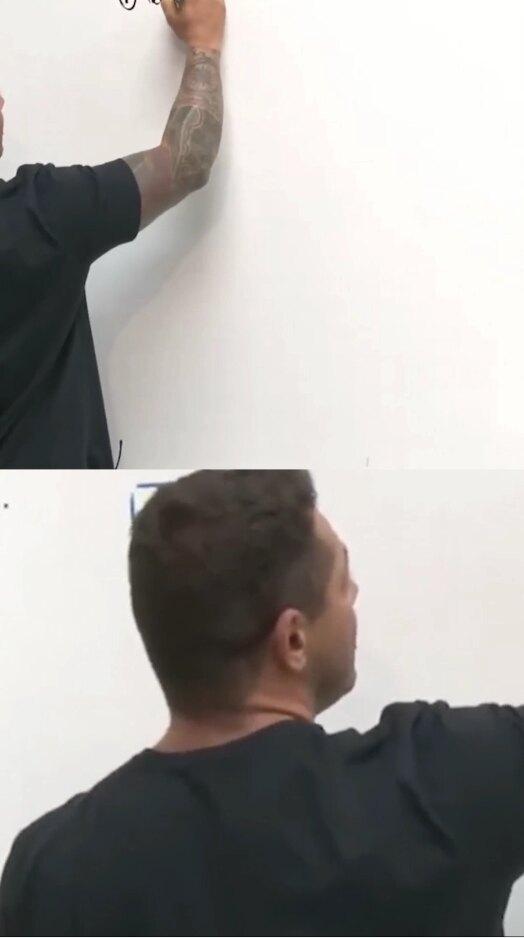 0:39
84
The explanation everyone needed to see
0:39
84
The explanation everyone needed to see
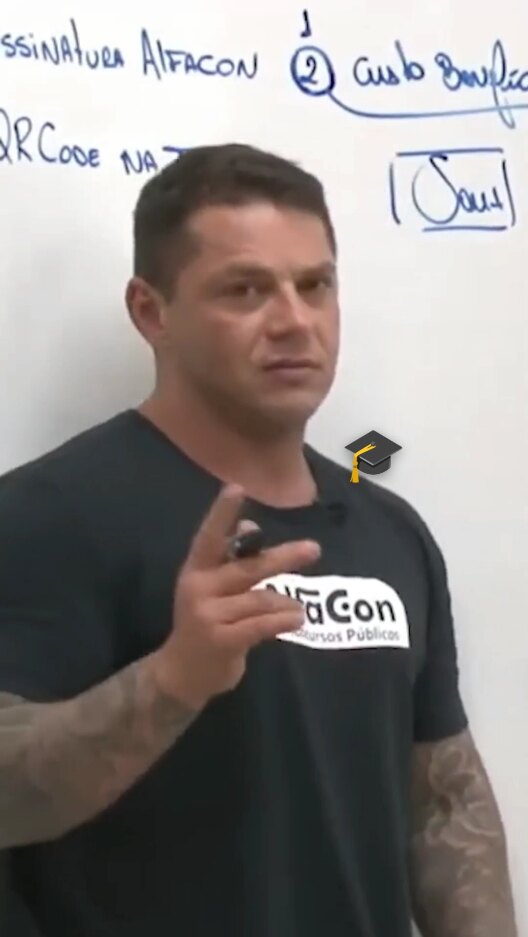 0:51
77
Save this summary before the exam
0:51
77
Save this summary before the exam
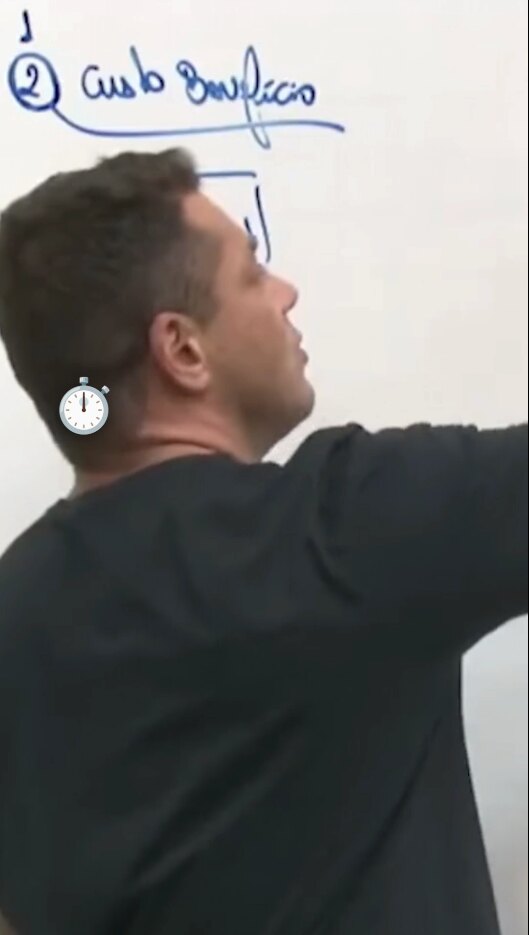 0:23
70
The detail that changes everything
0:23
70
The detail that changes everything

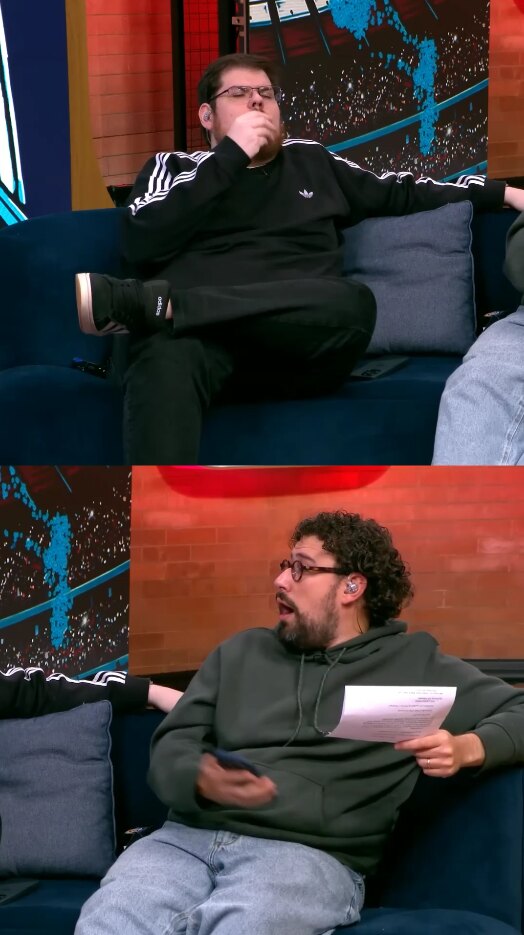 0:14
93
No one expected that play
0:14
93
No one expected that play
 0:28
87
The reaction that became a meme
0:28
87
The reaction that became a meme
 0:51
82
The moment that froze the studio
0:51
82
The moment that froze the studio
 1:02
75
The drama no one saw coming
1:02
75
The drama no one saw coming
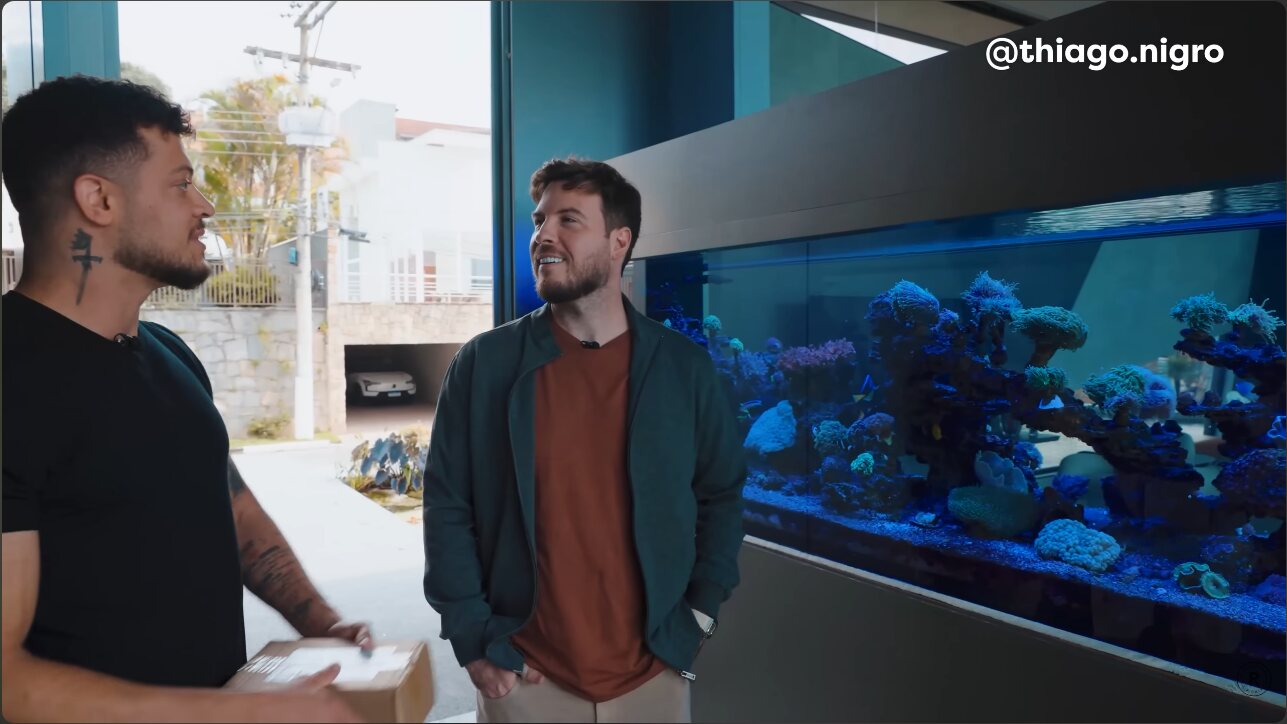
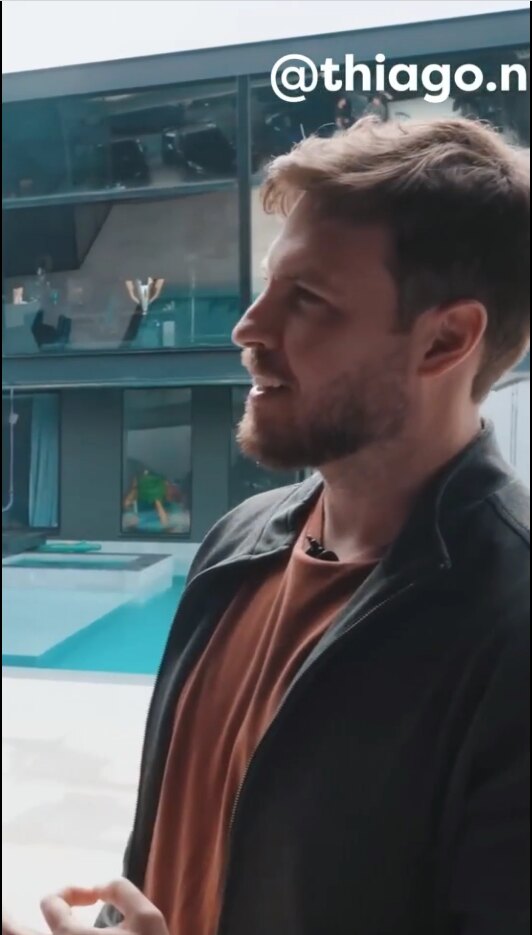 0:22
91
The advice that changed my game
0:22
91
The advice that changed my game
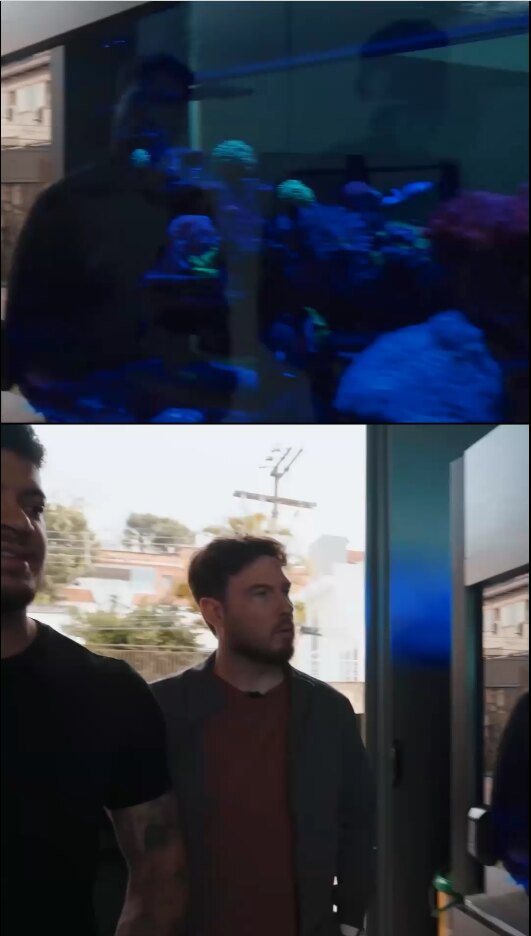 0:47
86
This is worth more than any course
0:47
86
This is worth more than any course
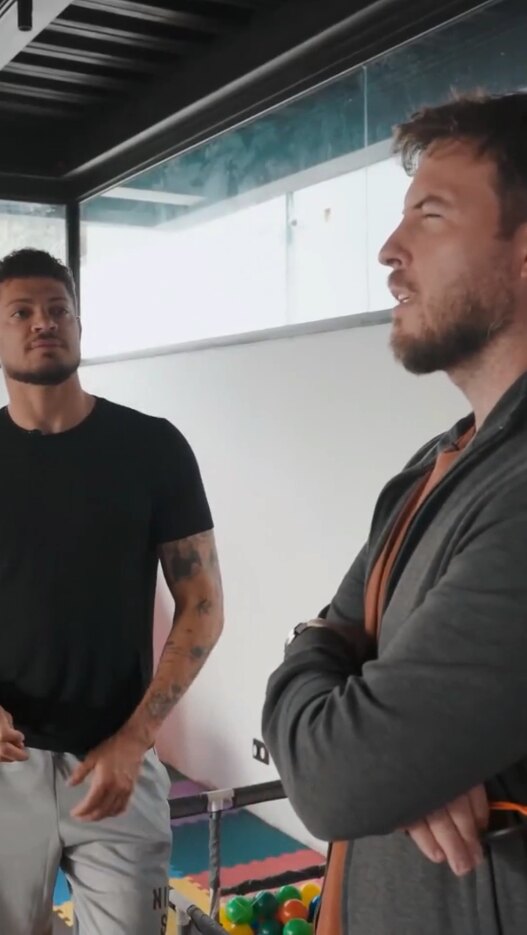 1:03
80
The phrase every entrepreneur needs to hear
1:03
80
The phrase every entrepreneur needs to hear
 0:35
73
The secret few actually apply
0:35
73
The secret few actually apply
Import from wherever you already record
From link to clip in 3 steps
No timeline, no manual editing. AI does the heavy lifting.
01
Paste the link
YouTube, Twitch, Zoom, Meet, or a direct upload. Videos up to 10 hours long.
02
The AI picks the best moments
It analyzes tone of voice, facial expression, and tension peaks. Each clip comes out scored from 0 to 100.
03
Download or publish straight to your networks
Vertical and captioned. Download ready to post or schedule publishing straight to your social networks.
Everything you need in one tool
Put your content production on autopilot: the AI does all the heavy lifting for you.
Autoframing
The camera follows whoever is speaking, with split-screen when there are two people.
4formats: 9:16, 1:1, 16:9, 4:3
ISSO MUDOU TUDO
A CHAVE É CONSISTÊNCIA
salve, salve!
PARA TUDO E OUÇA ISSO
Captions in 30+ languages
98.9% accuracy and 32 animated styles, synced automatically.
32animated caption styles
Virality score on every clip
Each clip is scored from 0 to 100 based on tone of voice, expression, and pacing. You post what has the best odds, not whatever was left on the timeline.
Automatic silence removal
One click removes the dead pauses. In a typical episode, minutes disappear.
1click removes the pauses
Social media integration
Publish to TikTok, Instagram, YouTube, Facebook, LinkedIn and Threads at once, with AI-generated title, description and hashtags.
6integrated social networks
The AI that frames whoever's talking, on its own
Other tools make you crop by hand or don't even detect faces and expressions. VDClip frames it automatically and delivers it ready for any aspect ratio — 9:16, 1:1 or 16:9.
It's not just a clipper. It's the whole editor.
The AI delivers the clip ready to go. When you want to tweak it, a professional online video editor is waiting, no installation required.
Try the editor for free-
Face Motion The camera follows whoever is speaking, with split-screen when there are two people.
-
Multi-track timeline Video, audio, and captions on separate tracks, for frame-by-frame fine-tuning.
-
AI B-roll Supporting footage kicks in on its own during pauses in the speech.
-
Silence removal One click removes the dead pauses. In a typical episode, minutes disappear.
-
Brand Kit Logo, colors, fonts, and intro applied to every clip at once.
-
Automatic zoom The AI identifies the highest-impact moments and zooms in on its own, holding attention until the end of the clip.
Every niche cuts differently
The AI understands your content's format before choosing where to cut.
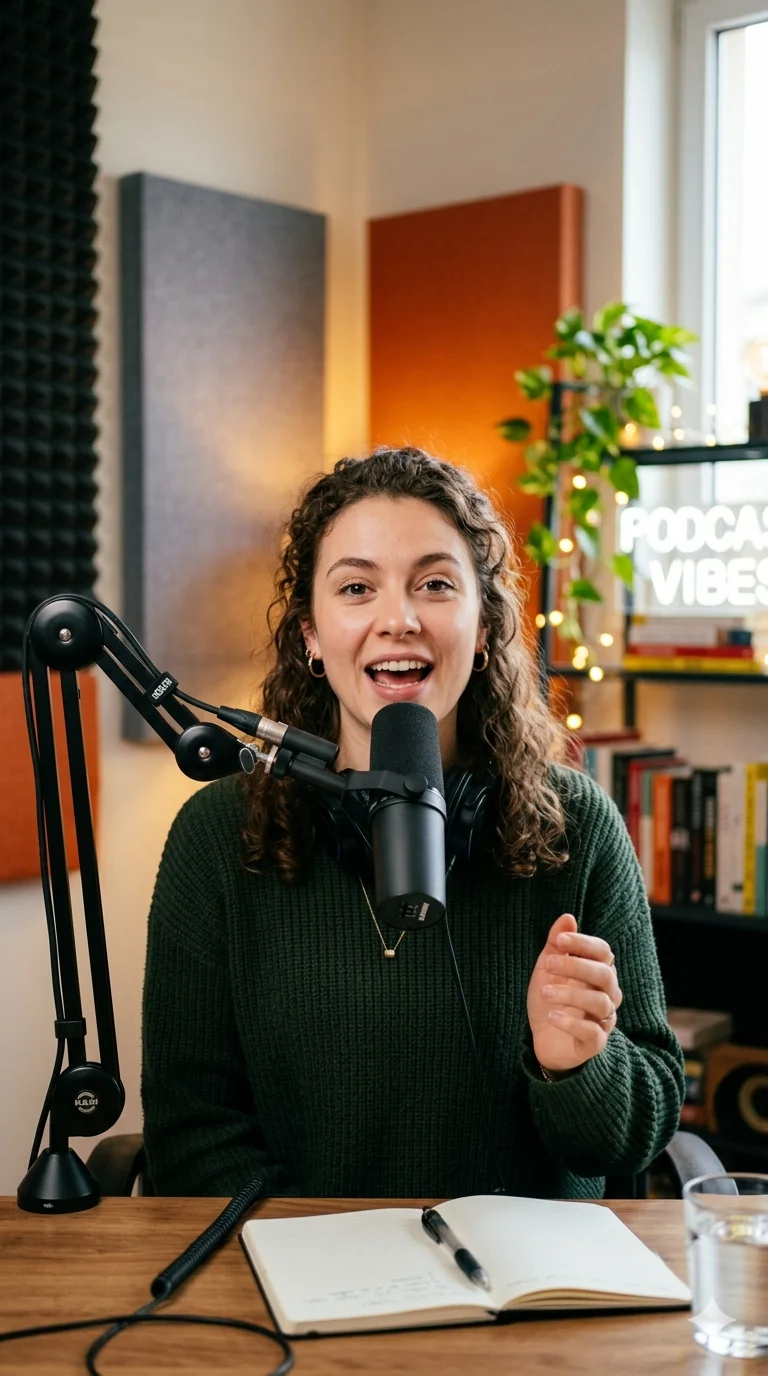
 Podcasters
A whole episode becomes the week's content plan
Podcasters
A whole episode becomes the week's content plan
 Streamers
A 6-hour VOD becomes a clip the same day
Streamers
A 6-hour VOD becomes a clip the same day
 Gamers
Long gameplay becomes a reaction clip
Gamers
Long gameplay becomes a reaction clip
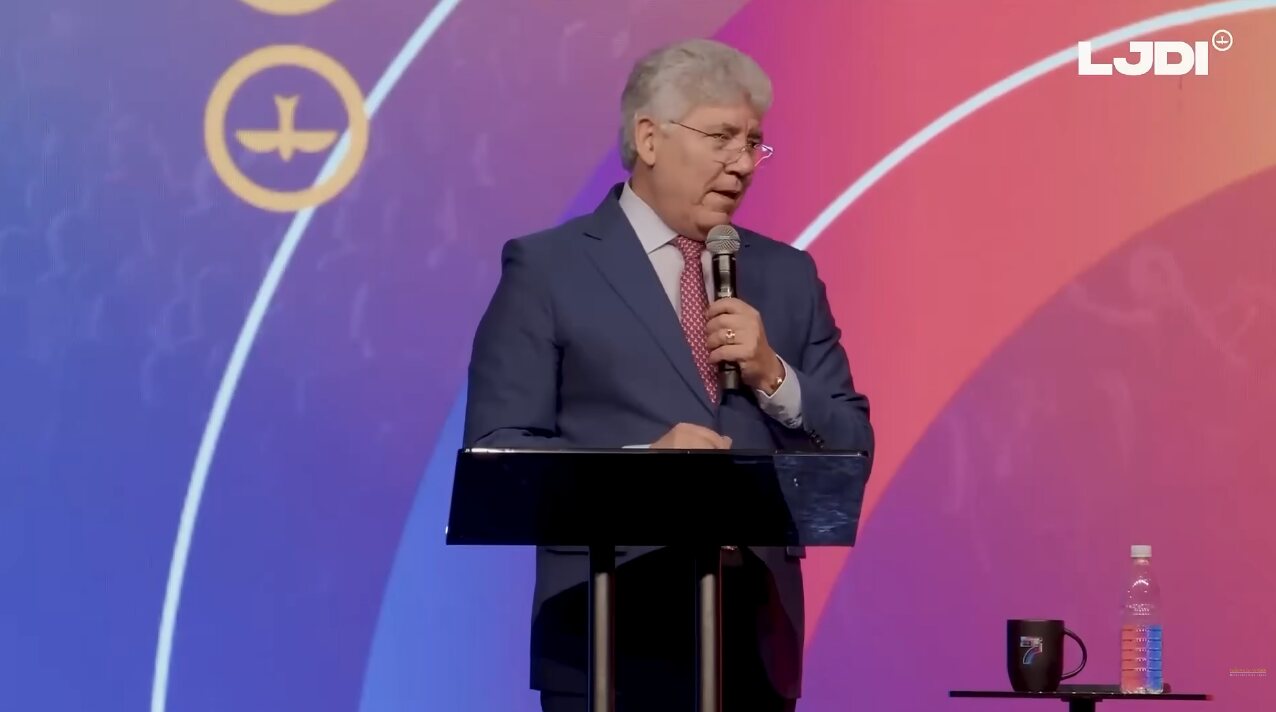 Religious leaders
A whole service becomes a high-impact clip
Religious leaders
A whole service becomes a high-impact clip
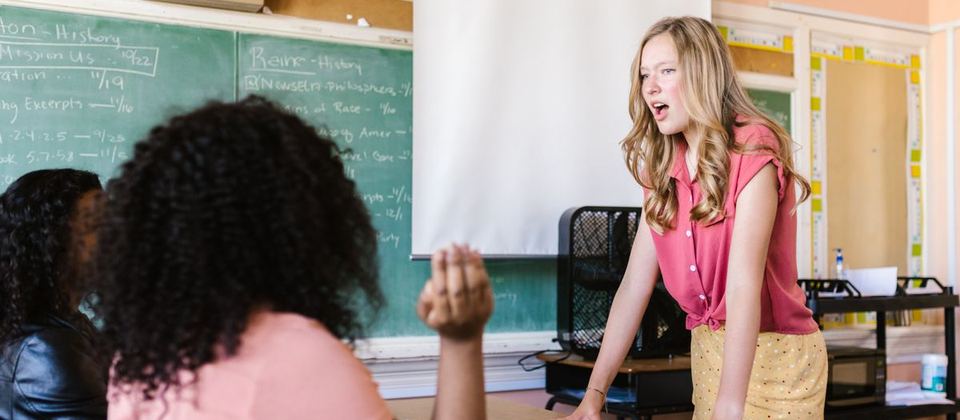 Educators
Aula longa vira corte viral
Educators
Aula longa vira corte viral
 Coaches
A coaching session becomes lead-generating content
Coaches
A coaching session becomes lead-generating content
Who has already stopped editing by hand
20×
more clips per episode, without hiring an editor
I used to record the episode and a lot of people never saw it because I wasn't posting clips. Now I put out more than 20 clips, and most of my new followers come from them.
 Italo Dalbem
Podcaster
Italo Dalbem
Podcaster
After trying other platforms, I regretted not finding VDClip sooner. The clips are better and so are the features.
 Angelica Souza
Content creator
Angelica Souza
Content creator
I'd finish the stream and wait days for the editor to deliver 2 clips. With VDClip I get several clips for a much better price.
 Evandro Silva
Streamer
Evandro Silva
Streamer
160K+
active creators
2M+
clips generated
98,9%
caption accuracy
30+
languages supported
Post your clips and earn for performance
Pick an open campaign, post on your socials and get rewarded by views or by contest, depending on the campaign type. No need to monetize your socials.
- 01 Pick a campaign See the reward, rules and accepted networks, then join the campaign that fits you.
- 02 Post your clips Post on the networks the campaign accepts, following its rules and the indicated description.
- 03 Get paid for performance Some campaigns reward by views, others by contest position. The model is shown in each campaign.
Black November
2x more credits and annual in 12 interest-free installments
- 2xmore credits for those who subscribe on Black November
- 12xinterest-free on the annual plan
- -50%off the annual plan, already applied
- -20%off the monthly plan, already applied
Start for free. Subscribe when you need more.
No lock-in: switch plans or cancel whenever you want.
Free R$0
30 min of video per month, automatic captions, and a virality score. No card required.
Lite
R$29,99/month
Cobrado mensalmente: R$29,99
For those just starting to publish consistently.
~75 clips per month, on average
Includes:
- Full editor in the browser
- Export without a watermark
- Social media scheduler
- 1 brand template
Premium
R$41,66/month
Cobrado anualmente: R$499,95
For those who publish every week and want to grow without losing hours editing.
Equivalent to 900 credits per month (15 horas of video)
~5.400 clips per year, on average
Everything in Lite, plus:
- Automatic silence removal
- Publishes in 9:16, 1:1, and 16:9
- Post directly to social media
- 2 brand templates
- 6 social media profiles
Ultimate
R$98,00/month
Cobrado anualmente: R$1.176,00
For agencies and teams that need volume, a Brand Kit, and automation.
Equivalent to 2.000 credits per month (33 horas of video)
~12.000 clips per year, on average
Everything in Premium, plus:
- Dynamic AI B-roll
- Custom overlay
- Bulk rendering
- Bulk scheduling
- 10 social media profiles
Credits are consumed by the length of the uploaded video, not by the number of clips generated.
Full billing and limits on the pricing page.
Volume, brand, and team, without hiring an editor
If the problem isn't making one clip, but keeping dozens of channels publishing every week, the plan has to change shape.
-
Brand Kit per client Logo, colors, and fonts for each brand applied automatically. An agency can serve several clients without redoing the setup.
-
Teams and permissions Manage multiple users on the same account, defining who edits and who only publishes.
-
Volume processing Bulk editing and a priority queue: 100+ clips per batch instead of one at a time.
-
API and automation Integrate clipping into your workflow and trigger it by event, with no one needing to open the dashboard.
Frequently asked questions
What usually holds up the decision, answered straight.
Still have questions? Talk to usNo. VDClip runs entirely in the browser. There's also an official Android app on Google Play.
A link from YouTube, Twitch, Kick, Zoom, Vimeo, or Google Meet, or a direct upload of MP4 and MOV files up to 10 GB, including meeting, class, and webinar recordings.
Most videos are ready in 3 to 8 minutes. Premium and Ultimate plans get priority processing.
Each clip is scored from 0 to 100 based on tone of voice, facial expression, and tension peaks. Clips above 80 tend to perform better: use the score to decide what to publish first.
Yes. Auto Reframe detects up to 4 people in the video and automatically adjusts the framing to keep all of them visible in 9:16 format.
Yes. Plans for companies include a Brand Kit, multi-user management, and volume processing.




Paste your first link now
Free to start, no card required. Your first clips are ready in minutes.