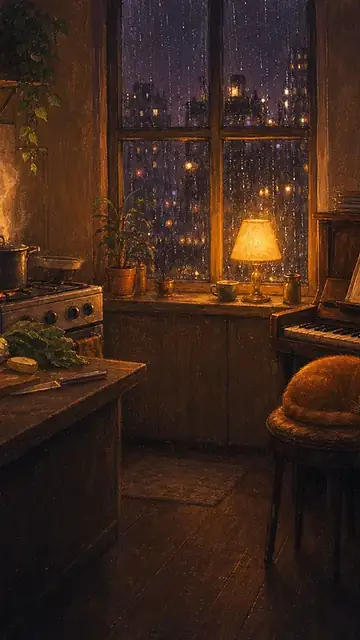

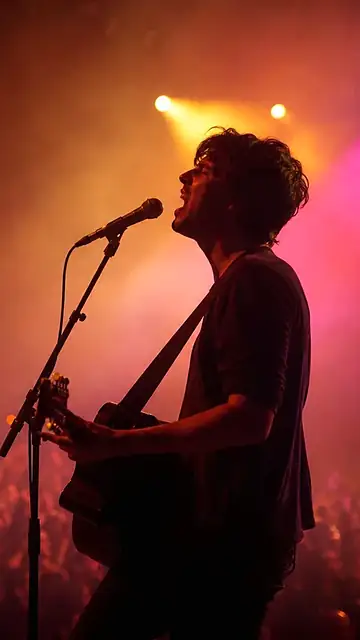
Podcast jingle
A short sound signature to open or close each episode.
What to describe: Mood, short length and where the beat lands.
AI music and narration creation
Describe the mood, the instrument or the tone of voice and what it is for. Create instrumental music with AI or turn a text into narration and take the result to the VDClip editor.
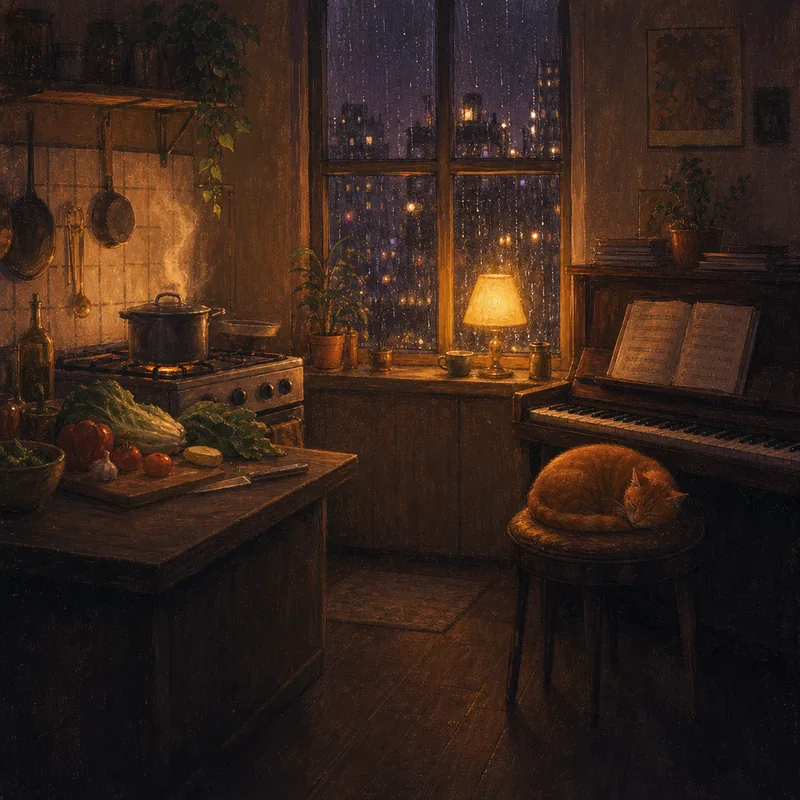
calm lo-fi with piano, to sit under the speech, 30 seconds
Illustrative examples, the same ones as on the home page. They show the prompt, not the audio. Start free, with credits on the free account. Go to narration
AI music and narration examples
Each prompt has a type and a place on the mixing desk: instrumental music under the speech and narration on top.
Illustrative examples: the mixing desk and the cover show the prompt next to them, not the audio.
Say the genre, the mood and the instrument. Add what it is for and, if it matters, the length.
Pick one of the prompts on this page, copy the text and change what needs to reflect your video.
Open Sound mode, generate the instrumental music or the narration and continue the idea in the VDClip editor.
What it is for
Jingles, backgrounds, intros and narrations call for different descriptions. See what to describe in each case.
A short sound signature to open or close each episode.
What to describe: Mood, short length and where the beat lands.
A calm track that sits under the speech, in recipes, tutorials and behind-the-scenes videos.
What to describe: Genre, instrument and that it sits under the speech.
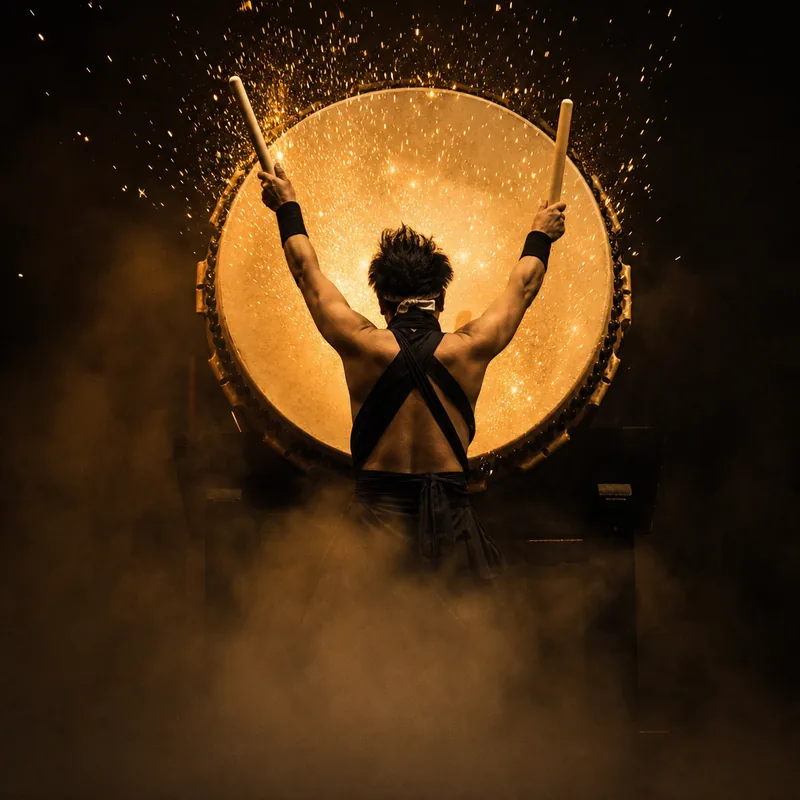
A high-impact track for the first second of a clip or a trailer.
What to describe: Genre, featured instrument and the moment it comes in.
Text to audio: turn a text into speech to explain a product, open an episode or narrate a video without recording.
What to describe: The tone of the voice and the exact text it should say.
Start with a direction and rewrite what needs to reflect your video. Say the mood, the instrument and where the sound comes in.
Prompts from the home page
short podcast jingle
30 s lo-fi for a recipe
Suggestions to adapt
soft, relaxed guitar, to sit under the speech in a tutorial
suspense track with low notes and a slow beat, for the start of a mystery video
upbeat track with ukulele and claps, for a behind-the-scenes video, 30 seconds
Pick a prompt, adapt the text and create the sound in the studio.
These are text suggestions to adapt, with no promise of a specific result. Each new generation can vary.
AI narration
A narration is a prompt with two pieces: the tone of voice and the speech. Pick an example, see the two pieces and swap the speech for the one in your video.
Full prompt deep voice: the story he never told
The first prompt comes from the home page; the others are text suggestions to adapt, with no promise of a specific result. This page shows the prompts, not the voice.
How to write music prompts
The sound prompts on this page follow the same logic: a few pieces, each with one job. Pick an example and see how it is built.
Splitting a prompt into pieces is an editorial reading of the text. The generator receives the whole prompt; to adjust a result, change one piece at a time and keep the others.
Practical help
See where to start before taking your idea to the studio.
It is a tool where you describe in text the sound you want, such as the genre, the mood and the instrument, or the tone of a voice, and the AI creates the instrumental music or the narration from that description. In VDClip, this prompt lives in the studio’s Sound mode, next to clips, video and image.
Open sound creation in VDClip and describe the genre, the mood, the instrument and what the music is for.
Instrumental music and narration, which turns a text into speech. The page shows music and narration prompts, such as an episode teaser.
Start with the genre and the mood, add the featured instrument and say what the sound is for, for example sitting under the speech or opening a clip.
Write it in the prompt, as in the example “to sit under the speech”. That makes clear the music is supporting and should not compete with the voice.
Text to audio turns what you write into speech, and AI voices give that speech its tone. The home page has a voice example, an episode teaser, and this page shows that prompt and text suggestions. Describe the tone of the voice and write the speech it should say. Check the options available in the studio before generating.
No: the music is instrumental. To have a voice speaking, use narration and write the text it should say.
It shows, in an illustrative way, which track each prompt goes on: the video’s speech as the base, instrumental music underneath and narration on top. It shows the prompt, not the sound.
No. This page shows the prompts and the covers of the home page examples, and it has no audio samples. Each new generation with the same text can give a different result.
Rewrite the prompt making the genre and the mood clear, and change one piece at a time. The “Read a prompt from the inside” section shows how a prompt is built.
Clips turn a long video into pieces ready to publish. The sound generator creates instrumental music or a narration from your prompt. Both live in the same studio.
VDClip has a free account with credits for you to get started. The cost of each piece of music or narration can vary depending on the options chosen in the product. Check the conditions available in the studio and on the pricing page before generating.