Edit your videos like a pro
Professional timeline, AI Face Motion, silence removal and multi-format export. All in the browser, no install needed.
30 free minutes · No credit card
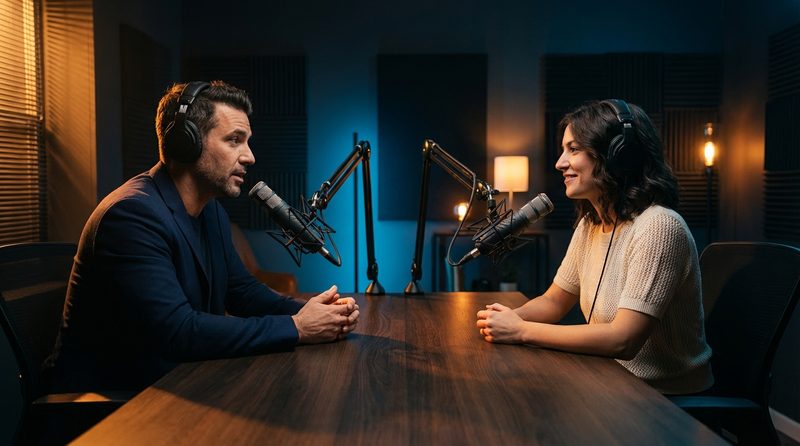
Professional timeline right in the browser
Edit with frame precision using multiple video, audio and caption tracks. Drag, cut and rearrange your clips with the same power as a desktop editor.
Dynamic zoom that follows the face
Intelligent camera tracking that follows faces automatically. The framing adjusts in real time to keep the presenter always centered.

Remove silences with one click
AI automatically detects silence in the audio and removes them with one click. Make your videos more dynamic without manual editing.
Export to any format
Export your videos in 9:16, 16:9, 1:1 or 4:5. Each format optimized for the ideal platform, TikTok, YouTube, Instagram or LinkedIn.

Everything you need to edit professional videos
A complete editor with integrated AI to accelerate your workflow.
Professional timeline
Multiple video, audio and caption tracks with frame precision.
Face Motion
Dynamic AI zoom that follows faces automatically in the video.
Silence removal
Detect and remove silence segments automatically with one click.
Visual effects
Transitions, dynamic zoom and highlight effects to capture attention.
No watermark
Export your videos without any watermark. Your content, your brand.
HD Export
Export up to 4K with professional quality in multiple formats.
Questions about the Editor?
Start editing your videos now
30 minutes of free video. No credit card.
No credit card. Cancel anytime.