Product image
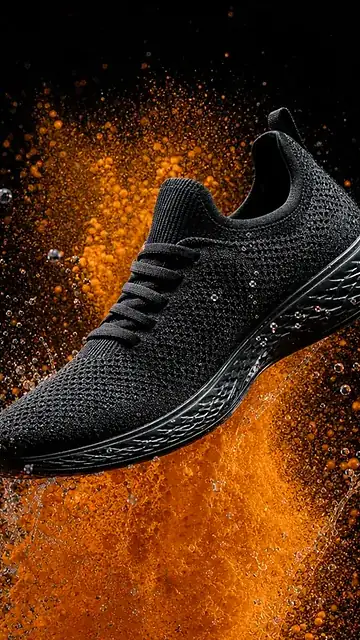
Show the product with defined material, angle and background, like the sneaker with orange powder.
What to describe: Material, angle, background and the spot where light touches the object.
AI image creation
Describe a scene, a product or a thumbnail. Pick a direction and take your creation to the VDClip editor.
black sneaker in mid-air, orange powder explosion, black background
Illustrative examples, the same ones as on the home page. Each new generation can vary. Start free, with credits on the free account.
From prompt to result
The same prompt and the same output stay linked. Switch the direction to see how subject, scene and style change together.
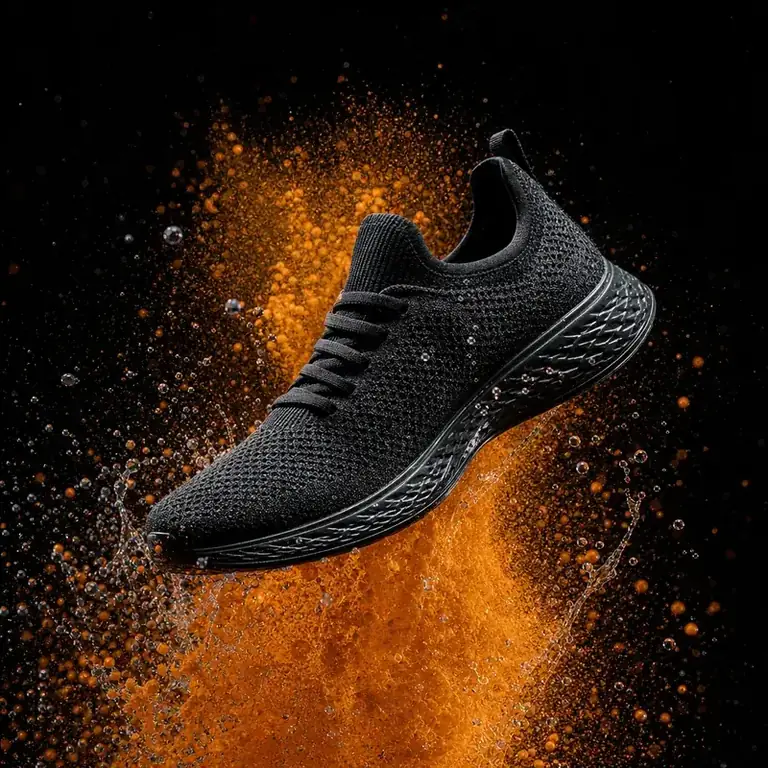
Visual result used only as a demonstration of the prompt shown above.
Start with the subject and add setting, light, framing and style. The clearer the focus, the easier it is to adjust.
Pick a direction below, copy the prompt and change what needs to reflect your product, scene or video.
Open Image mode, generate the image and continue the idea in the VDClip editor.
AI image examples
Product images, scenes, illustration or landscape start with a clear intention. Tap an example to take it back to the studio.
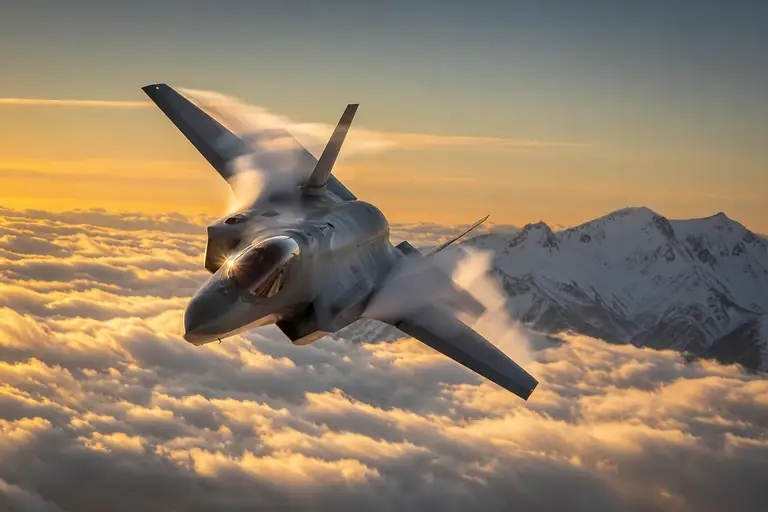
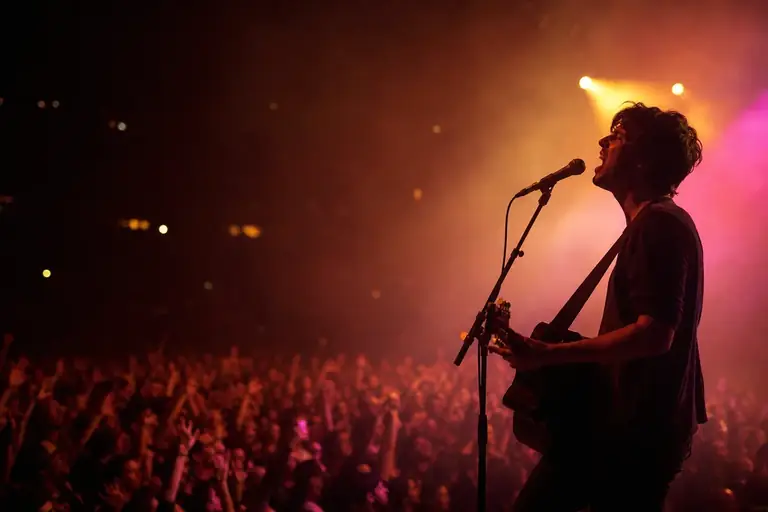
Show the product with defined material, angle and background, like the sneaker with orange powder.
What to describe: Material, angle, background and the spot where light touches the object.

Face in the foreground, a short title and an element that tells the story.
What to describe: Expression, short title and free space for the text.
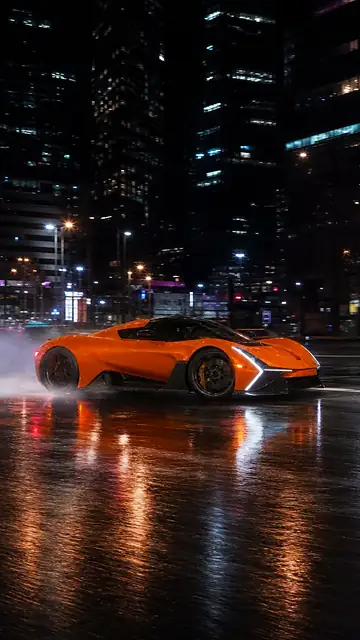
Rain, night and reflections change the mood of the scene without changing the subject.
What to describe: Place, time of day, mood and depth.
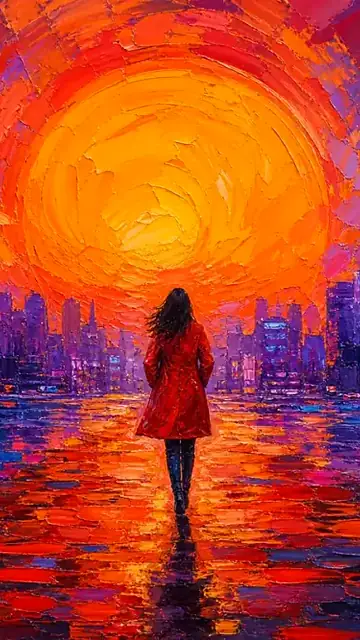
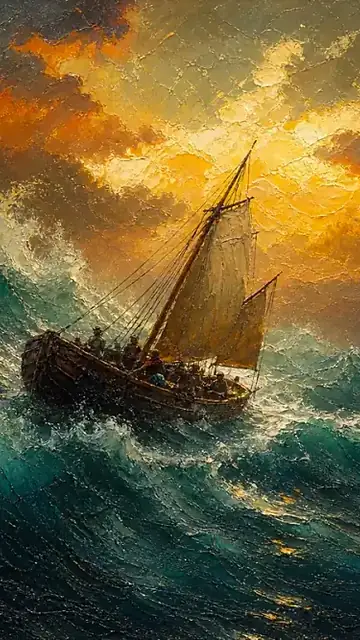
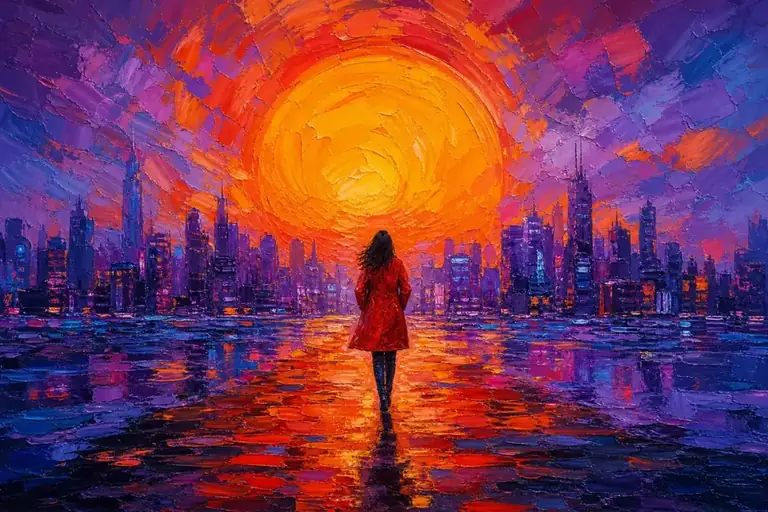
The same idea becomes an oil painting when the style comes in the prompt.
What to describe: Technique, color palette and period reference.
Start with a direction and rewrite what needs to reflect your scene. For objects, start with the material, choose an angle and say where the light should fall.
Scenes, thumbnails and illustrations
Expressive close-up portrait in front of a futuristic city, blue and orange light, with free space on the right to add a title in editing.
Small city floating above the clouds at dawn, gouache-textured illustration, lilac and coral tones.
Wooden cabin by a lake at dawn, low mist, calm reflections and golden light on the horizon.
Products and objects
Editorial photograph of a black urban sneaker on wet concrete, warm side light and free space on the left.
Amber perfume bottle on a light stone base, translucent glass, soft side light and minimalist composition.
Black over-ear headphones on a metallic surface, studio close-up, blue side light highlighting texture and detail.
Italian aluminium coffee maker on a stone counter, morning light coming in from the side and a tight frame.
Pick a prompt, adapt the text and create the image in the studio.
These are text suggestions to adapt, with no promise of a specific result. The demo images above stay linked only to the prompts shown in the studio. The references from the VDClip visual library do not represent results of the prompts shown on this page.
AI image styles
The style goes into the prompt as a word or an expression. Each example below uses the term shown in its own description.
AI thumbnail
On the home page, the thumbnail comes from a frame of the clip and a short prompt. See the three examples with the source frame, the prompt and the result.
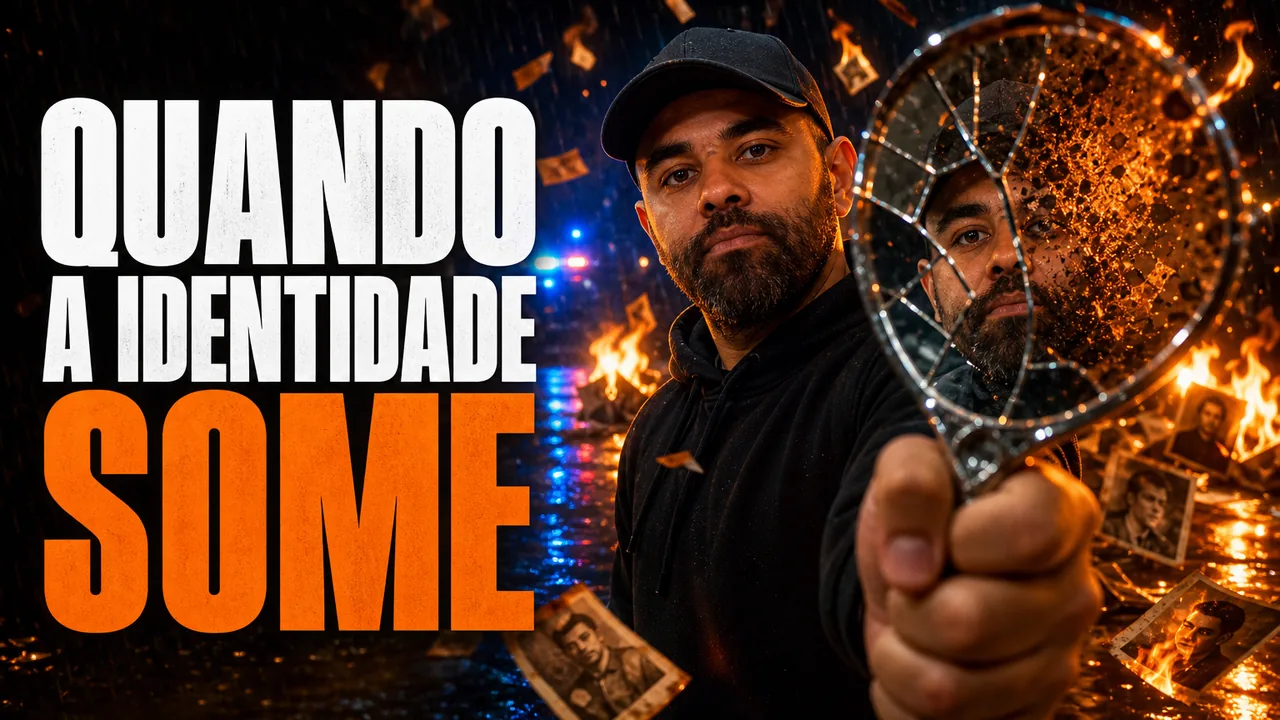
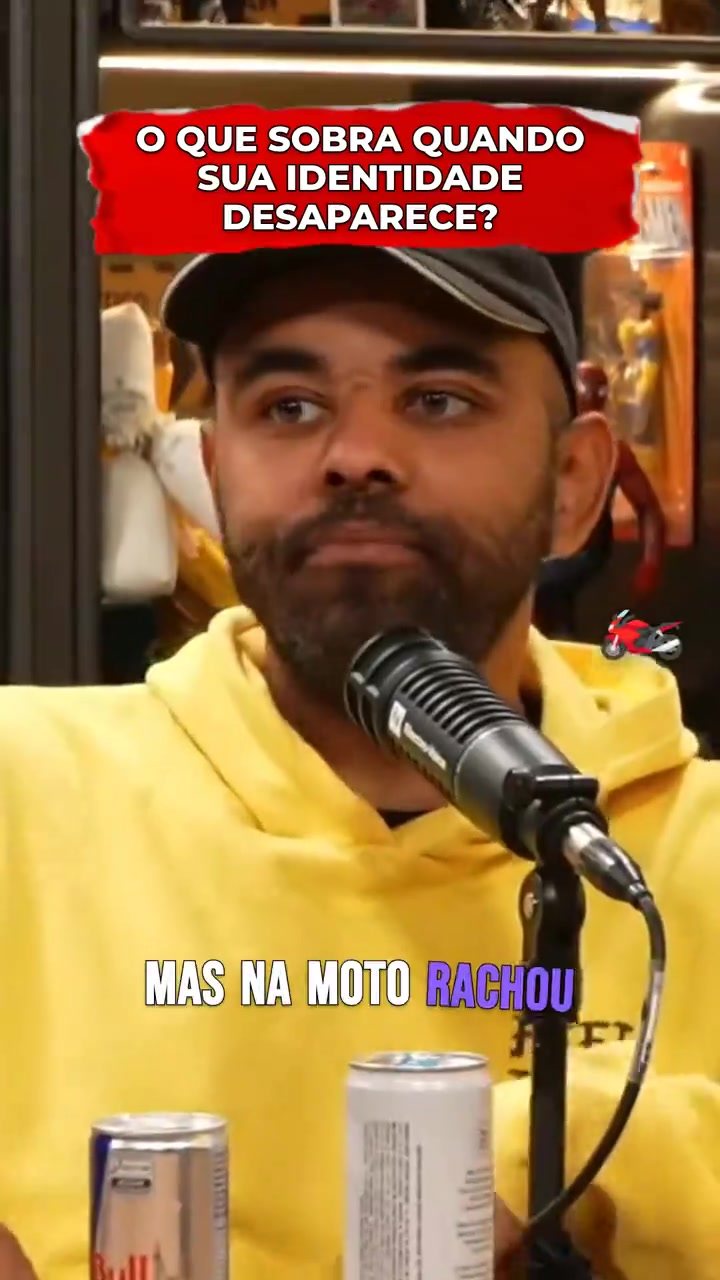
thumbnail for the clip “when identity vanishes”, him with a broken mirror, photos burning
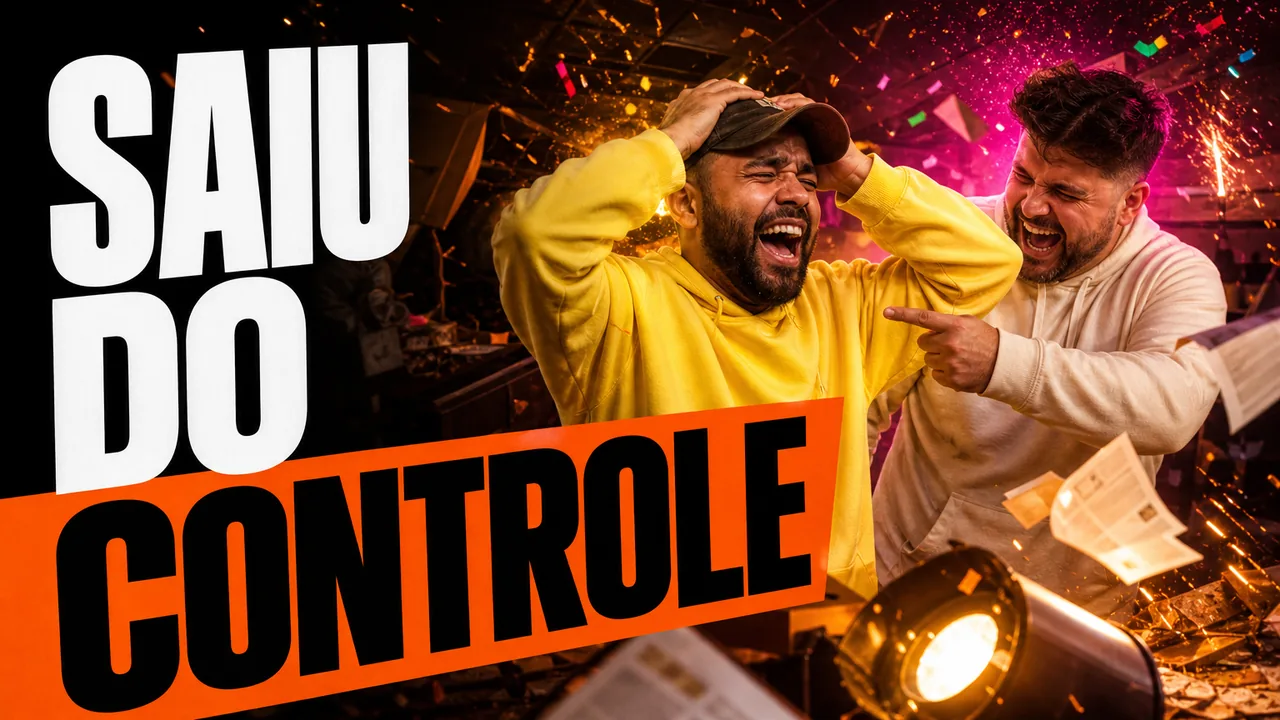
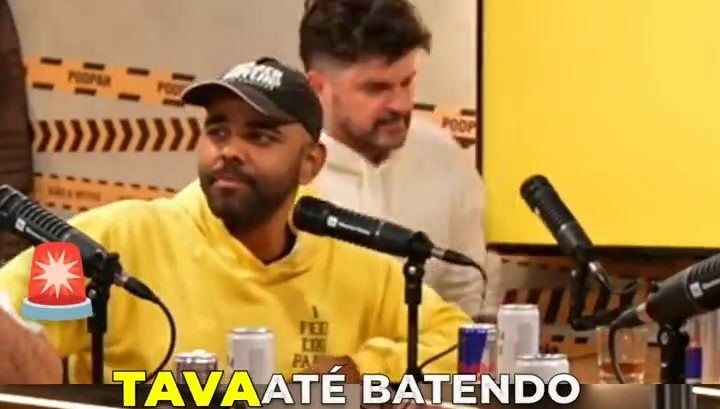
thumbnail for the clip “got out of control”, the two laughing in a chaotic studio

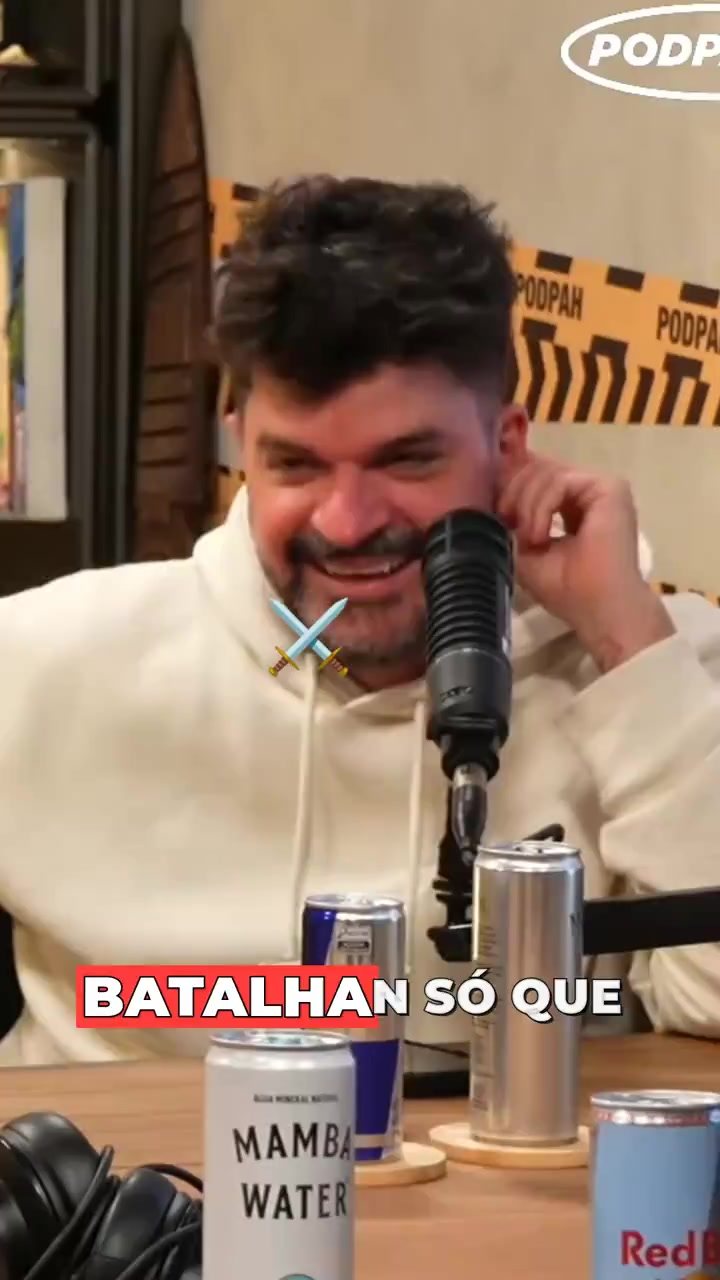
thumbnail for the clip “nobody expected”, him in shock, audience in the background
Illustrative examples from the home page. Each new generation can vary.
How to write image prompts
The prompts on this page follow the same logic: a few pieces, each with one job. Pick an example and see how it is built.
Full prompt “black sneaker in mid-air, orange powder explosion, black background”
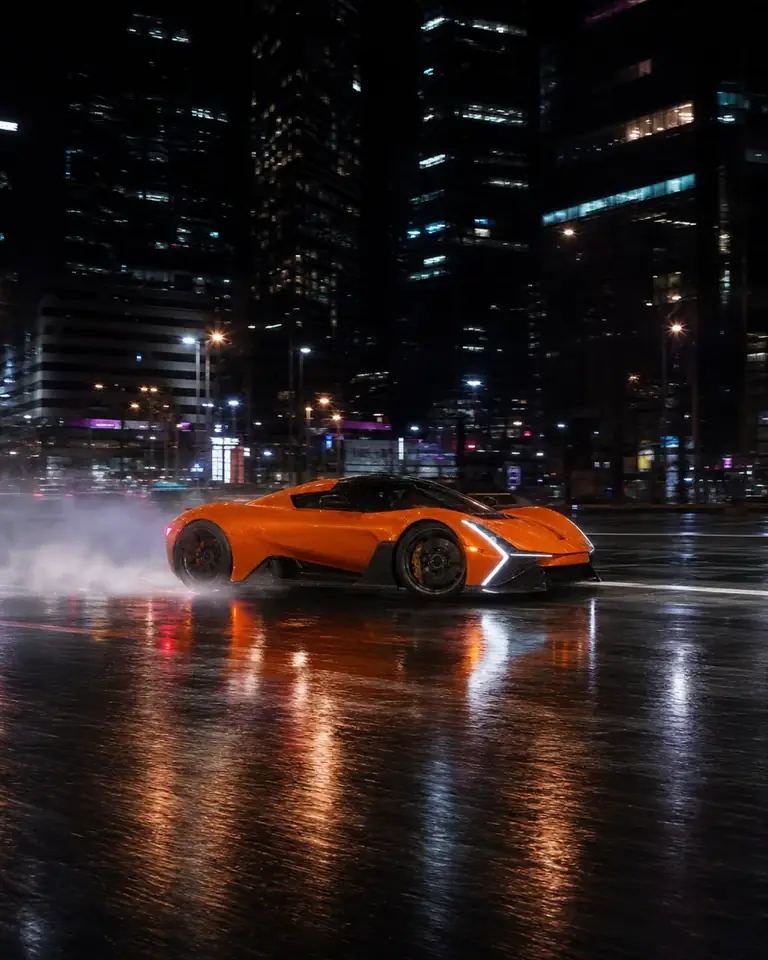
Full prompt “orange sports car drifting in the rain, at night, magazine photo”
Full prompt “oil painting: person in a red coat, huge sun over the city”
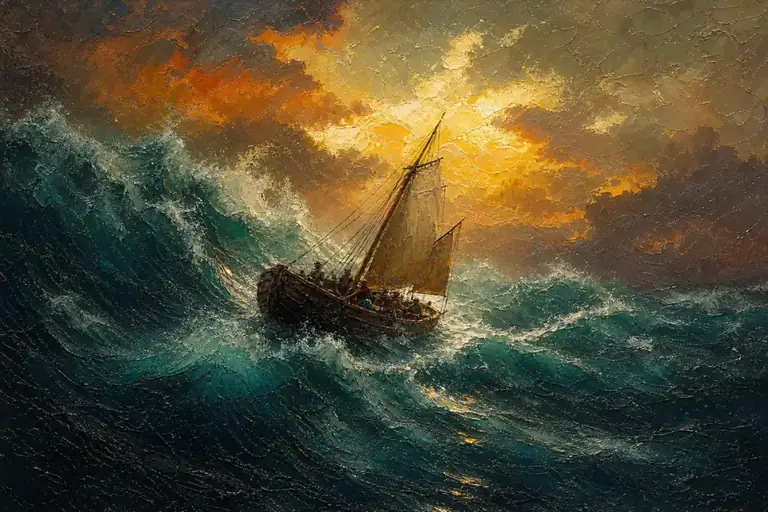
Full prompt “sailboat in the storm, classic oil painting, golden sky”
Splitting a prompt into pieces is an editorial reading of the text. The generator receives the whole prompt; to adjust a result, change one piece at a time and keep the others.
Practical help
See where to start before taking your idea to the studio.
It is a tool where you describe in text what you want to see and the AI creates the image from that description. In VDClip, this prompt lives in the studio’s Image mode, next to clips, video and sound.
Open image creation in VDClip and describe the subject and the visual result you want to explore.
You can start with scene ideas, product images, thumbnails and illustrations. The references on this page help structure the prompt, but they do not guarantee a specific result.
You can describe a product with material, angle, background and light, as in the sneaker example on this page. The result of each prompt can vary, so it is worth adjusting the description until you get what you need.
The home page shows thumbnail creation from a frame of the clip and a short prompt, as in the three examples on this page. For the title, leave free space or ask for large text in the description.
The style goes into the prompt itself. The examples on this page use oil painting, magazine photo, black background with vivid color and thumbnail. Try others and compare how each term changes the image.
They are illustrative examples, the same ones that appear on the home page, with the prompt that goes with each image. A new generation with the same text can give a different result.
Start with the main subject and add scene, light, framing and style. If there are many elements, say which one should get the most attention.
For titles and information that must stay legible, one option is to leave free space in the composition and add the text during editing.
The studio is designed to connect creation to the VDClip editing flow. The availability of options may vary in the product.
Rewrite the prompt making the main element clear and separate subject, setting and finish. If two instructions ask for different scenes, choose one priority. The guide above shows a before-and-after example.
VDClip has a free account with credits for you to get started. The cost of each image can vary depending on the model and the options chosen in the product. Check the conditions available in the studio before generating.
Start in Image mode and continue the idea in the editor. Also see pricing and plans.