

The end of the year is approaching. For content creators, influencers, businesses, and digital professionals, this period offers a unique opportunity: to keep an active and engaged online presence without sacrificing the well-deserved rest. But how can you ensure this consistency when all you want is to enjoy the festivities in peace?
The answer lies in intelligent automation and strategic content preparation. With VDClip, a Brazilian video editing platform powered by AI, it is possible to transform long videos that have already been recorded into dozens of short and impactful clips, ready for social media, and even schedule posts to be published during the holiday break. See how this is possible and extremely simple.
Resting without disappearing from social media is indeed possible.
Why does planning content for the end of the year make a difference?
Keeping active posts on social media in December can be the difference between being remembered or forgotten by the audience. While many pause their activities, those who plan ahead and schedule their strategy gain more views, engagement, and, of course, take advantage of competitors falling off the radar.
Data from the Comscore report shows that content creators account for 36% of interactions on social media, leading digital engagement in Brazil by 2025. This strength is directly linked to the consistency of postings and the ability to publish content filled with dynamism, especially on special dates.
Moreover, according to the Reuters Institute report, short videos have become the main source of information for young people, surpassing traditional media. This reinforces the power of fast and engaging formats to keep the audience active even during periods of lower live production.
But how can you prepare content without spending all night editing videos?
Optimizing content: the secret lies in existing videos
Many forget that they already possess a goldmine tucked away in their archives. Live streams, recorded classes, podcasts, meetings, webinars, behind-the-scenes footage: all this material can (and should) be repurposed. This is where intelligent cutting and editing platforms come into play.
The big difference is to make this repurposing practical. Nobody wants to spend hours watching or manually cutting sections of old videos, right?
What can be transformed into a clip?
- Live streams from Instagram, YouTube, TikTok, and Facebook
- Recorded classes and online courses
- Podcasts in audio and video
- Corporate meetings and webinars
- Recording behind-the-scenes
- Product demonstrations
- Interviews and special appearances
Just have the original video saved. The rest can be done automatically.
Your content yielded more than you imagine.
Step by step: how to generate multiple clips automatically with VDClip
VDClip was created precisely for the moment when time is short, but the need to post increases. Here’s a practical guide on how to use the platform to transform hours of video into multiple ready clips with just a few clicks:
- Gather your files. Separate the live streams, podcasts, long videos, and recordings you want to transform into clips. Format doesn’t matter: just upload them to VDClip.
- Upload the videos to the platform. With just a few clicks, the upload is completed even for long videos. The interface simplifies each step.
- Set the language and other preferences. Choose whether you want automatic captions, translations, or custom templates for each network.
- Let the AI take care of the rest. VDClip’s algorithm automatically locates the most relevant moments, cuts the ideal sections, and generates clips optimized for Reels, Shorts, and TikTok.
- Review and adjust if necessary. If you wish, it’s possible to edit the order or duration of the cuts with just a few simple commands.
- Title and hashtag suggestions automatically appear, considering the themes that engage the most. The face tracking feature maintains focus on people, even with quick cuts.
- Save and export the clips in the ideal formats. Now just schedule the automatic publication.
 Real advantage: generate clips in bulk
 Real advantage: generate clips in bulk
Instead of creating just one, two, or three clips, with automation, the creator can schedule the production of 10, 20, or even more, all at once. This batch process saves time and ensures the content calendar is stocked up until the New Year, effortlessly.
Those wishing to understand in-depth how automatic clipping selection works can check out the article on how to use AI to create viral clips on the VDClip blog.
The time of manual editing is a thing of the past.
Customize and adapt: formats that work on social media
Not every clip works for all social networks. What goes viral on YouTube Shorts may not impact an Instagram Reel. The secret lies in knowing how to adapt.
VDClip suggests video sizes, element positioning, subtitle colors, transitions, and even visual filters according to the selected network. This increases the chances of content receiving more views and shares.
According to research by Consumidor Moderno, Instagram accounts for 29.1% of the total video views in Brazil, closely followed by YouTube Shorts, Facebook, and TikTok. Each channel has its own language.
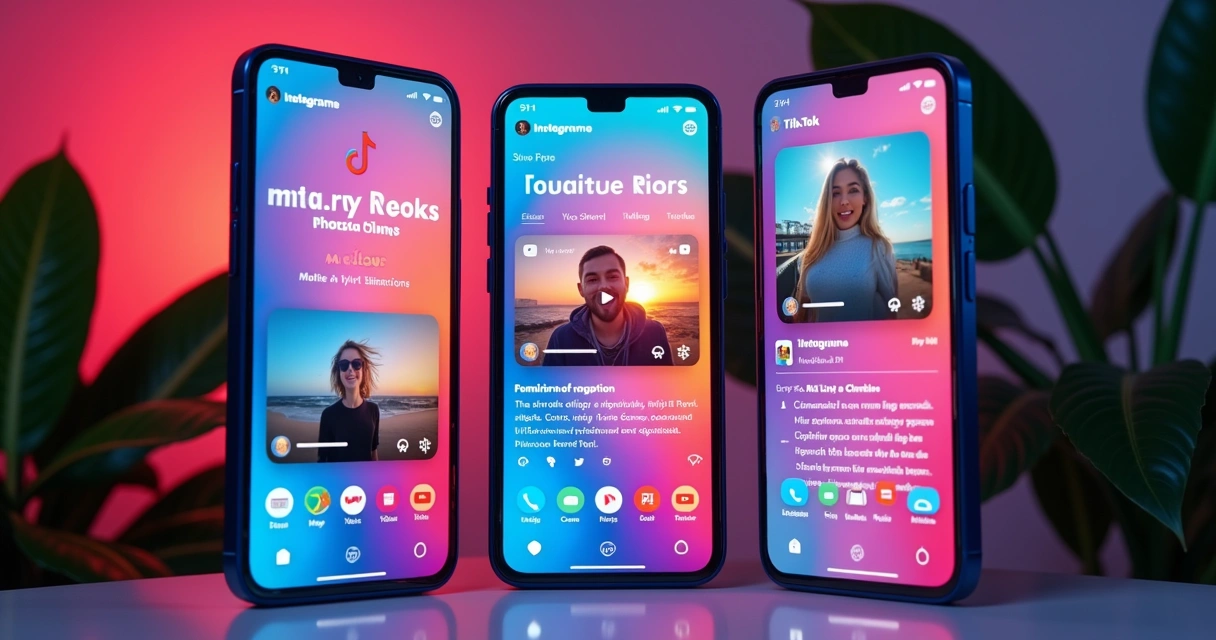 This is where VDClip’s customizable templates make all the difference. Just choose which template to use for each network, and the tool automatically adapts.
Dynamic captions: the power of speaking to everyone
Automatic and synchronized captions further increase reach, allowing people to watch videos in any environment, even without sound. With multilingual translation, it is possible to reach audiences beyond Brazil.
Those looking to impact specific niches can check out VDClip’s exclusive feature for generating optimized clips for Instagram Reels or YouTube Shorts with AI, enhancing results.
Post scheduling: effortless organization for the holidays
After generating the clips, the final step is to schedule the posts. Many social networks already offer direct integration with automated platforms, allowing the scheduling of videos for defined days and times, even during the holiday break.
Here are some practical tips for this step:
- Vary the times and days, experimenting with what works best for your audience
- Include strategic captions and calls to action
- Think of special dates: Christmas, New Year, retrospectives, and practical tips
- Schedule interaction reminders: like, respond to comments, and engage, even if just occasionally
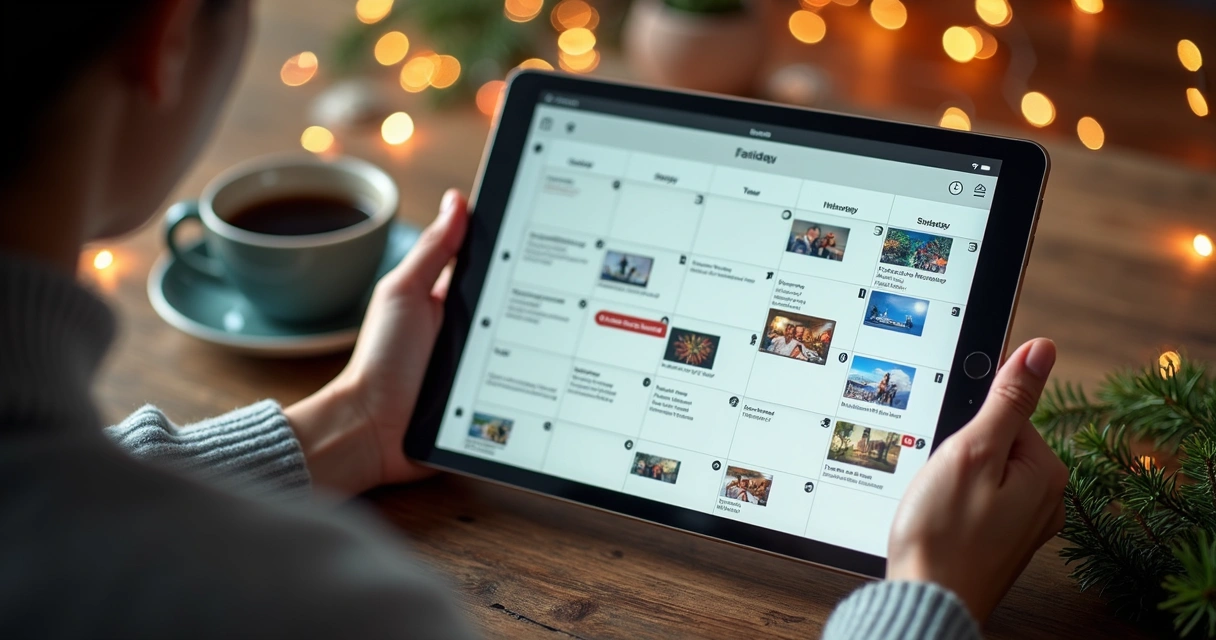 To learn in detail about the automation and integration features of VDClip, it is recommended to consult the guide on intelligent video scheduling on social media on the portal.
Time and quality gains
The main benefit is gaining time without losing digital relevance. The posting calendar remains active, ensuring engagement while the creator rests and connects with family.
Such creations generate a professional perception and increase audience trust, a key element for those looking to grow within social media algorithms, even when away from the computer.
Post ideas to use clips during the holidays
It’s not always easy to come up with content for each festive day. That’s why separating ideas before the break makes all the difference. Take advantage of existing material and organize the following suggestions:
- The best moments of the year (fun or inspiring compilations)
- Quick tips summarized from live streams and classes from the past months
- Spontaneous testimonials and feedback (short videos from clients)
- Thematic retrospectives: achievements, mistakes, learnings
- Behind-the-scenes scenes showing the human side of production
- Personalized greeting message for the holidays and the new year
- Funny or relaxed cuts (spontaneous moments)
- Trends for the next year (based on what has been discussed throughout the year)
These suggestions can be divided by formats, adapting tips for Reels, Shorts, and square videos for the feed. Short clips deliver information and connection in just a few seconds, increasing retention and shares.
How to accelerate creation: practical tips for batch production
- Separate all videos into thematic folders before uploading them to VDClip. This speeds up locating the best sections.
- Take advantage of automatic title and caption suggestions to vary content without losing quality.
- Prefer to record videos in high resolution, as this facilitates clean cuts and a more professional visual presentation.
- Create a posting schedule in a spreadsheet, defining which clips go on which days and times.
- Use VDClip’s translation features to reach international audiences if relevant to your audience.
Example of a weekly preparation flow
- Monday: selection and upload of main videos to the platform
- Tuesday: automatic editing, review, and creation of final clips
- Wednesday: adapting formats and adding captions/hashtags
- Thursday: scheduling posts on all connected networks
- Friday: final review of times, testing, and adjustments
By following this script, it is possible to ensure entire weeks of scheduled publications. This way, even during the holidays, your content continues to have an impact while you enjoy without rush.
Expected results: more time, more engagement, more opportunities
Scheduling and preparing content brings direct and indirect benefits for producers:
- The audience never runs out of news, even during holidays
- Profiles remain present in algorithms and feeds of followers
- Engagement remains stable or can even grow during “empty” periods
- The producer gains freedom to rest, travel, or dedicate themselves to other tasks
- The quality of publications does not drop, as everything was planned and reviewed beforehand
Those who plan ahead achieve, new year, renewed digital life.
Tools and extra tips for those who want to professionalize
For those who want to go further, it is possible to create even more efficient workflows by integrating VDClip with trend monitoring systems, banks of popular hashtags, and even automations with virtual assistants to respond to followers during the break.
Automating cutting, captioning, title suggestions, and scheduling creates a virtuous cycle of production. In fact, there’s no need to master complex software to reach this level; intuitive Brazilian platforms like VDClip help even those just starting.
To learn all that automatic clip generation via AI enables, it’s worth checking out details in the article about viral clip generator by AI, which shows even more advanced options.
Conclusion
Planning ahead, especially at the end of the year, is the key to ensuring relevance on social media without sacrificing moments of rest. Those who schedule clips intelligently, using platforms like VDClip, ensure an active and impressive online presence throughout the holidays. By transforming long videos that have already been recorded into batches of short, adapted, and scheduled clips, the digital producer gains freedom, enriches communication, and expands reach, resting and reaping results at the same time.
For those who want to see in practice how artificial intelligence can revolutionize content preparation for the end of the year, the recommendation is to try VDClip.com and take the first step to never lose engagement on special dates again.
Frequently Asked Questions about AI Clips and Post Scheduling
How to use AI to create clips?
Artificial intelligence automatically identifies the best segments of a video, highlighting memorable speeches, reactions, and moments of peak emotional or informational value. Just upload the original file to a specialized platform like VDClip, select size preferences, and in a few minutes, dozens of clips are ready for final editing or publication. The automatic generation of captions, titles, and hashtag suggestions complements the process, making everything intuitive and practical.
Is it worth scheduling end-of-year posts?
Yes, scheduling posts ensures continuity of digital presence during periods when the audience is active, but the producer may be offline. This keeps engagement high, strengthens brand recall, and allows for taking advantage of opportunities during commemorative dates without needing to be online all the time. Scheduling is even more useful on weekends, holidays, and parties, when organic interaction tends to increase.
What is the best tool for AI clips?
The ideal tool should be intuitive, comprehensive, produced locally, and aimed at Brazilian content creators. VDClip encompasses these characteristics, offering automatic curation, intelligent cuts, synchronized captions, and integrated scheduling. Since it is 100% in Portuguese and caters to networks like Instagram, YouTube, and TikTok, it optimizes time and expands reach, regardless of the user’s profile.
How to save time creating content with AI?
Saving time is possible by automating repetitive tasks: identifying the best moments of videos, cutting segments, creating captions, and scheduling posts. Platforms like VDClip perform this work in batches, reducing hours of manual editing to just a few clicks. Just take advantage of existing videos, run the cutting algorithm, and schedule posting according to a strategic calendar.
Where to find post ideas for the end of the year?
Ideas can be drawn from content already created throughout the year: memorable segments from live streams, quick tips from webinars, client testimonials, funny moments, and behind-the-scenes footage. It is also advisable to access blogs and trend banks related to the sector, check lists of popular topics, and adapt global themes to the audience’s universe. By recycling and giving new context to old segments, the creator fills the schedule without needing new recordings.