
In the era of short videos and digital presence, content creators know that agility, creativity, and consistency determine reach and engagement on social media. Manual video production, on the other hand, can become a significant obstacle. With this in mind, VDClip emerges as an intelligent solution, automating everything from curating the best moments to the automatic and scheduled publication of your clips. In this article, we will present in detail the main steps to transform long videos into optimized, personalized, and ready-to-go viral content, using the resources of VDClip.
The right publication, at the right time, transforms videos into real results.
Why Think About Scheduling, Personalization, and Publication?
The routine of those managing professional profiles or producing content for different platforms is full of challenges. Maintaining posting consistency, adapting videos to the ideal format for each social network, and controlling the time spent on editing are tasks that consume energy and can limit growth.
Scheduling, personalization, and direct publication solve common problems for creators, businesses, and agencies. Tools that centralize these processes play a strategic role in modern production. See how each step boosts success:
- Scheduling: Ensures frequency, allows planning, and organizes the editorial line.
- Personalization: Makes the video unique, aligned with the identity and proposal of the channel, increasing connection with the audience.
- Direct publication: Avoids rework, accelerates processes, and enhances performance on each network.
With VDClip, this cycle happens automatically and intelligently, freeing up more time for creativity.
How Does VDClip Work in Practice?
VDClip automates the entire journey of editing, cutting, subtitling, suggesting titles, hashtags, and scheduling publications. Creators, businesses, clip makers, and agencies can centralize all demands in a few clicks, without needing to install heavy programs or master advanced techniques.
The secret lies in the combination of artificial intelligence, an intuitive interface, and complete integration with major social networks. This way, content flows from idea to publication swiftly and effortlessly.
First Steps: Understanding the VDClip Environment
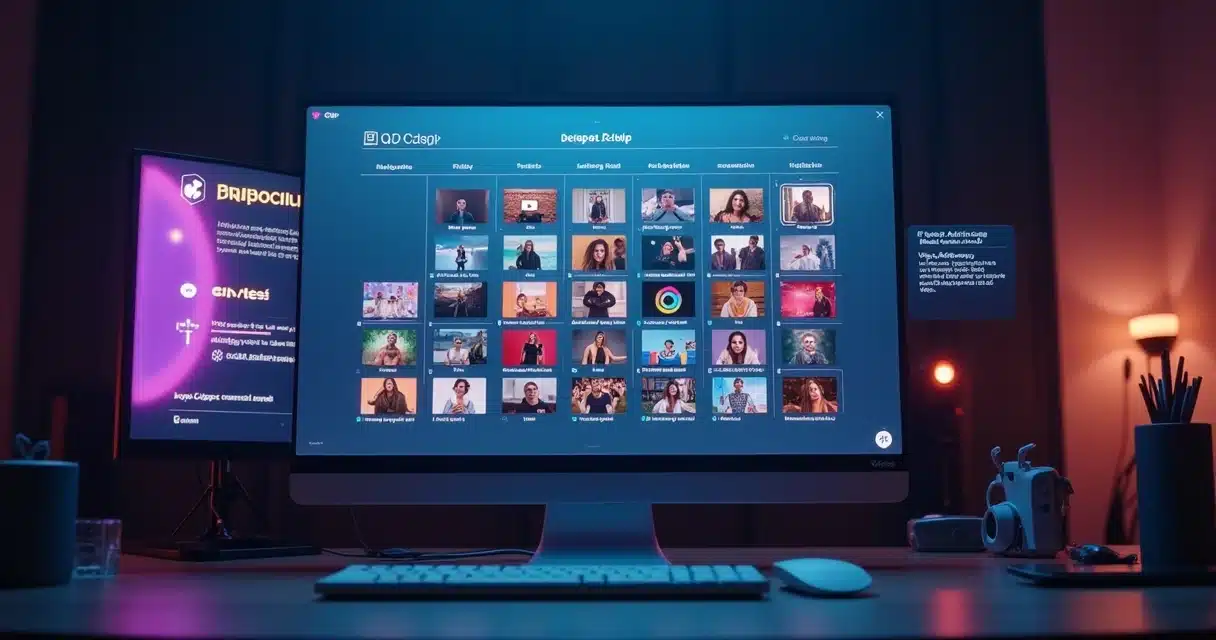
Upon accessing the platform, users are greeted by a clean panel, with functions well distributed. Here, all the magic begins: upload long videos (podcasts, live streams, classes, interviews), select export formats, customize excerpts, choose automatic subtitles, apply templates, and manage publication – all in the same workflow.
The automation process is indeed intuitive. VDClip recognizes the strengths of your video and already suggests precise cuts to create more engaging clips.
 How to Upload Your First Video?
 How to Upload Your First Video?
Simply click on the upload option, select the desired file (or paste the link of the video hosted on another platform), and wait for the automatic analysis. In a few seconds, the video is ready to be worked on.
Scheduling: The Key to Consistency on Social Media
Consistency in publications makes all the difference for followers and algorithms. Anyone who has lost engagement by posting at random times or forgetting the right day to publish knows the pain well.
Scheduling videos on VDClip provides predictability to the content calendar without generating the repetitive manual work of always.
What is Smart Scheduling?
This is the feature that allows you to schedule the publication of already edited videos, indicating the exact date and time each clip will go live on connected platforms (TikTok, Instagram, YouTube Shorts, etc.).
VDClip suggests the best times based on your audience’s patterns, increasing the chances of the video reaching more people.
How to Schedule a Video on VDClip?
- With the edited and personalized video saved, segment the clip to the desired format (vertical, horizontal, square, etc.).
- In the publication menu, choose the “Schedule” option.
- Select the social networks where the video will be published (just connect the accounts once).
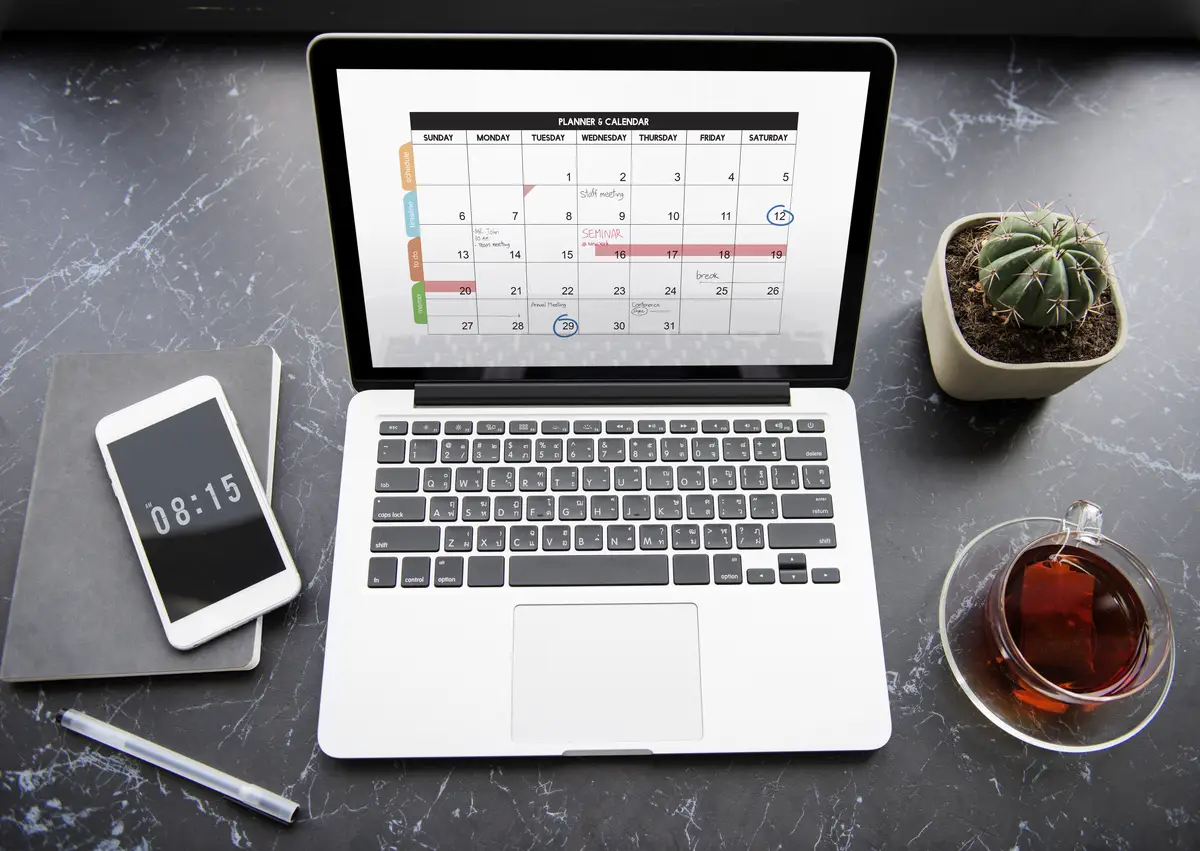
- Indicate the date and time of publication. The calendar will be displayed for convenience.
- Confirm the schedule.
Simple. The video is now ready, saved, and waiting for the perfect moment to be shown to the audience.
You can also access detailed information about scheduling with AI to understand how to apply it to your strategies.
 Benefits of Scheduling for Organizations and Creators
 Benefits of Scheduling for Organizations and Creators
- Eliminates the risk of forgetting important posts.
- Saves time, allowing focus on creation instead of manual postings.
- Ensures regularity and takes advantage of better audience times.
- Allows planning campaigns or video series in advance.
These benefits are felt by both small creators and large agencies managing multiple profiles.
Personalization: Videos with Your Identity
A video only captivates in the first few seconds if it shows personality, relevance, and clarity. Thus, personalization goes beyond filters or quick adjustments.
Unique videos connect more and differentiate brands and individuals.
In VDClip, all steps are designed to ensure that each video reflects the creator’s or company’s style.
Available Personalization Features
- Customizable templates for subtitles and visual elements
- Framing adjustment with face tracking AI
- Choice of colors, fonts, logos, and animated graphics
- Automatic translation and multilingual options
- Insertion of bumpers, soundtracks, and calls to action
These options accelerate the production of impactful content, whether for personal profiles, brands, or campaigns.
How to Personalize the Video in VDClip?
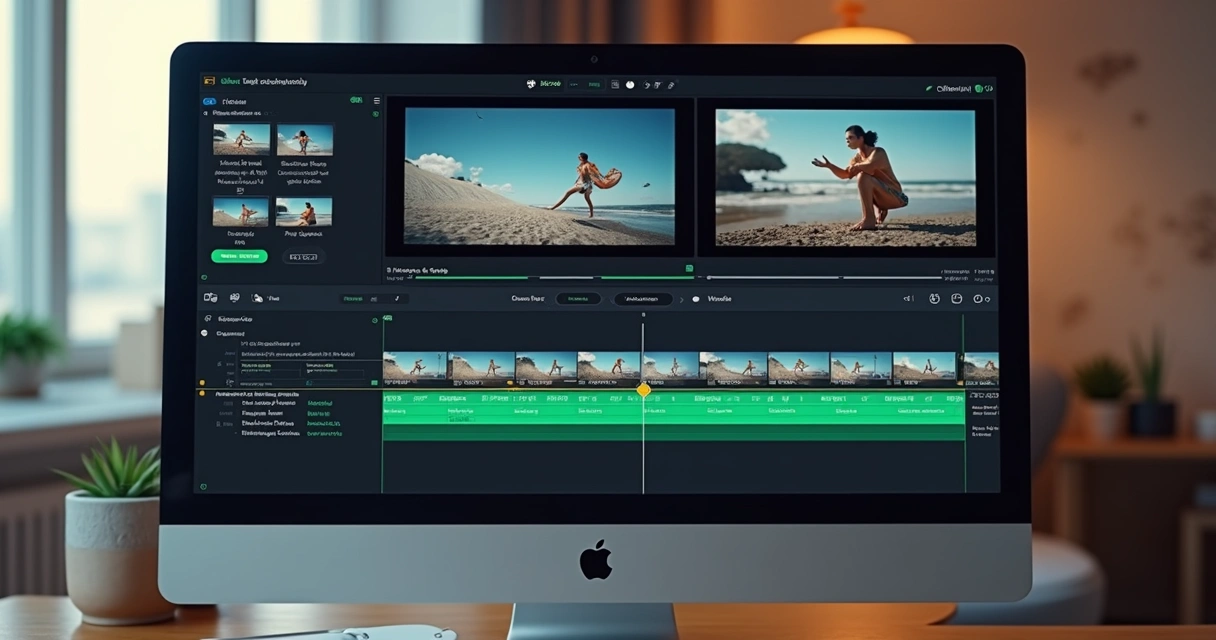
After uploading or automatic cutting, the visual editor appears. Just select your preferred design options, already adapted to each social network’s format. Everything can be easily done with clicks and drag-and-drop elements.
The editor allows you to see in real-time how the video will look for the audience even before publishing or scheduling.
Want to know how to turn ordinary videos into viral ones? See how VDClip’s Brazilian artificial intelligence does this automatically.
Why is Personalization So Relevant?
- Builds recognition and brand differentiation.
- Increases viewer attention span.
- Allows for quick adaptation to visual trends on social networks.
- Generates immediate identification and engagement.
Standardized, mass-produced videos tend to yield lower returns. Personalization delivers value and authenticity.
Direct Publication: From Editing to Social Media in One Click
Have you ever imagined finishing a video cut and publishing it all at once, without downloading files, manually uploading, or adjusting details on each platform? In VDClip, this is a reality. Just connect your social media accounts and enable automatic sharing, either immediately or scheduled.
How to Publish Videos Directly from VDClip?
- Finalize the editing and personalization of the video.
- Click “Publish” or “Schedule,” depending on your content plan.
- Select the desired profiles (TikTok, Instagram, YouTube, Facebook, among others already integrated).
- Review the title, description, and AI-suggested hashtags.
- Confirm and track the status on the panel.
You can track which videos are published, waiting for publication, or under review, all in one place.
Edit, adjust, and publish, all automated for you.
Are you interested in learning more about how to publish videos without needing a traditional editor? Also, read about the digital publication made easy by VDClip.
Complete Workflow: From Long Video to Ready-to-Viral Clip
For those who have never tested it, understanding how VDClip connects the steps is essential. Imagine having a 1-hour podcast and transforming that material into 15 short videos ready for TikTok and Reels, already edited, subtitled, and scheduled to go live at the best times.
 Creators report that after centralizing everything in VDClip, production time drops from hours to minutes, and the results are immediate in the statistics.
Your audience notices the care of those who publish in various formats and times.
Combining intelligent cutting, visual personalization, and automatic publication multiplies reach with quality.
Do you want to learn about automatic cutting using artificial intelligence? Check out more details in this analysis of VDClip’s automatic editing.
Templates and Automatic Suggestions: Less Doubt, More Results
Many producers hesitate when choosing titles, hashtags, and video formats. For this, VDClip has a recommendation system based on trends and audience patterns.
- Suggestions for attractive and optimized titles for searches
- Automatic generation of relevant hashtags for each platform
- Guidance on ideal formats and dimensions (vertical, square, stories, etc.)
Deciding has become a quick task. The platform shows the way; the user just needs to approve.
Automation, combined with the intelligence of the features, optimizes deliveries without bureaucracy, allowing for experimentation, testing, and analyzing the performance of each publication.
How Does VDClip Help Different User Profiles?
VDClip is not just for digital influencers. Podcasters, businesses, teachers, YouTubers, agencies, sellers, and even transmedia events already feel the positive impact on their digital routine. For each profile, the platform adapts the workflow, suggesting strategies that fit different realities.
- Agencies: can manage multiple clients and delegate editing and scheduling phases.
- Businesses: align institutional videos, training, and marketing actions, all integrated.
- Individual creators: gain autonomy and scale content with professional resources.
Even those who have never edited videos can create viral clips in minutes, already ready for social networks.
The democratization of editing has arrived. Everyone can truly make videos that reach thousands.
 Integration and Automated Scheduling: How Does It Work?
 Integration and Automated Scheduling: How Does It Work?
VDClip’s technology allows you to connect accounts from different social networks in a few steps. Once integrated, you just need to set preferences, select videos, and indicate times; the rest is automatic.
There is no limit to scheduling for those who want to keep the channel active all the time. It is possible, for example, to schedule an entire week of posts in a single afternoon of work.
Discover how smart scheduling makes a difference on social media and how to apply it to generate more results.
Best Practices for Those Who Want to Grow Using VDClip
- Analyze the best engagement times per platform
- Personalize each clip to maximize visual appeal
- Connect all social networks of interest before starting mass production
- Take advantage of automatic suggestions for titles and hashtags
- Review the calendar and adjust strategies based on the analysis panel results
These measures provide clarity, rhythm, and focus to the editorial calendar, leveraging all the power of VDClip.
Transform effort into reach. The secret lies in creating, personalizing, and publishing intelligently.
Performance Control and Quick Adjustments
After publication, the platform allows you to monitor the status of each video: published, scheduled, pending review, or awaiting approval. It is possible to reorganize the calendar, adjust posts, reschedule times, and correct details without rework, streamlining the routine.
All this management occurs in a secure, 100% online environment designed for Brazilian producers.
Those seeking more digital results should consider testing VDClip.com and experiencing the advantages of scheduling, personalizing, and publishing intelligently.
Conclusion: From Long Video to Viral Clip, Everything Starts at VDClip
By uniting automation, visual personalization, automatic curation, and scheduling, VDClip establishes itself not just as a tool but as a production and growth partner in the Brazilian digital environment. The user gains control over time, overcomes technical barriers, and multiplies the power of videos without relying on third parties.
The cycle is simple: upload, personalize, schedule, publish, and reach the audience at the best times, in the formats that engage the most. The freedom to experiment and track results ensures constant evolution. Whether to innovate, grow on TikTok, Instagram, YouTube, or other networks, VDClip offers practical, intelligent, and accessible paths.
Those who want to stand out in video production for social media find in VDClip the solution that transforms effort into real audience and engagement.
Be part of the new creative generation; schedule your first video, personalize, and publish now at vdclip.com. It’s time to show your full digital potential to the world.
Frequently Asked Questions
How to schedule a video on VDClip?
Just after editing and personalizing your video, access the “Schedule” option in the publication area. You can select the date, time, and desired social networks. The interactive calendar makes this process easier, and upon confirmation, the video will be published automatically at the indicated time.
How to personalize a video on VDClip?
Personalization is done in VDClip’s integrated visual editor. Just choose templates for subtitles, adjust the format (vertical, square, horizontal), apply colors, fonts, bumpers, insert logos, and make other visual adjustments. Everything with real-time preview to ensure the desired result.
Is it possible to publish directly on VDClip?
Yes, VDClip allows you to publish videos directly to the main connected social networks, such as TikTok, Instagram, YouTube, and Facebook, without needing to download or manually upload to each platform.
How much does it cost to use VDClip?
VDClip offers various plans according to user needs, including options for independent creators, businesses, and agencies. To check the updated pricing options and plans, visit VDClip’s official website.
Can I edit videos that are already scheduled?
Yes, it is possible to review and edit videos that are already scheduled. The scheduling calendar allows you to visualize, reschedule dates and times, and adjust details on videos that have not yet been published, ensuring flexibility and total control.