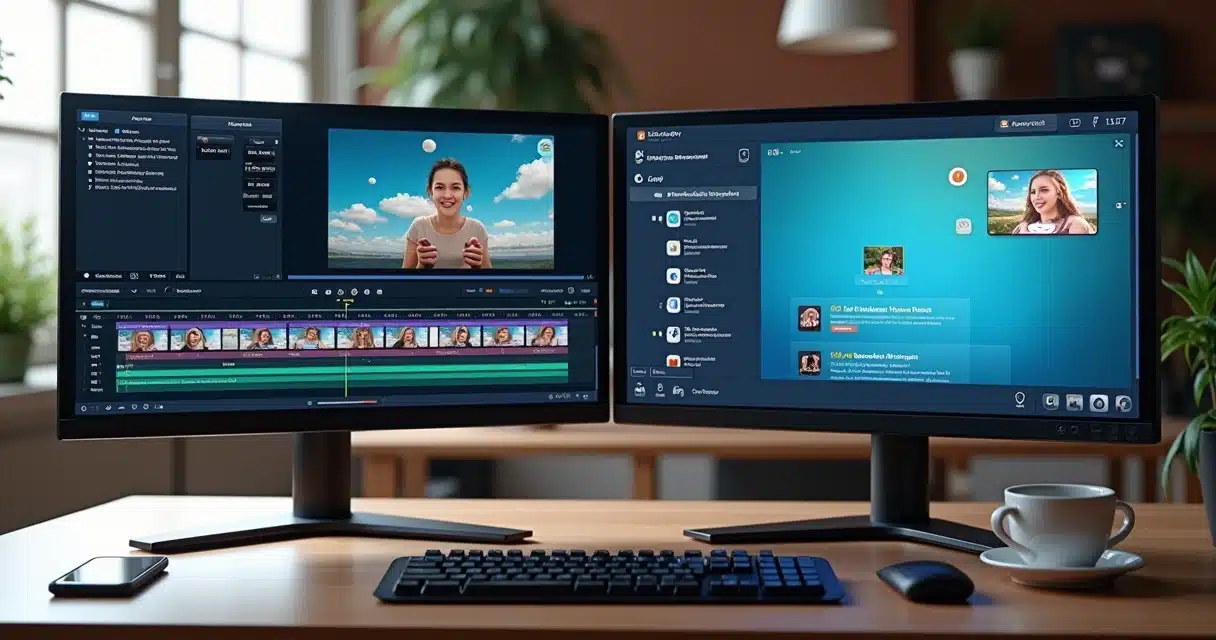

Editing videos is no longer a task restricted to large studios. Today, anyone with access to a smartphone can become a reference on social media. However, the choice of editing platform makes all the difference. In this scenario, CapCut Pro stands out, especially when it comes to value, advanced features, and ease of use. But is it really the most interesting solution for all creators? And how does its offering compare to national platforms like VDClip, which focus on artificial intelligence and social integration? Throughout this article, we clarify what you need to know about the price, functionalities, and alternatives to CapCut Pro, also highlighting the advantages of Brazilian solutions.
The video is the new language of the internet.
How CapCut plans work
Before discussing the cost of CapCut Pro, we need to understand what it offers in its two versions – free and paid. Those who have tried editing videos on their mobile devices certainly encountered the limitations of the basic version of many apps. CapCut offers a nice collection of effects, transitions, music, automatic subtitles, and some quick cut functions in its free mode. For occasional creations or tests, it can be sufficient.
When users feel the need to make more advanced cuts, export videos in 4K quality, customize subtitles, remove watermarks, and make videos trend-ready, the desire to learn more about the Pro plan’s value arises. In addition, editing gains agility thanks to tools with artificial intelligence – such as automatic audio and image adjustments.
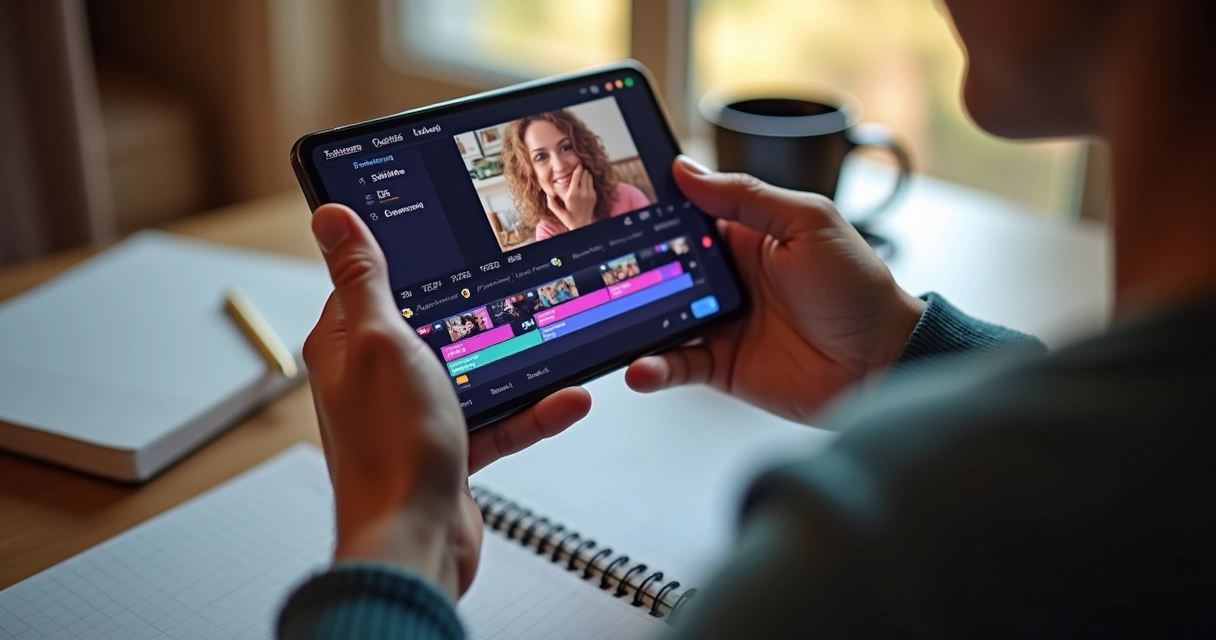
 What’s included in the free CapCut
 What’s included in the free CapCut
- Basic video cuts
- Library of music and sound effects
- Various transitions
- Simple visual effects
- Addition of stickers and texts
- Limited export, sometimes with a watermark
It’s a good entry point, so to speak. But
Free is not always enough to create standout videos.
Differentials of CapCut Pro
CapCut Pro expands the possibilities of the editor with several features that make a difference in the daily life of content producers. Among them, the following stand out:
- Export up to 4K to ensure visual quality
- Permanent removal of the watermark on exported videos
- Expanded libraries of music, new effects, and exclusive templates
- Artificial intelligence features for automatic cuts, color adjustment, audio enhancement, and subtitle synchronization
- Priority technical support and frequent updates
- Access to sticker packs, unique fonts, and premium overlays
These conveniences become indispensable for those who take their work as content creators, influencers, or social media managers for companies seriously.
CapCut Pro: prices and subscription options
 CapCut Pro: prices and subscription options
The primary interest of creators always circles back to the price of CapCut Pro. So, how much does it really cost to become a subscriber of the premium version? The conditions may vary depending on the platform (Android, iOS, or desktop), but one thing is certain: there is a monthly or annual fee, depending on the option chosen.
- Monthly plan: provides full access to all Pro features for 30 days, with a specific amount charged every month.
- Annual plan: one-time payment, with a discount compared to the monthly fee, ideal for those who will use the app multiple times throughout the year.
The most common payment method is credit card, but some app stores also accept digital wallets and even invoices, depending on the country. After purchasing, just log in with your account on all devices and enjoy Pro content without restrictions.
Subscribing to editing platforms can be an investment. But quality videos generate much more value on the internet.
Important details in the subscription process
It’s always good to look carefully at the conditions. Some common questions include:
- Is there automatic renewal? Yes, in most cases. Payment remains active until the user cancels it manually.
- Can I test Pro before paying? Usually, there is a free trial period to experience premium features.
- Does the price differ between mobile and desktop apps? There may be slight variations, as each store sets extra fees. Always confirm before finalizing the purchase.
Another recurring detail is installment payment: depending on the country and the store, it is possible to divide the annual fee into installments on the card. For many, this flexibility makes choosing the more complete plan easier.
Practical benefits of CapCut Pro in the creator’s routine
Those who work with a large volume of videos feel the difference that advanced functions provide. Having options for high-quality exports, saving custom templates, creating striking transitions, adding distinctive sound effects, and relying on artificial intelligence to cut and subtitle is priceless. For many, this type of investment pays off in terms of followers, engagement, or even more sales.
Creating videos doesn’t have to be tiring. Smart tools work for you.
- Time savings with automated cuts
- More opportunities to go viral on social media
- Greater control over visual elements
- Creative freedom to adapt videos to different platforms
- Automatically synchronized subtitles, even in multiple languages
At this point, tools that centralize these resources end up leading the way. However, despite so many positives, many still seek alternatives that, in addition to advanced features, offer a more national touch to their solutions.
Why consider Brazilian alternatives like VDClip?
The Brazilian content creation market is increasingly heated. Local creators, companies, and influencers seek practical, personalized tools that truly understand their needs. This is where VDClip comes in, a platform designed for Brazil and for those who really want to grow on social media through smart cuts and automated solutions, including cutting-edge artificial intelligence.
Creating videos in your language, with solutions made for your reality, makes a difference.
What differentiates VDClip from other options?
- Automatic curation of the best snippets: the algorithm selects the most relevant moments, saving manual effort and editing time.
- Dynamic multi-language subtitles: subtitles are generated in sync and can be translated into other languages. Yes, the whole world can understand your video.
- Strategic hashtags: the platform itself suggests ideal hashtags to reach the desired audience.
- Customizable templates focused on those who want to go viral in Brazilian networks.
- Direct integration with major social networks, speeding up the publication process without needing to download and manually upload each video.
- Intuitive interface designed for those who don’t have time to waste.
- Face tracking and artificial intelligence that enhances what truly matters in each video.
- Technical support in Portuguese aligned with Brazilian creators’ culture.
 VDClip is not just another video editor; it was developed considering the trends, expressions, music, and needs of creators here. For those missing that cultural proximity, it makes sense to invest in a national solution.
Advantages of using a 100% Brazilian platform
- Personalization adapted to the Brazilian audience profile
- Fewer barriers with languages, currency, payment methods, and support
- Updates that reflect what truly makes sense for those producing content locally
- Features designed to boost channels on both Brazilian and international platforms, without limiting user creativity
These details may seem small, but in practice, they transform the experience of those who produce videos daily for social networks.
How to choose your editing platform?
With so many options on the market, the ideal choice goes far beyond the price of CapCut Pro or any other subscription. Some factors that truly affect the day-to-day of the creator include:
- Need for advanced features (4K, AI, exclusive templates)
- Direct integration with relevant social networks
- Quality, clarity, and personalization of subtitles
- Presence of adaptable templates to content branding
- Fast support in Portuguese
- Ease of payment and local options
- Cost-benefit, considering offered resources versus investment
- Thinking long term: is this a solution that grows with you?
Being a creator requires constant adaptation, both to network algorithms and audience preferences. Tools that automate processes, offer smart editing, and understand local culture allow you to invest more time in creativity and less in repetitive tasks.
The secret lies in editing less and creating more.
Conclusion
The decision to stay on the free plan, migrate to CapCut Pro, or choose Brazilian platforms like VDClip depends on where you want to go. If the goal is to reach new audiences, generate engagement, and speed up your creation process, options with artificial intelligence, personalization, and social integration make all the difference.
VDClip, for example, was born to help Brazilian creators overcome the limits of traditional options, bringing an intuitive, powerful proposal made “in our language.” Perhaps it’s time to experiment, compare, and see what truly transforms your content into something that goes viral. After all, a good tool is one that makes your video fly further, but without complications and without hurdles.
Get to know VDClip, create your first clip for free, and discover how smart editing can put your ideas in the digital spotlight. Social media doesn’t stop – your video shouldn’t stop either.
Frequently asked questions about CapCut Pro
How much does CapCut Pro currently cost?
The price of CapCut Pro may vary slightly depending on promotions, small differences between Android, iOS, and desktop, as well as factors like currency variations. In general, the monthly subscription is around R$ 60.00 per month. The annual plan usually offers a discount, totaling around R$ 720.00 per year. It’s important to always check the price directly in the app store before completing the purchase, as there may be regional or tax-related variations.
What exclusive features does CapCut Pro offer?
CapCut Pro unlocks advanced features such as exporting videos in 4K, removing the watermark, accessing templates, fonts, effects, and exclusive stickers, as well as differentiated music packages. It also includes artificial intelligence for automatic cuts and subtitles, along with extra functionalities that allow optimizing editing time and publishing more professional content on social media.
Is CapCut Pro worth it for creators?
For those who work or intend to work with video creation constantly, the investment is indeed worthwhile. The Pro features simplify the workflow, increase the quality of clips, and offer more tools for personalization and audience engagement. Those who want to grow on social media, stand out with beautiful videos, and run content in multiple formats often quickly notice the gains in time and quality.
Where can I subscribe to CapCut Pro?
The subscription to CapCut Pro can be done directly through the app, either on the Android version (Google Play Store), the iOS version (App Store), or through the desktop version via the official website. Payment is usually made via credit card, but depending on the store and country, there may be extra payment options, such as digital wallets or invoices.
What are the best alternatives to CapCut Pro?
For Brazilian creators, national platforms like VDClip emerge as great alternatives to CapCut Pro, mainly because they combine artificial intelligence, automated curation, social integration, and support in Portuguese. VDClip offers an optimized experience for the local audience, innovative resources, and a high level of customization, along with a friendly learning curve for those who don’t want to waste time. The ideal approach is to test and compare to find the tool that best aligns with your editing style and audience on social media.