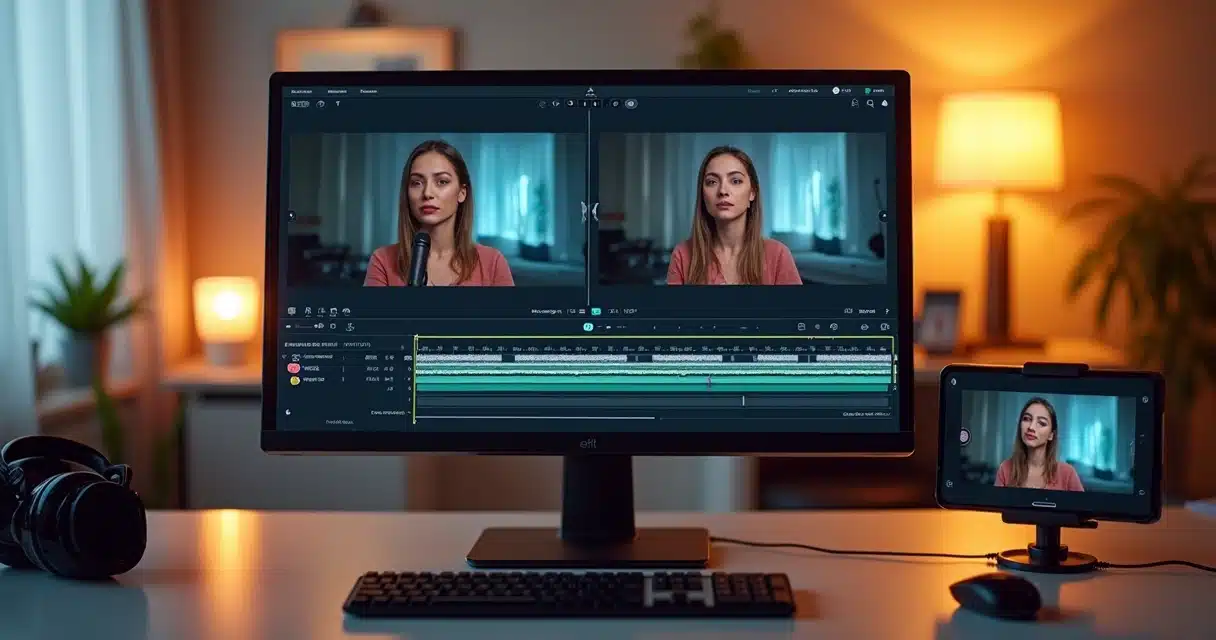

Who produces content for the internet has already faced the following dilemma: a complete video, recorded horizontally, ready for YouTube, but an opportunity arose to post that same material on TikTok, Instagram Reels, or YouTube Shorts. The question then arises: how to transform a horizontal video into vertical, simply, quickly, and without losing quality? The answer lies in artificial intelligence and automated reframing, which can completely revolutionize the work of creators and brands.
Why has converting horizontal video to vertical become a priority?
The journey of digital videos has changed direction. In the past, creating horizontal videos was the norm, especially for those thinking about YouTube or Vimeo. Today, with the advancement of mobile-dominated platforms like TikTok, Instagram Reels, and YouTube Shorts, vertical formatting has become a mandatory standard. According to studies by Meta, vertical videos receive, on average, 150% more clicks and achieve a complete viewing rate 90% higher compared to the traditional horizontal format (Meta data).
In the palm of the hand, the audience prefers videos that occupy the entire screen, without black borders or awkward cuts. Brands and creators have realized that, to maintain high engagement, they need to deliver formats optimized for the consumption habits of mobile followers. This is not just a trend; it is a requirement of the platforms’ own algorithms.
Content adapted for mobile wins more views, retention, and shares.
In this scenario, converting horizontal videos into vertical has ceased to be a mere choice and has become an indispensable practice for anyone wanting to extract the best performance from their content on social media.
Understanding the challenges of manual conversion and the difference from AI reframing
Before the advent of artificial intelligence, transforming videos from one format to another was laborious. Traditional tools required manual cropping, frame-by-frame adjustment of the framing, and often resulted in irreversible losses: cut-off faces, essential gestures out of the frame, and an unnatural composition.
Cutting is not converting. The simple act of trimming the sides of a horizontal video to fit into a vertical format creates various problems:
- Main faces and objects easily go out of focus.
- Gestures and movements become incomplete, creating strangeness among the audience.
- Loss of context, as important parts end up eliminated.
- Amateur experience, with abrupt cuts and lack of fluidity.
This is where intelligent reframing (AI Reframe) comes in. Instead of merely resizing or cutting parts of the image, AI tools can detect where the true focal point of attention in the video is, the speaking face, the hands demonstrating, the product appearing, and keep all of this centered on the vertical screen. The difference is feeling that the content was produced directly for the vertical format, even though it is an adaptation.
 What is AI Reframe and how does it differ from standard resizing?
 What is AI Reframe and how does it differ from standard resizing?
Resizing only adjusts the size of the video; reframing decides what remains visible and active on the screen.
In classic resizing, there is only an adjustment of the entire video to “fit” into a new format, which easily leads to those crude cuts or black bars that everyone recognizes and usually skips while watching.
In AI Reframe, the tool analyzes each frame, locates people and objects of interest, predicts movement, and automatically adjusts the framing while the video plays. The result is dynamic: the center of the video can “follow” the face at the right moments, track a hand showing a product, or zoom in and center two people talking, for example.
AI Reframe delivers videos that feel native to the vertical format, natural, fluid, and engaging.
In the Brazilian context, VDClip stands out as a platform that brings this technology directly to those who do not master traditional editing and need to quickly transform videos into many vertical cuts ready to go viral.
Why is transforming horizontal videos to vertical with AI so useful?
The practicality is evident for those who have spent hours trying to cut videos manually. But the gains go beyond speed:
- Reuse of long content: Lives, webinars, podcast episodes, and interviews easily become dozens of short clips, each ready for a new engagement opportunity.
- Professional standard in minutes: The cuts never look amateurish, as the focus follows what matters without losing visual contexts.
- Faster results: Platforms like the Public Ministry of RS have already proven: with AI, video processing times have dropped by up to 90%.
- More engagement: According to Meta studies, vertical video simply converts more, as the full screen retains the viewer’s attention.
Practical examples: where AI Reframe truly makes a difference
 Practical examples: where AI Reframe truly makes a difference
AI reframing opens a vast range of applications. Businesses, influencers, agencies, and cutting channels can enhance their presence on social media and multiply the reach of original content. Here are some situations where conversion is a game-changer:
- Transforming long YouTube videos into clips for TikTok and Reels.
- Reusing excerpts from lives or webinars to publish short insights in vertical format.
- Adapting in-person interviews in panel or round-table style for feeds aimed at mobile, always focusing on the face of the speaker.
- Ensuring that tutorials and video demonstrations, even with many elements in the frame, maintain the right highlight on the main action (hands, face, technical detail).
- Creating advertising versions for Stories, Shorts, and ads in 9:16, taking advantage of the best moments from the original video.
- Preparing recorded screen videos (like software demonstrations) for perfect display on mobile, centralizing menus or areas of interest.
No less important: this entire process can be done in minutes. Just count on the right AI.
What are the steps to convert horizontal video to vertical with AI?
With platforms like VDClip, anyone can transform a horizontal video into different viral vertical cuts very quickly and intuitively. The flow generally follows simple steps:
- Upload the original video: Select the file, whether from a webinar, live session, tutorial, meeting recording, interview, or any other 16:9 format.
- Select the vertical format: Choose the ideal framing for your platform:
- 9:16 for TikTok, Instagram Reels, or Shorts
- 1:1 for Instagram feed
- 4:5 for Facebook or LinkedIn on mobile
- Apply AI Reframe: The AI automatically identifies where the faces, highlighted objects, and movement are, adjusting the central focus of the video frame by frame.
- Quick adjustments (optional): If necessary, you can manually move the focus at specific moments or check if there are special elements outside the frame, all with a few clicks.
- Add subtitles and branding: Insert dynamic subtitles (automatically generated), upper/lower text strips, highlight effects, and channel logo, if desired. This enhances the video and positions it professionally.
- Export and review: Save the file in the chosen format and quickly preview it on your mobile device before publishing, ensuring the experience is ideal for mobile viewers.
Transforming horizontal videos into verticals has become so fast that there are no more reasons to leave content sitting idle.
VDClip also allows you to save format presets, perform batch conversions of multiple videos, and even schedule publication directly on social media.
The right formats for each social network: aspect ratio is everything
Each social network prioritizes a specific format. Using the right aspect ratio is crucial to avoid framing losses, black bars (letterbox/pillarbox), and conveying amateurism.
- TikTok, Reels, and Shorts: 9:16 (vertical) is the mandatory format; the video occupies the entire screen.
- Instagram feed: 1:1 is safe; 4:5 is also widely accepted to improve space utilization.
- Facebook and LinkedIn: 16:9 allows for classic horizontal viewing; 4:5 is more mobile-friendly.
Incorrect proportions lead to automatic cuts, black bars, or clumsy zooms, elements that drive viewers away and reduce chances of engagement and sharing.
 Resizing to “fit” is not enough. The secret, as mentioned, lies in “re-framing” each shot, centering what matters, and always delivering a natural visual experience.
The ideal workflow: efficiency with AI from start to finish
The secret of the routine of the most prominent content creators lies in standardization and automation. By betting on AI Reframe, the entire process becomes a production line that combines speed and maximum quality. See the recommended workflow using VDClip:
- Upload all originals in batch (taking advantage of the platform’s automation);
- Select the desired formats for each destination: Stories, Shorts, Feed, etc.;
- Let AI Reframe work on tracking and focus adjustment;
- Make manual adjustments only when necessary to ensure perfect composition;
- Generate automatic subtitles and insert branding elements according to your channel’s standard;
- Save presets to speed up future conversions and maintain visual standard;
- Quickly review all videos on your smartphone to test the audience experience;
- Schedule or publish on the right channels, multiplying the reach of each ready cut.
By using this aligned process, the hours spent on manual editing turn into minutes. AI ensures that what matters remains visible and standardization prevents common mistakes that can harm audience perception or penalize content in algorithms.
How VDClip enhances the entire experience
Cited throughout the text, VDClip is a 100% Brazilian, intuitive, and fully automated platform created to democratize the production of optimized vertical cuts for social media.
VDClip not only converts horizontal videos to vertical with AI, but it also offers automatic curation of the most impactful excerpts, generation of multilingual subtitles, title suggestions, strategic hashtags, and simple integration with major digital social networks.
Instead of simply turning a video vertical, VDClip prepares several viral cuts, ready to go viral effortlessly across multiple channels. This means transforming a single long video into dozens of engaging clips for TikTok, Instagram, Reels, and Shorts in just a few steps.
VDClip’s artificial intelligence ensures that the focus is always on the right points, avoids abrupt cuts, and keeps the protagonist centered from start to finish.
For those looking to accelerate growth on social media, increase reach with less work, and produce engaging content, betting on VDClip’s automatic vertical cuts is the best way.
Best practices for conversion: tips that make a difference
In addition to having quality artificial intelligence and applying the suggested flow, small actions make a difference in delivering content ready to go viral. Here are some tips:
- Mobile review: Always preview the converted video on your smartphone before publishing. What looks centered on desktop might appear “cut off” on mobile.
- Prioritize scenes with a single focal point: AI works best in videos with a clear highlight of a face, product, or main action.
- Avoid subtitles too close to the edges: Remember that apps may cut off the upper or lower parts of the video in posts.
- Maintain high quality in originals: Good resolution videos ensure better cropping and preservation of details after conversion.
- Test different presets: Platforms allow saving and reusing formats that the audience likes most, speeding up work for the future.
- Be consistent: This way, your followers can immediately recognize when the content comes from your channel or brand.
These small actions ensure that each vertical cut tells its own story, true to the channel’s proposal, and always with a high chance of sharing and going viral.
Automation, speed, and precision: AI transforming video production
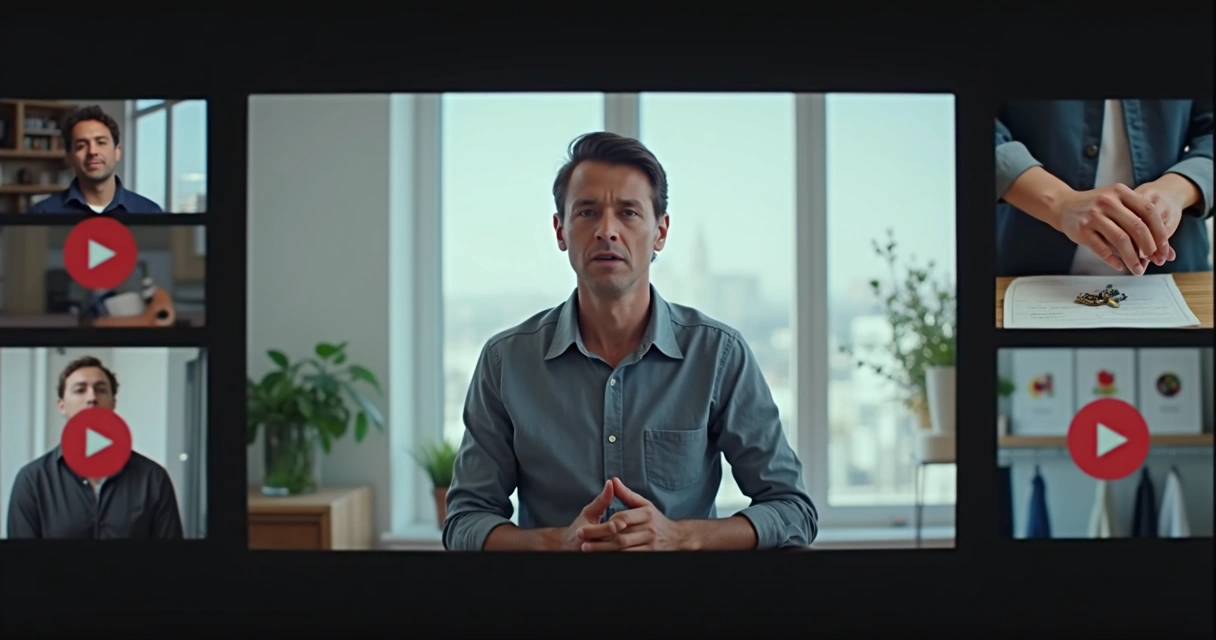 Automation, speed, and precision: AI transforming video production
The advances of artificial intelligence in the video field do not stop. Recent analyses show that video ads increase sales conversion rates by 30% compared to static ads (VidMob study). The audience has already chosen the vertical format as the standard. And with solutions like VDClip, the technical barrier to editing and transforming content simply disappears.
Those who use AI see a practical leap in quality, consistency, and speed. It is no longer necessary to be an editing specialist to extract all the value from each piece of already recorded video.
Summary and invitation
Converting horizontal videos into verticals has ceased to be a time-consuming task or exclusive to professionals. With the power of artificial intelligence, anyone can produce engaging, professional, and optimized vertical cuts for the largest social networks. Platforms like VDClip guarantee this entire process in just a few minutes, delivering multiple viral versions ready to explode on the internet.
How about transforming your long videos into viral vertical cuts with VDClip and discovering new opportunities for your channel or business? Take advantage of the potential of AI, check out VDClip.com, and start producing content that truly connects with your audience!
Frequently Asked Questions
How to transform horizontal video into vertical?
To convert a horizontal video into vertical, it is recommended to use tools based on artificial intelligence, such as platforms that offer AI Reframe. Just upload the original video, select the vertical format (9:16), and let the AI automatically adjust the framing, keeping faces and central elements highlighted. In a few steps, the video is ready for social media without manual cuts.
Which AI to use for converting videos?
It is recommended to prefer solutions that apply intelligent reframing, that is, that use AI to track movement, focus, and key objects in the video, generating precise automatic cuts. VDClip, for example, offers this type of AI Reframe technology, delivering native vertical videos with just a few clicks, without requiring editing experience.
Is it free to convert videos with AI?
There are platforms with free trials and paid options, varying according to resources and the number of videos processed. Many offer demos for those who want to experience the AI conversion process, and VDClip usually provides access facilities for those who are just starting out.
How to maintain the quality of the converted video?
To preserve quality, always use the original file in high resolution. During the conversion process, prioritize automatic reframing adjustments, avoiding manual cuts that may compromise focus and sharpness. When exporting, choose settings compatible with the requirements of each social platform, always testing on mobile devices before publication.
Is it worth using AI to convert videos?
Yes, it is worth it. The use of AI accelerates the process, ensures perfect framing, increases audience engagement, and frees up the creator’s time to focus on other strategic tasks. Moreover, the professional finish obtained with AI enhances the reach and perception of content on social media, as already proven in multiple recent studies.