

In today’s connected world, maintaining a regular presence on social media is almost a requirement for those looking to grow online. Whether for content creators, small businesses, or freelancers, scheduling posts is a smart way to ensure consistency, engagement, and, of course, more visibility. What once required hours of daily manual dedication can now be done much more easily, thanks to automation and advanced tools.
Automating posts frees up time for creation.
This article will present the process of scheduling posts on social media in five easy steps, along with tips on tools, editorial calendars, optimal times, and methods for analyzing results practically. It will also show how platforms like VDClip facilitate this journey, bringing a new level of agility to the production of videos and appealing content.
Why is scheduling posts important?
The dynamics of social media have changed how people and brands connect. Posting at the right moment and with frequency makes a significant difference in results, but this pattern is not always easy to maintain. Therefore, scheduling posts has become, for many, the recipe for growing more consistently.
By organizing posts for specific dates and times, it is possible to:
- Avoid the daily rush and forgetfulness of important dates;
- Reach followers at times when they are online;
- Test different formats and messages in an organized manner;
- Follow a planned content strategy, keeping focus on objectives;
- Reduce the time spent on repetitive tasks, freeing up mental space for creativity.
Scheduling posts is a way to balance consistency, quality, and free time to manage other business or project demands.
In addition to these aspects, there is the clear benefit of increasing the reach of posts. After all, different platforms favor active and regular accounts.
 Main tools for scheduling posts
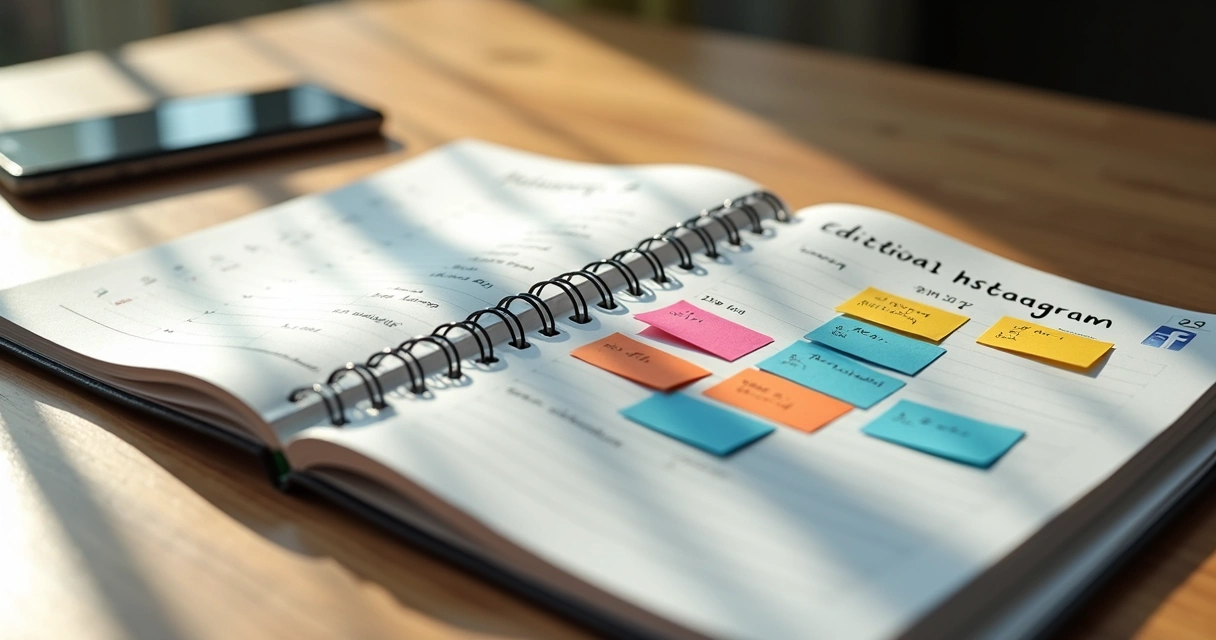 Main tools for scheduling posts
The market offers solutions that cater to needs ranging from basic to those of large teams. In the universe of those who want to schedule content, they differ by compatible social networks, extra features, prices, and usage limits. Here are some characteristics to look for and which platforms support:
- Instagram: scheduling posts, reels, and stories, with caption and hashtag features.
- Facebook: posts on pages, groups, and stories, support for videos and images.
- YouTube: scheduling short videos (shorts), broadcasts, and posts in the community tab.
- TikTok: automated video posts at predetermined times.
- Twitter/X and LinkedIn: automation of texts, links, threads, and images.
Many solutions offer access to free plans with limitations (such as the number of accounts or posts per month), while paid versions unlock more features, advanced analytics, and integration with various platforms at once.
The most recommended is to choose tools with an intuitive interface and integrated calendar functions, allowing you to visualize the entire schedule on a single screen.
Additionally, there are platforms dedicated to videos, such as VDClip, which automates cuts, captions, and optimizes formats specifically for networks like YouTube Shorts, TikTok, and Instagram Reels. This makes a difference in the routine of those who frequently produce short content.
How to create an effective editorial calendar
The editorial calendar is the heart of an organized publication strategy. More than an agenda, it is a visual planning tool to define when, where, and with what message a particular content will be posted. Thus, everyone on the team (or even a solo creator) can keep track of campaigns, commemorative dates, and current trends.
A good editorial calendar balances themes, formats, and posting frequency to avoid tiring the audience or leaving the profile inactive.
Here’s how to build yours:
- Define the priority social networks: don’t try to be on all of them at once. Focus on the channels where your audience is most present.
- Plan topics of interest: use seasonal dates, movements in your segment, followers’ questions, and news to vary the subjects.
- Interleave formats: images, texts, long videos, and especially short videos that help with engagement.
- Distribute posts at optimal times: analyze when your audience is online and adjust the posting periods according to the platform.
- Leave room for adjustments: improvisation and “hot” topics of the moment also deserve space, even with a defined schedule.
Digital calendar tools, shared spreadsheets, and even paper planners are great allies; the important thing is to establish and follow the schedule.
How to schedule posts on social media: the 5 practical steps
It’s time to get to work. Scheduling publications, regardless of the chosen tool, follows a very similar logic. See the step-by-step that most professionals use.
- Organize the content material Separate texts, images, and video files that will be published. Platforms like VDClip make this step much easier, transforming long videos into short clips ready for social media, already optimized with captions and hashtag suggestions.
- Access the scheduling tool Go to the scheduling area of your chosen tool. There, you can usually view a calendar or list of posts already scheduled and create new publications.
- Fill in the post information Add the media (image/video), write the caption, tag hashtags, and choose the account that will publish the content. For short videos, using, for example, customized templates ensures visual standardization.
- Select the date and time for publication Carefully choose the time according to the best usage peaks of the chosen network. Testing different times helps understand where the highest engagement from your audience is.
- Schedule for publication and review thoroughly Before finalizing, check all elements: spelling, tagged credentials, correct image, and whether the video is in good resolution. On platforms like VDClip, the automatic caption generation and cut adjustments minimize errors and reworks.
The secret is to prepare beforehand to reap later.
Which formats and times to prioritize?
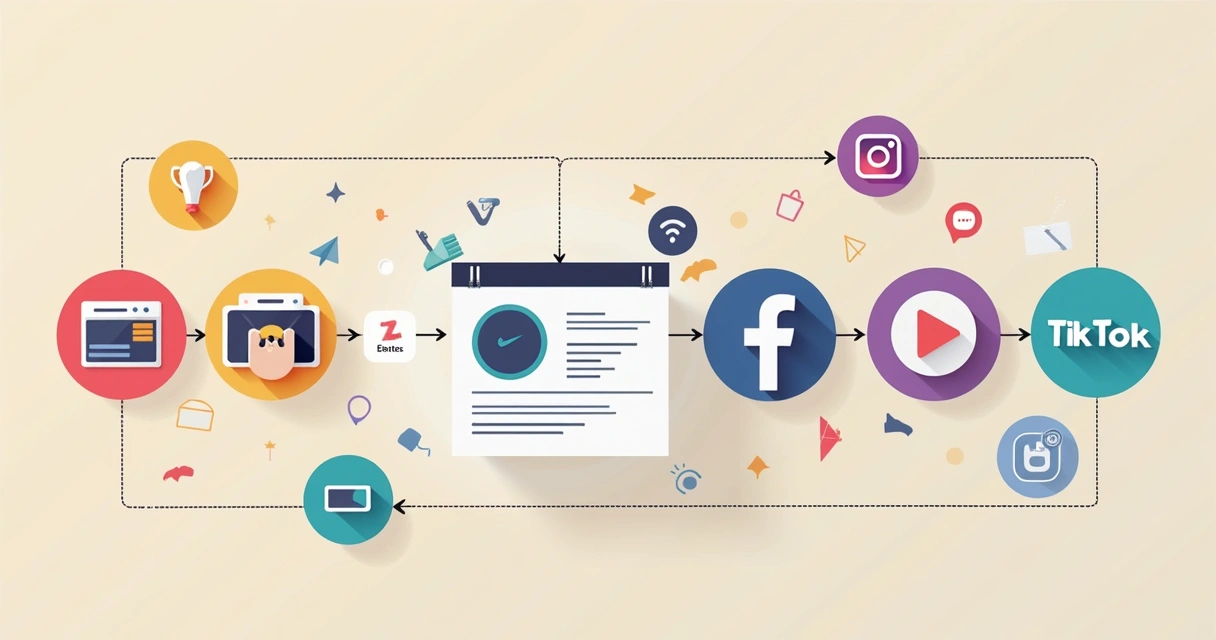 Which formats and times to prioritize?
Although each social network has its own behavior, the logic for defining ideal formats and times is similar. Testing and monitoring should become routine.
- Short videos are guaranteed to stand out on almost all platforms. On YouTube Shorts, Instagram Reels, and TikTok, this content generates more engagement and can go viral quickly. The secret is to focus on creativity, a fast pace, and dynamic captions.
- Static images and carousels also maintain their place, especially to showcase products, quick tips, and testimonials.
- Live content or scheduled broadcasts increase the perception of authority, but require more preparation in advance.
Regarding times, research shows that there are audience peaks at flexible times depending on the audience, but common time frames are between 11 AM and 2 PM or 7 PM and 10 PM. Analyze the statistics of the networks themselves to personalize this choice.
No perfect time exists, but faithfully tracking results will help accurately adjust the course.
How to track results and adapt the strategy
Scheduling is the first step; analyzing after publishing is just as important. All major social platforms present basic and detailed metrics for professional accounts. Monitoring the performance of scheduled posts helps to:
- Identify the best formats, themes, and times for your audience;
- Adjust the frequency of posts according to the engagement obtained;
- Find possible bottlenecks (posts that went unnoticed, bad times, formats with low delivery);
- Have clarity on which contents drive more followers from networks to other pages, websites, or online stores.
Track weekly:
- Likes, comments, shares;
- Video views;
- New followers during the period;
- Clicks on links or call-to-action;
- Reach and impressions of posts.
And, of course, adjust the editorial calendar whenever you notice any significant deviation from the expected results. Those discussing short videos, for example, might study how to make money with short videos and adapt their themes according to current trends.
Change quickly when the audience changes. The data shows the way.

Automation for creators, businesses, and agencies
Automating processes has ceased to be a luxury and has started to help those who wish to maintain relevance in constantly changing feeds. Among the clearest benefits of scheduling posts are:
- Time savings in all stages of the content cycle;
- Reduction of errors and reworks due to forgetfulness;
- Ability to test different strategies quickly;
- Tracking trends (such as automatic cuts to grow on TikTok), without losing the cadence of publication.
Both solo creators and teams and agencies can benefit. Those working in the “cut channels” model, for example, can produce dozens of clips in a single batch, uploading them with optimized descriptions and scheduling weeks ahead. Modern solutions like the video scheduling and video cuts with AI combine automatic curation of the best snippets, captioning, and hashtag suggestions, accelerating the end-to-end flow.
Practical tip: Integrate VDClip into your routine
While creating impactful content is essential, the way these contents are presented and published weighs even more in the competition for audience attention. VDClip has proven to be an ally in the Brazilian context by offering automatic editing, title suggestions, integration with major social networks, and specific tools for cutting viral videos.
For those who need to schedule video posts without technical knowledge in editing, VDClip transforms long videos into engaging clips intuitively and quickly.
An integrated routine, which combines editorial calendar, scheduling platforms, and automated editing, places any professional a few steps ahead in generating online results. And this is true for both those starting out and those already working in competitive niches.
Want to gain even more practicality and discover how to turn your clips into business opportunities? Also, see how to make money with video cuts and expand your strategy!
Conclusion
Scheduling posts for social media is the solution for those seeking more regularity, presence, and interaction with the audience, without getting lost in repetitive tasks. Today’s technology serves not only to schedule but also to create, edit, analyze, and enhance content delivery daily. By building an editorial calendar, choosing the right times, analyzing results, and relying on reliable platforms, professionals and businesses can leverage their brand or career.
Automation, especially when integrated with the production of short and engaging videos, makes any strategy much more scalable and less exhausting. Therefore, solutions that optimize this entire chain, such as VDClip, are redefining the potential of social media for small and large brands.
Ready to transform your ideas into success on social media? Try how VDClip can contribute to this journey and discover a new way to grow with more practicality and impact.
Frequently Asked Questions about Scheduling Posts
What does it mean to schedule posts on social media?
Scheduling posts means preparing content and setting specific dates and times for them to be published automatically on social media, without the need to do it manually on each occasion. This practice ensures regularity and allows content to be delivered at the right moment, even if the person responsible is not online.
How to automatically schedule posts on social media?
To automatically schedule posts, you need to use a specific scheduling platform or tool available for each social network. The process usually involves selecting the account, uploading the content, including captions and hashtags, choosing the desired time, and confirming the scheduling. Solutions like VDClip also allow you to create, edit, and schedule optimized videos for TikTok, Instagram, and YouTube with just a few clicks.
Is it worth using scheduling tools?
Yes, using scheduling tools pays off due to the time savings, reduction of forgetfulness, and the ability to analyze the performance of each publication. These platforms assist both those working alone and teams, especially when content production is frequent and multi-platform.
What are the best platforms for scheduling posts?
The best platforms are those that allow you to schedule posts for different social networks (Instagram, Facebook, TikTok, YouTube), offer a visual calendar, support multiple formats, and provide detailed performance metrics. In the context of short videos, VDClip stands out for delivering automatic cutting, captioning, and integrated scheduling features, meeting current engagement demands.
Can I schedule posts for free on social media?
Yes, several platforms offer free versions to schedule posts, although with some limitations on volume or variety of features. These options work well for those starting out or have a moderate volume of publications, especially for testing and experimenting before deciding to invest in paid plans.