
Yes, it is possible to generate video cuts without paying, even with the help of AI. The best approach depends on your goal: cutting a segment manually, transforming a long video into several short clips, or setting up a publishing routine for social media. For creators, podcasters, businesses, and clip channels, the real difference is not just being free, but how much time the tool saves and how many steps it automates.
In practice, CapCut and OpusClip are strong names when it comes to quick cutting. However, when you need to gather cuts, subtitles, adaptation for platforms, production organization, and a more consistent operation, VDClip tends to deliver more value, especially for those who want to grow without relying on tedious manual editing.
Key Points Before Choosing a Free Tool
- Not all free options solve the entire process: some options only cut, while others also subtitle, reframe, and suggest clips.
- Speed matters more than a pretty interface: if you publish every week, saved minutes turn into hours in a month.
- AI is very helpful but does not replace review: the best result comes when you approve hooks, context, and subtitles.
- Format is decisive: good clips for TikTok, Reels, and Shorts require different duration, framing, and rhythm.
- Freemium requires attention: usage limits, credits, exports, and advanced features often vary significantly between platforms.
Generating Cuts for Free Works Best in Three Scenarios
Free tools usually work well when you are testing ideas, validating a format, or starting to publish more frequently. In these cases, the main goal is to move away from total manual editing and gain speed.
The three most common scenarios are:
- Simple manual cut: when you only need to remove parts, trim the beginning and end, or extract a specific segment.
- Transforming a long video into clips: when AI looks for strong moments and automatically creates short versions.
- Recurring content flow: when you want to generate several cuts, subtitle, standardize style, and publish consistently.
It is in the third scenario that many free tools start to show limitations. The initial cut may be quick, but the operation becomes slow when there is a lack of reliable subtitles, organization, templates, platform adjustments, and extra publishing features.
How to Generate Automatic Video Cuts for Free
The most efficient method is to use a tool that analyzes the video, finds promising segments, and delivers clip suggestions already in vertical format. Then, you review the result, correct what is necessary, and export.
- Upload the complete video, such as a lesson, podcast, interview, live session, or product recording.
- Define language, desired duration, and, if applicable, platform format.
- Let the AI suggest the strongest moments.
- Review hooks, context, subtitles, and framing.
- Export each short version and adapt the title, description, and hashtags.
This flow is much faster than watching the entire video looking for cuts with your eyes. The official CapCut page describes this use as a flow to transform long videos into short clips with cutting, reordering, and refinement in the browser. Meanwhile, the official OpusClip app highlights generating multiple clips, subtitles, and quick editing of the result on mobile.
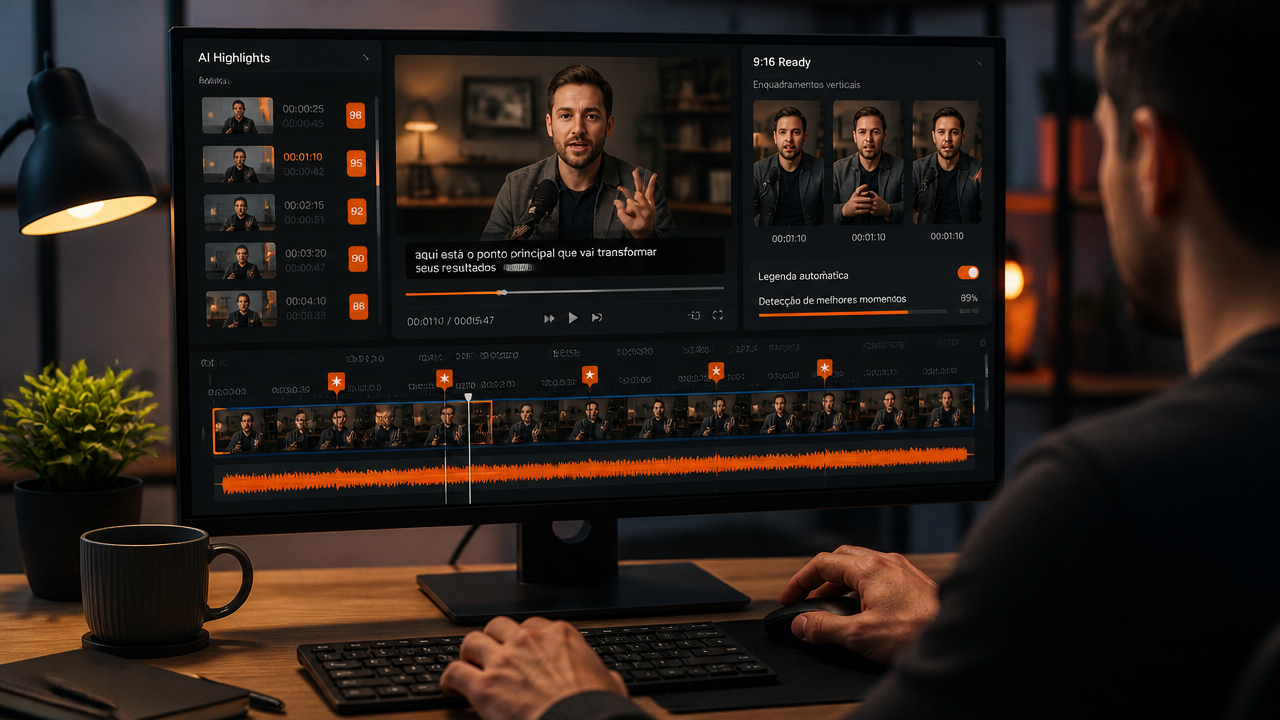
How to Cut in CapCut
For those who want to start without complications, CapCut is a practical entry point. It works well for those who need to transform a long video into short versions and then make simple finishing touches on the subtitles, timing, and visuals.
According to the automatic tool in CapCut, the process goes through upload, selection of duration, automatic clip generation, and final review. This makes sense for creators who want to test cuts for Shorts, Reels, and TikTok without building a timeline from scratch.
When CapCut Makes Sense
- You want a well-known option that is easy to test.
- Your focus is on creating quick cuts with additional editing afterward.
- You are still learning how to turn long videos into short content.
Where It May Limit
- The flow can become more manual when you need scale.
- Not always does the free version cover everything that a professional routine requires.
- If you publish a lot, you may miss features geared towards continuous operation and standardization.
In summary, CapCut usually works well as an entry tool. The problem arises when cutting is just the first step, and you still need to organize subtitles, branding, format, and publication consistently.
Which AI Generates Video Cuts with Less Rework
The best AI is not the one that just cuts, but the one that reduces rework after the first cut. This includes identifying good moments, generating readable subtitles, reframing for vertical, and allowing quick adjustments.
OpusClip has gained space precisely by addressing this point. In the description of the official OpusClip app, the proposal is to send a long video, generate multiple cuts, edit subtitles, and refine highlights without restarting the process. For those who work with podcasts, interviews, lessons, or long authority videos, this saves time.
When OpusClip Tends to Stand Out
- You want total focus on AI clipping.
- Your content originates in long format and turns into several short videos.
- You value speed in finding highlights.
Where to Pay Attention
- The free plan may be sufficient for testing but not always for constant volume.
- Those needing a broader ecosystem may miss extra resources outside of clipping.
- Depending on the flow, you may still end up complementing with other tools.
In other words, OpusClip is strong in the step of transforming long form into short form. But for many teams and creators, the real challenge goes beyond that: it is maintaining production consistency without piling up tools.
How to Cut a Ready Video Without Wasting Time
If the video is already recorded, you do not need to start with complete editing. The fastest way is to first think about the goal of the cut and only then the tool.
If the goal is to extract a specific segment
Use a simple manual cut. This route works when you already know the exact minute and just want to remove leftovers, pauses, or mistakes.
If the goal is to find the best moments
Use a highlights AI. It reduces the search time, especially in long videos like podcasts, webinars, live sessions, and interviews.
If the goal is to publish frequently
Choose a tool that goes beyond cutting. You will need subtitles, aspect ratio adjustments, visual identity, clip organization, and perhaps support for titles and hashtags.
It is precisely in this third situation that pure free tools tend to lose strength. The cut may come out, but the routine gets stuck.
What is the Best Free Video Cutter
The best depends on your stage. To test, a simple solution may suffice. To operate short content every week, the best cost-benefit often comes from a platform that combines cutting, subtitling, adaptation, and productivity.
| Tool | Strong Point | Best For | Common Limitation |
|---|---|---|---|
| CapCut | Easy entry and complementary editing | Those who want to start quickly | Flow can become more manual at scale |
| OpusClip | Automatic cuts focusing on highlights | Podcasts, interviews, and long videos | Operation may require other tools around it |
| VDClip | More complete ecosystem for cutting, subtitling, organizing, and publishing | Creators, businesses, agencies, and clip channels | Part of the strongest value lies in paid advanced features |
Here, an important distinction is worth noting: free and best are not always the same thing. If you just want to do some tests, CapCut and OpusClip fulfill that role well. If you want recurring productivity, brand consistency, and less rework, the best result tends to come from a more complete solution.
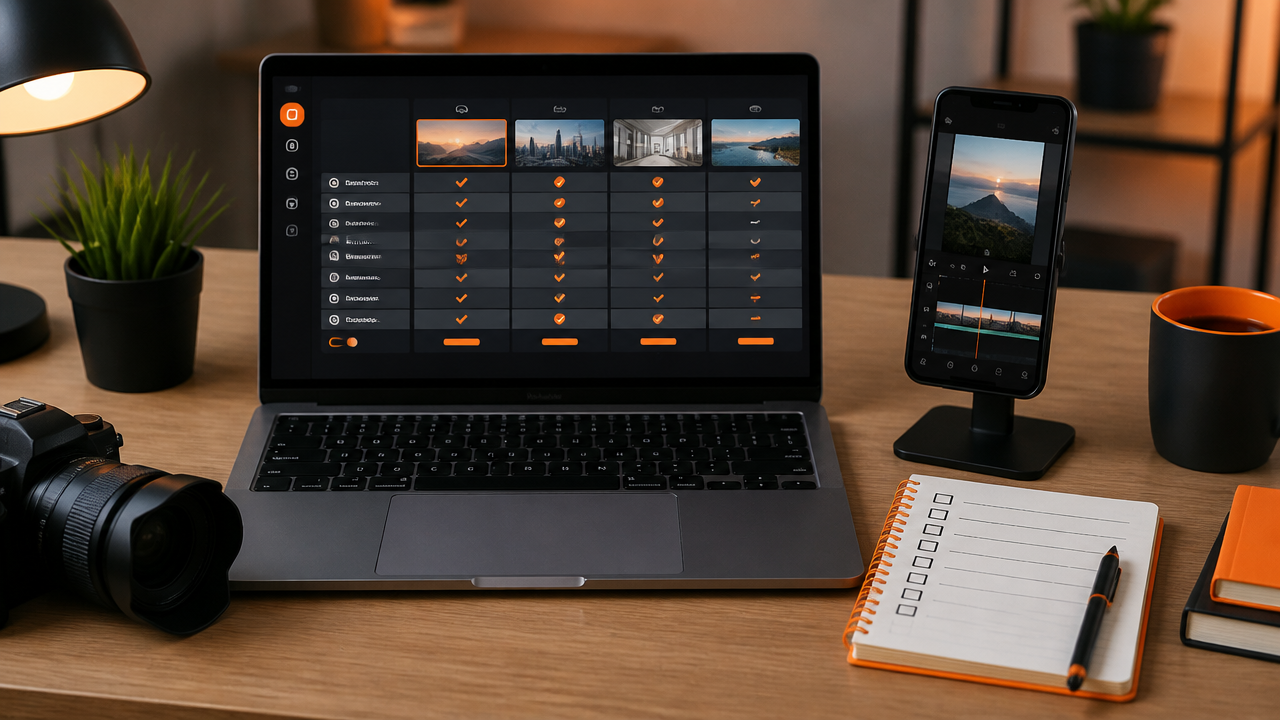
What a Free Plan Needs to Be Worthwhile
Before getting excited about the word free, it’s worth looking at what the tool delivers in real use. The point is not just to enter without paying but to be able to publish something good without stumbling through the flow.
- Detection of best moments: without this, you continue to do the most time-consuming part on your own.
- Editable automatic subtitles: essential for retention and accessibility.
- Vertical format: a good clip for social media needs to be ready for mobile.
- Quick review: the tool needs to allow corrections without complications.
- Usable export: frictionless, no surprises, and with sufficient quality.
If two or three of these points are missing, the free option becomes just a superficial test. You may generate a cut, but you do not create a sustainable process.
Common Mistakes When Trying to Generate Free Cuts
The biggest mistake is believing that any short cut works as short content. A good cut has a hook, minimum context, and rhythm. Without this, it looks like just a random piece of the original video.
- Choosing segments without a clear promise: the first few seconds need to hook.
- Blindly trusting automatic subtitles: review names, technical terms, and punctuation.
- Publishing the same clip everywhere without adaptation: the format may be the same, but the language changes.
- Ignoring vertical framing: face, product, and gesture need to remain visible.
- Using the free version as a definitive solution without measuring time: sometimes cheap costs hours of rework.
This last point weighs the most. Many people compare tools solely by the initial price and forget to calculate the time spent finishing each video.
When Free is Enough, and When it Starts to Hinder
Free is enough when you are validating format, learning to create cuts, and publishing little. At this phase, the main thing is to gain speed and understand what kind of segments generate retention.
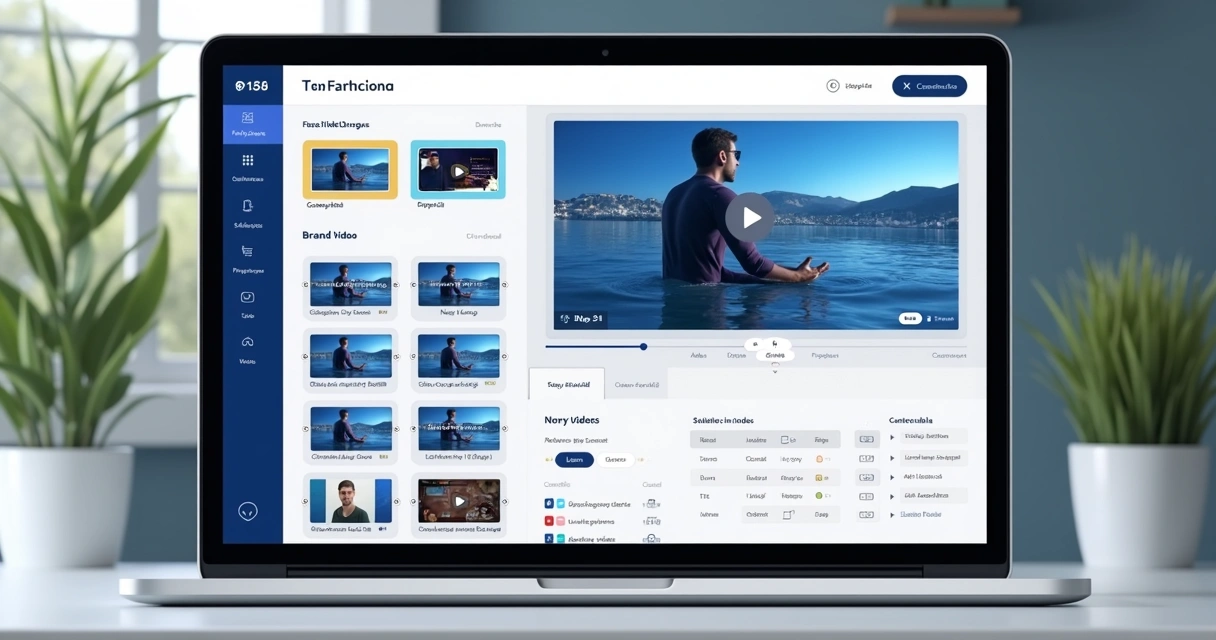
It starts to hinder when your routine demands volume, consistency, and standardization. If you need to transform every episode, live session, lesson, or commercial recording into several clips per week, the bottleneck ceases to be the initial cut. The bottleneck becomes the sum of adjustments, reviews, subtitles, organization, and publication.
At this moment, it is worth stopping to ask not just “Is it free?” but to start asking “How much work does this tool really take off my plate?” This is the question that separates testing from operation.
Why VDClip Tends to Be the Smarter Choice in the Long Run
For many creators, businesses, and agencies, the best scenario is not to use the tool that only generates a free cut. It is to use a platform that solves the entire flow with a balance between accessible entry and advanced features as the operation grows.
That’s where VDClip stands out. In addition to helping find the best moments of the video, the platform was designed to transform long content into short clips with more operational intelligence: synchronized dynamic subtitles, title and hashtag suggestions, face tracking, customizable templates, brand kit, and publishing support.
In practice, this means fewer patches between tools. Instead of cutting in one place, subtitling in another, adjusting format in another, and trying to maintain standards on the fly, you concentrate production in a more cohesive environment.
What Makes VDClip More Competitive
- Direct focus on video cuts for social media.
- Useful free resources to get started, without blocking the experience right from the first use.
- Paid resources that expand the operation, rather than just unlocking the basics.
- A more complete view of the process, from cutting to packaging content.
- Brazilian and accessible proposition, relevant for those who want closeness to the local market reality.
In other words, CapCut and OpusClip can work very well as entry points or complementary tools. But when the goal is to create a consistent process, scale production, and extract more results for a fair value, VDClip tends to deliver a stronger package.

Practical Conclusion
If you just want to test automatic cuts for free, start with a simple tool and validate your format. If the focus is on transforming long videos into several clips quickly, CapCut and OpusClip are known and useful paths.
Now, if you want to go beyond testing and build a short content machine that saves time, maintains standards, and helps publish better, VDClip tends to be the most complete choice. Free serves to start. What really makes a difference is the platform that continues to function as your volume grows.
Frequently Asked Questions
Which AI generates video cuts?
The most useful AI for this work is the one that identifies strong segments, generates subtitles, and delivers the video in the right format for Shorts, Reels, and TikTok. In practice, CapCut, OpusClip, and VDClip solve this in different ways. The best choice depends on your volume, need for customization, and how much you want to automate.
What is the best free video cutter?
If the goal is just to cut a specific segment, a simple editor will suffice. If the goal is to find highlights automatically, subtitle, and adapt for vertical, an AI cutter tends to be better. For those who publish frequently, it’s worth comparing the free plan limits, editing ease, and publishing features.
How to cut in CapCut?
In CapCut, the quickest way is to use the tool to transform long video into short clips, let the AI generate options, and then review each cut. If necessary, adjust subtitles, entry timing, and framing before exporting. The gain is in speed, but human review remains important.
How to quickly cut a video?
The fastest way is to send the file to a tool with automatic highlight analysis, choose the clip duration, and only review what the AI suggested. This saves time because you don’t have to watch everything looking for strong moments. Afterward, just adjust the title, subtitle, and social media format.
Which site allows cutting videos online for free?
Yes, there are websites that cut videos without installing anything, even with AI features. The main point is to check if the free plan meets your volume, if it exports in the format you need, and whether it offers subtitles, reframing, and fine editing. Not every free option is sufficient for a content routine.




 Without direct posting, the work is half done
 What Changes When the Tool is Designed for Brazil
 When It’s Worth Leaving the Free Plan