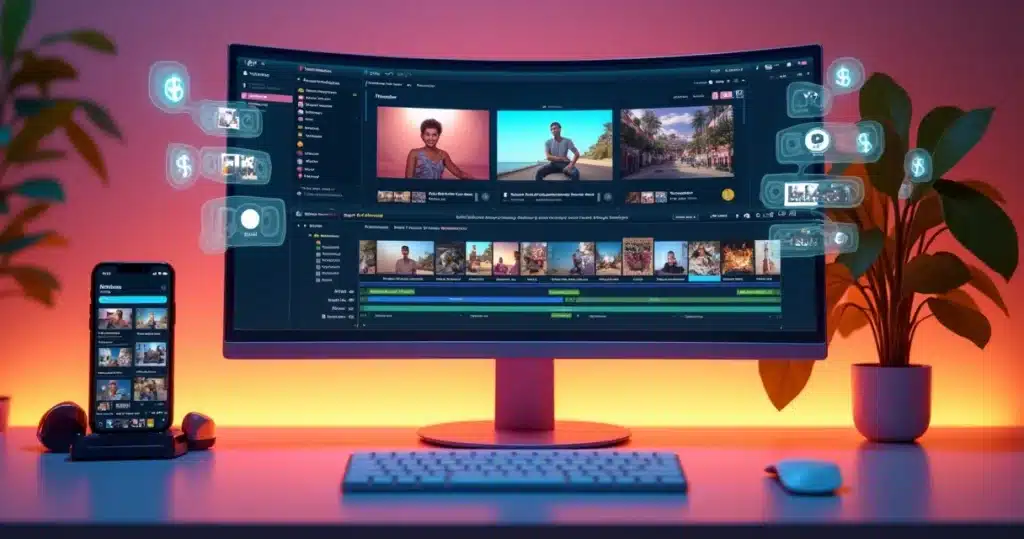
The production of short, fun, and authentic videos has become one of the main drivers of engagement on social media. Whether on TikTok, Instagram Reels, YouTube Shorts, or Kwai, viral cuts have the power to boost content, brands, and careers. However, transforming long videos into short, interesting, and professional clips was, until recently, a challenge for many. This changed with the emergence of the VDClip app for Android, which brought the power of artificial intelligence and automation to your fingertips.
This article provides a practical overview of all the details about the new VDClip app for Android, how it simplifies video cuts, brand kit customization, and ensures that editing, publishing, and growing on social media is simple, fast, and accessible—even for those who have never edited a video before.
The Viral Cuts Scenario and the Challenge for Creators
Short videos dominate digital consumption in Brazil and around the world. According to data from the scientific journal Frontiers in Computer Science, about 73.4% of instructional videos are now produced with the support of AI. This transformation is not just a result of the search for practicality, but of the desire to gain relevance with less effort and greater frequency.
The optimization of time, the pursuit of virals, and the need to maintain consistency on social media have created a demand for intelligent and accessible solutions. It is in this context that VDClip stands out: it offers real automation for the main bottlenecks faced by those who generate videos every day.
The one who posts quickly, posts well, and posts consistently wins the game.
How VDClip for Android Changes the Game
The launch of the VDClip app for Android represents a turning point for video creators. Now, everything that previously required a computer, expensive software, and technical knowledge can be done from a smartphone—in minutes.
With the VDClip app, users can record, import, edit, customize, generate cuts, and post on social media directly from their smartphones. These are high-level features designed to democratize production:
- Automatic curation: AI finds the best moments of the video, saving hours of work.
- Smart and precise cuts, including face tracking and dynamic framing adjustment.
- Automatic generation of synchronized subtitles, with multilingual support.
- Suggestions for titles, hashtags, and formats ready for each platform.
- Professional editor and template customization for exclusive branding.
- Mass posting and scheduling on social media.
The centralization of the entire workflow within a single app removes complexity, making life easier for influencers, agencies, podcasters, entrepreneurs, and clip creators. Now, the difference between a regular video and a viral cut is just a few clicks away.
Who Can Benefit from the New VDClip
The VDClip app for Android is designed so that anyone, regardless of their editing experience, can create professional videos. The main profiles that find value in the solution are:
- Content creators who rely on speed to keep their networks active.
- Companies and brands looking to expand their business reach without constantly hiring editors.
- Marketing agencies with high demand and a need for productivity and scale.
- Podcasters and clip channels, where short videos are the primary source of views and monetization.
- Freelance clip creators, who find in the app a tool to professionalize their service and increase profits.
VDClip serves both those who have never edited videos and professionals looking to save time and explore the full potential of AI.
How the VDClip App Works in Practice
To understand the app’s potential, see the practical flow:
- Open the app on Android.
- Import the video (recorded, downloaded, or saved from the camera roll).
- Select the desired format (vertical, square, horizontal).
- Activate the automatic curation to detect relevant moments of the video.
- Edit, insert subtitles, apply templates, and brand kit adjustments.
- Preview, refine, and schedule/post directly on social media.
Each step was designed to remove obstacles and ensure that any user can create viral clips without technical barriers.
VDClip Editing Features: AI Technology, Templates, and Brand Kits
The driving force behind VDClip is artificial intelligence. It does much more than automatic cuts: it selects segments based on emotions, speech emphasis, gestures, audience reaction, and the overall fluidity of the content. By combining this data with face tracking (face-motion), it creates dynamic cuts that follow the presenter’s face, improve framing, and further humanize the video.
The secret to viral content is identifying the best moment and delivering it clearly, quickly, and personally.
Customization also stands out with the possibility to create complete brand kits:
- Add your own logo, animated intro, and exclusive transitions.
- Insert contextual b-rolls to enrich the narrative.
- Use emojis, stickers, and visual assets to increase “shareability.”
- Remove audio noise with artificial intelligence.
- Edit directly on the timeline, making fine cuts, color adjustments, and soundtrack synchronization.
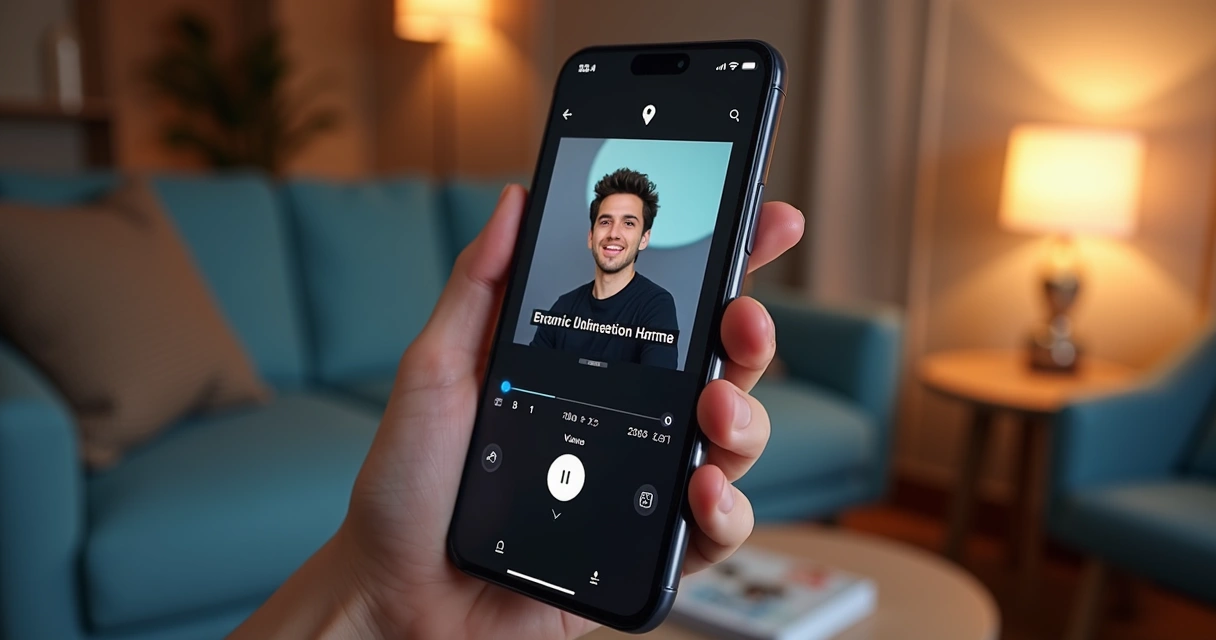 These tools, previously restricted to complex tutorial series or sophisticated software, become accessible in an intuitive touch-and-drag workflow.
Automatic Subtitles: Accessibility and Engagement
According to Facebook’s analysis, 85% of videos are watched without sound in the feed—hence, clear subtitles increase retention time and content delivery. VDClip generates automatic, synchronized subtitles, featuring multilingual translations and options for color, font, and animations customization.
This automation is one of the main reasons for those wanting to publish quickly and reach diverse audiences. After all, good subtitles are those that appear at the right time and reinforce the message, facilitating consumption and the viral spread of the cut.
Templates and Brand Kit: Unique Identity Across All Cuts
In the digital universe, visual consistency is as important as video quality. Companies that create brand kits and use their own templates stand out, gain immediate recognition, and convey professionalism.
VDClip allows users to:
- Customize layouts, colors, and subtitle styles.
- Save favorite templates for use in all new cuts.
- Automatically add brand elements—logos, intros, and transitions.
- Align all cuts with the visual identity manual of the business or channel.
The viral cut is one that has an identity and facilitates brand recall.
Automated Posting and Scheduling on Social Media
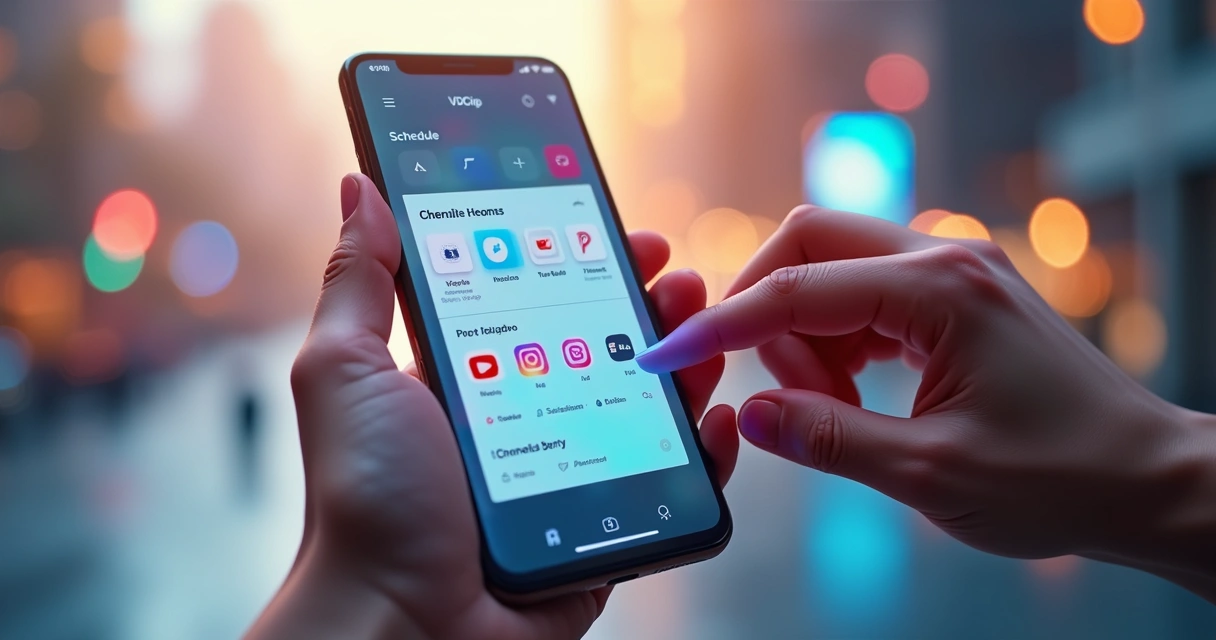
Another powerful feature of VDClip is its direct integration with TikTok, Instagram, YouTube Shorts, and other social media. Users can post or schedule cuts in bulk, optimizing time and ensuring a constant presence.
- Selection of the best posting times according to each platform.
- Scheduling multiple posts in a queue, keeping the calendar full for weeks.
- Hashtag suggestions to further increase content delivery.
The automation of this flow is the secret of creators and brands that grow quickly.
 How to Make Money with Cuts: VDClip in the Routine of Digital Entrepreneurs
 How to Make Money with Cuts: VDClip in the Routine of Digital Entrepreneurs
Making money with video cuts has never been more accessible to so many people. By combining artificial intelligence, automation, and customization, VDClip creates a new landscape for those looking to professionalize their editing routine or start their own video cutting business.
The business model for clip creators can involve providing services for channels, podcasters, and companies, or even creating their own profiles for monetization on short video platforms. For those wanting to start, this content is worth a read: how to make money with video cuts.
The flow is simple:
- Receive videos from clients or partners.
- Use the VDClip app to create multiple optimized cuts ready for a specific audience.
- Apply personalized templates, subtitles, and brand kit of the channel or brand.
- Schedule and publish, receiving quick feedback on engagement and views.
Digital entrepreneurs report a significant increase in deliveries and material quality after adopting the VDClip app in their routine.
Editing Automation: From Sophistication to Intuitive Touch
In the past, editing videos with so many resources required powerful computers, expensive software, and a lot of learning time. Now, just a few taps on VDClip allow access to functions such as:
- Automatic cutting with artificial intelligence.
- Synchronization of voice and facial movement.
- Add animated subtitles and emojis.
- Insert b-rolls and soundtracks.
- Audio cleanup and equalization.
- Quick saving in high resolution.
This ease is the result of a Brazilian proprietary technology designed especially for the national market.
Why VDClip Has Become a Reference in Viral Cuts
 Why VDClip Has Become a Reference in Viral Cuts
In addition to the Android app, VDClip is recognized for its automatic video editing platform with AI, which can be accessed via browser, and for its extensive educational materials, such as the popular practical guide on automatic video cuts.
User results prove the efficiency: videos with more views, increased engagement time, reduced operational costs, and organic growth on social media, all reflected in cases of viral cuts with artificial intelligence.
Advantages of Centralizing Work with the VDClip App
- Agility: Much faster production, allowing the creation of hundreds of cuts in just a few minutes.
- Quality: AI brings refinement to cuts and unprecedented resources accessible to anyone.
- Consistency: Templates and brand kit assets ensure standardized visual identity.
- Cost-effectiveness: No need to invest in multiple professionals, software, or equipment.
- Scalability: Tools designed to grow alongside the business.
With these differentiators, those who invest in automation and customization find “fuel” to accelerate digital growth.
What Users Are Saying: Creator and Brand Testimonials
Various influencers and companies in Brazil highlight how VDClip has accelerated production and brought results:
- “Before, I spent hours editing cuts; now the VDClip app does everything in minutes, and I can publish much more.” (Digital influencer of educational content)
- “The automatic face adjustment, synchronized subtitles, and scheduling streamline my clip channel’s routine.” (Multimedia freelance clip creator)
- “Now I can customize all cuts with the company’s visual identity, delivering professional content without relying on an editor for every video.” (Marketing manager of a startup)
These narratives, based on real experiences, illustrate VDClip’s potential to genuinely transform online presence.
Practical Tips for Transforming Long Videos into Viral Cuts
Based on feedback and best practices, here is a brief step-by-step guide for creating cuts that perform better on social media:
- Always choose the best moment: use VDClip’s automatic curation to identify peaks of emotion, surprise, and insights.
- Invest in personalization: templates and brand kits enhance content and strengthen brand recall.
- Don’t forget the subtitle: increase viewing time and ensure accessibility.
- Make short and objective cuts: less is more in digital consumption.
- Schedule posts at strategic times, taking advantage of the app’s own suggestions.
- Monitor metrics to understand what engages the most and optimize future cuts.
A viral cut is not born by chance but is built on technique, automation, and personalization.
If you want to delve deeper into how these concepts apply to the context of artificial intelligence and viral cuts, check out the article viral clip generator with AI.
Automation and Creativity: How to Unite Human Potential and AI
It is important to remember that AI does the heavy lifting, but the creative touch still makes a difference. The secret is to find the ideal balance: leave technical processes to automation and invest time in scripts, ideas, and the unique perspective of the human eye.
That’s why VDClip brings a professional integrated editor for manual adjustments, fine cuts, sequence changes, colors, and special effects. This flexibility allows each viral cut to carry the creator’s personality, even while the routine is automated.
The Impact on the Future of Content: Growth Trend of AI
The trend of automating video production is confirmed in recent works, as noted by the study published in the cited scientific journal. As AI solutions become accessible through apps, the quality and scale of production are rapidly increasing.
Creators who adopt apps like VDClip today are already ahead, have a competitive advantage, and are prepared for the new demands of the digital landscape.
How to Download the VDClip App and Get Started Now
Downloading the new VDClip app on Android is easy. Just access the Google Play Store, search for “VDClip,” download it, and create your free account. Those wanting to learn more about features can visit VDClip.com and check out all the tools available on the web and in the app.
In minutes, anyone can start creating, editing, and publishing viral cuts directly from their phone.
Available on Google Play: Click here
Conclusion: The Future Lies in Agility and Personalization
The new VDClip app for Android democratizes the production of short videos, offering professional editing, automatic curation, and brand kit personalization at your fingertips. It eliminates technical barriers, reduces costs, and positions creators advantageously in a fast-paced digital world.
If the goal is to be seen, remembered, and grow on social media, it is worth trying out VDClip’s solutions and practically testing the power of automation with professional quality. Download the app, explore the tools, and discover a universe of possibilities to transform any video into viral cuts that captivate audiences and deliver results.
Frequently Asked Questions about the VDClip App
What is the VDClip app?
VDClip is a Brazilian video editing app with artificial intelligence, created to transform long videos into short, viral, and personalized cuts for social media. It offers automatic curation of the best moments, face tracking cuts, synchronized subtitles, brand kit customization, exclusive templates, and direct scheduling/posting on major digital platforms.
How to create viral cuts in VDClip?
To create viral cuts in VDClip, simply import the video into the app, activate the automatic curation, select the segments suggested by the artificial intelligence, customize templates and brand kit, include subtitles, and publish or schedule on social media. The process is quick, intuitive, and accessible even for those who have never edited videos before.
Is VDClip free or paid?
VDClip offers a free version with essential features for automatically creating video cuts. There are also paid plans that unlock advanced features, such as template customization, bulk posting scheduling, subtitle translation, and priority support. Users can test and assess which option best meets their needs.
How to download VDClip on Android?
To download VDClip on Android, access the Google Play Store, search for “VDClip,” download and install the app. After installation, simply create your account, follow the internal step-by-step of the app, and start transforming videos into ready-to-go viral cuts.
Is it worth using VDClip?
It is definitely worth using VDClip, as it combines automation, professional resources, and ease in one app. Users highlight the time savings, the increased reach on social media, the visual standardization of the brand, and the ability to produce high-impact content, even for those without video editing experience. Ideal for creators, companies, agencies, clip creators, and anyone looking to grow in the digital world.