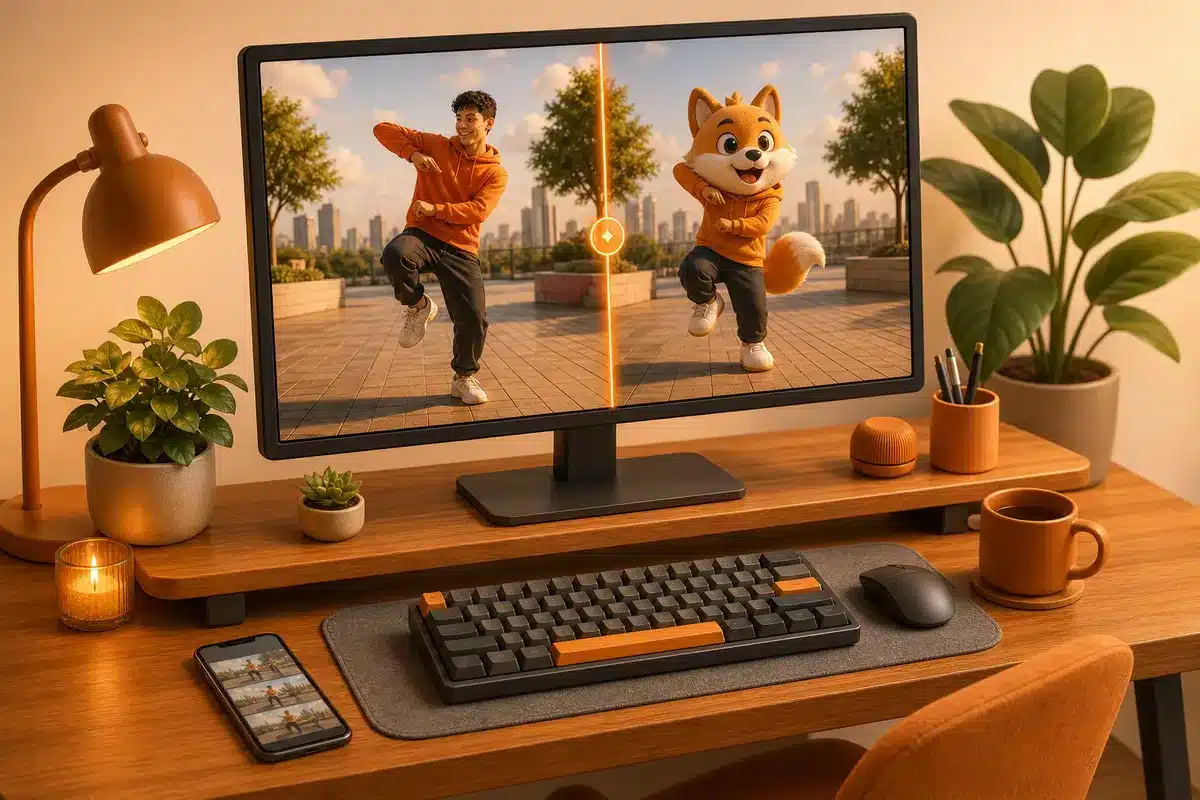
You can swap a person in a video with AI while keeping the same movement, without re-recording anything: the person appearing becomes another character, and the gestures remain those of the original video. The AI uses the gestures and framing of the original video as a basis and recreates who appears, where the scene takes place, or the entire look based on what you describe. This guide shows how to swap the person, character, background, and style of a video with Katchau from VDClip, what to do to keep the result as close to the original as possible, how the charges work in reais, and how this compares to Runway, Viggle, and Higgsfield.
In summary
- Katchau from VDClip swaps the person, background, and style of a video while maintaining the original movement as a base, and shows the before and after in a divider.
- The same plan in reais also pays for images, videos, music, and cuts of long videos, without needing a subscription for each tool.
- The result goes directly to the editor, and the video can be cut, subtitled, and scheduled on social media all in one place.
- Runway, Viggle, and Higgsfield make similar swaps but charge in dollars and leave the editing, cuts, and posting to other tools.
What can be swapped in a video with AI: person, background, and style
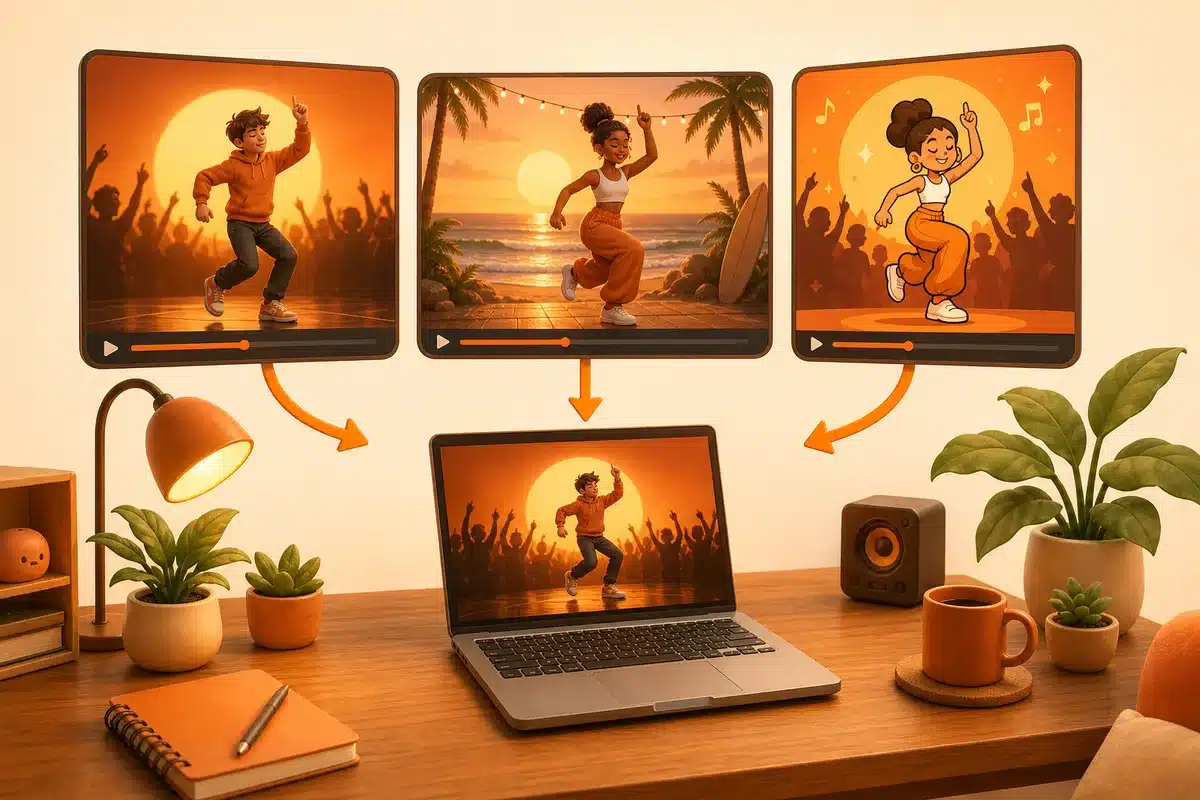
You send a video, describe the change, and the AI redoes the clip with the original movement as a base. There are three types of swaps, and all can be requested together:
- Character: who appears becomes another character, like a mascot, an animal, or a fantasy figure, while keeping the gestures.
- Background: the same movement happens in another place or time, like a room turning into a beach or a snowy morning.
- Style: the video is redone as a cartoon, 3D animation, anime, painting, or illustration.
You can also swap who is in the background, like turning a distant person into a pigeon, leaving the rest of the video the same.
Character swap, body swap, and face swap: what’s the difference
These are similar names for different ideas. The face swap only swaps the face of the person, while the body swap swaps the entire person for another, and the character swap is the broader term: who appears becomes another character, like a mascot, an animal, or a fantasy figure, and the gestures remain the same. Katchau works with swapping who appears in the video based on your description, in addition to background and style.
How to swap a person in a video with AI while maintaining the same movement
At VDClip, the swap is done via Katchau, and the process is the same for character, background, or style:
- Send the video. Choose the clip that serves as a base, because its movement is the starting point.
- State what changes. Describe who will appear, the style, or the place of the scene and, most importantly, what should stay the same.
- Compare and continue. Drag the divider to see the before and after, choose the version that worked and continue to the editor.
Start now and swap the character in my video
Example: from a person to a banana costume
This is an example from Katchau’s own page. In the base video, a person dances on a street. The request was “add the banana character in place of the dancing person,” and the result keeps the street, the framing, and the dance movement, only swapping who appears.
How to make the result as close to the original video as possible
No tool promises an identical video to the original with everything swapped, and each generation can vary. Some precautions increase the chances of keeping the movement and the scene:
- Choose a simple base video: close-up and medium shots, with the person facing forward and good light on their face, tend to yield more convincing swaps than scenes with very shaky camera work, quick cuts, or the person facing away.
- State what should stay the same: write in the request, for example, “keep the gestures, framing, and lighting.”
- Change one thing at a time: first swap the character, and only then the background or style, to know which part of the request caused each result.
- Generate more than one version: compare the options in the before and after divider and keep the one that comes closest to the original.
What to write in the request
The request defines the result, so it’s worth being specific about what changes and what stays the same. These examples serve as a starting point:
- Character: “swap the person in the video for my brand’s mascot, keeping the gestures.”
- Style: “redo the video as a cartoon, with thick outlines and flat colors.”
- Background: “take the scene to a snowy morning, with cool light and light wind.”
Each generation can vary, so test more than one version before choosing. If the swap turns out different from what you wanted, rewrite the request with more details about what should stay the same.
How much does it cost to swap character, background, and style
Katchau charges in credits per second of video, and the calculation below uses the Lite plan, with 150 credits per month for R$ 34.90, which is about R$ 0.23 per credit. The values are from a test of 5 seconds.
| Type of swap | Credits per second | Credits in 5 s | Cost in Lite |
|---|---|---|---|
| Edit scene and change style, 720p (up to 15 s) | 7 | 35 | R$ 8.14 |
| Swap character, 480p | 8 | 40 | R$ 9.31 |
| Swap character, 720p | 15 | 75 | R$ 17.45 |
| Swap character, 1080p | 18 | 90 | R$ 20.94 |
As a rule, start with the lowest resolution to validate the idea and only upgrade to 720p or 1080p when the request is correct. The exact amount appears before you confirm, and nothing is charged before that.
Katchau, Runway, Viggle, or Higgsfield: which to choose
The most commonly cited tools for swapping characters in videos are Aleph 2.0 from Runway, Viggle, and Genjutsu from Higgsfield. Luma (Modify) and Pika (Swap Anything) also have similar functions. Here’s how the three main ones compare to Katchau:
| VDClip Katchau | Runway Aleph 2.0 | Viggle | Higgsfield Genjutsu | |
|---|---|---|---|---|
| Charging | R$ | US$ | US$ | US$ |
| Entry plan | R$ 34.90/month (Lite) | US$ 12/month on annual, or US$ 15 on monthly (Standard), about R$ 71 and R$ 89 | US$ 7.99/month on annual, or US$ 9.99 on monthly (Pro), around R$ 47 and R$ 59 | per credits, according to the plan |
| How it charges | credits per second: 7 to 18, depending on type and resolution | 140 credits for a 5 s video, about US$ 2.70 on annual Standard | credits vary by feature and model | credits per generation, which vary with the resolution |
| Character swap | yes | yes, existing video editing | yes, with real-time swap on paid plans | yes |
| Background and style | yes, in the same request | yes | focus on character | yes |
| After the swap | editor, cuts, subtitles, and scheduling on social media | editing in other tools | export the video | export the video |
All charge in credits, and consumption varies with model and resolution, which makes it difficult to know the cost before generating. For example, in Runway, the Standard allows for about 4 videos of 5 seconds per month. The three charge in dollars, which means international card and exchange when purchasing. Converted at the rate of US$ 1 = R$ 5.90, the entry plan of Runway and Viggle exceeds R$ 34.90 of the Lite, and at VDClip this same balance still pays for images, music, and cuts.
Why VDClip is the best choice for content creators
Swapping the person in the video is just one step. Those who create content still need images, videos, music, subtitles, cuts, and posting, and that’s where VDClip stands out from the three competitors above:
- A subscription in reais for everything: the same balance pays for character, background, and style swaps, plus over 10 image templates, over 20 templates in total, including Seedance, Veo, Kling, and Wan in the AI video generator, as well as music.
- From swapped video to social media in the same place: the result goes to the editor, where it’s possible to cut, subtitle, and adjust the format, and the social media scheduler publishes on TikTok, YouTube, Instagram, Facebook, LinkedIn, and Threads.
- Cuts of long videos: the AI-curated cuts choose the best segments. On the plans pages of Runway and Viggle, I didn’t find automatic cuts of long videos or a scheduling tool for posts.
- Charging in reais, with the value shown before confirmation: no international card, no exchange, and no surprises in the cost of generation.
With Runway, Viggle, or Higgsfield, you pay in dollars for a swapping tool and still need other subscriptions to edit, cut, and publish. At VDClip, all of this is included in the same plan.
See VDClip and swap the character in my video
When to use each swap
- Brands and stores: swap the person in the video for the brand mascot and maintain the movement, to create versions of the same content.
- Content creators: redo a video as a cartoon or anime to test a new look without re-recording.
- Product and travel videos: take the same scene to another season, time, or place.
- Ad tests: generate variations of the same creative before investing in traffic.
How to start
- Create your account. Create your account on VDClip to access Katchau.
- Open Katchau. Send the video, write what changes and what stays the same.
- Compare and continue. Drag the divider, choose the best version, and proceed to the editor or scheduling.
Responsible use
Only use videos and images of people who have authorized their use, and do not swap characters to deceive or imitate someone without permission. Inform the audience when the content is generated by AI, and check each platform’s rules regarding synthetic content before publishing.
Frequently asked questions
Can I swap the person in the video and keep the movement identical?
The movement of the original video is the basis for the swap, and the goal is to keep the gestures and the scene. Even so, each generation can vary in details, such as clothing and lighting. Therefore, it’s worth comparing the before and after, describing what should stay the same, and generating more than one version.
How to swap a person in a video with AI and place another character?
Send the video to Katchau, describe who should appear in place, and what should remain the same, compare the before and after, and choose the best version.
What is the difference between face swap and character swap?
The face swap only swaps the face. The character swap changes who appears in the video, and the movement of the original continues as the base.
Can I swap the background and style of the same video?
Yes. It is possible to describe more than one change in the same request, such as swapping the place and redoing the video in cartoon style.
How much does it cost to swap the character in a video?
Katchau charges in credits per second of video, and the amount varies with the type of swap and resolution. It appears before you confirm, and start with the lowest resolution to validate the idea before increasing the quality.
Is Katchau an alternative to Runway, Viggle, and Higgsfield?
Yes, for swapping character, background, and style in videos you already have. The difference is that it charges in reais and takes the result directly to the editor, the cuts, and the scheduling on social media.