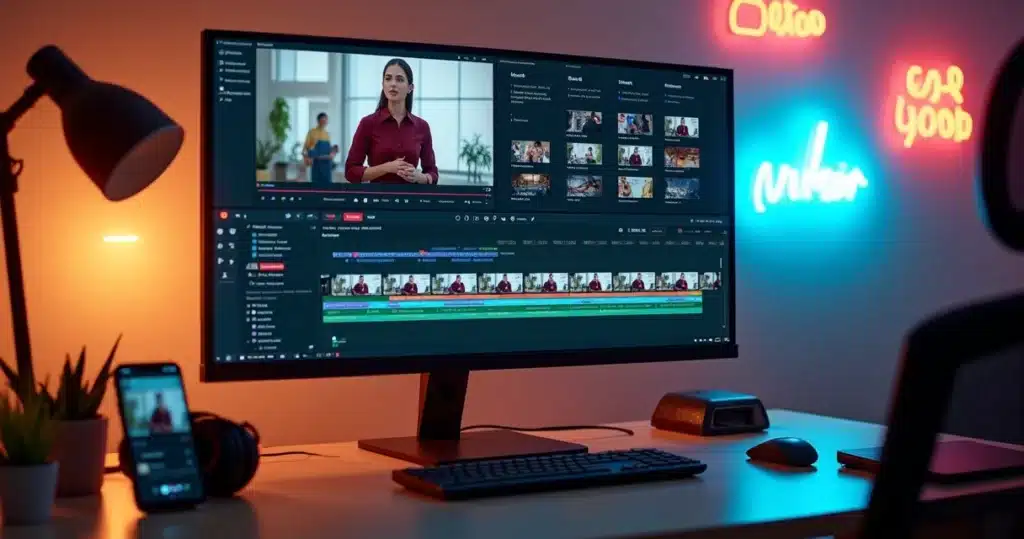
In the audiovisual universe of 2026, a transformation has become even more visible: after the HappyHorse-1.0 model reached the top of global AI video generation rankings, it wasn’t just the abundance of videos that changed the market. The standard of demand has increased – it’s no longer enough to record long podcasts, talks, webinars, or vlogs. The real challenge now? The ability to quickly convert this extensive content into a sequence of short, engaging clips perfectly aligned with different social networks.
Digital strategies need to deliver content quickly, stylishly, straight to the point, and personalized. Agencies, solo creators, podcasters, and cut channels have faced a common problem: the time and effort spent selecting key moments, adjusting cuts, ensuring accurate subtitles, redoing frames, and maintaining the visual identity for each client or project.
The generation of video has never been easier. The difficult part is ensuring that each cut shines.
If in 2024 the trend was to use any AI, in 2026 there are options that promise to transform hours of recording into viral clips in just minutes. But which ones actually get the best moments right, adapt to the rhythm of the real editor, and deliver formats already ready for TikTok, Reels, Shorts, LinkedIn, or X?
How this ranking of the 9 best was defined
Before presenting the list, it’s worth detailing the criteria used to choose the nine best intelligent AI cutting tools. The following were considered:
- Accuracy in discovering relevant excerpts (analyzing whether the AI highlights what truly matters to the target audience).
- Ability to automatically adjust the video from horizontal to vertical, without losing focus on the face or action.
- Generation of accurate subtitles (minimum meta: 98% accuracy) and synchronization with the audio.
- Ease of use, with a smooth flow for those who do not master video editing or want to avoid rigid templates.
- Extra features, such as translation, team collaboration, scheduling posts, applying visual identity, and quick export.
The tests involved three scenarios: a 60-minute podcast, a 45-minute webinar, and a 12-minute “talking head” video. Those that returned the first cuts in less than five minutes scored higher, stabilized the 9:16 format well, and delivered clips with identity ready for publication.
Overview: What has changed in the use of AI for cuts in 2026?
According to research from NIC.br/CGI.br, more than half of Brazilians aged 16 and over use short videos daily for information. The market has grown, but so has the competition: it’s necessary to stand out with each clip, as excessive consumption can even impact cognitive development, according to a study from the University of Macau. Therefore, automatic cutting needs to be precise, creative, and human.
 Amidst this scenario, VDClip, an AI platform developed in Brazil, emerges as a solution to transform long videos into cuts ready to go viral. Its approach, as we will see, aligns with the best market practices and innovates by democratizing production for all profiles.
The 9 Best AIs for Cutting Long Videos into Short Clips in 2026
Let’s explore the nine most innovative and effective tools of 2026, starting with VDClip, which stands out as the ideal solution for creators and companies. Each AI presents unique characteristics that cater to different profiles and challenges. Follow the analysis and discover how each one can transform your workflow.
1. VDClip: The all-in-one Brazilian solution for cuts, subtitles, and viralization
After extensive testing in real scenarios, VDClip stands out as a powerful and versatile platform, ideal for large teams, agencies, and content creators who want to optimize the entire editing process: from selecting the best moments to fast and optimized export. With features that go beyond conventional editing, VDClip transforms long videos into short clips ready to go viral on social media.
- Automatic identification of essential excerpts in seconds, ensuring that each clip is relevant and impactful.
- Automatic conversion of horizontal videos to vertical, maintaining focus on the speaker, perfect for podcasts and interviews.
- Generation of automatic subtitles with high accuracy, providing perfect synchronization with the audio and allowing minimal adjustments.
- Collaborative workflow that facilitates validation and editing of cuts, allowing teams to work together efficiently.
- Automatic application of personalized visual identity, with colors, fonts, and logos adjusted for different platforms (YouTube Shorts, Instagram, TikTok, LinkedIn, and X).
- Professional editor with various functionalities in one place.
- Mass scheduling to facilitate posting flow.
- Dedicated support.
- The best Brazilian platform, genuinely caring about users.
In tests, VDClip surprised with its speed (initial cuts in up to 3 minutes) and accuracy in delivery, with a subtitle accuracy rate exceeding expectations.
For teams managing multiple projects, the efficiency of VDClip becomes evident right from the first edited videos.
2. Descript: For writers and podcasters focused on text and interviews
Descript is not designed for viral clips but to make the editor’s life easier, focusing on scripts, transcription, and organizing long speeches, where text is more important than effects or templates. It allows:
- Almost instant transcription, video editing by clicking and editing the spoken text.
- Function to regenerate speech or cut linguistic flaws directly from the transcription.
- As it allows collaboration, interviews and podcasts with multiple participants gain a streamlined flow.
The downside? Fewer resources for viralization, templates, or reframing. Nothing prevents its use for clips, but the maximum potential lies in script-driven content.
3. OpusClip: For those who want volume and speed above all
OpusClip was designed for quantity: turning a one-hour live stream into dozens of shorts easy to publish on social networks. The key advantage is speed:
- Delivers the largest volume of clips in the least time, automatically applying formatting, titles, and subtitles.
- Suggests hashtags and fits excerpts with more viral appeal, even in complex videos.
The point of attention highlighted in tests: the AI does not always identify nuances of humor and context that only a human editor would perceive. It works well for channels that need to feed their feed with quantity, knowing that manual adjustments may be necessary.
4. Adobe Premiere Pro: For visual finishing and professional demands
Those who need total control in post-processing, color finishing, audio, rhythm, and commercial delivery still rely on the well-known software now with advanced AI features. Its advantages include:
- Allows AI-based cuts based on transcription, automated visual track, and total refinement by timeline.
- Works almost as a “finishing” tool for clips already cut by other AIs, adding professionalism and visual identity.
Disadvantage: requires intermediate or advanced knowledge, has a steep learning curve, and does not deliver the first cut as quickly as other options.
5. Runway: Insertion of creative B-rolls and cinematic visuals through AI
It works best as a creative extension for those who have already separated main cuts and want to add AI-generated inserts, original B-rolls, or create clips with a unique visual touch. Use Runway to:
- Add effects, backgrounds, and images inserted by AI far beyond the traditional.
- Transform static scenes into more dynamic and eye-catching materials.
The focus is not on the initial cut but on visual differentiation.
 6. CapCut: The simplest and most practical free experience
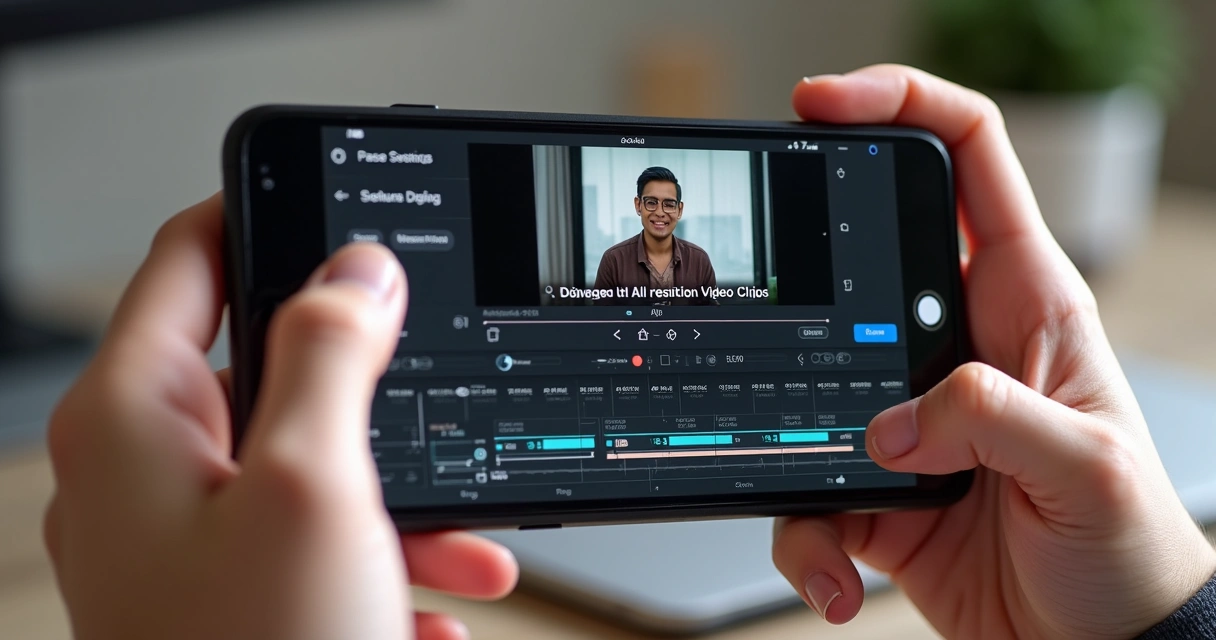 6. CapCut: The simplest and most practical free experience
CapCut remains synonymous with practicality. Ideal for those on a zero budget but still want to experiment with AI for cuts. It brings:
- Ready templates for social networks and automatic subtitling, even for lighter videos.
- Easy flow between mobile and desktop, with a visual approach aimed at the average user.
Premium features are migrating to the paid plan, but for quick personal cuts, it’s still a good option. Great for beginners and small teams.
7. InVideo AI: Creation from prompts, for “faceless” marketing videos
The approach here is different: composition based on prompts or scripts, suggesting scenes and cuts from concepts explained in text. Recommended for:
- Quickly assembling clips for channels that do not depend on the presenter’s face (e.g., marketing, “faceless” channels).
- Production at scale with fine-tuning after the cuts are ready.
It does not generate detailed cuts; it is more suitable for those creating multiple clips starting from ideas, not from long recordings.
8. HeyGen: Personalization with avatars and automatic translation
HeyGen deviates from traditional cuts, focusing on videos with avatars, where AI re-records speeches, translates, makes multilingual versions, and delivers mass personalization for sales, training, or internal communication.
- Eliminates the need for manual re-recording of speeches or videos for different audiences.
- Various avatar styles and basic control of timing and editing of cuts.
It does not replace a cutting AI but complements strategies for brands prioritizing inclusion, diversity, and global communication.
9. Veed.io: Lightweight, collaborative, and easy to use in the browser
Veed.io gains ground for being fast, browser-based, facilitating collaborations and last-minute adjustments in subtitles or small stylistic cuts. Recommended for:
- Remote teamwork, quick adjustments of text and subtitles.
- Specific adjustments in clips already prepared by other AIs.
It works well for smaller projects or urgent adjustments, but limits advanced resources for large productions.
How to Get the Best from AI Cuts: Final Touches and Review
 How to Get the Best from AI Cuts: Final Touches and Review
Contrary to what the public might think, the work of AI does not end with the first suggested cut. Automarticles always recommends:
- Dedicate a few minutes to review the rhythm of the subtitles, open each video with impact, and ensure visual consistency.
- Avoid generic cuts by checking context, tone of voice, and personalization.
- Apply visual identity faithful to the project, avoiding exaggerated effects or templates that detract from naturalness.
Manual review is what prevents every clip from looking the same as the competitor’s.
Always seek: to create cuts with AI that are reviewed, personalized, and adapted to your audience.
Choosing the Right AI for Your Biggest Bottleneck
With so many options, it’s easy to fall into doubt about what to prioritize. Therefore, Automarticles suggests thinking about what your biggest obstacle is when transforming long videos into short clips:
- Need the complete flow (from cutting to publishing in a team)? Prefer all-in-one solutions like Vizard.
- Does the script carry more weight and editing needs to be textual? Descript fits well.
- Want to produce volume and go viral quickly? OpusClip delivers better results in quantity.
- Looking for meticulous post-production, color, sound, and commercial finishing? Invest time in Premiere Pro.
- Tight budget? CapCut solves the basics for free.
- Want visually different and creative clips? Invest in Runway.
- Prefer prompt-based assembly for “faceless” videos? InVideo AI is an alternative.
- Need videos with customized avatars and automatic translations? HeyGen meets that need.
- For online collaboration, quick re-editing, and browser-based? Veed.io complements well.
Regardless of the choice, do not accept the first cut as final: review every visible detail. After all, your audience can tell the difference between what is generic and what is unique.
Those who want to automate viral clips without losing personal control can adopt workflows like those of VDClip, which balance national technology, intuitive interface, social media integration, and the freedom to edit.
How VDClip Can Help in This Journey
VDClip emerges as a strategic partner for the modern creator, especially for those without editing experience but who want to see their content take off on social networks. By automating the curation of the best moments, adjusting frames with AI, generating dynamic subtitles, and even suggesting strategic titles and hashtags, the platform frees up time and ensures consistency across channels.
Moreover, learning how short videos with AI can transform digital reach is an irreversible path for those wanting to grow in the social era.
VDClip: Brazilian AI thinking about your content and your time.
Conclusion
In 2026, cutting long videos into short clips has become part of the routine for those wanting relevance and reach. With so many options available, Automarticles recommends looking beyond trends: the best AI is not always the most talked about, but the one that resolves your biggest bottleneck and fits into your real workflow.
Consider the criteria, test the alternatives, review each cut, and if you seek agility and personalization with national technology, include VDClip in your strategy. The next step? Experience for yourself how AI can transform hours of recording into engaging, professional, and ready-to-go viral content. And when you need guidance, know that VDClip is ready to help find the shortest path between long video and the engaging audience that shares and interacts.
Frequently Asked Questions about AI for Video Cuts
What is an AI for cutting videos?
An AI for cutting videos is a tool based on artificial intelligence capable of automatically identifying the best excerpts from long videos, converting them into short clips optimized for social media, without requiring technical editing knowledge. The system analyzes audio, image, and text to suggest the most relevant cuts, speeding up the process and increasing content engagement.
How to use AI to cut long videos?
Using an AI for cuts starts with uploading the video to a compatible platform. Then, the algorithm analyzes and suggests the best moments based on voice, expressions, themes, and rhythm. After this step, just quickly review, adjust subtitles and framing, apply visual personalization, and export. Projects like VDClip make this process simple, even for beginners.
What are the best AIs for video cuts?
The best options vary according to need. For full flow and teams, Vizard stands out. Those prioritizing scripts find more ease in Descript. If the goal is rapid volume for social media, OpusClip is a strong ally. For detailed finishing, Premiere Pro remains a reference. Platforms like VDClip are recommended for those seeking national technology, practicality, and integration with networks.
Is it worth using AI for cuts?
Yes, it is very worth using AI for cuts, as it drastically reduces the time spent on editing, democratizes access to professional video, maintains constant production, and allows creators to focus on the content itself. Even experienced professionals benefit from the gain in scale and agility, as pointed out by various experts in the content field.
How much does a video cutting AI cost?
Prices vary widely. There are free options (like CapCut), paid alternatives with a subscription model, and complete team solutions that charge based on volume or additional features (multilingual subtitles, collaboration, integration, etc.). National platforms like VDClip offer flexible plans that fit the budget of both beginners and established agencies. A free trial is a good starting point to evaluate cost-benefit.