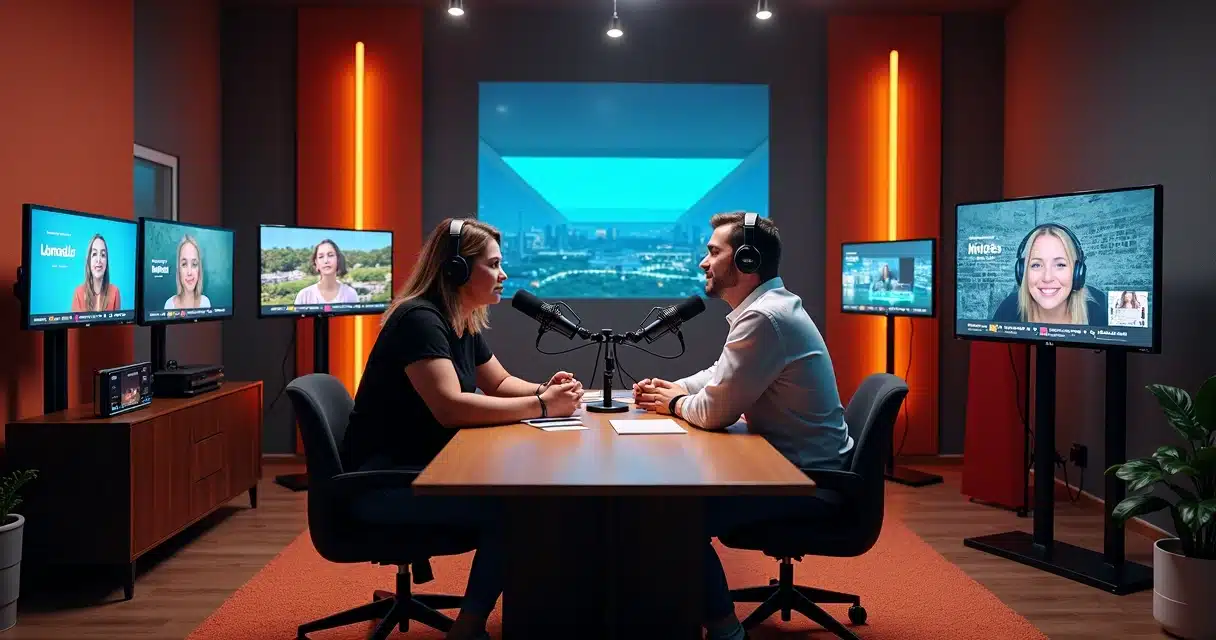
Those who record podcasts and only think about the full episode often miss out on reach. Today, the audience discovers a program on their mobile devices, in their feeds, within seconds. Therefore, the idea of recording horizontally and cutting with artificial intelligence has become a strong strategy for podcasts looking to grow.
Recording in 16:9 provides more space to transform a long episode into several vertical clips without losing visual context.
In practice, the “lying down” video serves as a matrix. From it, AI selects excerpts, reframes faces, creates captions, and adapts the content for formats such as 9:16, 1:1, and 4:5. This is precisely where the strength of a well-thought-out recording and cutting routine comes in.
Why 16:9 Is Still the Best Starting Point
At first glance, it might seem strange to record horizontally for vertical publication. But this makes sense. The 16:9 frame offers lateral room, allows showing two or more participants, and opens up possibilities for future cuts without sacrificing composition.
When the podcast is recorded in good resolution, preferably 4K, the editor can zoom in on the image for the vertical format while still maintaining clarity. This changes everything for those who want to transform a one-hour conversation into dozens of short clips.
- There is more image area to reframe.
- It becomes easier to alternate between one guest, two participants, or a wide shot.
- Content can be reused across various networks with less quality loss.
For vertical podcast cuts, recording in 4K in the 16:9 format typically yields a visually much better result than capturing with the sole focus on mobile.
How to Prepare the Recording for AI Cutting
A good cut starts before the record button is pressed. A simple yet well-framed studio already helps a lot. When the host sits too close to the top edge or when the guest steps out of the safe zone, AI can correct part of this, but the material is born limited.
Two concepts help a lot:
- Safe Zone: the area where faces, hands, and central elements should remain to allow for cuts later.
- Headroom: space above the head, without exaggeration and without cramping.
- Lateral Breathing Room: margin around each participant for vertical reframing.
A common case illustrates this. A podcast with two hosts records in a wide shot, with good lighting and each face occupying a balanced portion of the screen. Later, AI tracks who is speaking and recenters the image in vertical format. The cut appears to have been recorded for mobile from the start. When the frame is already tight, this effect disappears.
The framing determines the longevity of the cut.
 Where AI Fits Into the Process
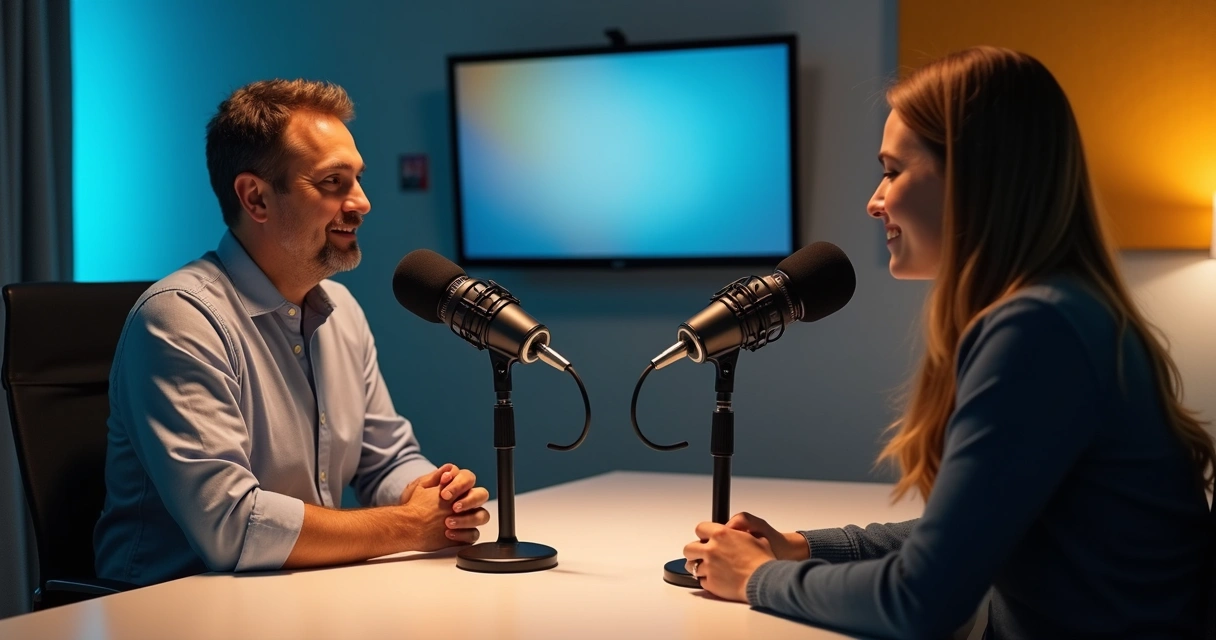 Where AI Fits Into the Process
Cutting video manually is labor-intensive. It’s necessary to find the best excerpt, adjust the framing, insert captions, clean audio, review pacing, and prepare each format. Artificial intelligence reduces a large part of this journey.
Today, AI can:
- Identify impactful moments in the speech;
- Track the face of the speaker using face tracking;
- Apply face-motion to add movement to the frame;
- Generate synchronized captions automatically;
- Suggest titles and hashtags for distribution.
This type of workflow aligns well with what is already seen in research on attention-based automatic editing, where editing time decreases and viewer experience improves. In podcasts, this is practically seen when the video changes focus at the right moment and keeps the speech in the center of the screen.
For those who want to apply this logic daily, VDClip.com is very helpful. The Brazilian platform makes cuts with face tracking, face-motion, automatic subtitles, and even offers an editor within the tool itself to refine the result.
How to Find Excerpts Likely to Go Viral
Not every good moment turns into a strong cut. A viral excerpt usually has a quick hook, conflict, surprise, clear opinion, or a memorable phrase. AI helps locate promising points, but the human eye continues to make a difference.
Virality doesn’t just arise from the cut. It emerges from the intersection of topic, timing, editing, and audience reading.
Those who edit podcasts frequently notice some patterns:
- The cut needs to grab attention in the first few seconds.
- The opening phrase must work even outside the complete context.
- The framing should reinforce the emotion of the speaker.
- The caption needs to be easy to read on a small screen.
A good practice is to separate excerpts into three types: strong opinion, short story, and practical tip. Then, each can receive its own visual treatment. In content about viral podcast clips for social media, it becomes clear how the choice of excerpt weighs as much as the editing.
Personalization Makes the Cut Look Professional
Many cuts are lost due to appearing generic. When the video has its own visual identity, it generates more trust. Thus, a short intro, smooth transitions, emojis at specific points, audio cleaning, and well-used b-roll add more finishing touches.
In the case of VDClip, the user can adjust templates, apply a brand kit, and standardize visual elements without leaving the platform. This is very helpful when the podcast needs to publish at volume, but without appearing too automated.
There’s an interesting point here. A study in videos produced by humans and generated by AI showed that people still tend to prefer the perceived experience of human-made videos, even with similar learning outcomes. This reinforces a simple idea: AI accelerates, but human sensitivity still defines the final touch.
AI accelerates. Creativity decides.
Mass Distribution Without Losing Rhythm
After the cut is ready, another phase begins. Posting frequently weighs heavily on reach. However, posting one by one, adjusting captions, preparing covers, and sticking to a schedule consumes time. With automation, this flow becomes lighter.
By transforming an episode into several clips, the creator can supply the entire week. Tools with bulk posting and scheduling help maintain a constant presence, which is very useful for clip channels, agencies, and small teams.
This movement aligns with what is discussed in reviews on deep learning in video generation and editing, pointing out the advance of AI in image processing and support for post-production. In daily use, this means less time tied up in repetitive tasks and more space to decide on topics, tone, and format.
How to Adapt the Same Episode for Various Platforms
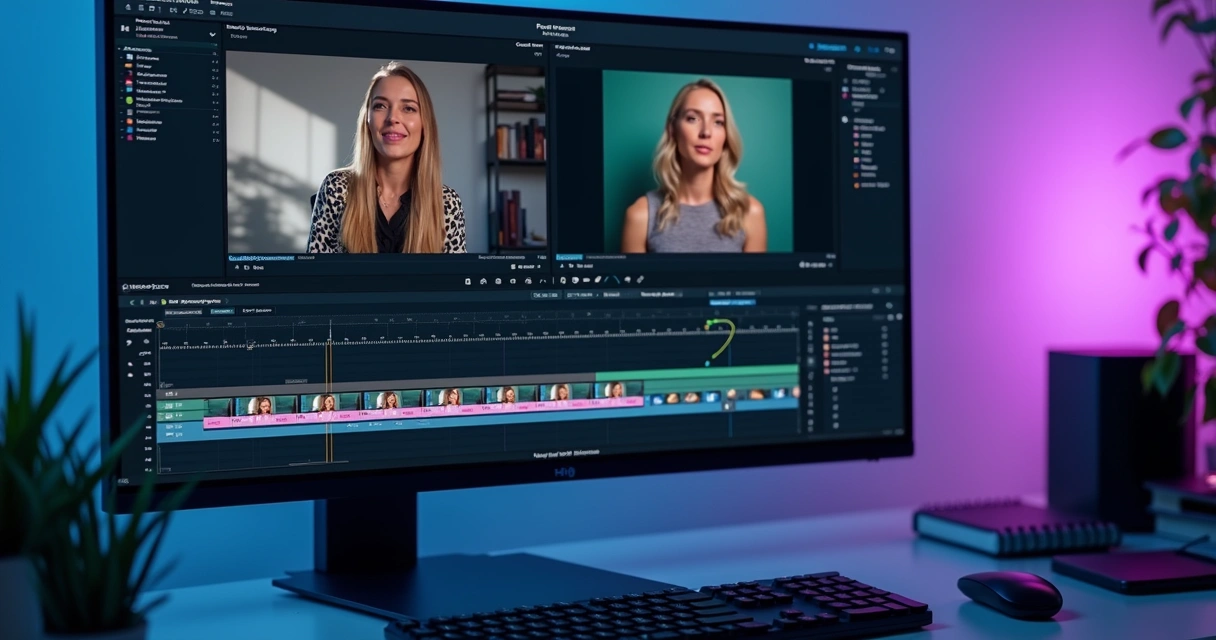 How to Adapt the Same Episode for Various Platforms
Each network demands a different rhythm. A cut for the feed may work with large captions and a direct opening. Another for short videos may require more pronounced camera movement and faster text. The point is not just to cut. It’s to adapt.
For this, it’s worth thinking about different versions of the same excerpt:
- A version with a stronger opening;
- Another with larger captions;
- A third with b-roll and visual reinforcement.
Anyone looking to speed up this process can consult materials from VDClip itself about transforming long videos into viral shorts, creating cuts with AI, AI viral clip generator, and automatic cuts with AI. This set helps connect horizontal recording, AI-guided editing, and large-scale distribution.
Conclusion
Recording a podcast in 16:9 and then cutting with AI is not a passing trend. It’s an intelligent way to transform a long episode into many short, strong contents adapted for mobile consumption. When the recording is done in 4K, with a safe zone, well-resolved headroom, and space for reframing, post-production gains freedom.
The best result appears when AI handles the heavy lifting, and the creator focuses on the message, rhythm, and identity of the content.
For those looking to practice this more quickly, VDClip combines automatic cutting, face tracking, face-motion, subtitles, audio cleaning, b-roll, brand kit personalization, professional editor, and scheduling posting. It’s worth checking out VDClip.com and testing how a horizontal podcast can turn into a series of cuts ready to grab attention on social media.
The VDClip is the complete platform for creating, editing, and distributing video cuts with artificial intelligence. All the features you need are gathered in one place, with an intuitive interface and quick, dedicated support.
With VDClip, you stop wasting time analyzing videos, creating captions, adjusting formats for social networks, and performing repetitive tasks. The artificial intelligence does all the heavy lifting for you: it identifies the best moments, generates engaging cuts, automatically adds captions, optimizes content for each platform, and even posts directly to your social networks.
Recognized as the best AI video cutting platform in the Brazilian market, VDClip was developed to meet the needs of content creators, companies, and professionals who want to produce more in less time and with much higher quality. Unlike foreign platforms, VDClip offers an experience designed for the Brazilian audience, with features adapted to our language and the main market trends.
Create viral video cuts quickly, practically, and intelligently. Choose VDClip and transform your content into results.
Frequently Asked Questions
What does it mean to record a podcast in 16:9?
It means recording in the horizontal format, the most common for YouTube videos and studio capture. This framing provides more image area, which greatly helps in later cutting for vertical and square formats.
How to cut podcast videos with AI?
The process typically follows a simple order: upload the video, let the AI identify the best excerpts, apply face tracking, generate captions, and adjust the final format for each network. Then, the person reviews, refines the visual, and publishes.
Is it worth using AI for viral cuts?
Yes, it is worth it, especially when there is a volume of content. AI reduces the time spent on repetitive tasks and helps find good moments more quickly. Still, human review remains very valuable for choosing hooks, pacing, and visual identity.
What are the best AI cutting programs?
The best ones are those that combine automatic cutting, captioning, face tracking, visual personalization, and publication. For those looking for a Brazilian option with this set, VDClip stands out for gathering these functions in one platform.
How to make podcast cuts more viral?
The strongest path involves choosing impactful lines quickly, opening the video with a clear hook, using legible captions, keeping the face in focus, and adapting the editing for each platform. When this is combined with a good visual identity and posting frequency, reach tends to grow.