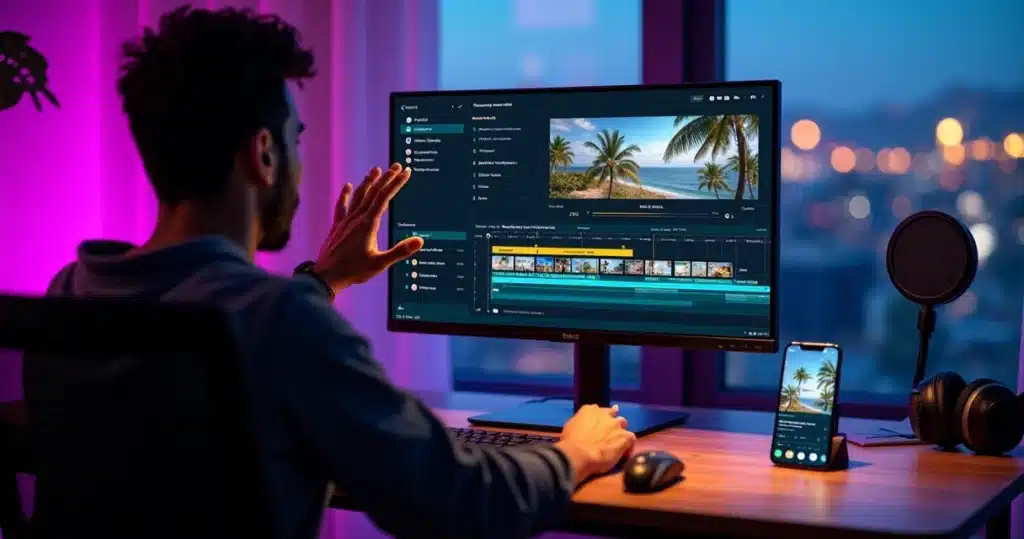
In 2026, video production for social media is no longer just a privilege of large companies and experienced editors. The exponential growth of video content consumption, combined with the emergence of intelligent tools, has completely changed the way creators, businesses, and agencies work. Automatic editing, with precise cuts and synchronized subtitles, is now a reality and has become indispensable.
If before editing a video meant investing hours, studying complex software, and mastering professional techniques, today all you need is a finished video and access to an AI video editing tool with ready-made videos auto highlights automatic subtitles to transform this material into short, dynamic cuts that are ready to engage on social media.
VDClip emerges as a reference in this new scenario, bringing together automatic cutting, curation of the best moments (auto highlights), instant subtitle generation, and various extra features in a complete, 100% Brazilian solution accessible to any user and business.
This article will guide the reader through the entire process of editing ready videos with artificial intelligence: from the fundamentals to advanced tips and practical recommendations to get the most out of this trend. Get ready to discover how to save time, enhance results, and make content creation quick and simple.
The new landscape of video editing: from hours to minutes
The time when editing a video was synonymous with manual and exhausting work is becoming a thing of the past. According to the State of Video 2025 report, 41% of brands are already using artificial intelligence for video creation and editing, indicating a significant increase compared to 2024 when the number was 18%.
The demand for short and impactful videos – reels, shorts, stories, podcast cuts – has grown to the point that reliance on conventional methods has become unsustainable. Maintaining a presence on platforms requires volume, consistency, and speed. And this has only been possible thanks to automatic solutions that have revolutionized the production workflow:
- Automatic identification of key segments: AI watches, segments, and recommends the most relevant moments from the original video, highlighting points of greater engagement or emotion.
- Automatic video cutting: silently eliminates pauses, errors, repetitions, or less dynamic segments, saving hours of manual work.
- Instant generation of synchronized and multilingual subtitles: accessibility, expanded reach, and adaptation to new trends of consuming without audio.
- Integration with social media: export in the ideal format, with suggestions for titles, hashtags, and post scheduling.
The customization and differentiators of software like VDClip put the power of professional editing in anyone’s hands.
Editing ready videos with AI means having control and agility without sacrificing creativity.
But how does this process work in practice? What advantages and steps are involved? And how to ensure quality and the final result when betting on this technology?
Why use AI in editing ready videos?
There are many reasons to opt for a video editing tool that automatically generates cuts, highlights the best moments, and creates subtitles.
- Speed: In just a few minutes, long videos transform into various quality clips ready for social media.
- Consistency: Maintain the visual standard (transitions, palette, logos, subtitling) across all materials without relying on freelancers or starting over from scratch.
- Democratization: Those who do not understand advanced software have immediate access to resources that previously belonged only to traditional post-production.
- Greater engagement: Studies like the one published in Frontiers in Computer Science show that 73.4% of instructional videos generated by AI are already fully automated, which increases production scale and allows for more digital presence.
Many creators report an immediate increase in free time, as the “assisted” process performs repetitive tasks, thus freeing creativity for strategic stages such as scripting, promotion, and relationship building.
Another advantage is the agility to test formats and themes without fear of wasting time editing videos that may not perform. The flexibility to experiment with cuts, subtitle styles, or emoji insertion makes a difference in reach.
How automatic editing works: main steps
The basis of the revolution lies in four pillars: curation, cutting, subtitling, and personalization. Each step adds value and impact to the result, and all are optimized by AI.
Automatic curation of the best moments (auto highlights)
First, when uploading a pre-recorded video to the intelligent editing platform, the AI system watches and analyzes different elements:
- Intonation and emotion of speech
- Facial expressions and movements
- Keywords and impactful phrases
- Pause times and conversation rhythm
From this, the tool identifies the most relevant segments to create impactful cuts, whether it’s an insight in a podcast, the “aha” moment of a tutorial, an emotional turn in an interview, or simply the funniest moment of a vlog.
This process avoids the risk of losing valuable points and drastically reduces human errors in selecting highlights.
Automatic cutting and precise refinement
With the highlights defined, the automatic cutting comes into action. The software removes:
- Prolonged silences
- Errors, hesitations, and speech fillers (“uh…”, “so…”)
- Repetitions or digressions out of focus
- Moments of low expressiveness
The result is short videos with a beginning, middle, and end, ready to retain the audience until the last second.
In the case of VDClip, there’s also the possibility of using the face tracking and face-motion feature, automatically focusing the framing on whoever is speaking, ideal for quick cuts of interviews, online meetings, and podcasts.
 Automatic subtitle generation, translation, and customization
 Automatic subtitle generation, translation, and customization
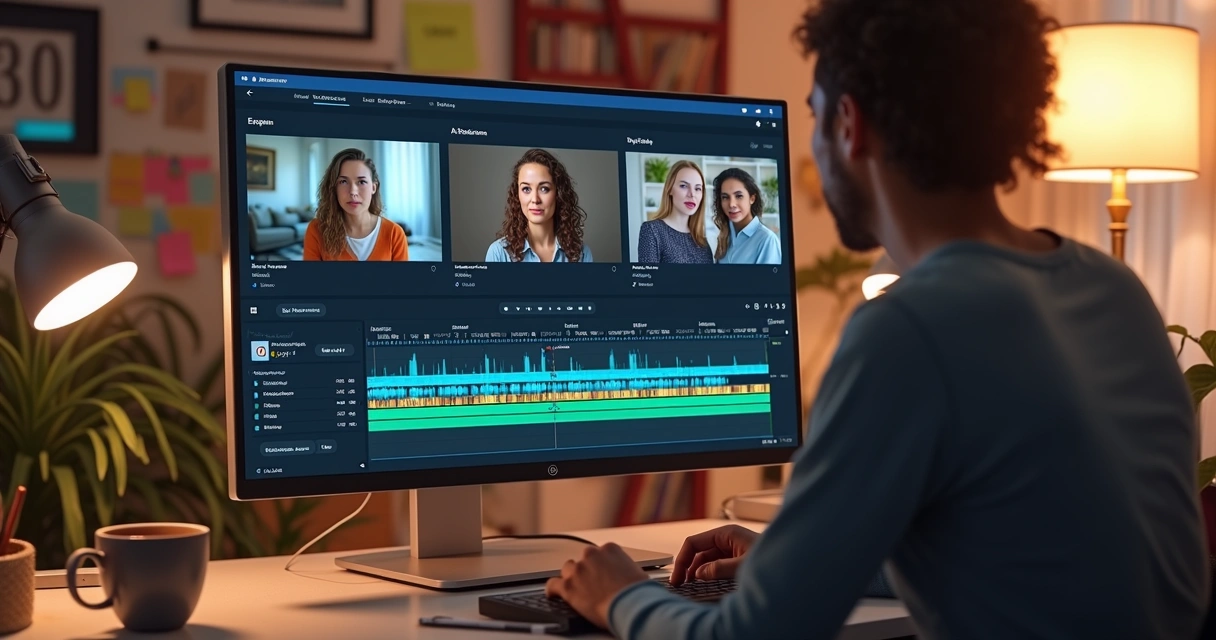
Data from the State of Video 2025 report confirm that over 60% of AI users use or plan to use automatic subtitling. Not by chance: much of the video consumption on social media occurs in “silent mode”.
By enabling the automatic subtitle function, the system transcribes and synchronizes all audio in seconds, with options for multilingual translation, word highlighting, font customization, and brand kit insertion (colors, logos, animated resources).
Subtitled videos tend to retain more viewers, in addition to complying with accessibility standards and expanding content reach.
Visual personalization, templates, and smart assets
After cuts and subtitles, it’s time to ensure the visual standard. VDClip allows:
- Choosing thematic templates or creating layouts from scratch
- Adding logos, bumps, and custom transitions
- Incorporating emojis, b-roll, graphic elements, and animations
- Configuring color palettes, fonts, and complete visual identity
Features like automatic audio noise cleaning, removal of filler words, and fine-tuning of the music track give the final touch to the material, making the video ready to go viral on TikTok, Instagram, YouTube, and other networks.
Editing ready videos with AI: practical step-by-step
In practice, editing ready videos using artificial intelligence is simple. The process, based on the functionalities of VDClip, typically follows these steps:
- Upload the original video: The user uploads the finished video, whether it’s a recorded live session, complete podcast, interview, or lengthy tutorial.
- Automated analysis: The tool watches and understands the content, automatically identifying the best moments, important dialogues, and possible cuts.
- Generation of cuts: The system proposes different clips based on rules defined by the user (e.g., duration, focus on interviewee reactions, etc.).
- Synchronization and customization of subtitles: Automatic subtitles are created and can be customized according to the video’s objective and audience.
- Visual and sound personalization: This is where templates, colors, b-roll, emojis, and other branding adjustments come in.
- Scheduling and publishing: The video can be posted directly on social media, with suggestions for titles, hashtags, and optimal posting times.
The user maintains full control to review, adjust cuts, edit subtitles, or add graphic elements on the platform, making the process professional without requiring expertise in traditional software.
Edit in minutes what used to take days.
Most sought-after features in an AI video editing tool
Those selecting a complete solution expect practicality, refinement, and above-standard results. Among the features developed for these purposes, the following stand out:
- Automatic curation of relevant segments – AI learns the user’s style, optimizing highlights according to engagement patterns.
- Refined automatic cutting – Removal of speech fillers, pauses, and errors, in addition to focusing on the high points of the video.
- Face tracking and frame adjustment – Dynamic focus on active participants, avoiding static framing or cold cuts.
- Subtitle generation and editing – Not just transcribing, but allowing fonts, colors, highlights, and translations.
- Brand kit customization – Templates, logos, colors, bumps, and other ready or customizable assets.
- Scheduling and direct integration with social media – Mass posting, choice of formats, times, and ideal hashtags.
The VDClip offers all these features, along with an intuitive interface that allows any audience to create professional content, even without prior editing experience.
Tips for generating cut and subtitled videos with a professional appearance
 Tips for generating cut and subtitled videos with a professional appearance
To ensure that the result exceeds the average, some guidelines make a difference:
- Define the purpose of each clip: Ask yourself: does the cut communicate the main message? Add context at the beginning if necessary.
- Customize the subtitles: Use highlighted words, good color choices, and pay attention to text distribution (avoid long blocks).
- Maintain visual identity: Standardize logos, colors, and graphic elements to strengthen brand or channel recognition.
- Use music and effects sparingly: Avoid sound pollution. Prioritize light tracks and balanced volume.
- Utilize b-roll and emojis: Support images and animated icons reinforce emotions without exaggeration.
- Conduct quick tests: Edit different formats, titles, or subtitles to discover which generate more engagement on social media.
Personalization details distinguish common videos from viral content.
Creating shorts, reels, and viral cuts: integration with social media
Editing is not just about cutting – quick and strategic publishing is essential for results. With platforms like VDClip, just select the new cuts and export directly in the format required by TikTok, Instagram, YouTube Shorts, or Kwai.
- Automatic adjustment for vertical or square
- SEO-optimized titles and trends
- Suggested hashtags according to target audience and scenario
- Mass scheduling: the video can be published or scheduled at the best time
The more frequent the publications, the greater the chances of going viral and growing audiences – which is only possible with automated processes from start to finish.
Solutions that amplify your potential
Based on all this automation, tools like VDClip gain strength not only in Brazil but also in international agencies, which seek scale, speed, and standardization without giving up the creative touch.
For those wanting to learn more about intelligent video flows, detailed functionalities, and professional automation, there’s a guide on transforming long videos into viral shorts and also articles dedicated to automatic subtitle generation with AI.
VDClip: the Brazilian platform for automatic editing and expressive results
 VDClip: the Brazilian platform for automatic editing and expressive results
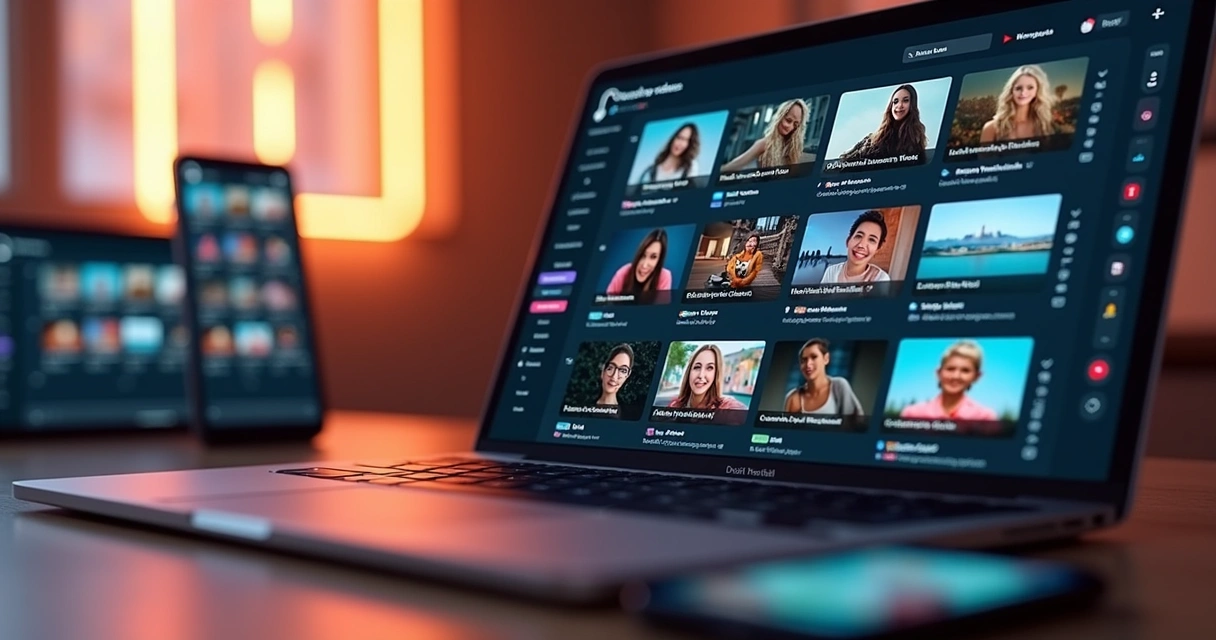
Born from the experience of Brazilian creators and developers, VDClip goes beyond automatic cutting: it offers a solution that democratizes editing, eliminating barriers of cost, time, and complexity.
Among VDClip’s main features are:
- Automatic cutting with AI curation
- Face tracking and face-motion
- Fast subtitle generation and customization
- Exclusive templates and brand kit
- Audio cleaning and insertion of tracks
- Professional editor for advanced manual adjustments
- Mass posting and scheduling for social media
Additionally, there are practical tutorials, direct support in Portuguese, and integration with new features with every update. For those who want to delve even deeper, it’s worth checking out the practical guide on automatic cutting apps and also tips for posting videos without relying on a traditional editor.
VDClip is the choice of YouTubers, podcasters, influencers, businesses, and agencies seeking expressive results without complication.
Editing, subtitling, and going viral: it’s time to speed up, innovate, and reach more audience.
Conclusion
The future of video editing is intelligent, automated, and accessible to all creators and businesses. With a video editing tool with AI that identifies highlights, performs automatic cuts, and generates subtitles, it is possible to transform ready videos into viral materials connected to different audiences.
In the Brazilian scenario, VDClip stands out as a pioneering platform, bringing together the most advanced in automatic curation, subtitle generation, visual personalization, and integration with multiple social networks. Users describe the experience of editing videos in minutes, no longer in hours or days.
For those looking to scale reach, save time, maintain consistency, and achieve professional results, it’s time to discover VDClip.com. Unleash the power to create ready-to-viral content with just a few clicks.
Frequently asked questions about editing videos with AI
What is a video editing tool with AI?
A video editing tool with artificial intelligence is software that automates tasks such as cutting, selecting the best moments, generating subtitles, and visual personalization in ready videos, without the need for advanced editing knowledge. It uses algorithms to analyze the content, understand points of interest, and optimize the entire process, allowing the user to create short and engaging videos from already recorded materials.
How to make automatic cuts in ready videos?
Automatic cuts are made through platforms that analyze the complete video, locate points of higher engagement, and remove pauses, errors, or less relevant segments. This automation is possible thanks to AI, which understands speech patterns, expressions, and emotion, quickly transforming long videos into short segments ready for publication.
How to add automatic subtitles to videos?
To add automatic subtitles, simply upload the video to the AI editing platform and activate the subtitling function. The system transcribes and synchronizes the audio instantaneously, allowing for text, color, and translation adjustments for different languages, as well as personalization according to the creator’s or brand’s brand kit.
Are these AI tools worth it?
Yes, especially for those looking to increase productivity, save time, and expand the reach of videos on social media. Studies have shown that automation reduces costs, speeds up workflows, and maintains quality, making the choice of AI a competitive differentiator, as indicated by data from the State of Video 2025.
Where to find the best AI editing options?
In Brazil, VDClip stands out as a well-established solution in 2026, offering automatic cutting, dynamic subtitles, customizable templates, and direct integration with social media. To learn about all the features and try it for free, just access VDClip.com.



 Main features of an AI video editor for cuts
 What types of content benefit most from automatic cuts?