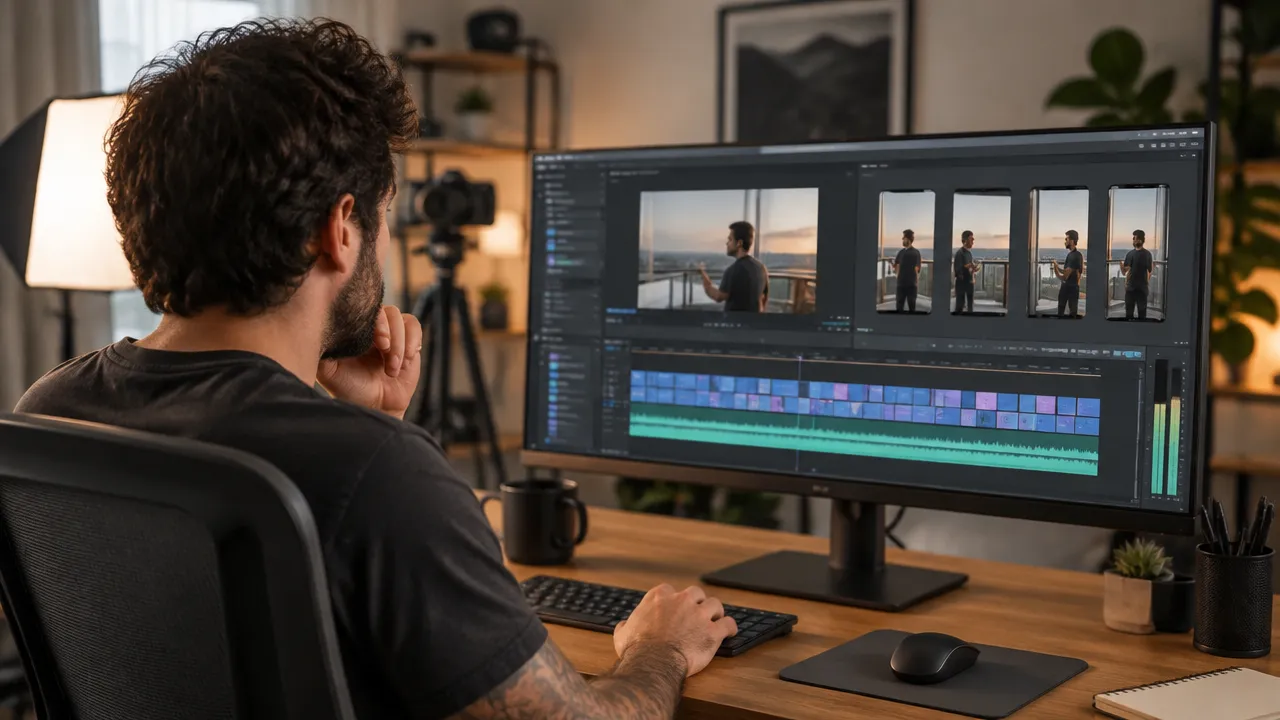
Transforming a long recording into clips requires more than just cutting a few minutes: each segment needs to make sense on its own, capture attention, and work on a vertical screen. The process serves creators, businesses, educators, and marketing teams who want to leverage interviews, classes, broadcasts, or podcasts in new formats. A clear flow helps select the best moments, adapt the video, and publish without losing context.
In summary, good clips start with selecting the moment
- Define whether the goal is to create a Short, a shareable clip, or a short video for another network.
- Look for segments with a complete idea, an interesting question, or a useful conclusion.
- Reframe the horizontal recording and review captions, audio, and context.
- Publish each segment with its own description and track performance.
- Use automation to speed up repetitive tasks while maintaining editorial review.
First, choose the type of clip to be published
The destination changes the editing. A shareable segment linked to the original video meets a different need than a vertical video published as a Short or a cut prepared for other networks.
The platform’s clip feature creates a segment that can be shared and remains associated with the original video. A Short, on the other hand, is a standalone publication in short format. For company-authored videos, YouTube also documents workflows to create short content from an existing recording. The clip creation page in YouTube Studio helps verify which options are available in the account.
| Format | When to use | What to review |
|---|---|---|
| Shareable clip | To highlight a segment and direct people to the original video. | If the segment communicates the idea without a long introduction. |
| Short | To present a complete idea in a vertical publication. | Framing, pacing, caption, and final call to action. |
| Short video for other networks | To adapt the recording to channels with different audiences and objectives. | File format, visual identity, and supporting text for each network. |
Before editing, the team must confirm that they have the right to reuse the content and the elements within it. In recordings with guests, clients, or third-party music, it is important to check applicable permissions and agreements.
Find segments that work without extra explanation
A good cut presents an idea understandable on its own. The segment can teach a step, answer a question, tell a short story, or present an opinion with justification.
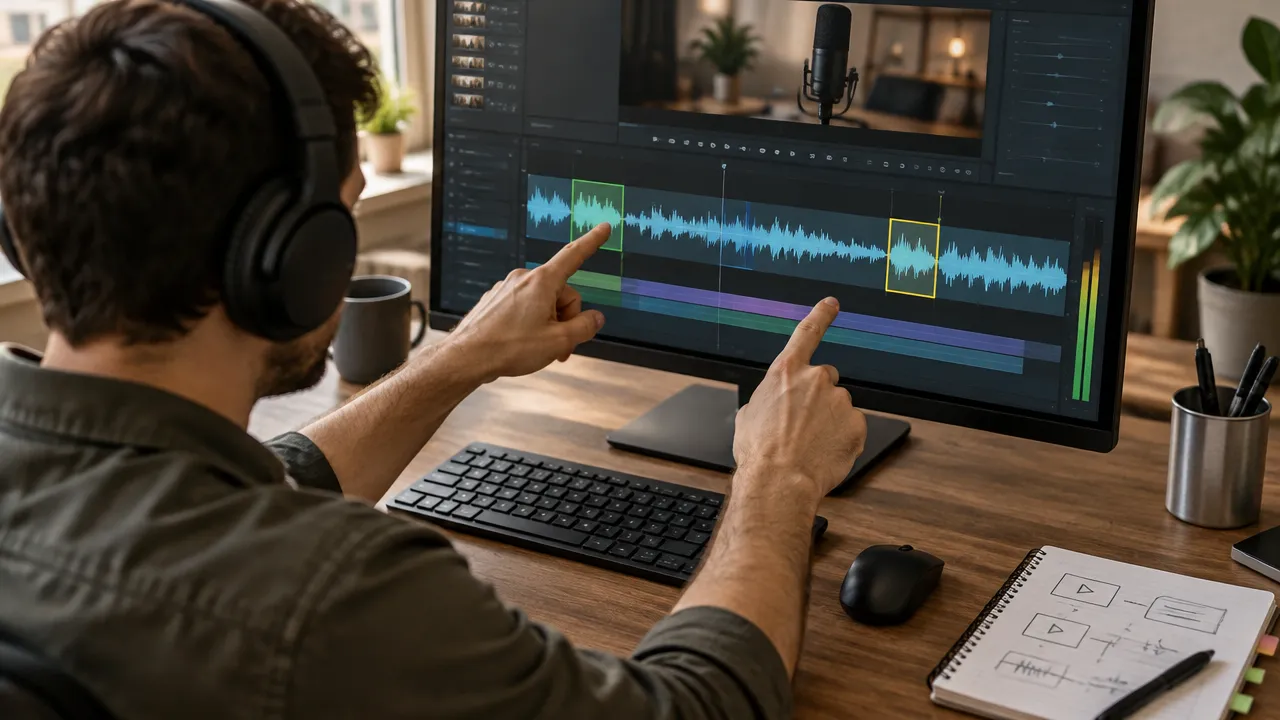
A practical way to locate these moments is to review the transcript alongside the recording. The transcript makes it easier to search for questions, important terms, and concluding phrases, while the image and audio show whether the speech has enough energy and clarity.
- Mark changes in subject. They often indicate the start of a response that can be separated.
- Look for phrases with immediate value. A specific recommendation is more useful than a vague introduction.
- Check the preceding and following context. The edit should not alter the meaning of what was said.
- Choose a single idea per clip. Mixing different topics weakens the message.
- Record the entry and exit times. This list speeds up editing and makes batch review easier.
In a 40-minute class, for example, a segment on how to structure a presentation can become a separate clip from a response about tools. Each cut should explain its own theme, even if the audience does not know the entire class.
Build a cut with beginning, development, and conclusion
A short clip needs to get to the point quickly, without feeling like a phrase ripped from the middle of the conversation. The editor can cut pauses and repetitions but must preserve the reasoning and caveats that change the meaning.
A simple structure works for many topics: first, a specific question or statement; then, the main explanation; finally, a conclusion or next step. It is not necessary to turn every segment into an exaggerated promise. The best hook accurately represents what the video delivers.
How to find the right duration for each idea
There is no ideal duration that fits all subjects. A direct answer can fit in a few seconds, while a demonstration or an explanation with context needs more space. The cut should end when the idea is complete, not when it reaches an arbitrary number.
To test, the team can prepare two versions of the same moment: one leaner and another that preserves additional explanation. The comparison is only useful when both maintain the same promise and conclusion. Cutting an important caveat just to reduce the duration can make the message misleading.
Adapt the horizontal video for the vertical screen
The reframing should keep visible who is speaking or the important object in the scene. An automatic central crop may work in an interview with one person, but it can cut off a guest, a demonstration, or a necessary visual element.
When converting a horizontal recording, check the vertical preview in motion. Adjust the framing when the person moves, when there is more than one participant, or when the action happens at the sides. In classes and demonstrations, the information on the screen can be as important as the face of the person explaining.
- Keep the face or the main object within the visible area throughout the segment.
- Avoid covering captions with buttons and elements from the social network interface.
- Check if texts, graphics, and demonstrations remain legible on a mobile phone.
- Use supporting images only when they help explain the speech.
- Review the cut with the audio on and also observe if the visual message is clear.
When the recording has several participants, the framing change should follow who is speaking without creating constant visual jumps. If the source image does not allow for a satisfactory crop, a composition with the horizontal image and a discreet background can preserve more information.
Review captions, audio, and visual elements
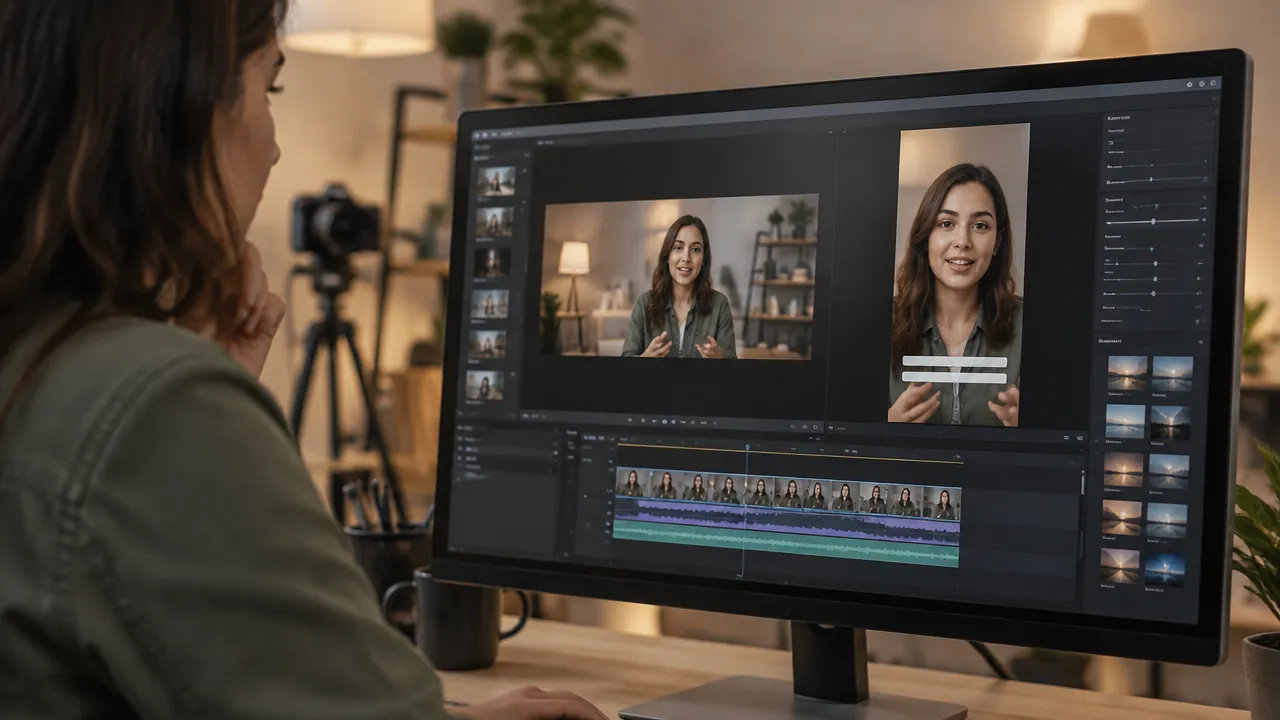
Captions help follow a video without relying solely on sound, but they need to be accurate and easy to read. Automatic systems can confuse names, technical terms, acronyms, and words in other languages.
The review should compare the text with the speech, check punctuation, and break long sentences into shorter blocks. It is also important to keep the captions away from the edges and areas covered by the platform’s controls. The visual style should be consistent, without competing with the content.
The audio deserves a separate check. Irregular volume, background noise, or abrupt cuts can harm a segment that is otherwise well-edited. The supporting music, when used, should not drown out the voice or be added without the necessary permission.
For short videos, the platform informs that square or vertical content submitted from October 15, 2024, and up to three minutes long can be classified as Shorts. The company should confirm current requirements in the official guidance on Shorts before defining the final format.

Use native tools or a batch editing workflow
For a few segments, the editing options available on the platform itself may be sufficient. YouTube describes ways to create Shorts from published videos, but the options presented may depend on the type of video, rights to the content, and resources available in the account. The documentation on creating Shorts from videos guides you to check the compatible workflow.
When the recording yields many cuts or needs to be distributed across different channels, a dedicated editor can organize selection, captions, ratio, and export. VDClip, for example, offers automatic highlight identification, captions, reframing of participants, removal of silences, batch editing, and scheduling of publications. These functions can reduce repetitive tasks but do not replace editorial choice.
An efficient process separates automation from approval. The tool can suggest clips and prepare a first version; a person should verify if the selection preserves context, if the captions are correct, and if the editing matches the channel’s identity.
Publish each cut with its own context
The title and description need to explain the subject of the clip without relying on the name of the long recording. A specific phrase helps the audience decide if that segment answers a question or presents an idea that interests them.
If the cut complements an episode, a class, or an interview, the description can indicate where to find the complete recording when that path is available. The final call to action should align with the goal: watch the complete video, comment with a question, learn about a related explanation, or follow the channel.
Before publication, check the ratio, playback on mobile devices, captions, the chosen thumbnail for the publication, and permission to use all elements. The final review should also confirm that the clip does not reveal private information that should not be disclosed.
Measure results and use data to choose the next cuts
Metrics help identify whether the segment captured attention and whether the message met the expectations created. The team can compare publications with similar themes, observing views, retention, comments, and actions relevant to the channel’s goal.
A single view does not explain why a clip worked. If a cut loses audience early on, the opening may be taking too long to present the subject. If it receives comments but few people move on to the complete recording, there may be a lack of a clear call to action, or the segment may have already answered the question without leaving a reason to continue.
- Compare cuts of similar themes instead of mixing very different audiences.
- Observe if the opening quickly delivers the promised subject.
- Read comments to find questions that deserve new clips.
- Record the theme, duration, and structure used in each publication.
- Repeat patterns that work without always reproducing the same format.
A short analysis routine, done after each set of publications, helps turn results into decisions. The team can update a list of topics, test another opening, or adjust the framing in the next cuts.
Example workflow for repurposing an interview
A team publishing a 50-minute interview can start with the transcription and mark questions with complete answers. Next, they select some segments with different ideas, watch each with enough context, and discard moments that rely on an absent explanation.
Then, each segment receives entry and exit points, vertical framing, revised captions, and an audio check. The cuts can be organized into an approval queue, identified by theme, and prepared with their own titles and descriptions.
After publication, the team records the results and observes which topics generated more interest. This process helps plan the next episodes and can also reveal questions that deserve a more in-depth response. The long recording starts to feed a sequence of content, without all cuts being simple copies of each other.
Frequently asked questions
How can I transform long videos into short videos?
To transform a long recording into short videos, first identify moments that work without relying on the entire context. Then, cut each segment, adapt the framing for the vertical format, include captions, review the result, and publish each clip with its own title and description.
How to make a clip from a YouTube video?
If the video is yours, the company can use the creation tools available in YouTube Studio or edit the original file in an editor. The process involves choosing a segment, adjusting the format, and reviewing audio, framing, and captions. The availability of resources may vary depending on the video and the account.
What AI can create clips?
An editing tool with artificial intelligence can locate possible highlights, generate captions, and adapt the framing for vertical clips. VDClip, for example, offers features to speed up these steps. Human review remains important to confirm context, correct errors, and decide whether the segment accurately represents the recording.
What does YouTube consider a long video?
There is no single duration limit that defines all long videos. Starting October 15, 2024, square or vertical videos submitted up to three minutes long can be classified as Shorts. Therefore, duration, video ratio, and current platform rules help determine the format.