B-roll is the set of complementary images that appears alongside the main recording of a video. In short videos, these scenes help illustrate a speech, showcase a product, or cover cuts without diverting attention from the central idea. Podcasters, educators, creators, and marketing teams can plan simple supporting images to make each publication clearer and visually varied.
What to Remember About Supporting Images
- A-roll is the main recording, such as a person presenting an idea to the camera.
- B-roll complements this recording with scenes showing the subject, context, or a related action.
- A good supporting plan adds information. A decorative image alone can be distracting.
- Short videos need brief and legible scenes, synchronized with speech and the rhythm of editing.
- VDClip can generate cuts with AI and insert B-roll in sections it identifies as relevant. Editorial review remains important.
What is B-roll and How Does it Differ from the Main Recording?
B-roll is the complementary footage that illustrates or contextualizes the main recording. If a consultant explains how to prepare a property for a showing, the speech in front of the camera is the A-roll; images of an organized room, an open window, or details of the space can serve as B-roll.
The distinction does not depend on the type of camera or a specific aesthetic. It depends on the role each shot plays in the narrative. The main recording drives the subject, while the complementary scenes help the audience visualize what is being explained.
The term is also used for images captured during the same production or selected afterward. In both cases, the shot must match the message and the context. A product scene unrelated to the speech may seem like mere filler and weaken understanding.
This resource is common in interview videos, classes, demonstrations, broadcasts, and podcasts. In vertical formats, it can show details that would be hard to explain verbally alone, as well as cover framing changes in editing.
Why Do Complementary Scenes Help in Short Videos?
Supporting images make an abstract idea more concrete and can help maintain visual continuity during editing. When someone describes a step in a process, for example, a shot of hands executing that step provides an immediate visual reference.
In short videos, each scene needs to justify its space. B-roll can alternate visual stimulation but should not be treated as an obligation to change shots every few seconds. Excessive cuts, generic images, or scenes that do not correspond to the speech create noise rather than clarity.
- Explanation: shows the object, gesture, or location mentioned in the speech.
- Context: situates the audience, such as a classroom, store, or studio.
- Editing coverage: hides a pause, a repetition, or a change of shot.
- Demonstration: presents the process while the person describes each step.
The criterion is simple: if the scene does not add context, visual evidence, or continuity, it may be better to keep the main image.
What Types of B-roll Work in Vertical Content?
The most useful types depend on the theme but usually include details, actions, environment, product, and screen. The choice should come from what the audience needs to see to understand the message, not from the availability of random images.
| Scene Type | Example | Most Suitable Use |
|---|---|---|
| Detail | Hands adjusting a piece | Show a step or characteristic |
| Product | Packaging, texture, or use | Present an item clearly |
| Environment | Room, studio, or store | Situate the conversation and context |
| Action | Preparing a class or attending to a customer | Demonstrate a process |
| Screen | Steps of a digital flow | Explain tools or procedures |
For a class, the material may include a demonstration on the board or a close-up of the studied object. In a podcast, it can show the guest, the studio, or elements mentioned in the conversation. For an e-commerce company, details of the product in use tend to be more informative than generic images of smiling people.

How to Plan Supporting Scenes Before Recording?
A short recording plan helps avoid redundant images and reduces editing work. Before filming, the team can separate the main ideas of the speech and note what would be useful to show in each one.
- Identify the message: summarize in one sentence what the video needs to convey.
- Mark nouns and actions: observe people, places, objects, and processes mentioned.
- Choose scenes that show these elements: prioritize images that explain the speech rather than just repeat it.
- Record variations: capture wide, medium, and detail shots when it makes sense.
- Record a few extra seconds: leave room for editing to adjust the beginning and end of each scene.
A speech about three steps in a guidance consultation, for example, can yield images of preparation, conversation, and a note taken during the session. The recording should preserve the privacy of individuals and avoid displaying sensitive information in documents or screens.
In productions made with a phone, keeping the lens clean, holding the device steadily, and recording in the appropriate orientation for the destination helps. Available light also matters: a legible and well-framed scene is usually more usable than an elaborate shot where the subject is hard to identify.
How to Edit B-roll Without Losing Clarity?
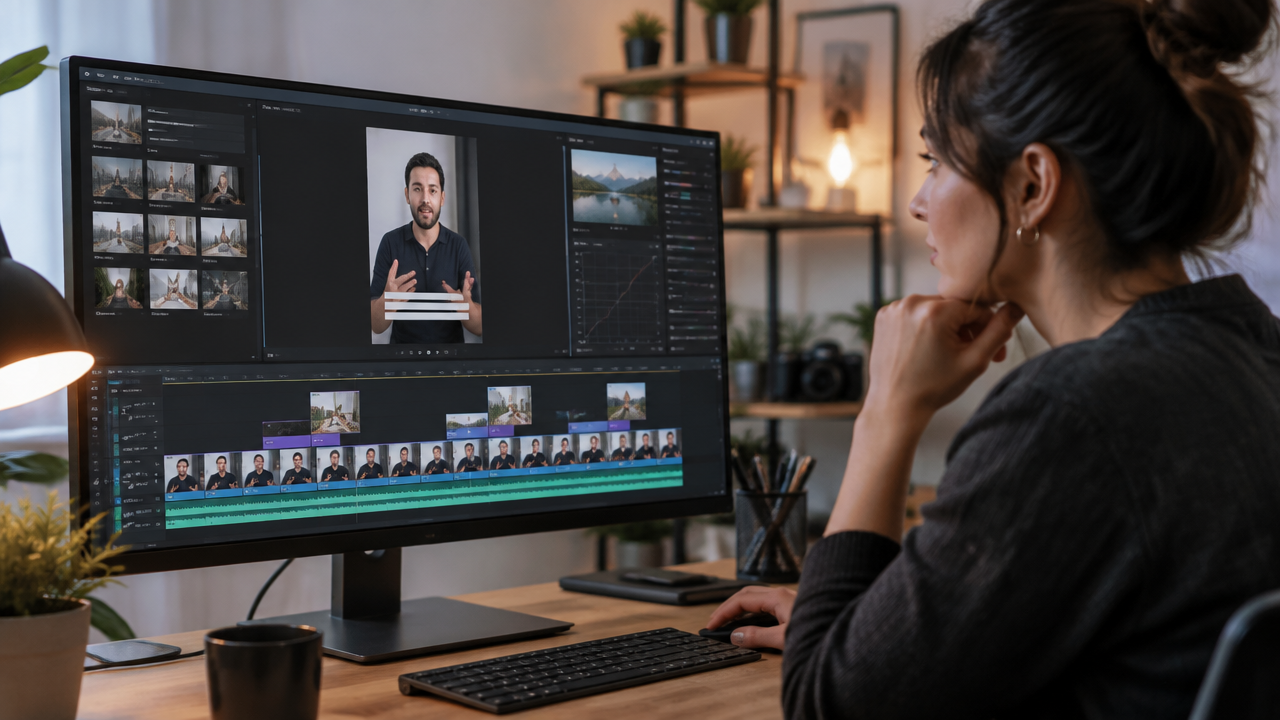
Good editing places each supporting image close to the speech it explains and keeps the main audio comprehensible. The image swap should accompany a change of idea, action, or a need for coverage, without hiding important information from the main scene.
- Insert the complementary scene in the section where the subject is mentioned.
- Use sufficient duration for the audience to recognize what they are seeing.
- Return to the speaking person when the expression or direct demonstration is essential.
- Check if cuts and captions remain legible on a mobile screen.
- Review the video without sound to see if the images do not suggest something different from the narration.
If a person explains a specific feature of a product, the supporting shot should show that feature, not just the product from a distance. If the speech addresses a concept, a concrete visual example may work better than a decorative animation. The match between image and narration is central to audience trust.
It’s also important to check the rhythm in the whole. Too many inserts can make the video tiresome, while too few related images can reinforce the message. The choice depends on the speed of speech, the complexity of the content, and the time available for each idea.
How to Use B-roll in Podcasts, Classes, and Business Videos?
The best supporting plan changes according to the format. In podcasts, the material can show who is speaking, details of the studio, or visual references to the points discussed. In classes, the priority is to demonstrate concepts, materials, and steps with easy-to-follow framing.
For coaches and professionals recording sessions, a supporting scene can show resources used in the activity, as long as the image does not reveal personal data or private moments. In real estate, real details of a property can support a narration about its spaces, avoiding scenes that promise non-existent features.
Brands and marketing teams can use product shots, behind-the-scenes footage, and demonstrations. Visual consistency matters but should not limit authenticity: the images need to represent the product, service, and situation described. If the video uses archival material, the team should check the license and usage conditions before publication.
A single long recording can yield several clips, each with a different focus. For the B-roll to remain useful, each cut needs to receive images linked to its own message, rather than automatically repurposing the same shots without considering context.
How VDClip Can Insert Supporting Images with AI?
VDClip can automate steps in creating short videos: AI identifies sections with potential cuts and can introduce B-roll in moments it considers most relevant. This helps teams that need to adapt long recordings, such as podcasts, classes, and broadcasts, for vertical publications.
Automation offers a starting point, not a guarantee that each image will be the right editorial choice. After generation, the team needs to check if the scene corresponds to the spoken subject, if the cut maintains the complete sense, and if captions, framing, and duration work in the final format.
After review and production, VDClip also allows organizing the publication flow, scheduling posts, and automating responses to comments. The platform brings these tasks together to reduce manual steps between transforming a recording into clips and tracking distribution on social media.
How to Evaluate if a Supporting Scene is Working?
A scene works when it helps understand, follow, or contextualize the message without competing with it. The review can start with a question: if the shot were removed, would the idea become less clear, or would the editing lose continuity? If the answer is no, the cut may not need that image.
- Relevance: does the image correspond to what is being said?
- Visual Readability: is the subject recognizable on a small screen?
- Continuity: does the scene match the images before and after?
- Accuracy: does the shot correctly represent the product, location, or action?
- Rights and Privacy: is there permission for use and publication?
In a demonstration, for example, the team can compare the video with and without the detail shot. If the version with support allows better perception of the described step, the insertion has a clear function. If it merely repeats the speech and interrupts an important expression, the simpler version may be superior.
This evaluation also helps review automated suggestions. AI can detect promising moments and speed up the first cut, but context, accuracy, and brand suitability depend on human checking before publication.
Frequently Asked Questions
What is a B-roll image?
B-roll is a complementary scene inserted alongside the main image or speech, called A-roll. In a short video, it can show the product, environment, or an action related to the subject. These images help illustrate what is being said and can cover cuts without replacing the central message.
How to create B-roll for a short video?
To create B-roll, production identifies which images help explain or contextualize each part of the speech. Then, it records short shots of actions, objects, people, or spaces related to the theme. In editing, these shots are positioned over the main speech, with sufficient duration for understanding.
What does B-roll mean?
B-roll is the name given to secondary images that complement the main recording. The term is often associated with coverage scenes, such as details of a product or images of the location where the story takes place. A-roll, on the other hand, is the main filming, like the person speaking to the camera.
Where to find supporting images for videos?
B-roll can be recorded by the team itself, captured during the main filming, or chosen from an image library with the appropriate license. The origin needs to match the content, and usage rights should be checked before publication, especially in commercial videos or those distributed on social media.
What is A-roll and what is the difference from B-roll?
A-roll is the main recording of the video, usually the speech or action that drives the message. B-roll are complementary images used to illustrate this recording, provide context, or cover a change of shot. In a short video, both layers can alternate to maintain clarity and rhythm.