Those who start editing often go through the same scene. The person records with enthusiasm, opens the editor, and freezes. They lack ideas. They lack direction. They lack knowledge on how to make the video more vibrant. Still, with some practical adjustments, the result changes significantly and takes on a more professional look.
Editing videos helps capture attention, clarify the message, and increase audience engagement.
This applies to hobbyists, sellers, educators, commentators, or anyone looking to grow on social media. A raw video may have good content, but editing is what provides rhythm, emotion, and polish. It makes the speech clearer, cuts excess, highlights strong points, and keeps the viewer engaged until the end.
Before tweaking effects and cuts, it’s wise to consider a few basic points. Duration is one of them. On YouTube, the average length of published videos tends to exceed 11 minutes in many niches, while videos for TikTok and Instagram should not exceed 10 minutes. This already indicates a simple rule: each platform demands a different format and attention span.
Another point is rhythm. Jump cuts, pauses, image entries, and types of transitions greatly affect fluidity. A video that is too slow loses impact. A video that is too fast becomes tiring. Balance is achieved when each cut seems to have a purpose.
Audio also plays a significant role. Background noise, low speech, echo, or distortion can ruin a good recording. A clear voice conveys more confidence. And the right soundtrack helps create atmosphere, maintain consistency between scenes, and reinforce the identity of the content.
Good video doesn’t just depend on the camera.
Today, this is even more evident with the rise in consumption of short videos. An analysis by App Annie on the average time spent by users showed the strength of this format in engagement. A survey by Qustodio on usage among children and adolescents reinforces how quick videos dominate a significant part of daily attention. And data on children’s preference for digital video confirms that this habit is already well ingrained. Therefore, learning to edit better has become more than just a detail.
What Can Improve in the First Video
Not all improvements depend on advanced techniques. Often, the leap occurs when a person learns to cut better, provide context for the scene, and clear away distractions. Below are 10 straightforward ideas that a beginner can test today.
1. Use Dramatic Cuts
Dramatic cuts work when they place two scenes with very different tones side by side. This creates contrast and enhances the narrative impact. A busy street followed by a mountain landscape, for example, conveys a message without needing much explanation.
The dramatic cut grabs attention because it creates visual and emotional contrast in just a few seconds.
This technique is very helpful in storytelling videos, routines, travel, opinions, and even brand content. It’s not about exaggeration; it’s about choosing moments that respond to each other. When the image changes with intention, the video gains strength.
2. Try Ready-made Templates
Templates save time and help those who still don’t know how to create a visual identity from scratch. They already come with an introduction, space for titles, transitions, credits, and other elements that make the video uniform.
By customizing a template with logos, colors, and subtitle styles, the creator starts to form a visual signature. Platforms like VDClip assist in this process with adjustable templates, a brand kit, intros, transitions, and an editor within the platform to refine the result without hassle.
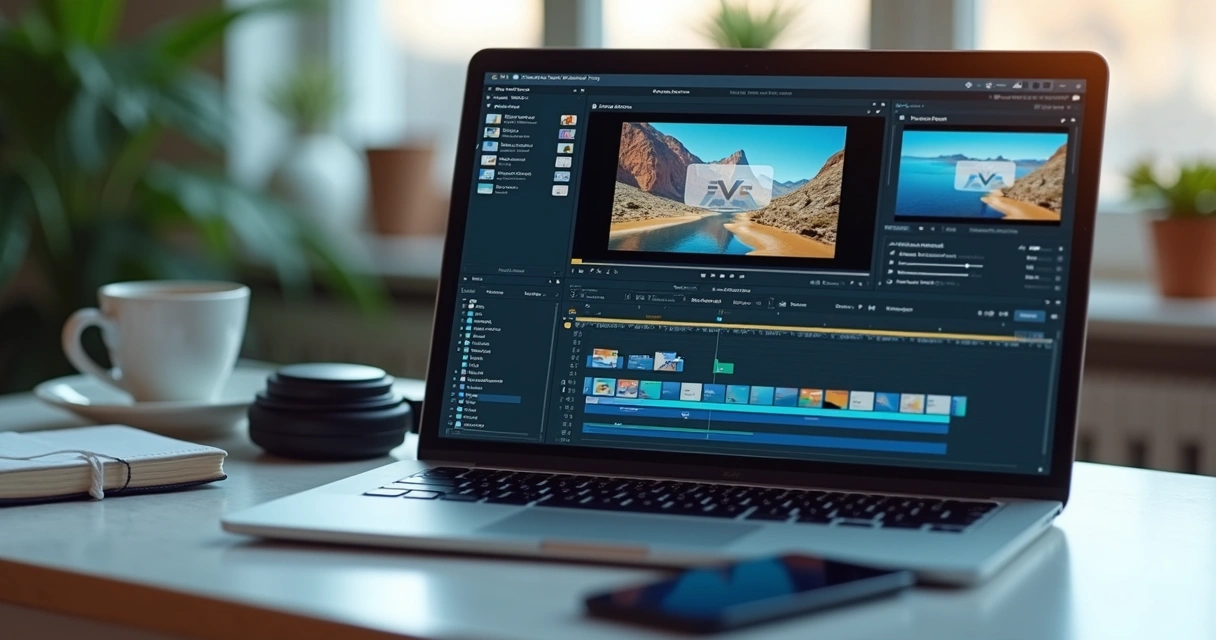 Those who want to understand this flow better can see how video editing with artificial intelligence works in a simpler process for daily use.
3. Vary Transition Types
Transitions are not just decorations. They serve to guide the passage between scenes. A fade typically conveys smoothness. A wipe creates a stronger contrast. A hard cut brings speed. Each choice changes the feel of the video.
Good transitions connect scenes without stealing attention from the message.
A common mistake for beginners is excess. When every scene change becomes a flashy effect, the experience can become tiresome. It’s wise to choose two or three styles and maintain consistency. This often works better than trying to showcase all effects at once.
4. Change the Video Speed
Speeding up or slowing down segments alters the energy of the edit. In cleaning, organizing, recipe, product assembly, drawing, or DIY videos, speeding up repetitive parts makes the content more agile.
Slow motion can highlight a gesture, a reaction, a product detail, or a more emotional moment. When the timing of the scene changes, the audience realizes that there is something noteworthy.
This rhythm variation is frequently seen in Marques Brownlee’s videos, which combine clean cuts, graphics, and faster segments to maintain focus. The same goes for Mark Rober, who effectively works on pace changes to make the narrative more engaging.
5. Add Background Music
The background track has the power to set the mood. It can make a scene lighter, tense, lively, or inspiring. It also helps fill small pauses and provides unity between different parts of the video.
The right music reinforces the emotion of the scene without competing with the voice.
When choosing tracks, beginners should look for royalty-free options. This avoids headaches during publishing and provides more security for use across various networks. Ideally, the volume should be kept low when there is speech, so that the message remains clear.
6. Include Voiceover Narration
There are moments when showing and speaking at the same time doesn’t work as well. In these cases, narration over the image solves the issue. Voiceover allows for explaining a process, sharing behind-the-scenes information, or organizing a story while other scenes appear on screen.
This resource is very useful in tutorials, vlogs, product videos, project documentation, and summaries. The recording can be done with simple resources, even with features already included in editing software.
When a person records a calm, well-written narration, the video conveys a more confident feeling. Interestingly, it’s one of the changes that impress the most at the beginning.
7. Add Subtitles
Subtitles are not just for accessibility. They also highlight phrases, hold attention, and help viewers who watch without sound. This happens all the time on social media.
Subtitling videos increases understanding and broadens the reach of the content.
Today, there are apps and platforms with automatic real-time transcription and support for many languages, like Riverside. In the context of producing cuts and short clips, VDClip fits well by automating subtitles, cleaning audio, adding emojis, inserting b-roll, and maintaining framing with face tracking and face-motion. This reduces manual work and leaves the video ready for fine-tuning in the platform’s editor.
Anyone looking for practical ways to automate this type of task can check out a guide on automatic video editing with AI, which helps clarify this flow.
8. Create Montages
A montage is the combination of several scenes in a short time to tell a story quickly. It can be a before-and-after of a renovation, a travel summary, a workout compilation, or the evolution of a project.
It usually works well with music or narration. The secret lies in the selection of scenes. You don’t need to show everything. Just show what drives the story forward.
Zach King is known for exploring smart transitions and visual tricks that provide fluidity to this type of construction. A beginner doesn’t need to copy this style but can observe how each cut creates surprise without losing clarity.
 9. Test L-Cut and J-Cut
 9. Test L-Cut and J-Cut
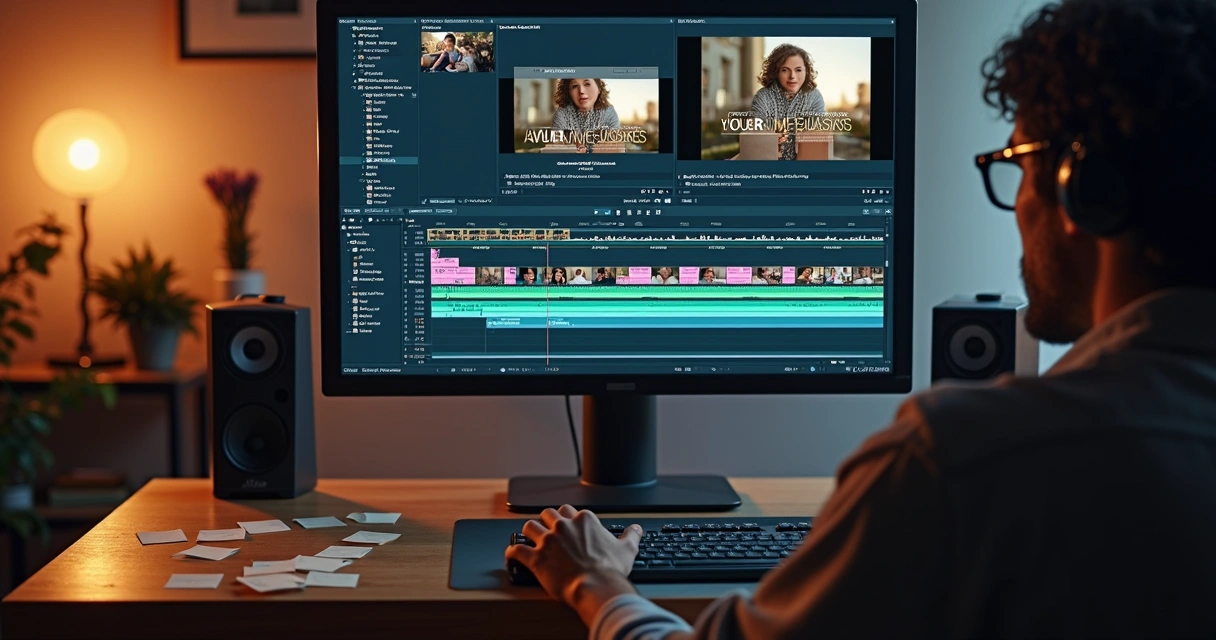
L-cut and J-cut may sound technical, but they are simple in practice. In an L-cut, the audio from the previous scene continues for a few moments while the image has already changed. In a J-cut, the audio from the next scene starts before the image swap.
These cuts make dialogues and topic changes less predictable. The feeling becomes more natural, with more movement. In interviews, video podcasts, and conversations, this resource helps a lot.
L-cut and J-cut make the transition between scenes smoother and less rigid.
Mark Rober effectively uses this logic in longer narrative videos. The viewer watches without feeling stiffness. Everything seems to flow easily, even when there is a lot of information.
10. Repurpose Content
Not every video needs to be created from scratch. A long piece can yield several short cuts for social media. Opinion snippets, quick tips, strong statements, behind-the-scenes footage, and reactions often turn into clips with good potential.
AI tools already help suggest the best moments in just a few clicks, as seen in market automatic clip generation features. In the case of VDClip, this process aligns well with the platform’s proposal, which identifies the most relevant parts, generates cuts, creates subtitles, tracks faces in the scene, and prepares pieces ready for posting or scheduling in bulk.
For those looking to transform long videos into more direct cuts, it makes sense to learn about an app that automatically cuts videos and helps speed up this work.
What a Beginner Needs
Many people postpone editing because they think they lack equipment. In practice, the basics already solve a good part of the path. It’s not necessary to set up a studio right at the beginning.
The simplest setup usually includes:
- A good pair of headphones to notice noises, hissing, and speech volume.
- A computer or smartphone with video editing software.
- An external hard drive for file backups.
- A software or platform that allows cutting, subtitling, and exporting.
To start editing, using the basics well often matters more than an expensive setup.
For backups, it’s good to follow the 3-2-1 rule: three copies of the files, in two different locations, with one offline copy. It may seem excessive until the day a file disappears. After that, almost everyone takes this precaution more seriously.
Programs and Platforms That Help at the Start
The best program for beginners depends on the type of video, time available, and level of practice. There are solutions more focused on recording, transcription, and text editing, like Riverside, which combines high-quality recording, segment cutting, automatic clips, speaker detection, media board, logo adjustments, video formatting, and subtitle styling.
For those looking to speed up short cuts for networks with a focus on automation and publishing, VDClip.com is a very practical choice. The platform aids in generating cuts with face tracking, face-motion, subtitles, audio cleaning, b-roll insertion, emojis, and template customization with brand identity. Then, the individual can refine everything in the professional editor and schedule mass postings.
Frequent producers might find it useful to better understand editing tips for Reels with AI, already thinking about shorter and repeatable formats.
How to Seek References Without Copying
Looking at good creators helps train the eye. Marques Brownlee shows visual clarity and clean rhythm. Zach King draws attention with his intelligent use of transitions. Mark Rober builds narrative with good frame variation, pauses, and smooth cuts.
The point isn’t to repeat anyone’s style. It’s about observing simple questions:
- Where did the cut happen and why?
- When did the music enter or exit?
- How did the subtitles highlight the message?
- Which scene was sped up?
- What type of transition appeared and when?
When a beginner starts watching with this perspective, they stop seeing only entertainment. They begin to see editing decisions.
Practice Brings Confidence
 Practice Brings Confidence
At first, editing seems slow. The person cuts too much, then too little. They try a transition and regret it. They record a narration and find it strange to hear their own voice. This is normal.
Confidence in editing comes with repetition, comparison, and small adjustments.
Software with tutorials, automatic resources, and simple workflows help significantly in this phase. If the goal is to produce without relying on an editor for every publication, it’s worth seeing how to post videos without an editor with the help of tools that shorten steps.
Even very simple tips, like creating a good scene sequence or adding voiceover, already yield visible improvements. The person notices this in the second or third video. Suddenly, the content appears more confident, clearer, and more enjoyable to watch.
Conclusion
Better editing doesn’t start with complex effects. It begins with good choices. A cleaner cut. A more suitable track. A subtitle that genuinely helps. A rhythm that respects the audience and the platform.
The 10 ideas in this article illustrate exactly that. Beginners can gain a lot by testing dramatic cuts, ready-made templates, varied transitions, speed changes, background music, voiceovers, subtitles, montages, L-cuts, and J-cuts, in addition to repurposing long videos into short clips.
With practice, these techniques become part of the process. And with the right tools, this process becomes much lighter. For those looking to transform long videos into short cuts with subtitles, face tracking, template adjustments, audio cleaning, an editor within the platform, and scheduled postings on networks, it’s worth checking out VDClip.com and seeing how it can fit into the creative flow.
Frequently Asked Questions
What is simple video editing?
Simple video editing is the process of making basic adjustments to improve a video without resorting to difficult techniques. This includes cutting mistakes, joining scenes, inserting music, adding subtitles, adjusting rhythm, and cleaning audio. Simple editing is one that enhances the message with few resources and good clarity.
How to start editing videos easily?
The easiest way to start is to work with short videos and small goals. The person can cut pauses, include a light track, test an automatic subtitle, and export. Then they can add voice, transitions, and speed changes. Platforms with automation help a lot at the beginning, as they reduce steps and keep the focus on creation.
What are the best programs for beginners?
The best programs for beginners are those that combine a simple interface with features that solve the basics. Some focus on recording, transcription, and text editing, while others assist more in short cuts for networks. The best will depend on the type of content, the device used, and the frequency of publication. If the goal is to create clips with subtitles, face-motion, brand kits, and scheduling, VDClip can meet this profile very well.
How to cut and join videos quickly?
To cut and join videos quickly, the ideal is to first separate the good segments, remove pauses and mistakes, organize the sequence, and only then include visual elements. Tools with automatic cutting and suggestions for the best moments greatly speed up this process. Speed in editing comes more from organization and automation than from haste.
Is it worth using free apps?
Yes, especially at the beginning. Free apps help learn rhythm, cuts, subtitles, and export without initial cost. The limit appears when the person needs more control, visual identity, audio cleaning, AI cuts, or publishing at scale. At this stage, it may make sense to migrate to a more complete solution as the content demands grow.