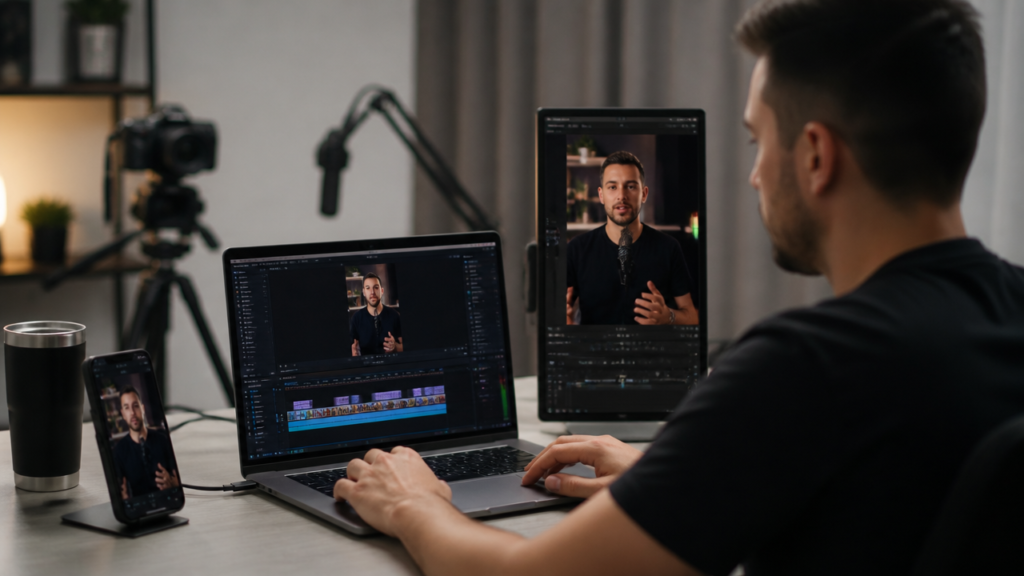
In 2026, reframing ceased to be a technical detail and became part of the result. A video can be well shot, with good speech and good lighting, but if the vertical cut loses the face, the hand, or the reaction, the impact drops. It is at this point that the search for how to adapt long videos to short formats with automatic cropping arises, whether in traditional editing tools or in AI solutions designed for those who need to publish frequently.
Reframing is adjusting the framing of a video to another format without losing focus on what really matters in the scene.
In practice, this happens when a 16:9 content needs to become 9:16 for Shorts, Reels, and TikTok, or when a long interview needs to be transformed into several quick clips. The task seems simple. It is not always so. If the person moves a lot, if there are two faces in the scene, or if the subject is in a corner of the image, the automatic cut may fail and require manual correction.
Therefore, understanding how to reframe videos for short videos with Auto Reframe, smart reframe, and vertical video adjustments helps a lot. However, it is also worth looking at the time cost. In many cases, the person starts editing frame by frame and realizes, after hours, that they still need to add subtitles, clean audio, insert branding, and publish.
The format has changed. The care with focus has too.
It is in this scenario that platforms like VDClip appear with a more direct proposal. Instead of just changing the frame, the Brazilian platform makes cuts with AI, applies face tracking, uses FaceMotion to follow facial movement, generates subtitles, suggests titles and hashtags, and even allows customization of the video with a logo, intro, transitions, emojis, b-roll, and fine adjustments in the internal editor.
Why has reframing become a priority?
Short videos require quick reading of the scene. On a vertical screen, there is less lateral space, and each element needs to be in the right place. A podcast recorded in a wide shot, for example, may work well on long YouTube. However, in a short clip, the audience expects visual closeness. They want to see expression. They want to see reaction. They want to understand everything effortlessly.
AI reframing attempts to identify the main subject of the video and reposition the cut to keep that subject visible in another format.
When this process is done well, several gains appear:
- The face remains centered even with movement
- The video looks more natural on a vertical screen
- The speech seems closer and more engaging
- The short segments become stronger for social media
When done poorly, the result delivers the opposite. The cut jumps. The face leaves the area. The text covers the mouth. The subject gets lost. And the viewer leaves in seconds.
How do tools identify the focus of the video?
Reframing tools use visual signals to understand what deserves attention. Generally, they observe faces, movement, contrast, direction of action, and more active areas of the scene. Some work with simpler tracking. Others combine face detection with temporal analysis, which helps predict where the person will move in the next second.
In theory, it sounds magical. In practice, it heavily depends on the source material.
If the recording has:
- Good lighting
- Clear faces
- Fewer interfering objects
- Predictable movements
The reframing tends to work better. In scenes with rapid focus changes, multiple people speaking at the same time, or very wide framing, AI may need human help.
That is why many creators study not only how to use Auto Reframe in video editors but also how to shorten the path with a platform that already combines cutting, focus, subtitles, and finishing. Those wanting to delve into using AI in this routine can check the content on video editing with artificial intelligence.
 Step by step in CapCut for vertical video
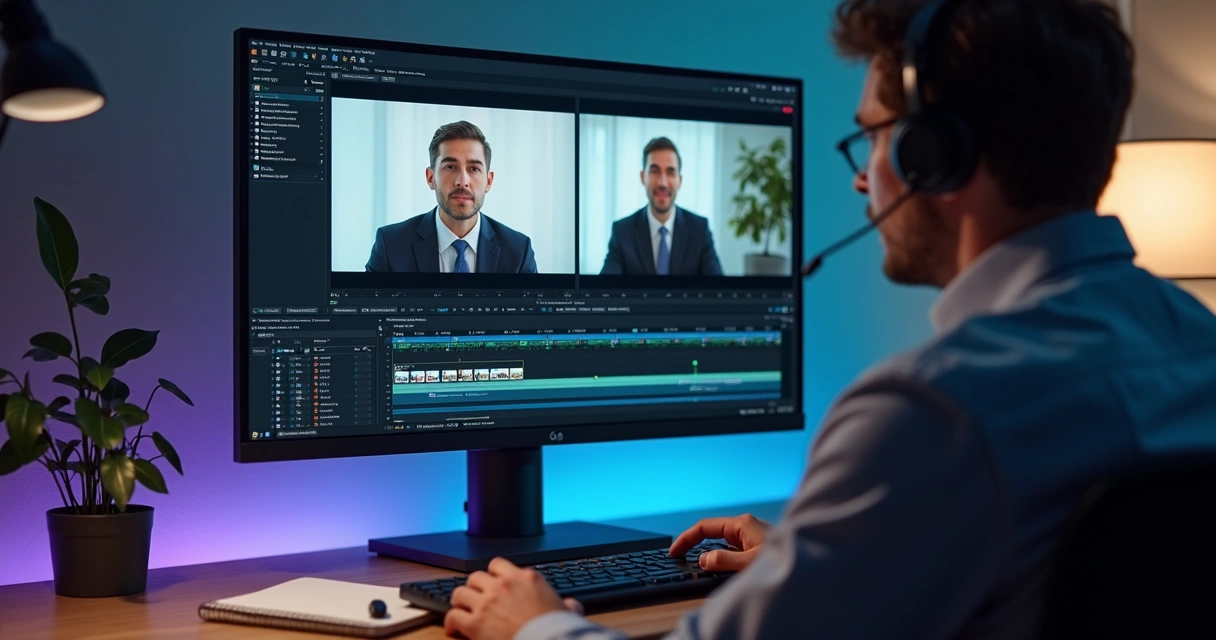 Step by step in CapCut for vertical video
For those who want to learn how to use a popular editor for auto reframing in vertical and horizontal video, the path usually starts with changing the project ratio. Next, the framing adjustment and manual review of the segments where the focus escapes come in.
A simple flow can follow this order:
- Import the long video to the timeline.
- Select the 9:16 ratio for short video.
- Apply the automatic reframing feature when available.
- Review scene by scene to see if the face is centered.
- Adjust zoom and position in segments where AI failed.
- Add subtitles, cut pauses, and export.
The biggest mistake in automatic reframing is trusting the result without reviewing the moments of transition and rapid movement.
This type of editor helps a lot in specific tasks. However, when the goal is to transform a live, a class, or a podcast into many clips, the repetition weighs heavily. The person reframes one video, then another, then another. When they realize, they still need to create titles, think about hashtags, and adapt the visual identity.
In this type of routine, VDClip reduces the workload because it concentrates several steps in one place. The platform makes AI cuts, tracks the face with FaceMotion, creates synchronized subtitles, and also offers template customization with a brand kit.
Step by step in Adobe Premiere Pro with Auto Reframe
Those searching for Adobe Premiere Pro Auto Reframe sequence usage usually find a flow based on duplicating the sequence and asking the system to adapt the content to another aspect. The feature analyzes the scene and generates automatic keyframes to keep focus on the subject.
The process generally follows this logic:
- Open the original sequence in horizontal format.
- Create a new sequence with Auto Reframe.
- Choose the destination format, such as vertical 9:16.
- Set the speed of movement for reframing.
- Wait for the automatic analysis of the timeline.
- Review the keyframes and correct the points of escape.
Auto Reframe generates a new adapted sequence, but almost always requires manual review to avoid strange cuts.
This detail makes a difference. In a static speech, everything tends to run smoothly. In a video with two people alternating, product demonstration, or lateral movements, the cut may lag or exaggerate the digital pan.
Another point is the learning curve. It’s not enough to know how to reframe. The person also needs to understand sequence, export, effects, timeline, text, and compatibility. For an experienced editor, this is part of the flow. For creators, small agencies, and companies needing volume, it can become a bottleneck.
For those working with larger scale videos, the guide on cutting video with AI to transform long videos into viral shorts helps visualize this process more quickly.
Step by step in DaVinci Resolve with smart reframe
In the search for DaVinci Resolve smart reframe vertical video tutorial, many people want to know how to go from a horizontal video to a vertical cut while preserving the main subject. The method usually involves adjusting the timeline resolution, repositioning clips, and using tracking or keyframes to follow movement.
In a common flow, the person does the following:
- Create a vertical timeline.
- Import the video recorded in 16:9.
- Resize the clip to fill the frame.
- Apply smart reframe or tracking when the feature is available.
- Manually correct scenes where the subject leaves the center.
- Add titles, subtitles, and export in the final resolution.
In DaVinci Resolve, reframing can deliver great results, but it usually requires more technical intervention to get a clip ready for publication.
This is not a defect. It is a characteristic of a powerful tool. However, not every team wants to go through this level of detail in each short cut. Sometimes, the goal is simple: take a long video, identify the best parts, reframe, subtitle, and publish still on the same day.
Where do the biggest difficulties arise?
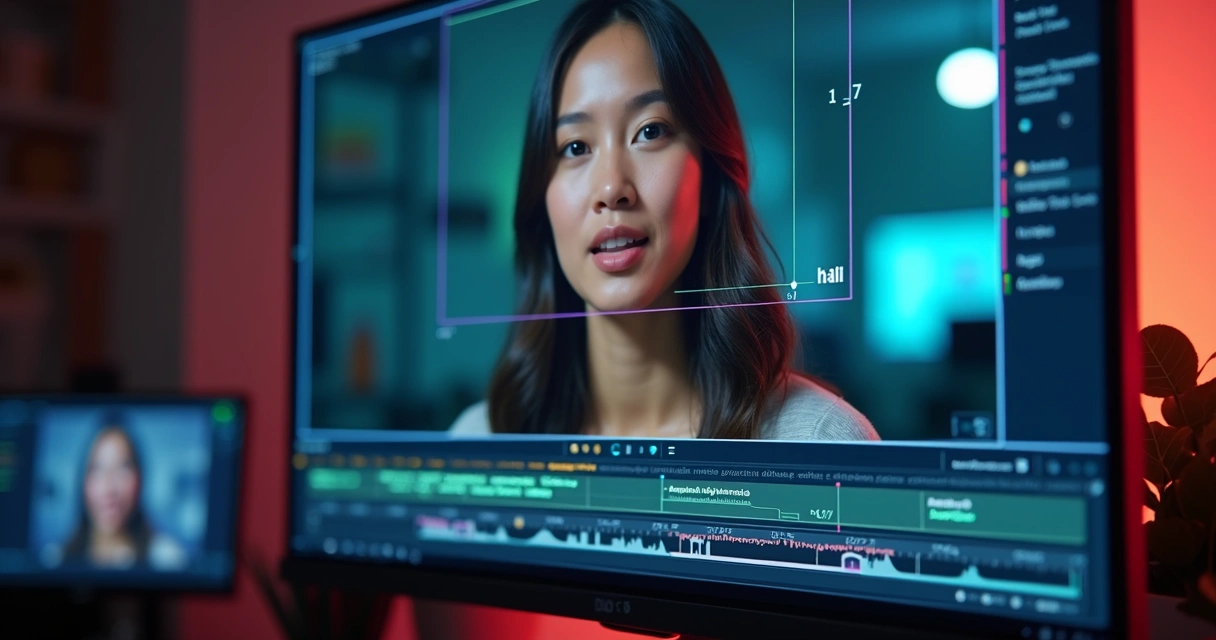 Where do the biggest difficulties arise?
Automatic reframing seems to save work, but the real pain appears after the first analysis. The person realizes that they still need to validate everything. This hidden time weighs heavily.
The most common difficulties are:
- Cost of software and stronger machine
- Technical learning to master the interface
- Manual adjustment of scenes with two or more subjects
- Extra work with subtitles and visual identity
- Exporting and publishing on multiple networks
There is also a less talked about factor. The right crop does not only depend on keeping a face in the center. It depends on the content’s rhythm. A good clip requires removed pauses, zoom at the right moment, legible subtitles, and in some cases, visual support with b-roll, emojis, and discreet transitions.
Therefore, reframing is not just adapting format. It is adapting language.
How VDClip is revolutionizing reframing in 2026
While many traditional flows still see reframing as an isolated step, VDClip transforms this view by treating short video as an integrated final product. The platform not only identifies segments with potential but also makes cuts and allows intelligent reframing of videos without the need for cuts, using face tracking and FaceMotion technology to follow facial movement, delivering a clip more ready for social media.
VDClip transforms long videos into short clips, applying reframing, subtitles, title suggestions, and hashtags in a completely automated flow.
In practice, the user can:
- Upload a long video and let AI find the best moments
- Generate cuts focusing on the face and speech movement
- Create synchronized subtitles in minutes
- Customize templates with logo, intro, transitions, and brand kit
- Use audio cleaning, b-roll, emojis, and adjustments in the internal editor
- Post or schedule in bulk for social media
This approach radically changes the day-to-day of creators, companies, and cutting channels because it reduces the scattered steps. Instead of going through various environments and repetitive reviews, the person can go from long video to published clip with much more fluency and efficiency.
Those wanting to understand better how AI is shaping this format can read the material on short videos with artificial intelligence.
When is it worth using a traditional editor and when is it worth automating?
There are cases where the traditional editor still makes sense. Projects with high levels of visual direction, complex compositions, and frame-by-frame finishing may still require deeper manual intervention. For those who live off volume, consistency, and recurring publishing, automation makes more sense.
A simple way to think about it is this:
- A traditional editor serves better when each video requires unique treatment and refinement time
- An AI platform serves better when the goal is to scale short cuts with visual standard and speed
- A hybrid model works well when AI delivers the base and the editor does the final polishing
In 2026, the best flow is not the most technical, but the one that can publish with quality and consistency.
There is a common case in the market. A company records an hour-long podcast a week and wants to pull fifteen cuts. If they rely only on manual work, the schedule tightens. If they use an automated base and review only what is needed, the process becomes more feasible.
Best practices for better reframing
Even with AI, some decisions in recording greatly improve the final result. Software helps, but the origin of the material continues to influence a lot.
Some practices make a difference:
- Record with enough lateral margin for vertical cut
- Avoid irregular lighting on the face
- Keep the main subject visible longer
- Use a fixed camera when possible
- Think about subtitles from the scene composition
It is also advisable to record already imagining the cuts. A strong speech in the middle of a class, for example, can turn into a great clip. A segment with a short and clear response in a podcast also tends to work well. Those building presence with recurring content can draw inspiration from short video trends in 2026 to adjust format and rhythm.
Cases where short videos gain more from reframing
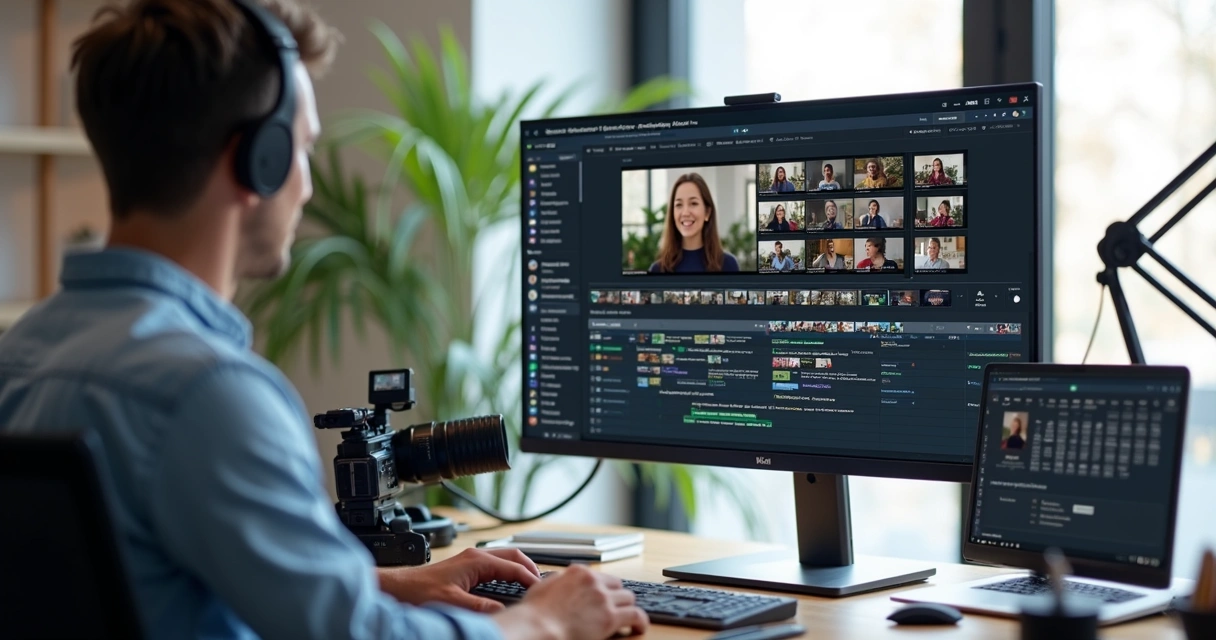 Cases where short videos gain more from reframing
Not all content responds the same to automatic cropping. Some formats benefit much more.
Among the best cases are:
- Podcasts with direct speech
- Interviews with strong opinion segments
- Classes and mentorships with objective tips
- Sales videos with central demonstration
- Dark content narrated with visual support
By the way, those thinking about scalable production without appearing can better understand this logic in the content about how to create a dark channel from scratch. Reframing, in these cases, joins cuts, subtitles, and composition to create more appealing pieces even when the base comes from long videos.
Conclusion
In 2026, knowing how to reframe videos for short videos has ceased to be just a technical curiosity. It has become a skill linked to reach, retention, and consistency. Editing tools with Auto Reframe, smart reframe, and vertical adjustment can help a lot, as long as the person accepts the review time and the learning curve.
The best reframing is the one that preserves the focus of the scene and shortens the path between the long video and the clip publication.
For many creators, companies, podcasters, agencies, and cutting channels, the biggest gain lies in uniting everything in the same flow. This is where VDClip stands out as an intuitive Brazilian alternative. The platform not only adapts the frame. It finds the best moments, tracks the face with FaceMotion, creates subtitles, helps with visual customization, and also paves the way for bulk posting and scheduling.
Those wanting to transform long recordings into clips more ready for social media can check VDClip at vdclip.com and see, in practice, how AI reframing can become part of a simpler and more consistent process.
Frequently Asked Questions
What is automatic video reframing?
Automatic reframing is the process in which a tool adjusts the framing of a video to another format, like going from horizontal to vertical, trying to keep the face or the main object visible. It uses AI or visual tracking to reposition the cut throughout the scene.
How to use CapCut for short videos?
The basic use starts with importing the video, choosing the 9:16 format, and applying the automatic reframing or manual frame adjustment. Then, the person reviews the segments, corrects the focus, adds subtitles, and exports. In videos with more movement, manual review is usually necessary.
Which program is better: Premiere or DaVinci?
It depends on the usage profile. For those who already master editing and want detailed control, both can perform well in reframing. For those seeking a simpler flow and focus on scaling short videos, an automated platform like VDClip tends to reduce steps and work time.
Where to find free reframing resources?
There are free resources in basic versions of editors, tutorials in communities, and educational materials in specialized blogs. It’s also worth seeking practical references in content about AI applied to video, short cuts, and adaptation for networks, as long as the person validates the final result with human review.
Is it worth using AI for reframing?
It is worth it, especially when there is a volume of content and the need to publish frequently. AI reduces repetitive work and helps maintain the focus of the scene, but delivers better results when accompanied by review and good source material. In solutions like VDClip, this gain increases because reframing already comes linked to cuts, subtitles, and video finishing.