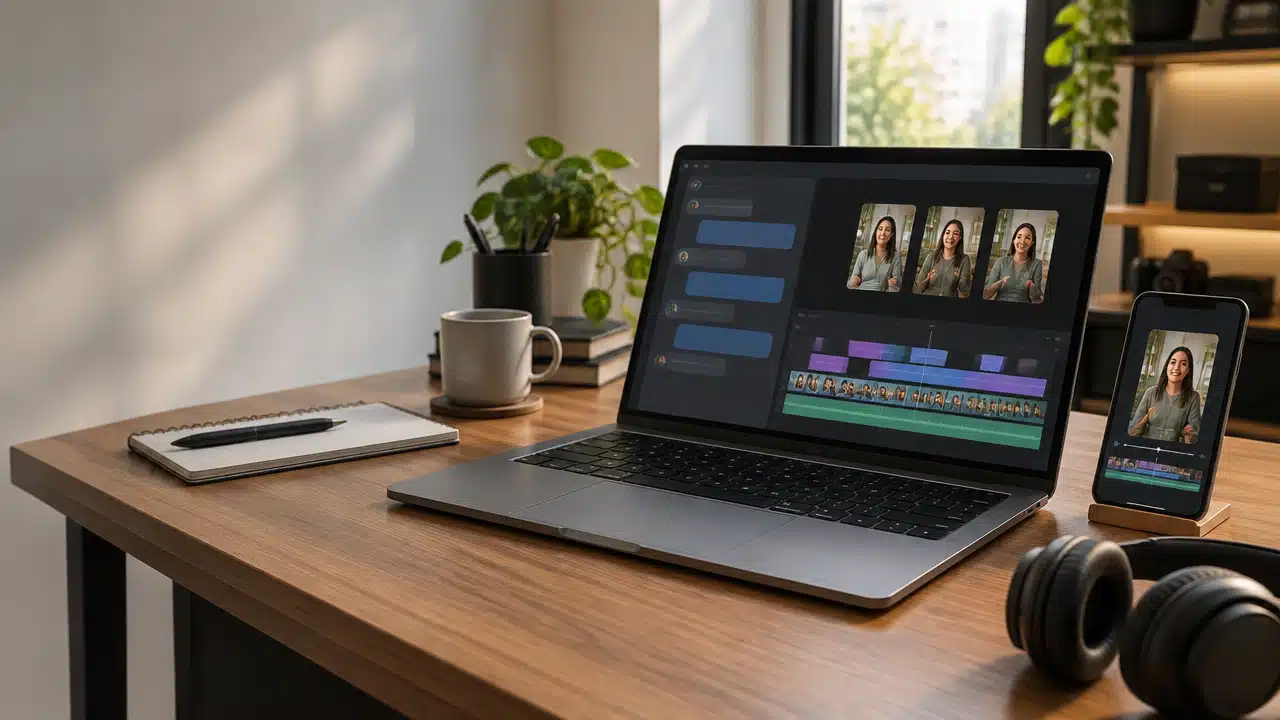
The MCP of VDClip allows you to connect an AI agent to the platform’s video production tools. This way, creators, marketing teams, educators, and podcasters can request, in English, a long video to be transcribed, divided into subtitled cuts, and prepared for publication, while maintaining human review before distributing the content.
The agent acts as a conversational interface to request tasks. VDClip processes the video and returns data and results for the person to check before approving the next step.
What integration allows you to do
- Send a video file or provide a compatible link to start a project.
- Consult the transcription and identify sections that could work as cuts.
- Receive cuts with notes on potential virality and request vertical versions with subtitles.
- Render the videos and, with connected social accounts, request publication or scheduling.
- Check the schedules to track the content calendar.
The main benefit is reducing the switching between chat and the editing panel. The integration brings commands and tools into a conversation, but does not eliminate the need to review the results. The available functions depend on the permissions granted, the plan, and the connected accounts.
What is MCP and what is VDClip’s role
The Model Context Protocol, or MCP, is an open standard that allows artificial intelligence applications to connect to external tools and data sources. An MCP server presents these tools to the agent, which can select them when a request requires an action outside the conversation.
In the case of VDClip, the remote server provides access to platform functions related to producing cuts. The person describes what they need in natural language, and the agent can call the appropriate tools, like starting processing or querying project information.
The protocol does not replace the editor or create an unlimited flow. What the agent can do depends on the tools provided by the server and the permissions approved during the connection. The documentation for remote MCP connectors explains this connection model for Claude.
How a video goes from file to scheduling
The flow starts with sending the video and ends with clips ready for review and, if approved, for distribution. Each step can be requested via text, but the person remains responsible for validating the content and confirming important actions.
- Send the material: provide a compatible link or a file and indicate which content should become a project.
- Consult the transcription: ask the agent to retrieve the transcription and locate specific topics, speeches, or moments.
- Analyze the cuts: review the suggestions and notes on potential virality. Use the notes as a comparative reference, not as a guarantee of performance.
- Compile the clips: request vertical videos with subtitles and framing appropriate to the chosen platform.
- Review and render: watch the result, check the accuracy of the subtitles, and approve the final version before distribution.
- Publish or schedule: specify the connected accounts, confirm the details, and ask the agent to execute the authorized action.
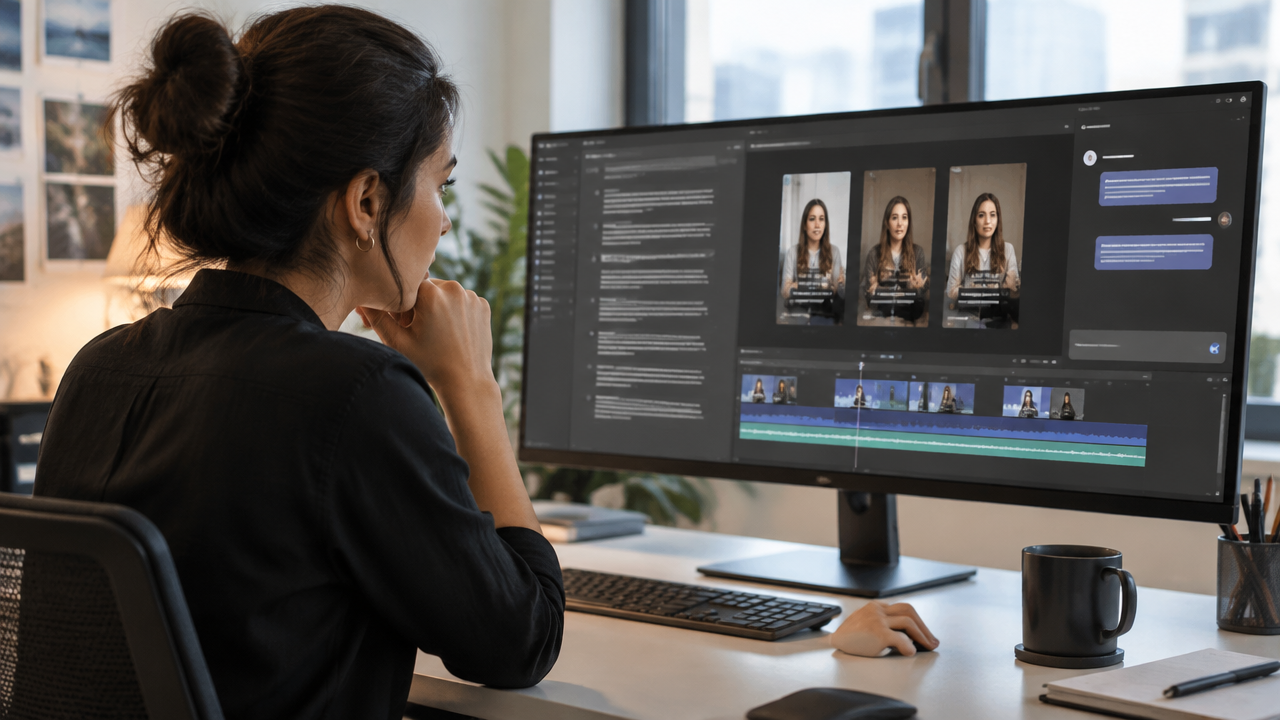
For example, a podcast team can send the recording of an interview, request five excerpts on a theme, and compare the suggestions before editing. If the result does not preserve context, the team can request another interval instead of publishing the suggested cut.
The complete flow and the resources offered are described on the VDClip integration page. The names of the tools that the agent can call may vary depending on the connection and product availability.
How to connect VDClip to each agent
For clients who accept remote MCP servers, the address used by VDClip is https://mcp.vdclip.com/mcp. The name of each menu may change with updates, plan, and application deployment. When setting up, confirm that you are adding a remote server and that the address has been copied correctly.
Claude
In Claude, open the connector settings and choose the option to add a custom or remote connector. Enter VDClip as the name, paste the endpoint, and complete the authentication in the window that appears. Review the requested permissions before allowing access. The documentation on Claude’s custom connectors describes the general functioning; the exact labels of the interface may vary.
ChatGPT
In ChatGPT, look for the applications or connectors area in the account settings and check if the connection to a remote MCP server is available. If the setup requires developer mode, enable it according to the options displayed in the account. Add VDClip as a remote server, provide the endpoint, and complete the OAuth access. The availability of these resources and the names of the menus may depend on the version, plan, and workspace settings.
Claude Code
In the terminal, add the remote HTTP server with the command:
claude mcp add --transport http vdclip https://mcp.vdclip.com/mcpThen, complete the requested authorization. In the Claude Code session, use /mcp to check if the server is visible and active. The Claude Code MCP documentation provides guidance on remote servers and settings.
Cursor
In Cursor, open the MCP settings and add a remote server. Enter the VDClip endpoint and save the configuration. Then, complete the OAuth authorization when prompted and check if the server appears as connected. The organization of the interface may change, so it’s worth checking the available options in the installed version.
Commands in English to get started
A specific request helps the agent select cuts and reduces the need to correct details later. For initial tests, describe the duration, subject, destination, and what should happen before a publication.
Generate cuts from a podcast
Analyze the transcription of the latest project and suggest five cuts of 30 to 90 seconds on the most useful points of the interview. For each suggestion, show the start and end, the theme, and the potential score. Then, prepare vertical subtitled versions for Reels. Do not publish before I review the clips.
Plan a content calendar
With the approved cuts from this project, create a proposed calendar for the next two weeks, with up to one publication per day. Suggest dates and times in the America/Sao_Paulo timezone, distribute the videos among the connected social accounts, and show the complete list for my approval. Do not confirm the scheduling yet.
Check what is already scheduled
List the scheduled publications for the next seven days. For each item, show the date, time and timezone, social network, account, title or theme of the clip, and status. Notify if any video is without a destination account or if there is a scheduling conflict.
These examples separate preparation from approval. Instead of asking the agent to publish immediately, the person can first evaluate the suggestions and confirm only the items that are correct.
How to organize publications without assuming the best time
An agent can help distribute videos throughout a calendar, but a suggested time should not be treated as a guarantee of reach. The choice must consider the audience’s timezone, the frequency the team can maintain, the destination network, and the data available in the account.
To plan a month, start by informing how many videos have been approved, which networks should receive them, and what frequency is acceptable. Request a proposal in list format and check if each time corresponds to the correct timezone. When historical data is available, it can guide the decision, but it does not guarantee the outcome of future publications.

Before confirming the schedule, check if the right videos are associated with the correct platforms and profiles. Also, verify the subtitles, the thumbnail when applicable, and the status of each item. If any detail is incomplete, ask the agent to update the proposal, not to guess.
Permissions, social accounts, and plan limits
The OAuth connection allows authorizing VDClip for use by the agent without sharing the social account password in the conversation. During consent, read the presented permissions and approve only the necessary access. If you stop using the integration, revoke access in the connection or permissions settings of the account, as per the available options.
To publish or schedule, it is necessary to have social accounts connected to VDClip. Without them, the agent can still assist in the available production steps but cannot distribute content on an account that is not linked and authorized.
According to the information from VDClip’s integration, actions through MCP use the minutes and limits of the existing plan, without an additional charge for the protocol. This does not mean unlimited processing: plan limits still apply. The possibility of starting for free also depends on the conditions in effect at the time of registration.
Human review remains important
Before approving a cut, watch the full video and check if the excerpt maintains the original meaning. Verify proper names, numbers, technical terms, and punctuation of the subtitles, as well as possible pauses or abrupt cuts. A useful transcription for finding moments does not eliminate the need to check the audio and image.
The potential viral notes serve to help compare suggestions, not to predict performance with certainty. A cut with a high score may still not resonate with the audience or the brand strategy. Similarly, a scheduled publication should only be confirmed after checking the video, account, date, time, and timezone.
This approval process keeps the agent as operational support and leaves the editorial decision to the team. It is a practical way to speed up repetitive tasks without sacrificing accuracy, context, and control over what will be published.
Connect the agent and test a simple flow
To try it out, connect a compatible agent to the remote endpoint of VDClip, authorize the necessary permissions, and choose a short video or an already published episode. Request some cuts, check the transcription and subtitles, and only then request a scheduling proposal. The setup can be done gradually, without starting with a complete agenda.
Those who want to test can check the current conditions to start for free and the limits of the plan before processing the videos. With the active connection and authorized social accounts, commands in English can bring together production, review, and organization of publications in a single conversation.
Frequently asked questions
What is the VDClip MCP?
The VDClip MCP connects compatible agents to the platform’s tools. With user authorization, the agent can send a video, consult its transcription, request cuts, prepare vertical clips, and access publishing or scheduling functions. The protocol coordinates the conversation with the tools; the person remains responsible for reviewing the actions.
Which AI agents can connect to VDClip?
The remote endpoint can be used in clients compatible with MCP. VDClip’s material describes guidelines for Claude, ChatGPT, Claude Code, and Cursor. The method of adding a server varies among them, and the availability of connectors or developer mode may depend on the version and account settings.
Can the agent publish and schedule videos on social media?
Yes. With social accounts connected to VDClip and the necessary permissions approved, the agent can request the publication or scheduling of clips. Before confirming, the person should review the video, subtitles, network, profile, and date. Without a connected social account, the distribution step will not be available.
Does using the MCP incur an additional charge?
According to VDClip’s integration page, actions through MCP use the minutes and limits of the account plan, without an additional charge for the protocol. This does not eliminate the limits of the plan. As offers and conditions may change, it is advisable to check the current details of the account before starting processing.
Does a high potential viral score guarantee good results?
No. The score is a potential indicator provided to help compare cuts, not a guaranteed prediction of reach, views, or engagement. The outcome also depends on the content, audience, editing, and distribution. The person should watch the clips and assess whether each excerpt accurately represents the original video.