
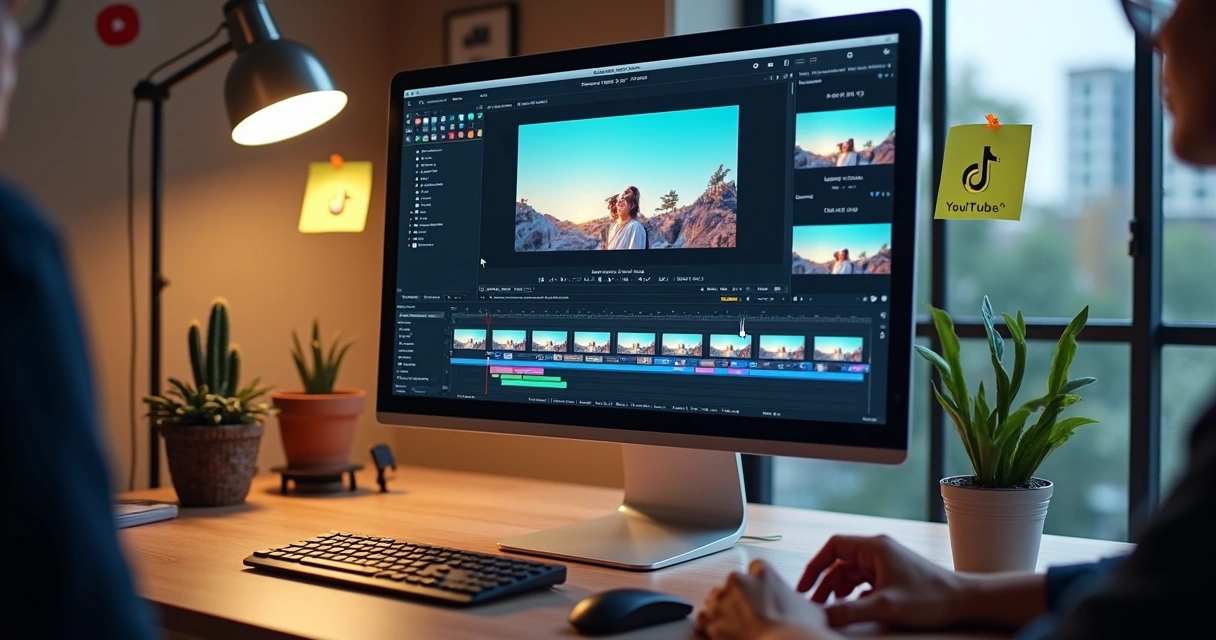
Every week, billions of people consume videos on social media in Brazil. The vertical format, dynamic, fast, and engaging, dominates screens and minds. For creators, brands, and agencies, this shift brings a demand: how to adapt videos for all these environments with quality, speed, and focus on what really matters?
This is where video reframing with artificial intelligence comes in. More than just a trend, the process has become indispensable for saving time, highlighting key messages, and strengthening digital presence across multiple platforms. Reframing with AI means automatically centering faces, texts, and important scene elements for different formats, without relying on manual cuts or advanced technical knowledge.
Changing the frame from 16:9 (horizontal, typical of YouTube) to 9:16 (vertical, used in TikTok, Reels, and Shorts) or 1:1 (square, ideal for Instagram feed) used to be a headache. Common mistakes harmed performance: faces would go out of frame, subtitles would disappear, and essential parts would be out of focus. Even long videos needed to be chopped up frame by frame.
With the advancement of AI, the promise has changed. Today, it’s as simple as uploading, choosing the new format, and automated adjustment, and that recording can turn into a native clip for any social network without compromising details or quality.
The growth of short video and the need for adaptation
Who hasn’t found themselves scrolling through an endless feed of videos, stopping at what grabs their attention, entertained by quick cuts and subtitles that pop up on the screen? It’s not just an impression: data from the Digital 2025 report shows that Brazilians spend an average of 19h46min per week on social media and short videos. This already surpasses traditional TV or streaming by 3.5 hours. Among women aged 16 to 24, this consumption nearly doubles.
The Reuters Institute for the Study of Journalism confirmed: short videos have become the primary source of information for young people, surpassing newspapers, TV, and radio. The impact goes beyond entertainment. Content needs to be native and adapted for each environment; otherwise, it loses engagement.
 On the other hand, there are also challenges. A study from the University of Macau showed that compulsive consumption of short videos can impact children’s cognitive development, causing difficulties in concentration and social anxiety. Research from Hibou Research indicates that 54% of children watch short videos daily.
Therefore, more than just reaching people where they are, adapting videos to their preferred contexts and formats is a fundamental strategy, but it must be done responsibly and with attention to quality.
How artificial intelligence changed reframing
Until recently, those needing to adapt videos for different networks did everything manually. This meant opening the editor, creating a new timeline, cutting and repositioning each segment for each format, and repeating several times, reviewing errors, adjusting subtitles, and trying not to lose important details.
This scenario changed radically with the arrival of video reframing with AI. The technology identifies faces, texts, moving objects, and highlight areas, recalibrating the frame so as not to cut anything essential. The process, which could take hours and require practice, can now be done in minutes, often with a single click.
The artificial intelligence already understands where the focus of the video is and delivers ready-made versions for any network.
This feature democratizes production. It is no longer necessary to master advanced editing software: just record and quickly adapt to the most used formats on social media.
The step-by-step of automatic reframing (using Async as a practical example)
One of the platforms that brought fluidity to the workflow of video adaptation was Async. The process, which was previously fragmented, can now be done without leaving the browser:
- Upload the video or paste the YouTube link: The user can upload the file directly or simply paste the URL of the YouTube video.
- Choose the format: It is possible to quickly select between 9:16 (vertical), 1:1 (square), or 16:9 (horizontal).
- Automatic adjustment by AI: The artificial intelligence centers people, recognizes speech and movements, avoids cutting subtitles, and prepares everything for viewing.
- Optional manual adjustments: You can review and manually adjust the frame if you want a specific detail or if an element needs to stand out more.
- Facilitated export: With everything ready, just export to download and schedule the publication on social media.
Async stands out for allowing continuous flow of recording, importing, editing, and exporting in one environment, without the need to switch tools or export multiple times.
The differences between the main tools
If the goal is visual adaptation, speed, and automation, using AI makes a difference. Among the available options, the characteristics vary according to the level of customization, time available, and required precision:
- Adobe Premiere Pro: Allows highly customized adjustments, frame-by-frame control, and advanced mask and frame settings, but requires technical knowledge and learning time.
- CapCut: It is fast, works for free, and serves well for small edits and cuts, although in dynamic videos, the precision of the cut can be variable, especially with multiple faces or intense movement.
- Descript: Focused on podcasts, offers automatic transcription features and simple reframing, being practical for interviews or centered speeches.
- VEED.io: A great online option, very easy to use, but limited when videos have many details in motion, texts on the screen, or the need for multiple focus.
Async maintains an intuitive experience, autonomy for manual cuts when desired, and centralized automation for videos of various styles. For those looking to go further, platforms like VDClip.com integrate reframing with other AI functions (such as smart cuts, subtitles, and face tracking), facilitating the entire process of transforming long videos into optimized content for each network.
Formats and performances: adapting for each platform
The format of the video directly impacts views, engagement, and even ad metrics. It’s not just about appearance: the same content, adapted properly, can generate completely different results.
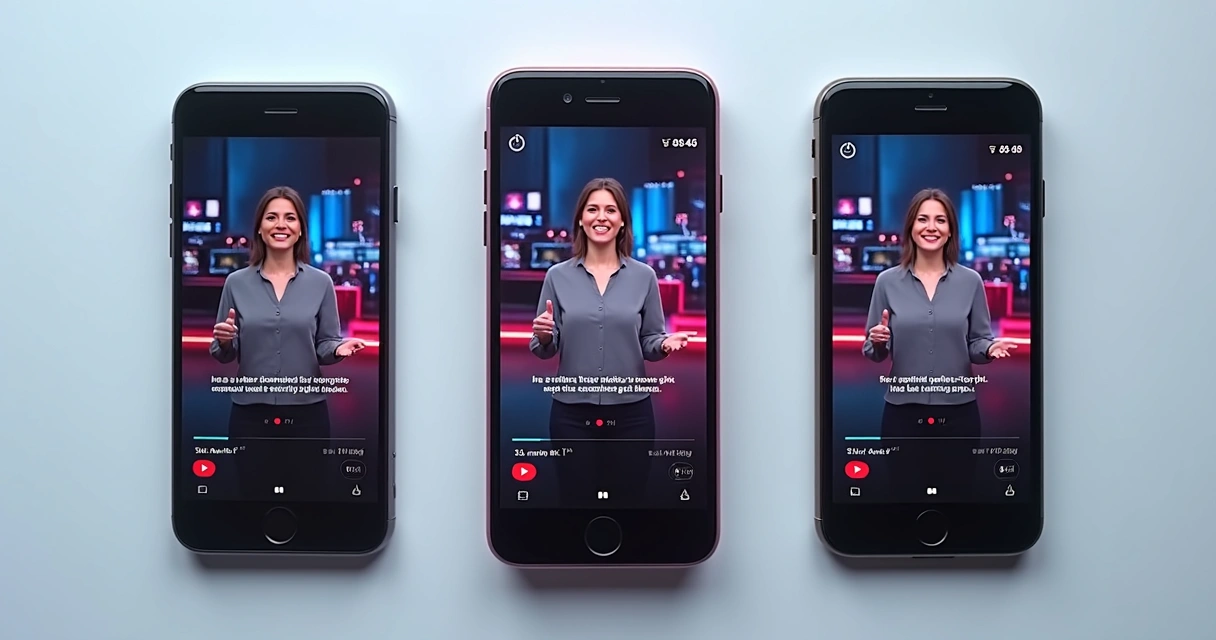
According to the Digital 2025, the time spent on vertical videos has increased year after year. Platforms prioritize content in the 9:16 (vertical) format, as they fill the phone screen, facilitate reading subtitles, and maximize visual impact. Google analyses revealed a 10% to 20% increase in conversion in vertical Shorts, while Meta reported a 34.5% lower cost in ads in this format compared to square or horizontal videos.
Check the main formats for videos on each network:
- 9:16 (vertical): TikTok, Instagram Reels, Facebook Reels, YouTube Shorts, mobile ads.
- 1:1 (square): Instagram feed, carousel posts, LinkedIn, and Facebook feed.
- 16:9 (horizontal): Traditional YouTube, live broadcasts, and longer videos.
Not adapting the content can lead to unpleasant cuts, decentralized faces, half-hidden subtitles, or even hiding important elements behind the app interfaces.
 Why does adapting make a difference?
 Why does adapting make a difference?
Well-adapted videos look native to the platform, stand out next to generic content, keep people and texts visible, and perform better in click and view metrics.
Moreover, each network has its details. Titles cut off in Shorts, overlapping images in the Instagram feed, or subtitles covered by bars in Reels can hinder communication. Therefore, intelligent reframing considers the “safe zones,” areas where nothing will be cut or hidden, and automatically adjusts position and zoom for each destination.
Editing on mobile: when is it worth it?
Mobile apps allow for quick cuts and resizing, ideal for short clips, point-in-time recordings, and situations where time is a decisive factor. With them, it is possible to adjust the frame with simple gestures, choose the aspect of the video, and even add text or basic transitions.
However, mobile editing encounters significant limitations:
- Difficulty seeing details in long videos;
- Small screen may conceal cutting errors in subtitles or complex frames;
- Reframing with multiple faces or text on the screen requires precision beyond touch;
- Lack of resources to adjust focus on multiple elements at once;
- Inability to automate processes for recurring workflows.
Cases where mobile is sufficient:
- Quick clips up to 30 seconds;
- Videos with only one person appearing, without intense movement;
- Daily stories and behind-the-scenes without professional concern.
Cases where it’s better to use AI and editing on the computer:
- Interviews, podcasts, and meetings with multiple people;
- Long videos that require multiple cuts and high quality;
- Contents where subtitles/titles cannot be cut;
- Paid campaigns, launches, and institutional content.
Common mistakes and tips to avoid problems in reframing
Those starting to work with video adaptation often make some frequent slips. Here are the main ones and how to avoid them:
- Not treating reframing as a simple cut: The frame should follow movement, not just “cut” the sides.
- Cutting important subtitles/texts: Always check that everything is visible, especially bars with names, phrases, and titles.
- Reusing the same video for all platforms: Each network has distinct preferences. The ideal is to generate a different version for each one.
- Ignoring movements within the scene: A face may enter and exit the frame; it’s necessary to follow with automatic adjustment.
- Focusing only on faces and forgetting other elements: In recipe videos, tutorials, or presentations, the object being demonstrated may be more relevant than the person.
- Not seeking visual balance: The center of the frame is not always the best place; elements should be harmonious.
- Exporting without reviewing: Before publishing, see how it looks on mobile, ensure nothing important is missing, and that the experience is enjoyable.
- Relying only on manual adjustments for recurring use: Repetitive workflows require automation to save time and ensure consistency.
Why using AI in reframing transforms the creator experience?
Producing videos for social media already consumes time with scripting, recording, performance, and distribution. Video reframing with artificial intelligence brings lightness to the process, freeing creators, marketing teams, and even entire companies to focus on what matters: real content, not screen cropping.
Using an AI tool, it’s possible to adapt dozens of videos for multiple platforms in little time, maintaining quality, fluidity, and centrality of the main elements.
VDClip.com, for example, can transform a long podcast or lecture video into short clips, edited and formatted automatically for each network. Additionally, it suggests titles, hashtags, and performs face tracking, reducing effort in pre-production and increasing publication regularity.
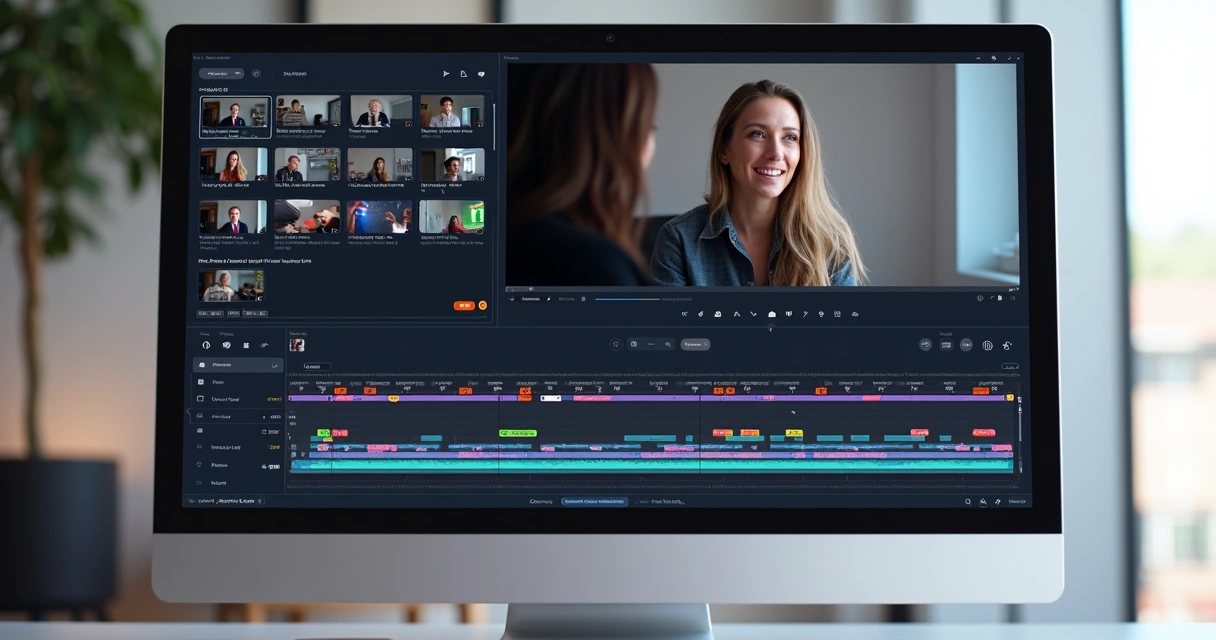 Want more ideas on how to transform long videos into short, ready-to-viral materials? Check out the strategies on how to transform long video into short posts and see practically why intelligent adaptations yield so much.
Final tips for creating champion versions for each network
- Create different adapted versions for each platform;
- Think about the “safe zone” of the screen for each app;
- Prioritize experience and visual clarity to the audience;
- Use AI to automate but review before exporting;
- Include dynamic subtitles, catchy titles, and use ready-made templates;
- Publish frequently to gain relevance in algorithms;
- Study the details of each network: timings, sizes, areas hidden by interfaces;
- Remember the social impact, especially for content aimed at children (bringing balance and responsibility).
Tools like VDClip gather everything in the same environment: from automatic curating of the best segments to reframing adjustments, multilingual subtitling, and suggestions for hashtags and titles. To learn how to use AI to your advantage in this workflow, it’s worth checking the content on video editing with artificial intelligence, which illustrates how to simplify the process and ensure greater reach.
Conclusion
Video reframing with artificial intelligence is, definitely, the modern answer for those who want to reach different audiences without wasting time, and without sacrificing quality. Adapting formats, centralizing elements, protecting visual details, and creating specific versions by network are factors that differentiate those who simply publish from those who truly achieve engagement.
Creators, brands, and teams can combine creativity, frequency, and multiplatform presence with the support of tools like VDClip.com, which automate everything from smart cutting to reframing and scheduling posts, democratizing professional production.
Those who want to transform content into concrete results need to invest in intelligent adaptation, and reframing with AI is the fastest and most accessible way.
Increase your reach, produce more easily, and focus on what really matters. Try the automation from VDClip.com and take your videos to all screens, in all formats!
Frequently Asked Questions about video reframing with AI
What is video reframing with AI?
Video reframing with AI is the automatic adaptation of a video’s frame, centralizing faces, texts, and objects of interest, for different proportions (such as 9:16, 1:1, or 16:9) using artificial intelligence. The technology analyzes the scene, avoids cuts in important details, and adjusts the content natively for each social network, without requiring detailed manual editing.
How to adapt videos for different networks?
To adapt videos for different networks, the following process is recommended: upload the video (or paste the YouTube link), choose the desired format for each network (vertical, square, horizontal), use AI to automatically center the main elements, and if necessary, manually adjust before exporting. Platforms like VDClip.com and Async offer this workflow simply and quickly.
What are the best AI tools?
There are several options on the market, each with specific advantages. Async stands out for combining upload, automatic reframing, and export in one place, while VDClip.com integrates features like smart cuts, subtitles, and ready-made templates for social media. Professional tools allow for more customization but may require a steeper learning curve.
Is video reframing worth it?
Yes, video reframing with AI adds value by making content native to the platforms, avoiding cuts in relevant elements, facilitating editing, and increasing engagement and conversion results, as proven by studies from Google and Meta. The adaptation also saves time, allowing for frequent publications across various networks.
How much does it cost to use AI for videos?
The cost varies depending on the tool and volume of use. There are free plans with limitations and paid options that offer full functionalities, such as longer project times, high-resolution export, and advanced integrations. VDClip, for example, offers affordable options for creators, small businesses, and agencies, democratizing the use of AI in video editing.