Turn your streams into viral videos
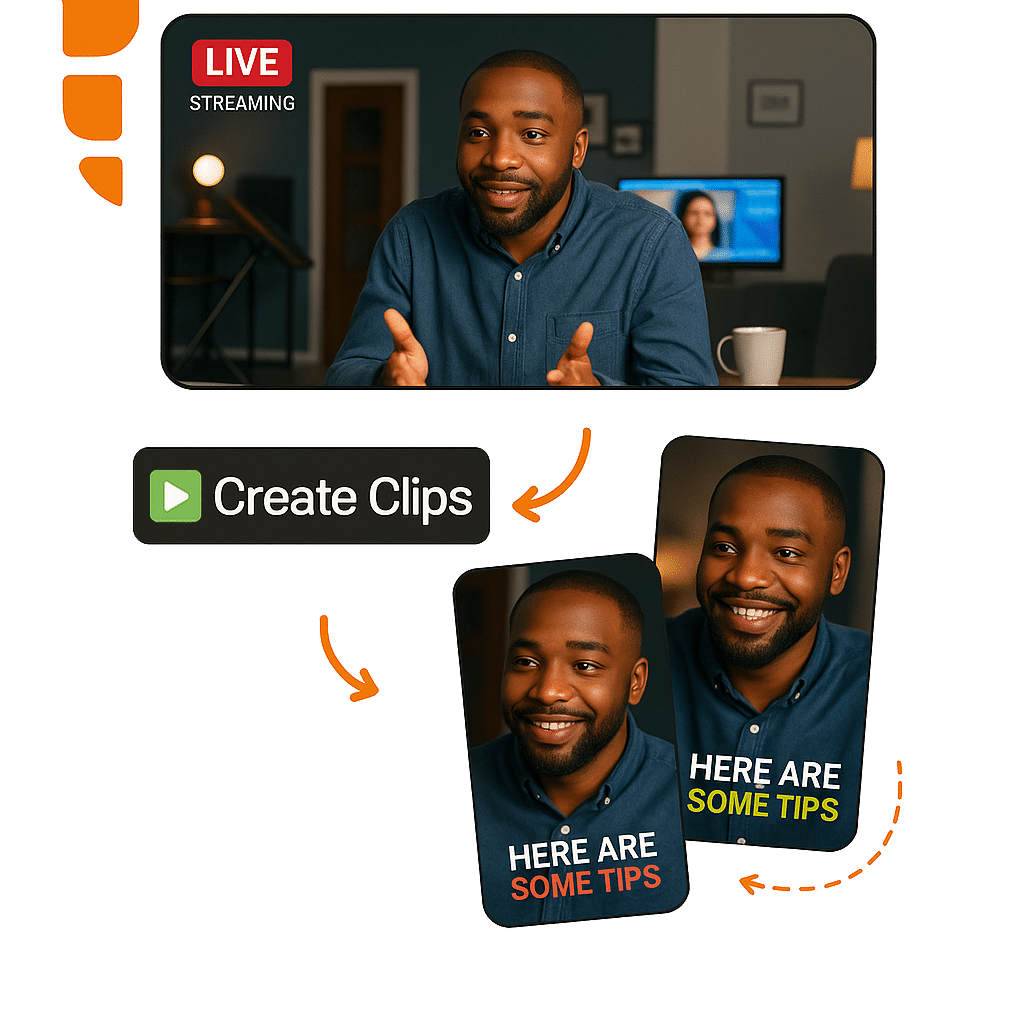
Extract the best moments from your live broadcasts and deliver ready clips with captions, reframing and vertical format. No manual editing.
Compatible with
6 reasons to clip your streams with AI
Turn hours of broadcasting into dozens of viral clips ready for social media.
Direct stream import
Paste the VOD link from Twitch, Kick, YouTube Live or upload directly from the recording file.
Smart clip with AI
AI automatically detects the most engaging moments, reactions and energy peaks of the stream.
Auto vertical format
Converts 16:9 to 9:16 with smart reframing, keeping focus on what matters.
Dynamic captions in 20+ languages
Synced captions with customizable styles. Essential for vertical videos on social media.
No technical knowledge required
Simple and intuitive interface. No video editing experience needed to create professional clips.
Auto-posting
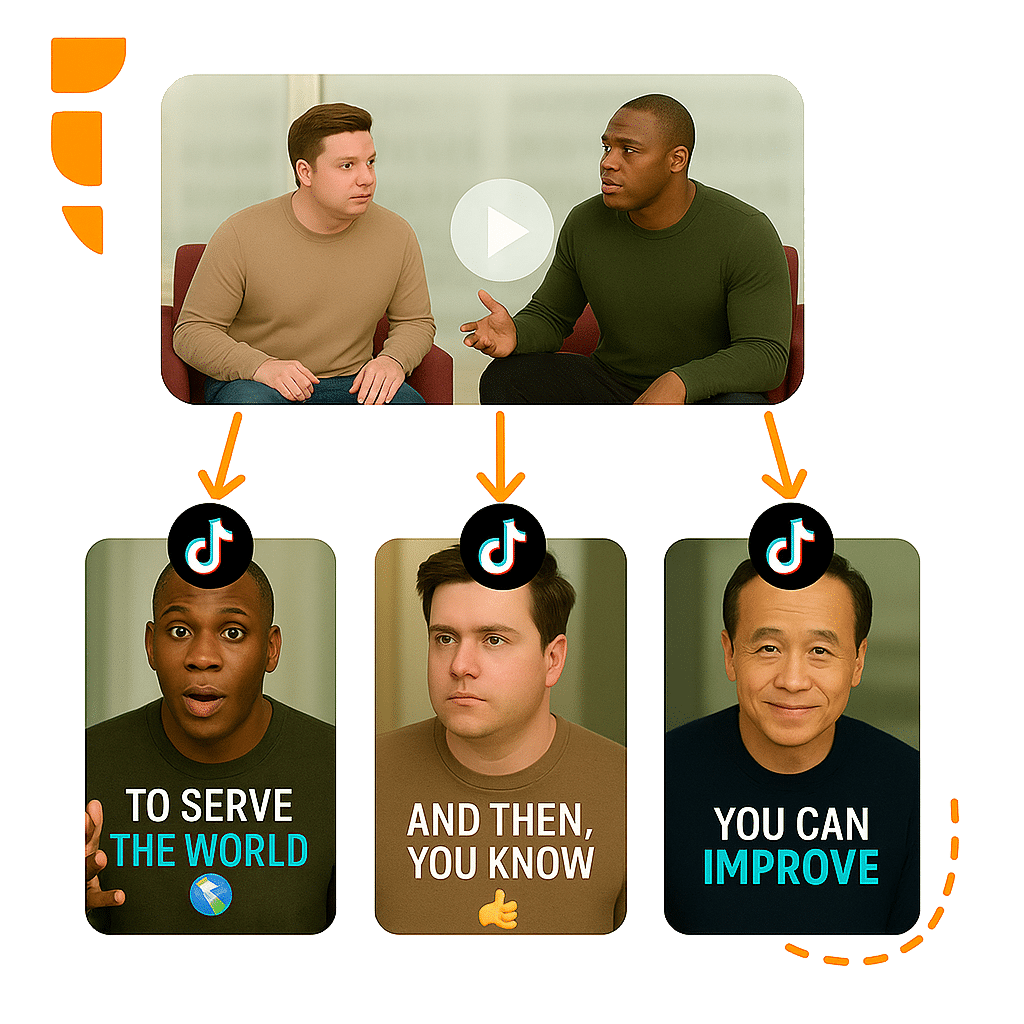
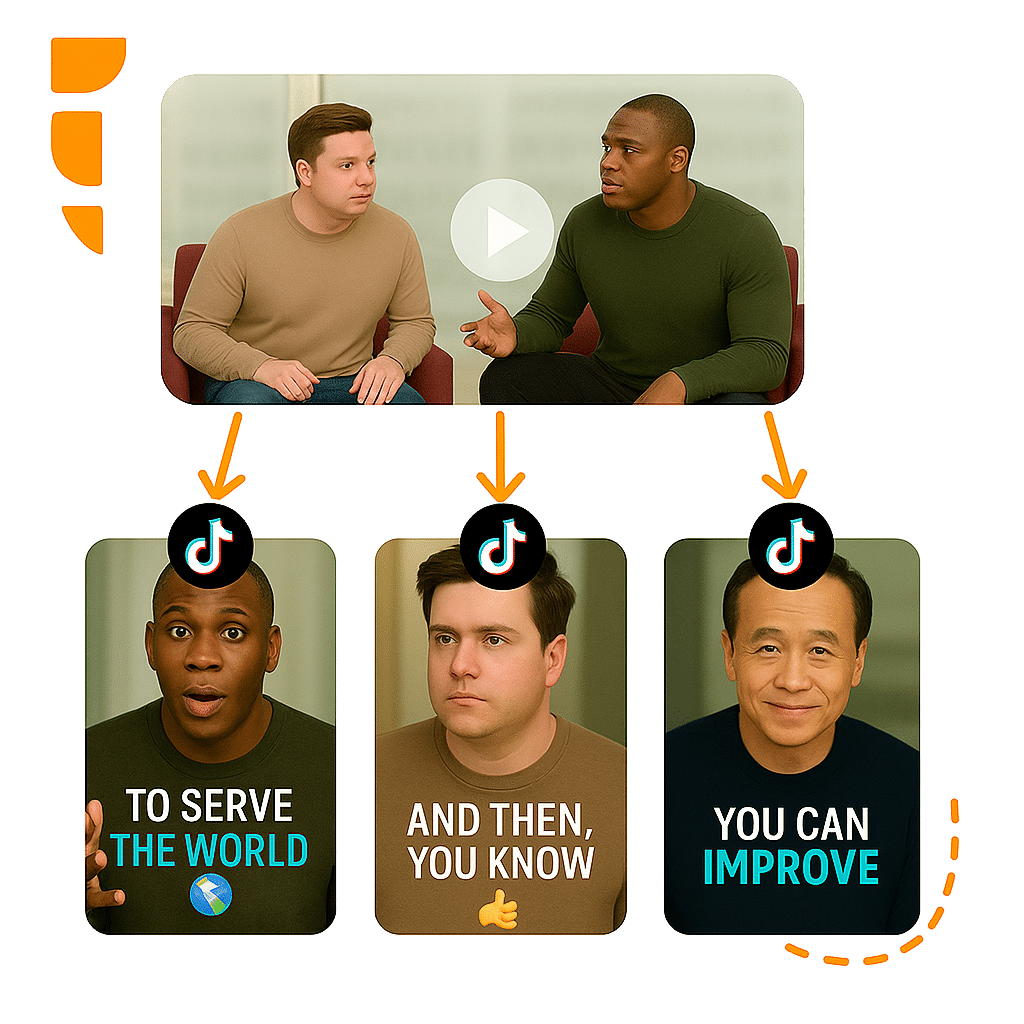
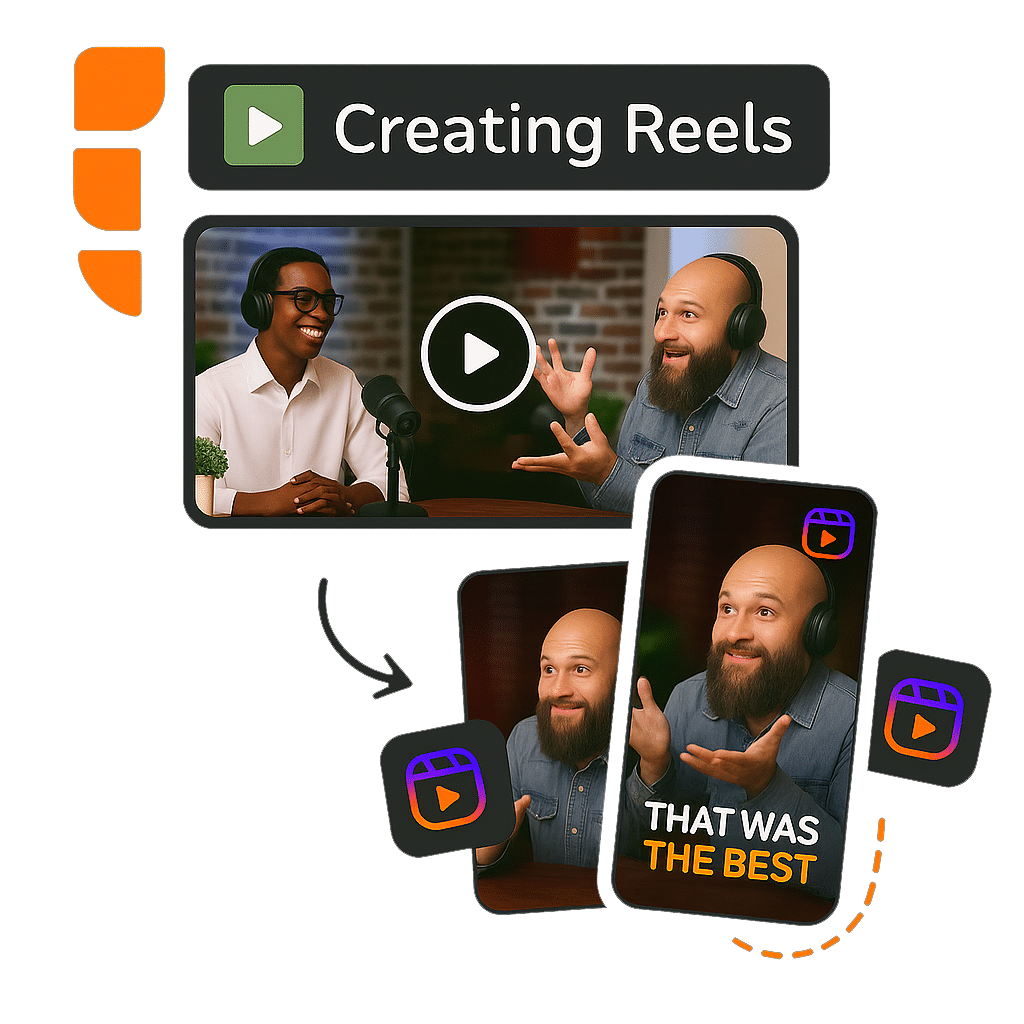
Export and publish directly to TikTok, Instagram Reels, YouTube Shorts and other networks with one click.
Why use AI for stream clips?
Real results from streamers turning streams into viral content.
From stream to clip in 4 steps
Paste the stream link
Paste the VOD link from Twitch, YouTube, Kick or upload the recording file.
Customize your way
Choose captions, styles, formats and reframing that match your brand and audience.
AI detects the best moments
AI scans the entire stream and identifies moments with highest viral potential.
Export and share
Download clips in vertical format and publish directly to TikTok, Reels or Shorts.
What our streamers say
Creators who transformed their streams into viral clips with VDClip.
I do 4-hour streams daily on Twitch. VDClip gives me 10-15 ready clips per stream. My TikTok exploded after that.
I used to waste hours watching my own stream to find the best moments. Now AI does it in minutes and never misses.
Face Motion is perfect for gameplay streams. Framing always stays on my face, even when I move a lot during the stream.
I do podcast streams and VDClip finds exactly the most interesting parts. My Reels now yield 5x more followers per week.
Frequently asked questions


Ready to turn your streams into viral clips?
Start free with 30 minutes. No credit card.