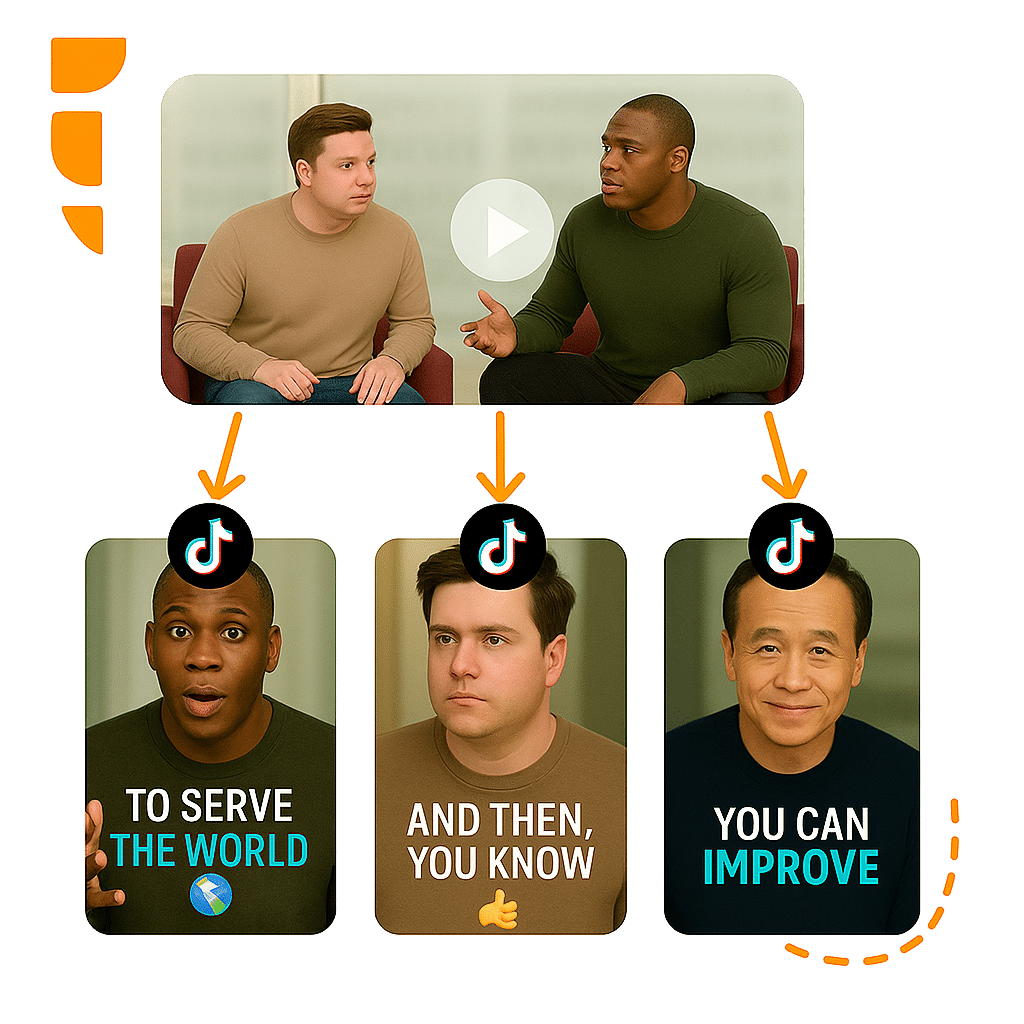
Turn videos into viral YouTube Shorts
Automatically create YouTube Shorts with AI. AI finds the best moments, formats in 9:16 and adds captions to maximize your reach.
Compatible with
6 reasons to create Shorts with AI
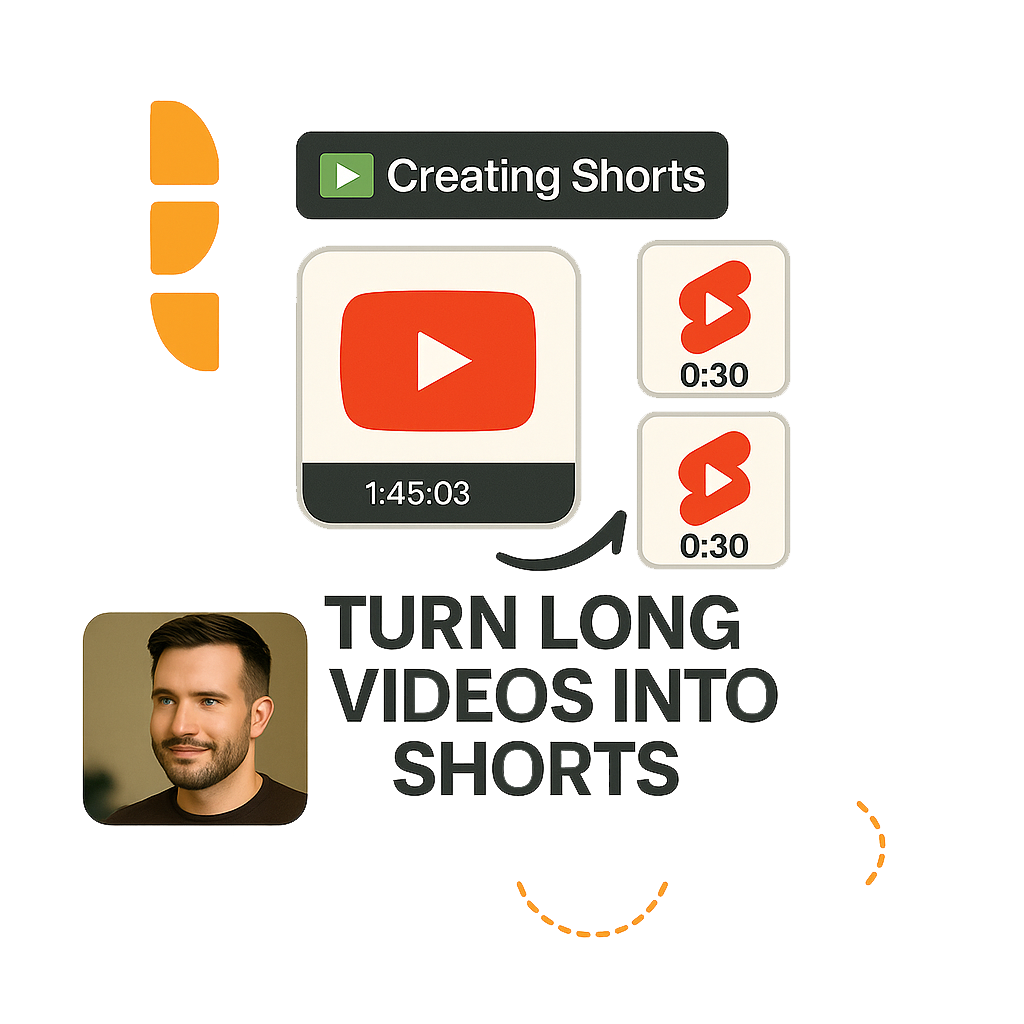
Turn long videos into viral Shorts and multiply your YouTube reach.
Smart AI transformation
AI analyzes the entire video and automatically identifies moments with highest viral potential to become Shorts.
Radical time savings
What would take hours of manual editing, AI does in minutes. Automatic clips, captions and formatting.
Multi-platform in one click
Export the same clip in 9:16, 1:1 and 16:9. One video becomes content for YouTube, TikTok and Instagram.
Fully customizable Shorts
Adjust clips, captions, fonts, colors and framing in the visual editor before publishing.
Auto video optimization
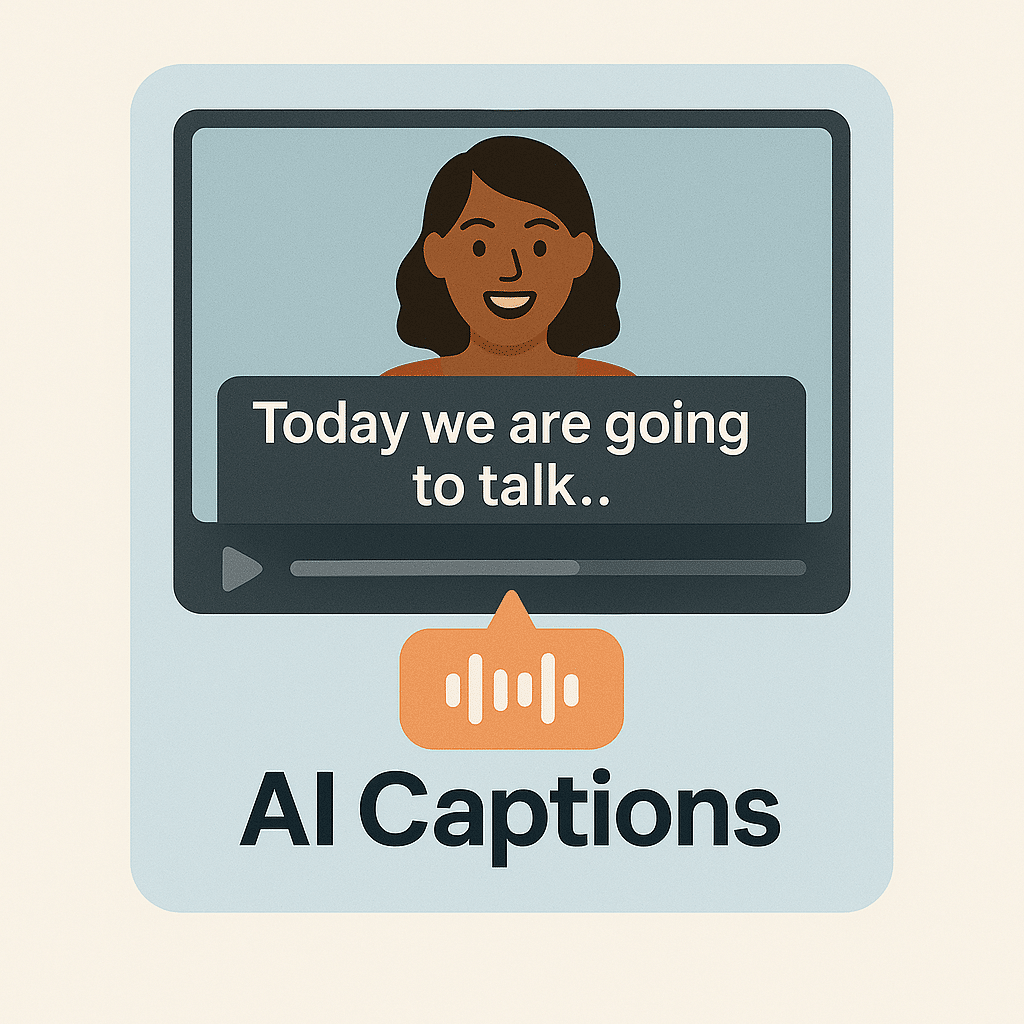
Smart reframing for vertical format, synced captions and Virality Score to prioritize the best clips.
Affordable and free alternative
Start free with 30 minutes of video per month. No credit card, no commitment.
Why create Shorts with AI?
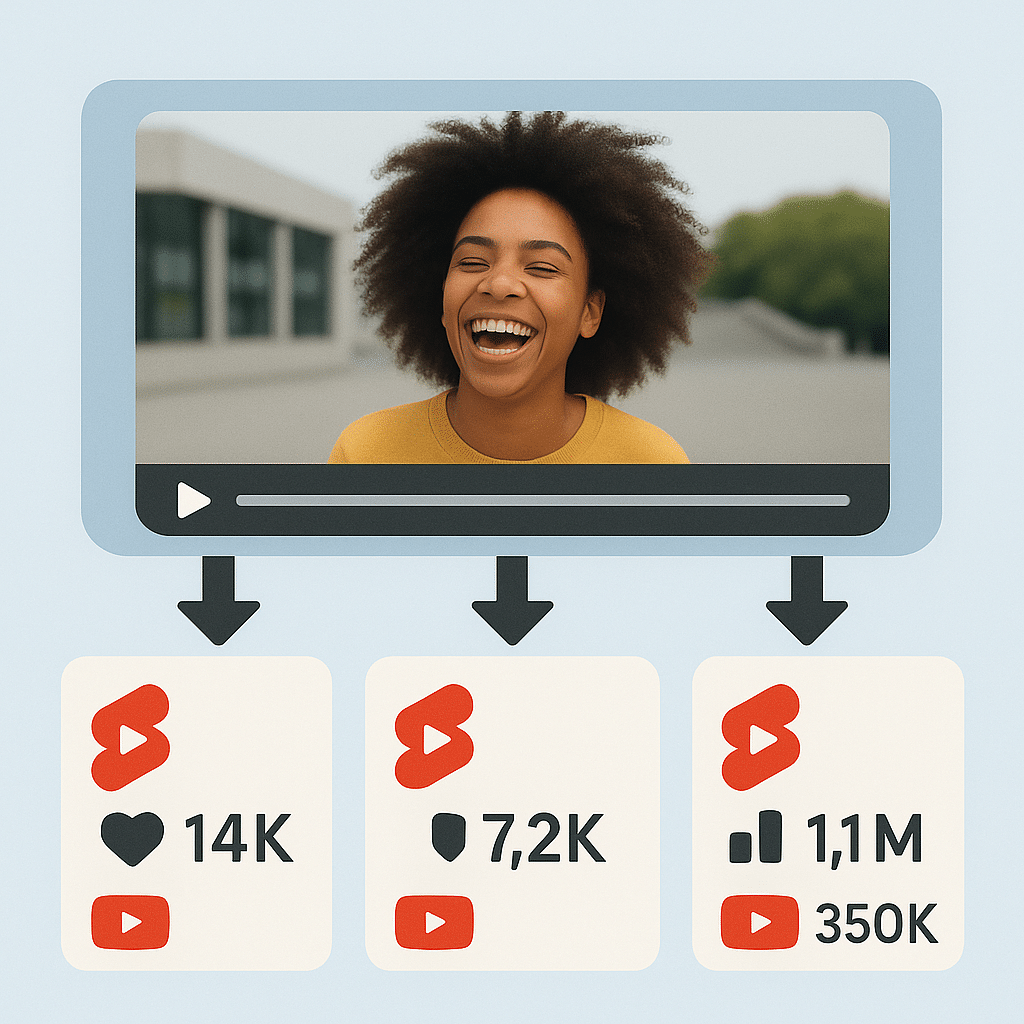
Real results from creators turning long videos into viral Shorts.
Shorts ready in 4 steps
Paste link or upload
Paste any YouTube video link or upload directly from your computer.
AI identifies the best moments
AI analyzes the content and selects segments with highest viral potential.
Customize in visual editor
Adjust clips, captions, styles and framing. Or keep what AI suggested.
Export and publish
Download Shorts or publish direct to YouTube with integrated scheduling.
What our creators say
Creators who multiplied their YouTube reach with AI-generated Shorts.
My channel grew 300% after I started using VDClip for Shorts. AI really knows how to pick the best moments from my long videos.
I used to take 2 hours to cut a 1-hour video. Now VDClip does it in 5 minutes and the result is better than what I did manually.
The Virality Score is spot on. Shorts with higher ratings always perform better on YouTube. It has become an essential part of my workflow.
I publish 5 Shorts per week now, all generated from my streams. Channel engagement exploded and I gained 15K subs in a month.