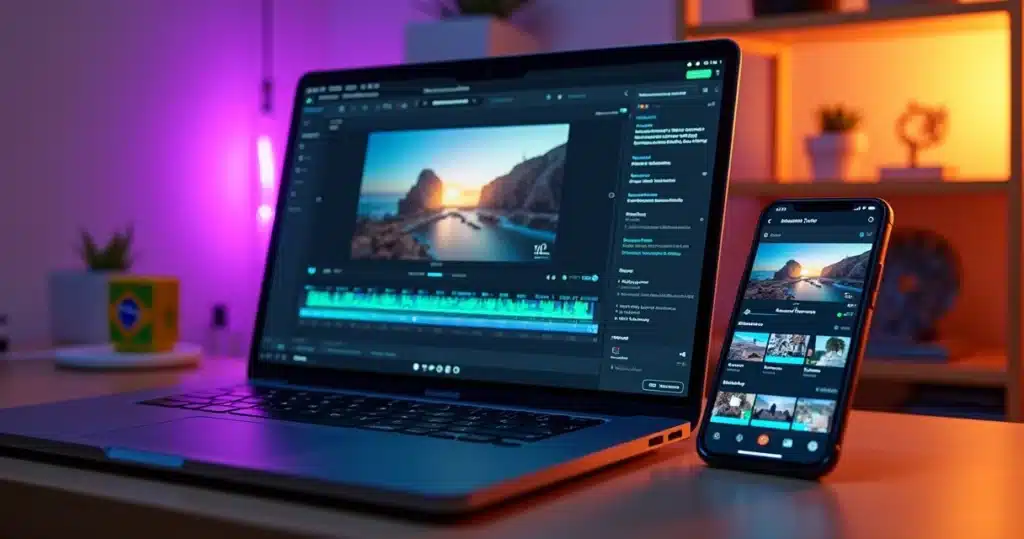
Posting infrequently no longer keeps pace with the rhythm of social media. Posting too much, without a method, leads to delays, rework, and loss of standards. It is at this point that mass editing with artificial intelligence makes sense for those needing to maintain a constant presence with short videos.
When a team, creator, or company decides to transform long videos into dozens of clips weekly, the challenge is no longer just editing. It becomes about selecting the best excerpts, adding subtitles, adjusting formats, applying visual identity, and organizing publication—all at scale.
Producing 60 weekly cuts becomes feasible when creation shifts from manual mode to an AI-guided workflow.
In this logic, VDClip emerges as a platform designed to reduce steps. Instead of separating multiple tools, users can concentrate on generating cuts with AI, face tracking, face-motion, automatic subtitles, brand kit, professional editor, and scheduling posts all in the same environment. For those wanting to better understand this flow, it is worth exploring the proposal of VDClip.com.
The scenario helps explain why this model is growing. A survey by IBGE on frequent internet usage in Brazil indicates large-scale daily online audiences. This favors recurring publication calendars. At the same time, a report on the growth of digital video consumption in Brazilian households reinforces that video is increasingly present in daily routines. Those who publish cuts frequently enter this attention flow more often.
Why 60 cuts per week are no longer excessive
For a long time, the idea of publishing dozens of short videos weekly seemed restricted to large teams. Today, this changes because a single long video can yield many useful snippets. A one-hour podcast, a class, an interview, or a content-rich meeting can turn into an entire week of material.
A small story helps to visualize this. A creator records two interviews in one day. Previously, they spent hours reviewing the entire file, looking for strong statements, adjusting framing, writing subtitles, and exporting each version. In the end, they published little. With an AI-driven cut workflow, the logic changes. The platform finds the most promising excerpts, suggests formats, keeps faces highlighted, and advances much of the repetitive work.
More volume. Less friction.
The real gain is not just editing faster but repeating a good process without losing consistency.
This is why the search for terms like VDClip mass editing tool, bulk scheduling, and AI cuts has been growing. The interest lies not only in automatic cuts. It is in the complete system that takes raw video to organized posting.
How to structure a week of mass production
To achieve 60 weekly cuts, one does not need to record 60 videos. They need to create a content base with clipping potential. Generally, a simple flow tends to work better.
First, they select 3 to 6 long videos per week. Then, they set goals per material. One episode might yield 10 cuts. Another, 15. A short testimonial might yield 5. The secret is to think in blocks, not as loose files.
A common structure might follow this order:
- Selection of long videos with clear themes
- Automatic generation of multiple snippets
- Review of the best moments suggested by AI
- Application of template and brand kit
- Subtitles, automatic emojis, b-roll, and audio cleaning
- Format adjustments for each network
- Mass scheduling for the entire week
This model prevents the user from constantly switching tasks. Instead of editing one video at a time to completion, they work in stages. This reduces fatigue and helps maintain visual standards.
Step by step to generate cuts in bulk with AI
In VDClip, the process can begin with uploading raw videos to the platform. From there, AI analyzes the material and identifies the most relevant moments, such as excerpts with the strongest speech impact, changes in pace, or segments with a higher retention chance.
The logic of mass editing works best when AI filters what deserves to become a clip before the finishing stage.
After the upload, the user can follow a practical roadmap:
- Select the week’s videos and organize them by theme, campaign, or client.
- Generate automatic cuts based on the best moments detected by AI.
- Review the suggested cuts and discard only what does not make editorial sense.
- Apply face tracking and face-motion to keep the visual focus on the video’s protagonist.
- Activate synchronized automatic subtitles and review specific terms, names, or brands.
- Choose the ideal format, such as vertical, square, or horizontal, according to the content’s destination.
- Finalize the visual identity with logo, intro, transitions, and brand kit elements.
Those wanting to deepen this step can consult the page on creating cuts with AI, where the process is presented directly and aligned with this type of operation.
 How to personalize without losing speed
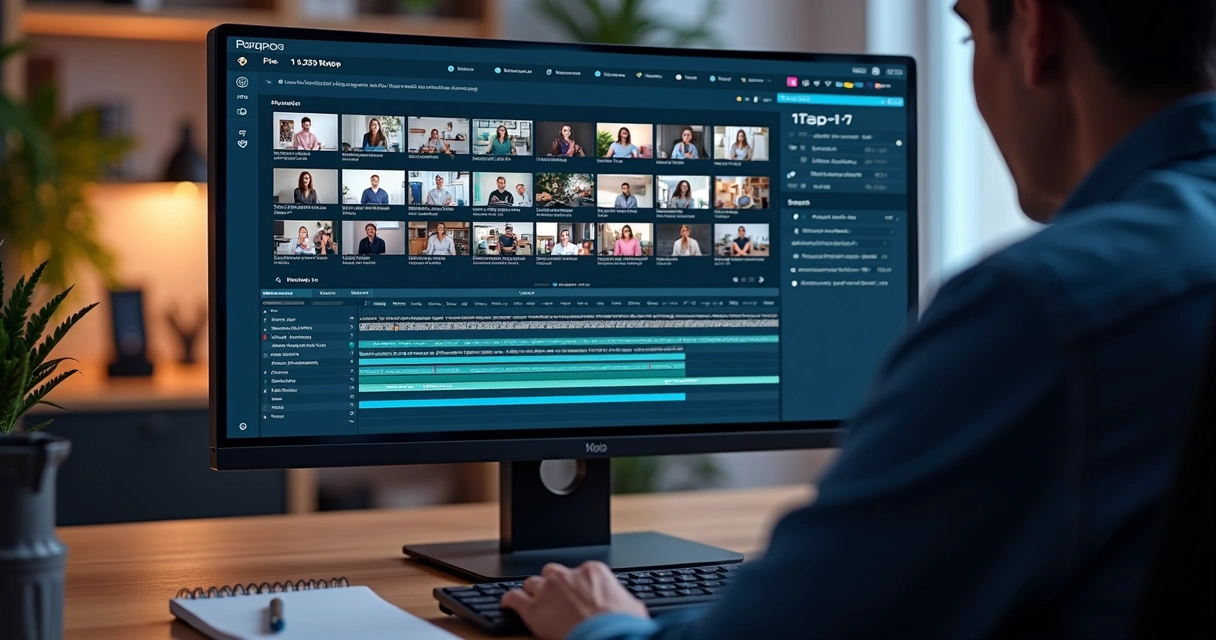 How to personalize without losing speed
Many people get stuck at this point. They think that producing in bulk means publishing everything with a generic appearance. It doesn’t have to be that way. The smarter path lies in personalized templates.
In VDClip, users can create a base model with an already defined visual identity. This includes logo, color palette, typography, intro, transition, subtitle style, and other brand kit assets. After that, these elements are replicated in subsequent cuts with minimal adjustments.
A well-configured template allows scaling without making content look improvised.
It is essential to observe some points when creating this standard:
- Choose a typography that is easy to read on small screens
- Use high-contrast colors for subtitles
- Place the logo in an area that does not cover the face
- Keep the intro short so it doesn’t hinder retention
- Create discreet transitions to avoid visual fatigue
- Standardize openings and closings by content series
This care benefits both creators and agencies. When multiple videos follow the same visual standard, the audience recognizes the brand more quickly. And the team avoids starting from scratch every time.
For those seeking a broader view of this model, they can visit the page on video editing with artificial intelligence, which shows how automation integrates with personalization.
Subtitles, audio cleaning, and resources that increase retention
Not always does the best cut win alone. Often, what holds attention is the combination of on-screen text, correct framing, and clean sound. Therefore, a workflow of 60 weekly cuts needs to treat finishing as part of the process, not as a detail.
In the VDClip flow, automatic subtitles significantly speed things up. The platform synchronizes speech with text, which saves hours of typing and manual adjustments. Moreover, multilingual translations can open doors to new audiences when it aligns with the strategy.
Another focus is audio cleaning. A good video can lose impact due to noise, echo, or irregular volume. When the platform helps to correct this, the clip gains clarity. The same applies to b-roll and automatic emojis, which serve as visual reinforcement when used judiciously.
Clarity captures attention.
Well-synchronized subtitles and clean audio make the cut appear more professional right from the first seconds.
Face tracking also comes into play here. In videos recorded with more movement, face-motion helps keep the main character in the center of the frame. This enhances visual reading, especially in vertical format.
The right formats for each network
A mass operation needs to consider the content’s destination before exporting. Publishing the same file everywhere might work in some cases, but there is often a loss of results when the format doesn’t fit the platform.
In practice, the team usually works with variations such as:
- Vertical for short videos in feeds and discovery
- Square for some campaigns and repurposing across multiple spaces
- Horizontal for segments that will also be used in long or institutional environments
In VDClip’s professional editor, this adjustment can be refined without leaving the platform. This avoids extra exports and simplifies adapting the same cut for multiple purposes. Instead of rebuilding the video, the user adjusts the framing, subtitle position, visual elements, and pacing.
When the goal is virality, it also helps to check the pages on automatic cuts with AI for viral clips and on how to make money with video cuts, as scale and monetization often go hand in hand.
How to schedule in bulk without confusion
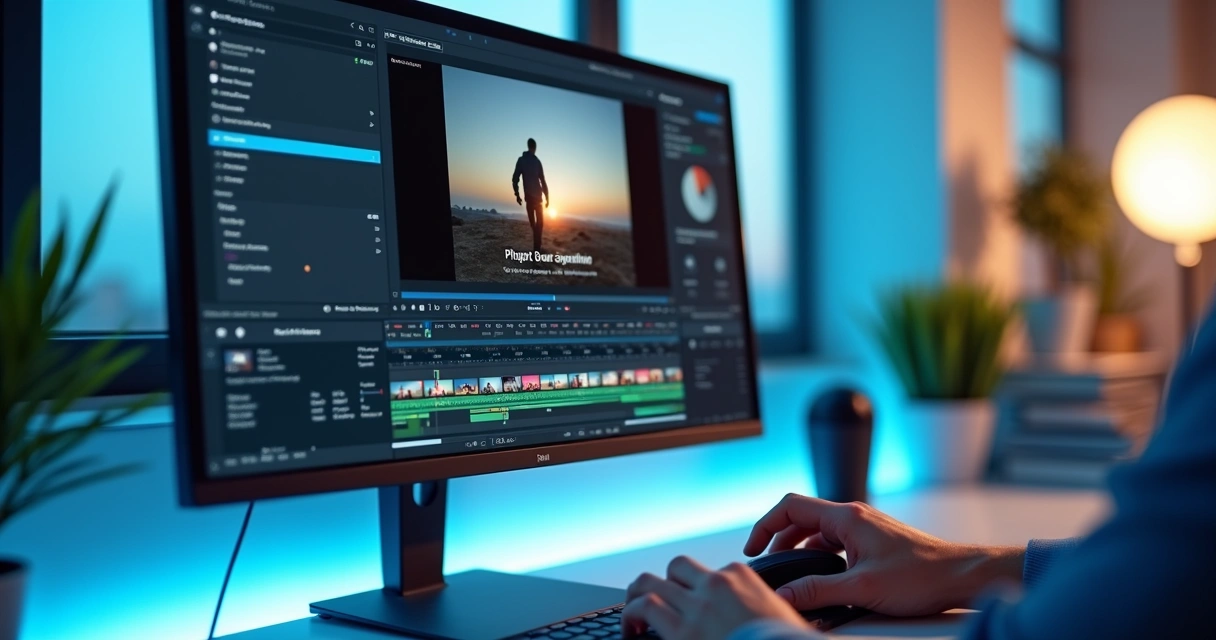 How to schedule in bulk without confusion
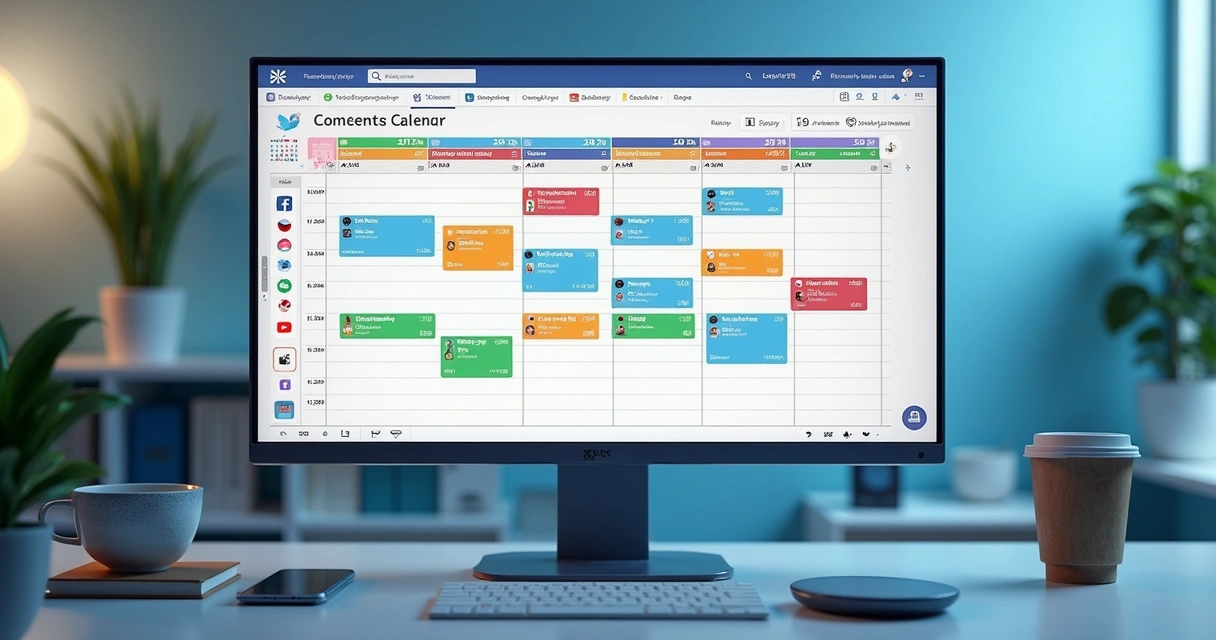
After editing, there comes a step that many underestimate. It’s not enough to have 60 cuts ready. It’s essential to publish at the right pace. When scheduling is done loosely, frequency gaps, illogical repeated timings, and holes in the calendar arise.
With bulk scheduling within the platform, organization becomes simpler. The user defines dates, times, target networks, and the order of clips. Thus, an entire week can be programmed in one block of work.
Scheduling in bulk reduces delays and transforms a pile of ready videos into a real publishing plan.
A practical flow might follow this path:
- Separate the cuts by category, such as authority, social proof, behind-the-scenes, tips, and offers.
- Define the quantity per day on each channel.
- Organize timings based on audience behavior.
- Write titles, descriptions, and hashtags suggested by AI.
- Check thumbnails, format, and destination of each post.
- Schedule everything in the same panel and monitor the calendar.
For those wanting to focus on this step, they can access the page on video scheduling and video cuts with AI. It directly relates to the routine of those seeking to combine mass editing with organized posting.
In this context, the search for VDClip AI to generate cuts automatically and schedule posts makes total sense. The value lies precisely in continuity. The work doesn’t stop when the clip is finished.
Tips for achieving volume without losing quality
Scale does not combine with chaos. When the goal is to publish 60 cuts per week, some habits save the operation.
First, one should record with clipping in mind. Objective statements, thematic blocks, and good audio capture greatly assist AI in identifying strong segments. Second, it’s advisable to classify videos early on, using clear names and organized folders. It seems simple, but it prevents batch errors.
Other practices help significantly:
- Establish fixed content series to repeat formats that have already worked
- Allocate a step solely for final review of subtitles and visual identity
- Avoid excessive effects on all videos
- Maintain a bank of intros, tracks, b-roll, and approved calls
- Repurpose long videos from multiple editorial angles
- Use title and hashtag suggestions to speed up publication
The higher the volume, the more the standard needs to be defined before editing begins.
There is also a human aspect to all this. When the team feels that the process is clear, the routine becomes lighter. Less rush. Less rework. More predictability. And this predictability greatly helps those who live by the calendar.
When the professional editor makes a difference
Automation speeds up the work, but not every cut should come out on autopilot to the end. In more sensitive campaigns, brand content, or segments with high outreach potential, manual refinement still counts for a lot.
This is where the professional editor within the platform comes into play. Users can review framing, swap supporting scenes, adjust duration, correct a specific subtitle, place the logo elsewhere, or improve the transition. It’s not going back to the slow process. It’s polishing what has already been advanced.
In VDClip, this allows for a very healthy balance. AI takes care of the bulk. The human touch enters where it really makes a difference. This model caters to everyone from those producing for their brand to agencies and clip creators with high demand.
Conclusion
 Conclusion
Mass editing does not mean just doing more. It means creating a system where content enters raw and exits ready for consistent circulation, identity, and rhythm. When this flow includes automatic cuts, face-motion, subtitles, brand kit, professional editor, and scheduling in the same place, the goal of 60 weekly cuts stops seeming distant.
The best flow is the one that transforms volume into publication consistency.
VDClip caters precisely to this scenario. The Brazilian platform brings together the resources that help creators, businesses, podcasters, clip channels, agencies, and editors produce short clips with more agility and control. For those wanting to take this plan off the ground and build a real routine of mass editing and posting, it’s worth trying out https://vdclip.com and seeing firsthand how AI can elevate short video operations to another level.
Frequently Asked Questions
What is the VDClip tool?
VDClip is a Brazilian intelligent video editing platform powered by AI. It helps transform long videos into short clips for social media, with features like automatic cuts, face tracking, face-motion, synchronized subtitles, personalized templates, brand kit, professional editor, and publication scheduling.
How does bulk scheduling with AI work?
Bulk scheduling with AI works by organizing various clips within the same panel. The user can prepare the cuts, review titles, descriptions, and hashtags, set dates and times, and schedule publication for different networks. This reduces manual work and helps maintain frequency throughout the week.
What are the advantages of automatic weekly cuts?
Automatic weekly cuts help gain scale, maintain consistency, and better leverage each recorded long video. Instead of relying on manual editing for each segment, AI identifies moments with potential, streamlines the assembly process, and opens up space for human review to focus solely on finishing and strategy.
Is it worth using VDClip for video editing?
Yes, it is worth it for those needing to publish short videos frequently and wanting to reduce steps. VDClip brings together features for generating cuts with AI, subtitling, visual personalization, fine adjustments in the editor, and bulk scheduling all in one environment. This serves creators, brands, agencies, and teams with high production volume well.
How much does it cost to use VDClip for editing?
The price may vary depending on the plan available at the moment and the level of usage of the platform. To check prices, included features, and testing possibilities, the most direct way is to consult the official website at https://vdclip.com, where updated information is available.