Live streaming has carved its space as one of the pillars of digital content consumption. It has become a tool for work, entertainment, education, and even social connection. But how does this technology work, and how can anyone start from a simple idea to broadcasts that impress?
This guide unveils the universe of live streaming, shows its history, explains all the technical details in easy language, points out the necessary equipment, teaches how to transform broadcasts into viral content, and shows that, with creativity and the right tools, anyone can stand out.
What is live streaming? Concept and differences
Live streaming is the real-time transmission of video and audio over the internet, allowing content to be viewed at the exact moment it is generated. Unlike traditional videos, which need to be recorded, edited, and then published, live streaming eliminates the gap between production and consumption.
It’s like comparing: watching a movie (recorded) to seeing a live show on the internet (in real time). In the first case, everything has already happened and been edited; in the second, interaction is instant, unforeseen events occur, and the feeling of closeness is total.
Live streaming does not require prior storage, which opens doors to unpredictable, authentically human, and highly connected experiences.
How did live streaming come about?
Live streaming was born in the early days of commercial internet, back in the 1990s. At that time, RealPlayer was one of the pioneers in transmitting audio and video, but bandwidth limitations made the experience restricted to niches and often unstable.
The scenario changed with technological advancement: only in the next decade did live broadcasts start to gain popularity. YouTube began live streaming in 2008, while Twitch arrived in 2011 focused on gaming and pop culture. These movements consolidated streaming as a protagonist of the digital age.
Today, there are plenty of options: YouTube Live, Twitch, Facebook Live, and solutions like Riverside dominate the market, allowing people to connect, create, and transform ideas into global engagement without leaving their homes.
The numbers don’t lie: PwC estimates indicate that Brazil will have 85 million subscribers to streaming services by 2028 and a segment that already moves tens of billions of reais.
How does live streaming work technically?
Behind the simplicity of “starting a live” lies a sophisticated technological chain. What happens in seconds is impressive:
- Video and audio capture: cameras and microphones record everything live.
- Compression: the captured data, often huge, is reduced by codecs to travel faster over the internet, without significant loss of quality.
- Segmentation: the video is divided into small blocks (chunks), facilitating continuous transmission, balancing delivery, and avoiding bottlenecks.
- Sending to servers and CDN: the signal is transmitted to a content delivery network (CDN), which spreads the parts of the video to servers around the world, bringing the content closer to the viewer.
- Decompression and display: the user’s browser or app receives the information, reassembles, and displays the video almost instantaneously, with minimal delays.
The magic happens in milliseconds.
In live streaming, the time between capture and viewing is incredibly reduced.
This complex cycle enables hundreds, thousands, or millions to follow in real-time, interact, and share the experience.
Explanations of key technical terms
- Compression: reduces the size of audio and video files to facilitate sending over the internet. It is done by codecs (e.g., H.264, H.265), removing information perceived as redundant to the user.
- Encoding: converts the raw audio and video signal into a format compatible with digital transmission (RTMP, HLS, etc.).
- Transcoding: adapts the format or resolution of the video to ensure that different devices (mobile, tablet, smart TV) receive the best version.
- CDN (Content Delivery Network): a mesh of geographically distributed servers that delivers content quickly to the viewer, avoiding congestion and delays.
- Segmentation and caching: divides the transmitted video into small blocks (typically two to ten seconds each), allowing for continuous delivery and storing temporary copies to efficiently serve multiple nearby users.
- HTML5 media player: software (browser/app) that decodes and displays content to the viewer, supporting the main streaming formats.
Moreover, understanding the protocols makes a difference. The main ones are:
- HLS (HTTP Live Streaming): protocol created to support large audiences, works well for public broadcasts on popular platforms.
- WebRTC: ideal for low-latency calls, such as video conferencing and intense interaction.
- MPEG-DASH: open alternative to HLS, used in some large-scale streaming services.
- RTMP (Real-Time Messaging Protocol): traditional protocol for sending video from encoders to servers, still popular behind the scenes of live broadcasts.
- RTSP: used more in security cameras and live monitoring applications.
- SRT (Secure Reliable Transport): focused on security and stable delivery over unstable networks.
What do you need to start a live?
Today, there are plenty of affordable and practical options. It is possible to set up a live streaming structure on a budget and gradually advance to professional resources.
The basic essentials:
- Webcam (preferably 1080p): models like Razer Kiyo Pro, Logitech c920s Pro, or even smartphones and DSLR cameras deliver excellent quality.
- Cardioid microphone: Blue Yeti Nano, Shure SM7B are famous for capturing voice clearly and eliminating side noises.
- Stable internet: upload speeds above 1 GB for high-definition video are recommended; for secure Full HD lives, starting from 5 Mbps is advised, with packet loss less than 1%.
Items that greatly improve the outcome:
- Video capture card to use advanced cameras.
- Visual background (chroma key, banners, thematic decorations).
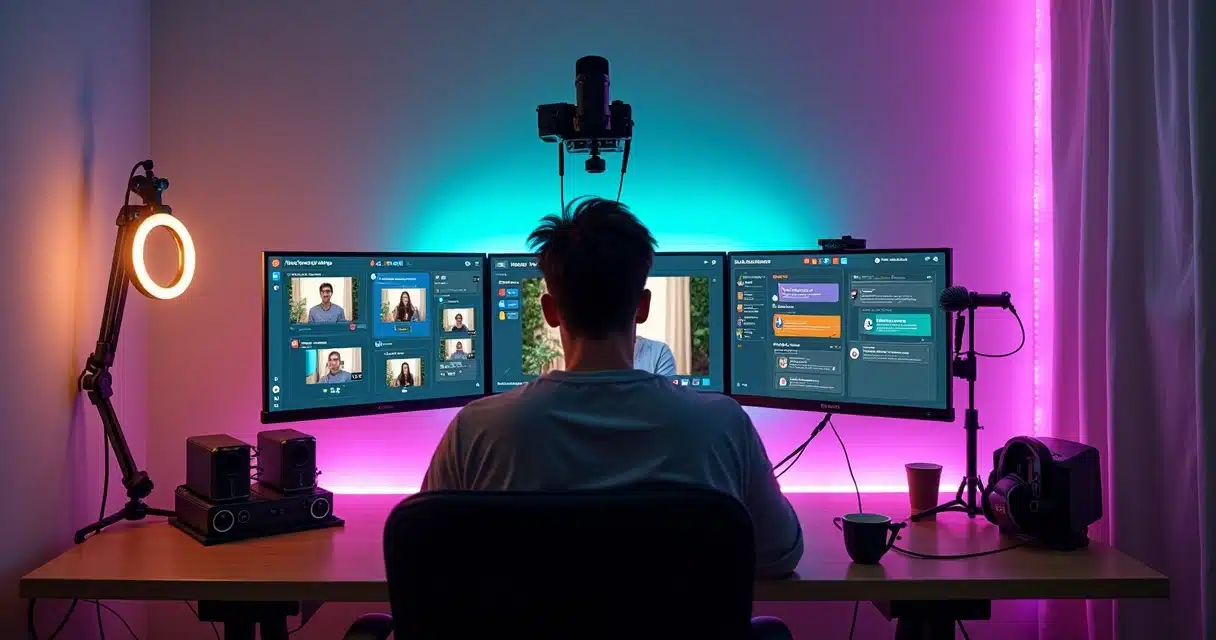
- Lighting (softbox, ring light, variable LED lights).
- Pop filter for the microphone and suspended mounts.
 Encoder: hardware or software?
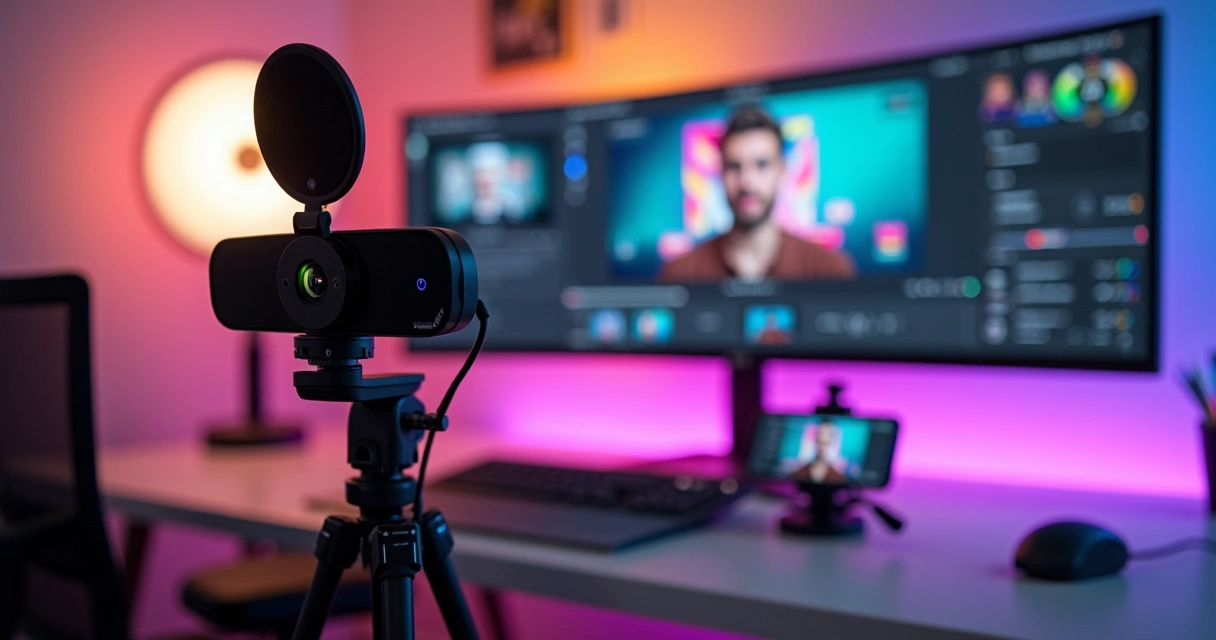 Encoder: hardware or software?
The encoder is responsible for processing the live video signal and converting it into a broadcast format.
- Hardware Encoder (e.g., Teradek Vidiu X, Blackmagic ATEM Mini Pro): recommended for broadcasts with high stability, as it does not overload the computer. It is usually used in large events or professional settings.
- Software Encoder: more accessible and caters to most users, specialized programs offer intuitive panels and easy integration with digital platforms.
For beginner or intermediate projects, software usually works well. In larger productions, hardware can prevent crashes and ensure solid delivery.
How do live streaming platforms and software work?
Live broadcasts are becoming increasingly accessible due to intuitive and comprehensive platforms on the market. The standard operation includes:
- Creating the room: the producer logs in and sets up the digital environment where the live will be hosted.
- Inviting participants: exclusive links are sent to guests (via email, WhatsApp, or social media).
- Configuration: adjustments to the camera, microphone, room branding, and recording permissions.
- Authorization of social networks: the accounts of the channels are connected, allowing simultaneous multichannel broadcasts (for example, streaming on YouTube, Facebook, and X at once).
- Broadcast: upon starting, connected viewers watch live, interact in the chat, ask questions, and participate in polls.
- Extra features: most software allows local recording in up to 4K, uncompressed audio, screen recording, media insertion, and presentation sharing. Organizers can bring audience members into the screen, facilitating discussions and interviews.
These steps make the experience richer and safer. The use of specialized tools like VDClip helps with automatic cuts and creating attractive and viral versions of these broadcasts (attractive live cuts), essential for multiplying the reach of live content.
Main uses: from entertainment to education
The versatility of live streaming has made it a protagonist in various fields:
- Entertainment and content creation: popular on Twitch and YouTube, it has grown with gamers, YouTubers, musicians, podcasters, chefs, and artists doing interactive performances.
- Business and marketing: corporate broadcasts have become routine for companies of all sizes. Q&A sessions, training, product launches, and webinars humanize brands and stimulate conversion, as well as allow real-time data collection.
- Education: remote classes, online courses, teacher and expert lives have made knowledge more accessible. Webinars and workshops create spaces for discussion, networking, and collaborative learning.
- Community engagement and social impact: NGOs conduct campaigns, social actions are broadcasted, groups promote mental health events, and telemedicine reaches remote populations, expanding access to information and care.
Live streaming has become a direct and interactive link between people, businesses, and communities.
Real use cases
There are hundreds of ways to apply live streaming:
- Live shows, festivals, and musical performances.
- Game matches streamed directly from consoles or PCs.
- Culinary lives, with chefs sharing step-by-step recipes.
- Language, math, history, yoga classes, and more.
- Technical lectures with audience interaction via chat and questions.
- Webinars for professional communities, lawyers, doctors, accountants.
- Live travels streamed by bloggers and influencers.
- Podcasts with real audience presence participating via chat or video.
Comparison: live streaming vs. live TV
 Comparison: live streaming vs. live TV
Many people still confuse live streaming with traditional open or closed TV broadcasting. Although both are live, there are important structural differences:
- Live TV: the signal is sent from the studio to regional repeaters and then collectively captured by antennas, decoders, or TVs. Everyone watches the same content at the same time, without options for direct interaction.
- Live streaming: each viewer receives the signal over the internet and can pause, rewind, interact via chat, polls, gamification, and even participate on-air in real-time.
In streaming, the viewer is not just an audience but part of the experience.
According to data from Kantar Ibope, in December 2025, linear TV still dominated with 62.8% of Brazilian audience, but online video was already at 37.2%. The trend is that these numbers will quickly rebalance, with streaming consolidating as an alternative to the traditional format.
IBGE study even reveals that many already access online content directly through TV, showing an integration of formats.
Tips for successful professional lives
Regardless of the theme, some precautions transform any broadcast into an immersive and engaging experience. Here’s what experts recommend:
- Test before broadcasting: check audio, video, encoder settings, connection, and chat interactivity.
- Invite participants in advance: ask guests to join 30 minutes early for final adjustments and alignments.
- Be authentic in engaging the audience: answer questions live, mention names, use polls, and create exclusive moments.
- Stream on multiple networks at once: this expands reach, making the live even more relevant.
- Analyze post-live data: study engagement and audience metrics to improve with each broadcast.
- Cut the best moments: turning impactful snippets into short videos for social media increases visibility (check resources like transforming long videos into automatic shorts or gains from live cuts for social media).
- Always ensure a good connection: speeds above 5 Mbps and stability are crucial.
- Prefer hardware encoder if there’s heavy local processing: in demanding lives, it prevents stuttering.
- Respect copyright: music, videos, and images need authorization for use.
- Follow platform policies: each channel has its own rules for moderation, format, and content.
For those seeking to create automatic cuts, generate personalized subtitles, and facilitate the viral spread of the best moments, solutions like VDClip transform lives into viral videos in minutes. This step is ideal for engaging new audiences and increasing the relevance of the broadcasted content.
Monetization: how to turn lives into revenue?
Live streaming opens doors to different sources of financial gain. The main ones include:
- Partnerships with platforms: direct monetization based on audience, views, or number of subscribers.
- Subscriptions and paid content: exclusive broadcasts for members/subscribers, paid events, behind-the-scenes, and special content.
- Donations and live “superchats”: viewers contribute financially during the broadcast, even to support social causes.
- Sponsorships and ads: the producer can close partnerships with brands to showcase products during the live.
- Selling their own products or services: many creators use streaming to launch courses, consulting, ebooks, and merchandise.
This ecosystem encourages new professionals and democratizes access to audiences that were previously only possible through major TV channels.
How to turn live broadcasts into viral videos?
The secret to prolonged success in streaming lies in leveraging the live content into other formats. Not everyone can follow hours of a broadcast, but short clips tend to go viral on networks like TikTok, Instagram, and YouTube Shorts.
Solutions like VDClip make a significant difference in this. Through AI, the platform automatically identifies the best moments, generates precise cuts, highlights memorable quotes, adds dynamic captions, and creates tailored versions for each channel. This way, in minutes, impactful segments go from hours of recording to short videos with viral potential.
 Want to see how this works? Discover in the guide to transforming lives into Reels and understand how the Magic Clips feature can multiply your results in just a few clicks.
Live streaming: trend, reach, and future
The video streaming market is only expected to grow, reports indicate an annual growth of over 17% between 2026 and 2034, with forecasts that Brazil will reach US$ 11.5 billion by 2034. This happens because, in addition to democratizing access and reducing costs, live streaming brings people closer, gives voice to minorities, connects companies to customers, and enhances education.
Anyone can start, all it takes is a webcam, microphone, and a bit of creativity. New creators emerge every day, influencing, teaching, and inspiring diverse audiences. For those looking to transform basic broadcasts into unforgettable content, using platforms like VDClip is a safe path for automatic cuts, creating shorts, and viralization on networks.
Have you imagined your next live going viral with thousands of quick views on the major apps?
Conclusion: from zero to professional, everyone can stream
Live streaming is not a “seven-headed beast.” With simple planning, smart tools, creativity, and a bit of preparation, anyone can take the first steps and, over time, reach professional broadcasts. Whether for business, entertainment, education, or social impact, live broadcasting connects, engages, and expands horizons.
Don’t let your idea sit idle! If you want to start, grow, and turn live content into real outcomes, check out the solutions that VDClip offers for creators of cuts, podcasts, and lives, and discover how your broadcasts can reach even further.
Frequently asked questions about live streaming
What is live streaming?
Live streaming is the real-time transmission of audio and video over the internet, allowing content to be viewed while it is being generated, without prior storage. It differs from recorded videos, being more interactive and allowing integration between creators and the audience.
How to start a live broadcast?
To start a live streaming, just have a webcam (or smartphone), microphone, stable internet, choose a platform (like YouTube Live or Riverside), and set up the channel or virtual room. Test all equipment, invite participants, and if you want to amplify the result, invest in tools that cut the best moments to viralize on networks, like VDClip.
What equipment is necessary to stream?
You can start a live broadcast with just a webcam and microphone, as long as the internet is stable. Items such as lighting, capture cards, visual backgrounds, and hardware encoders are recommended for those who want professional quality or to stream for long periods.
How to improve the quality of broadcasts?
Some tips are: ensure a good connection, use cardioid microphones, invest in proper lighting, test beforehand, engage the audience, monitor metrics after the live, and cut attractive segments to share on other networks. It’s also important to respect copyright and platform rules.
Is it worth investing in professional streaming?
Investing in professional streaming expands reach, improves the image of the brand or creator, and can generate income through partnerships, subscriptions, donations, ads, and sales. With the use of tools like VDClip, it is possible to make broadcasts more engaging and reach new audiences, maximizing returns even for those just starting out.