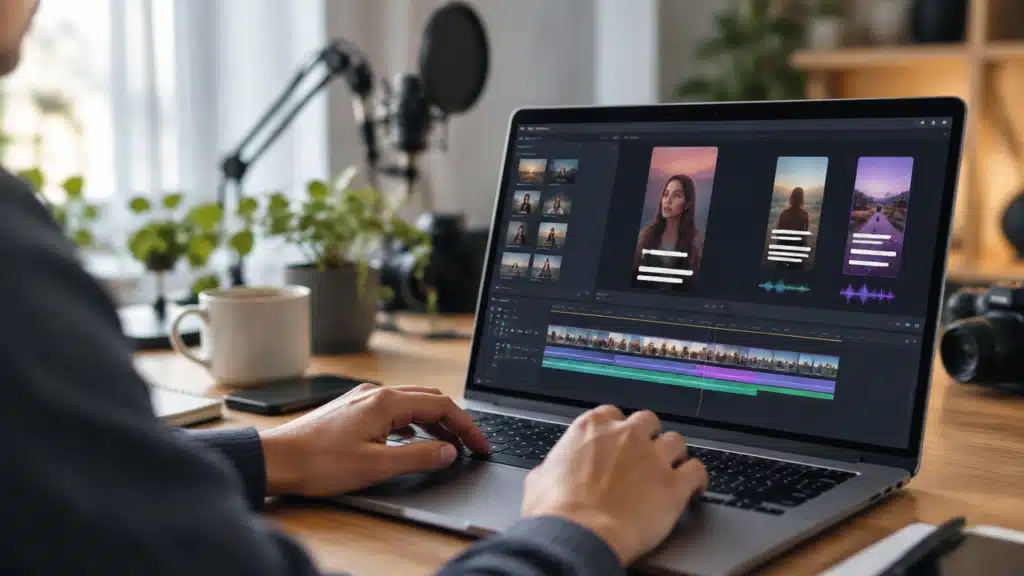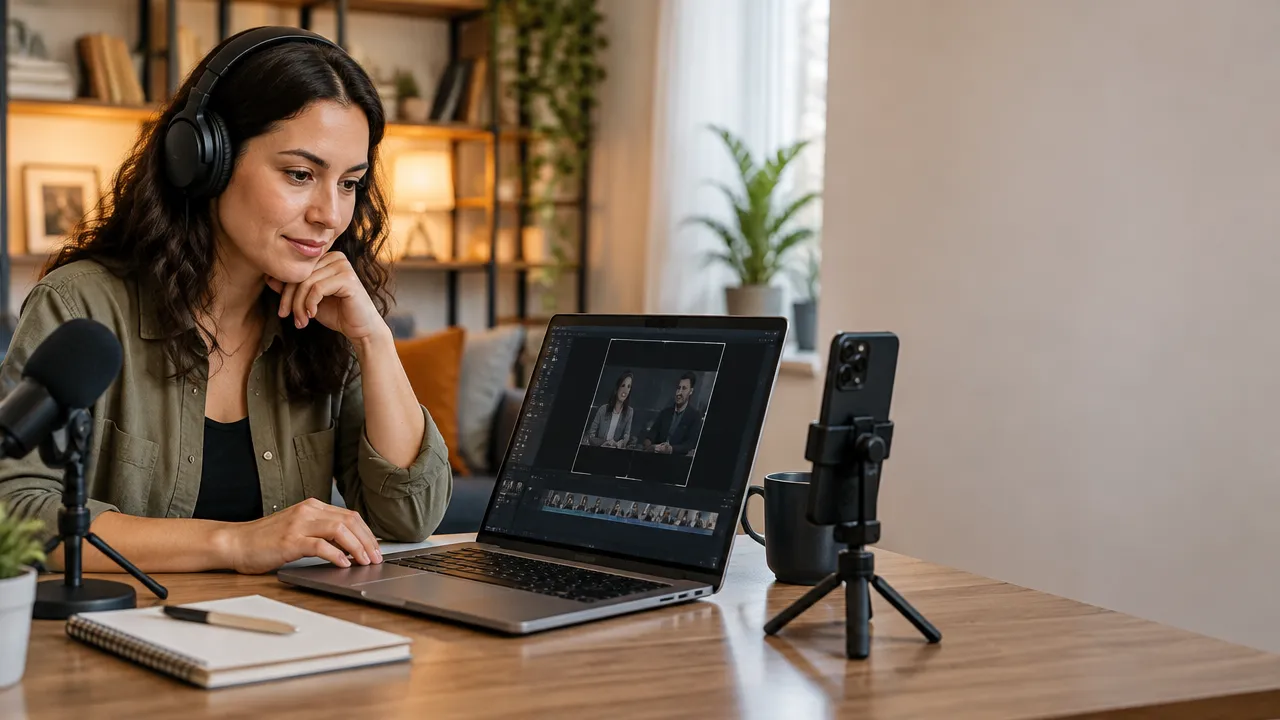
Recordings of interviews, classes, podcasts, and broadcasts can become short videos for Instagram when the team selects segments with a complete idea and adapts each one for vertical viewing. The process begins with the agenda and the choice of moments, not with automatic cutting. With a review flow, a recording can supply multiple posts without losing context or quality.
What to consider before editing a recording
- Define the audience and the objective of each video before looking for cuts.
- Select segments that make sense without requiring the viewer to know the entire recording.
- Edit for vertical format, with clear speech, proper framing, and revised subtitles.
- Prepare each post for a specific function, such as teaching, answering a question, or presenting an idea.
- Analyze the results to decide which themes and openings deserve new videos.
How to plan short videos from long content?
Planning should link each clip to a specific need of the audience. A recording may contain different subjects, but that does not mean that all need to become posts. The team starts by choosing what they intend to explain, demonstrate, or answer, and only then looks for the corresponding segment.
This criterion reduces cuts that seem interesting within a conversation but become confusing outside of it. For a brand, the goal may be to clarify a recurring question. For an educator, it may be to present a definition or a stage of a lesson.
- Inform: explain a concept or present contextualized data.
- Demonstrate: show a step in a process or a skill.
- Connect: share a story or an opinion that represents the brand.
- Call to action: guide the viewer to take a relevant next step.
The goal also guides the final call-to-action. An educational video can end with a question that encourages comments, while a service presentation can indicate where to find more information. The call should match the content, without promising something that the clip does not deliver.
How to prepare the recording to find good segments?
A well-organized recording facilitates selection and reduces rework. The team should gather the original file, agenda notes, and, if available, a transcript. These materials help locate subjects, names, and important terms before starting the assembly.
It is worth noting the context of each recording in a spreadsheet or simple document: theme, participants, date, expected audience, and possible useful moments. In interviews and podcasts, the agenda topics can serve as search points. In classes, the titles of sections help find explanations that already have a beginning and conclusion.
Before editing, it is important to check if the file has usable audio and if the person speaking is clearly visible. Noise, interruptions, and shaky images do not necessarily prevent reuse but may require another segment or more careful editing. It is also advisable to confirm that the recording can be published and that the team has permission to use images, voices, and third-party materials.
How to choose the moments that work as clips?
A good segment presents a specific and understandable idea without the complete conversation. The team should look for clear statements, answers to frequently asked questions, demonstrations, and stories with a central point. A dramatic pause or an isolated reaction can draw attention but needs to make sense for someone who has not seen the original content.
When evaluating a possible cut, the team can note the start and end and answer three questions: what is the message, why does it matter to the audience, and what context is missing? If the answer depends on a lengthy prior explanation, the segment needs a brief contextualization or should be replaced.
- Does the segment present a question, an idea, or a recognizable situation?
- Does the speech deliver a concrete answer or conclusion?
- Is it possible to understand who is speaking and what the subject is about?
- Does the cut avoid incomplete or out-of-context statements?
- Does the theme deserve its own video or work better within another post?
A recording can yield several clips, but the quantity should not be defined solely by duration. It is better to publish few distinct segments than to divide a single answer into repetitive parts.
How to structure a short video?
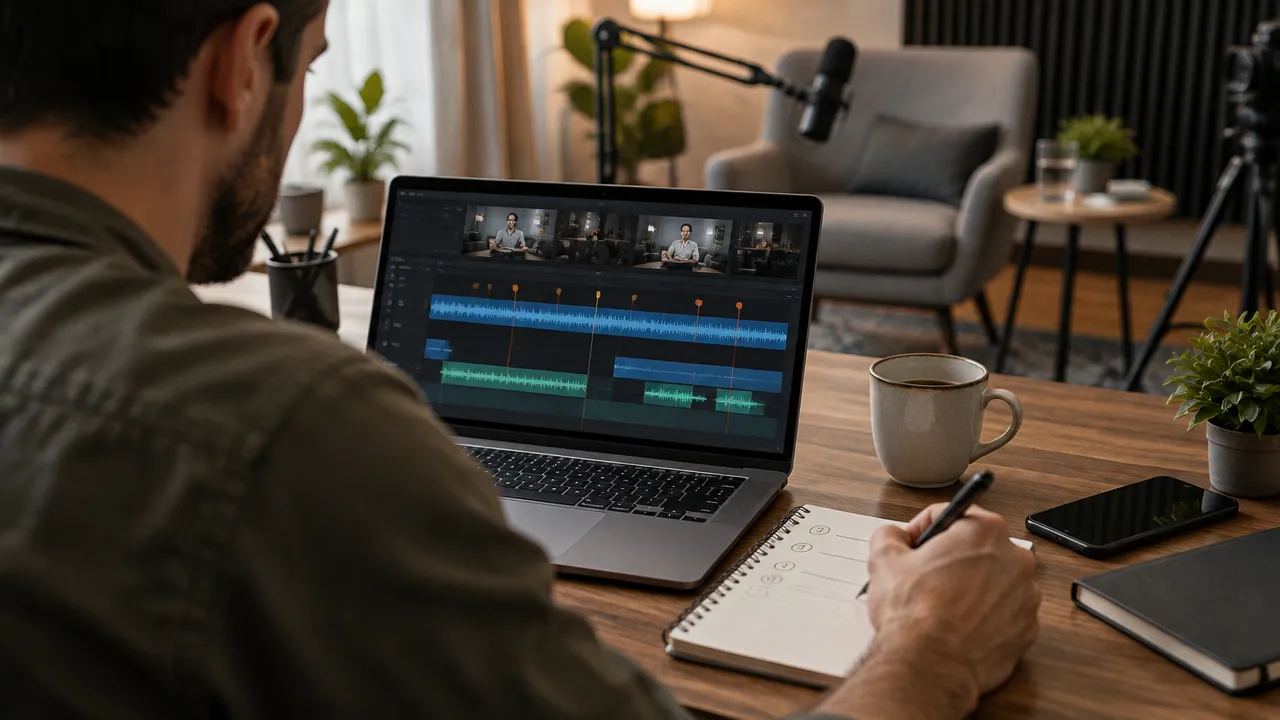
Each clip needs a clear opening, a direct development, and a closing that concludes the idea. This structure helps maintain context even when the segment has been taken from a longer conversation. The beginning can pose a question, a helpful statement, or the situation that will be explained.
Instead of starting with a long introduction, the editing can remove greetings and introductions that do not contribute to the message. This does not mean cutting out all naturalness: breaths, pauses, and reactions can be kept when they help with understanding or preserve the speaker’s tone.
- Opening: presents the topic or the question that will be answered.
- Explanation: develops a main idea without diverging to other subjects.
- Closing: summarizes the conclusion or proposes a related next step.
If the original cut starts in the middle of a sentence, the team can reconstruct the context with a brief title on screen or a narration, as long as this does not distort the meaning. A final review should confirm that the speech remains true to the recording and that no meaning was changed by removing parts.
How to adapt the image for vertical format?
The vertical format requires that the person and essential elements remain visible on a narrow screen. When the original recording was made horizontally, the team needs to reposition the framing to follow the speaker. In interviews with multiple people, it may be necessary to alternate focus between participants or choose a shot that maintains the conversation.
The cut should not hide important gestures, demonstrated products, or information present in the background. The team also needs to check the preview on a mobile phone: elements close to the edges may be hard to see or covered by the platform’s interface. Titles and subtitles should be large enough and remain in a visually safe area.
A recording with the person positioned in the center usually offers more margin for reframing, but not all material was produced this way. When the vertical cut hinders understanding, editing can use an enlarged and softened background, alternate with supporting images, or keep the horizontal composition within the vertical frame. The solution depends on the content and readability.
How to use subtitles and audio without losing clarity?
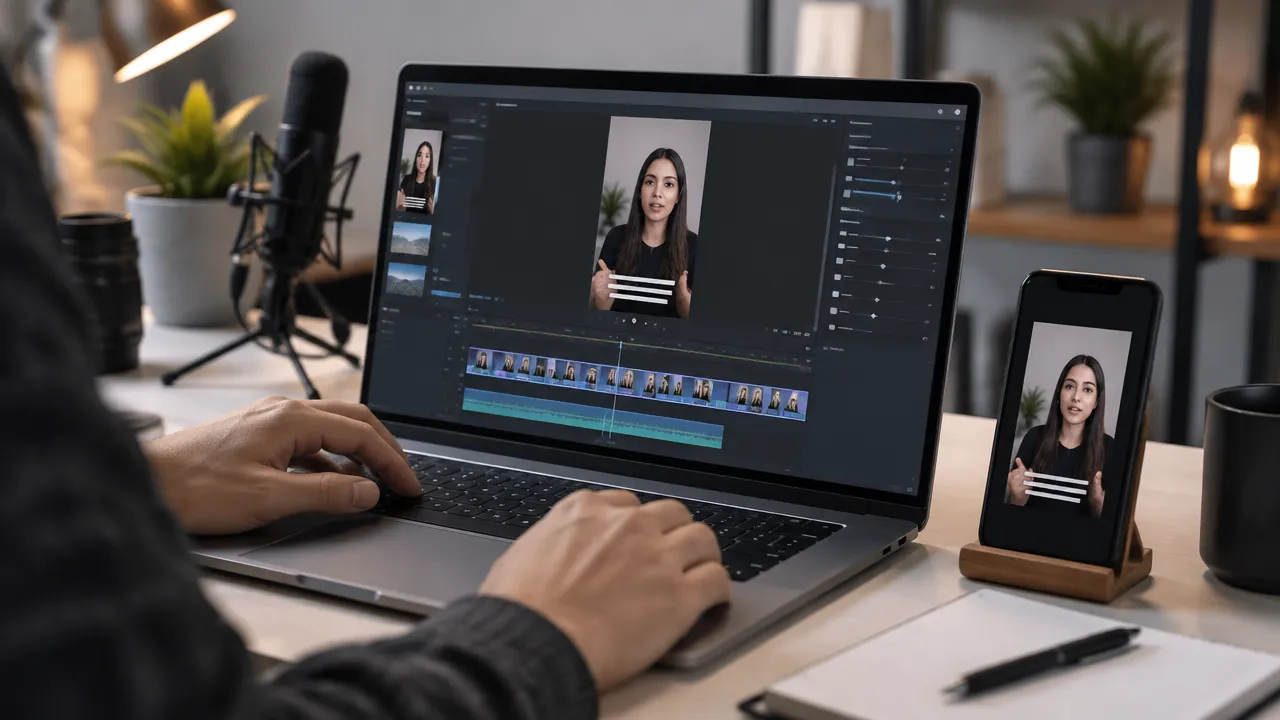
Subtitles help follow the message when the sound is low or unavailable but need to be checked before publication. Automatic systems may misinterpret proper names, technical terms, acronyms, and uncommon words. The team should review the text alongside the audio, correct punctuation, and break long sentences into easy-to-follow segments.
The text on the screen should follow the speech, not compete with it. Generally, one or two readable lines are more useful than extensive blocks. The editing can highlight important words, provided the effect does not obstruct the face or turn each sentence into a visually tiring sequence.
The audio also deserves review with headphones and the loudspeaker of a mobile phone. The voice needs to be understandable and maintain a consistent volume. Music or effects can support the rhythm but should remain below the speech and have usage authorization when necessary. If a segment has difficult-to-fix noise, another cut may better represent the message.
How to maintain visual unity among publications?
A consistent visual identity makes it easier to recognize a series without forcing all videos to look the same. The team can define typography standards, colors, title positioning, and subtitle treatment. These elements should reinforce the message and remain legible on small screens.
A brand kit can gather authorized logos, palettes, fonts, and opening or closing templates. The use needs to be moderate: a large watermark or a lengthy introduction can detract from the segment. For an educational series, for example, a short title with the episode number may be sufficient to organize the publications.
It is also worthwhile to create different templates for recurring formats, such as questions and answers, interview segments, or demonstrations. Consistency lies in maintaining recognizable elements and a quality standard, not in repeating the same composition across all subjects.
How to organize an editing flow that saves time?
A step-by-step flow avoids repeatedly switching between tasks and helps maintain quality when there are multiple recordings. The team can group materials by theme and follow a common review checklist for each clip.
- Organize recordings and complementary materials by subject and date.
- Search the transcript or review the recording to mark candidate segments.
- Choose cuts that express a complete idea and assign an objective to each.
- Assemble the rough cut, remove unnecessary pauses, and adjust the framing.
- Add subtitles, titles, and visual elements planned for the series.
- Review speech, context, names, audio, readability, and usage authorization.
- Prepare the post’s caption, schedule the content, and record the results.
A sheet for each video can include theme, audience, source segment, final call, person responsible for review, and publication status. This way, the team knows what is ready, what needs adjustments, and which files can be reused.
How can artificial intelligence support editing?
Artificial intelligence can speed up repetitive tasks such as locating possible highlights, generating subtitles, removing silences, and adjusting the framing of the speaker. It helps transform an extensive recording into an initial list of cuts, but it does not decide alone if each segment is relevant, correct, or appropriate for publication.
VDClip brings resources to convert recordings, broadcasts, podcasts, and classes into short clips. The platform can detect highlight moments, generate subtitles in over 30 languages, adjust the framing of the speaker, remove silences, and assign potential scores. These functions serve as support for selection and editing, not as a guarantee of reach or virality.
A human review remains necessary to check context, pronunciation, cuts, usage rights, and brand suitability. The safest flow uses automation to reduce mechanical work and reserves editorial decision-making for those who know the content and audience. The team can then adjust the clips in an online editor, apply visual identity elements, and organize the publication.
How to publish and reuse each recording?
Before publishing, the team should check the video on the device it will be viewed on and review the description, cover, and final call. The post’s caption can add context but does not need to repeat the audio word for word. Hashtags and calls should be chosen based on their relevance to the subject, without replacing a clear explanation.
The same theme can generate different versions for different audiences or objectives, as long as each edit has its own value. A segment of an interview can become a direct answer; a class can yield a concept explanation and a demonstration. The team should avoid publishing identical copies in sequence when the adaptation adds nothing.
It is also possible to organize existing recordings in advance. A library with finished videos, descriptions, dates, and planned channels facilitates scheduling. VDClip allows content scheduling and publishing of videos created outside the platform, in addition to supporting batch editing, which can help teams working with series or campaigns.
How to evaluate if the videos are working?
The evaluation should compare the result with the defined objective for each publication. A video made to explain a theme can be evaluated by signs of interest and continued viewing. A post intended to generate conversation can be observed by the comments and responses it receives.
Instead of drawing conclusions from a single post, the team can compare groups of videos with similar themes, openings, or structures. If many cuts lose attention right at the beginning, it may be worth testing a more direct entry. If people react to a series of practical questions, that pattern can guide future recordings.
- Check which themes generated more relevant interaction for the account.
- Compare openings, duration, and editing style among similar videos.
- Observe if questions, saves, or shares indicate usefulness to the audience.
- Document learnings and test one change at a time in new clips.
The numbers alone do not explain why a video had a certain result. Context, audience, distribution, and message quality also influence. The analysis should produce a concrete editorial decision, such as changing the opening, deepening a subject, or testing another format.
Example: from a long conversation to three distinct videos
Consider a hypothetical recording of a consultant explaining how to prepare a sales meeting. Instead of publishing a generic summary of the conversation, the team can look for independent answers to different questions. Each cut receives its own opening and a closing coherent with the theme.
| Recording Segment | Video Idea | Possible Opening |
|---|---|---|
| How to define the meeting objective | Prepare an agenda with an expected outcome | “What needs to be decided by the end of the meeting?” |
| How to respond to an objection | Ask a question before presenting arguments | “Before responding to the objection, clarify what is behind it.” |
| How to close the conversation | Confirm responsibilities and next steps | “A meeting without next steps leaves the decision open.” |
These openings are editorial examples, not phrases taken from a real recording. In the editing work, the team should preserve the words and intentions of the speaker. If the proposed phrase does not appear in the original material, it can be presented as a title or narration, without being falsely attributed to the interviewed person.
What mistakes commonly weaken clips?
The most common issues arise when editing prioritizes speed and fails to verify understanding, context, and finish. A short cut can remain confusing if it starts in the middle of an explanation or ends before the conclusion. The review should consider the experience of someone who has never watched the original recording.
- Starting without context: include a question, title, or phrase that situates the subject.
- Using subtitles without review: correct recognition errors and proper names.
- Reframing without checking: verify if faces, products, and important gestures remain visible.
- Adding excessive elements: limit texts and effects to what truly helps the message.
- Publishing without checking rights: confirm permissions for voices, images, and music.
- Treating an automatic punctuation as a guarantee: decide on publication with editorial evaluation and context.
A short checklist before publication helps correct these points without making the process burdensome. The video needs to convey a complete idea, have legible audio and text, and faithfully represent the original recording.
Frequently asked questions
How to turn a long recording into Reels?
A long recording can yield several Reels when the team identifies segments that present a complete idea. Each clip should start with a point of interest, develop a message, and finish without relying on the rest of the video. Then, the framing, subtitles, and audio are adjusted for vertical viewing.
How can I produce videos for Instagram?
To produce videos for Instagram, the team defines the audience and message, chooses an appropriate recording, and separates moments that work independently. Then, they cut pauses, adjust the image for vertical format, include revised subtitles, and prepare a description coherent with the post’s objective.
Which AI to use to create videos for Instagram?
An artificial intelligence tool can help locate highlight moments, generate subtitles, remove silences, and adapt framing. The choice should consider language, control over cuts, and ease of review. VDClip brings these resources to transform recordings into clips, with human editing before publication.
Is it possible to turn a class or podcast into several videos?
Yes. A class, interview, or podcast can generate multiple videos, as long as each segment contains a message understandable on its own. The quantity depends on the variety of useful ideas in the recording, not just the duration. The team should review each cut, avoid repetitions, and adapt opening, subtitle, and context accordingly.