An episode can yield several short videos when each segment presents a comprehensible idea without requiring the listener to have heard the entire conversation. The process combines editorial selection, mobile editing, subtitles, and planned distribution. For podcasters, educators, brands, and marketing teams, transforming a recording into cuts makes it easier to maintain a presence on social media without starting each post from scratch.
Key Points for Transforming a Recording into Multiple Videos
- Look for complete ideas, not just isolated catchphrases.
- Mark the beginning, development, and conclusion of each segment before editing.
- Adapt the framing, subtitles, and opening for mobile viewing.
- Create a unique post for each cut, rather than repeating the same call to action.
- Use the results to improve the next selection, without treating views as the only metric.
Prepare the Episode Before Searching for the Best Segments
An efficient selection starts with an organized recording and a clear understanding of the audience. Before opening the editor, note the central theme of the episode, who should be interested in it, and what questions the conversation answers. This information helps distinguish relevant segments from comments that only make sense to those who followed everything.
If the episode has video, check the quality of the audio and image and observe who speaks at each moment. If there is only audio, ensure the voice is clear and that there are authorized visual resources to accompany the cut. It is also worth confirming permissions from participants, music, images, and third-party materials before publishing.
In the transcription, mark topic changes, direct responses, concrete examples, and conclusions. A simple spreadsheet can store the start time, end time, theme, main idea, and a suggested call to action. This inventory reduces repeated searches and facilitates building an editing queue.
Choose Segments that Make Sense Outside the Original Conversation
The best segment is not necessarily the funniest or most surprising. It needs to answer a question, explain a decision, or present an observation that the audience understands without a lengthy introduction. If the speech relies on names, references, or context not present in the video, the cut needs an opening that completes that information.
Use Editorial Criteria to Compare Moments
An internal scoring system helps compare possibilities without replacing editorial decision-making. For example, the team can give a score of zero to two for clarity, relevance, specificity, and conversation potential. The score is merely a method of organization, not a guaranteed prediction of performance.
- Clarity: Does a person understand the idea without watching the entire episode?
- Relevance: Does the topic answer a question or need from the audience?
- Specificity: Does the segment present a situation, example, or concrete guidance?
- Completeness: Is there a conclusion or next step, without cutting off the speech in the middle?
- Authenticity: Does the cut preserve the meaning and tone of the speaker?
An episode about customer service, for example, can yield a cut about a recurring complaint, another about how to respond, and a third with a practical case. This division offers different entry points for audiences interested in the same topic, without turning a speech into an exaggerated promise.
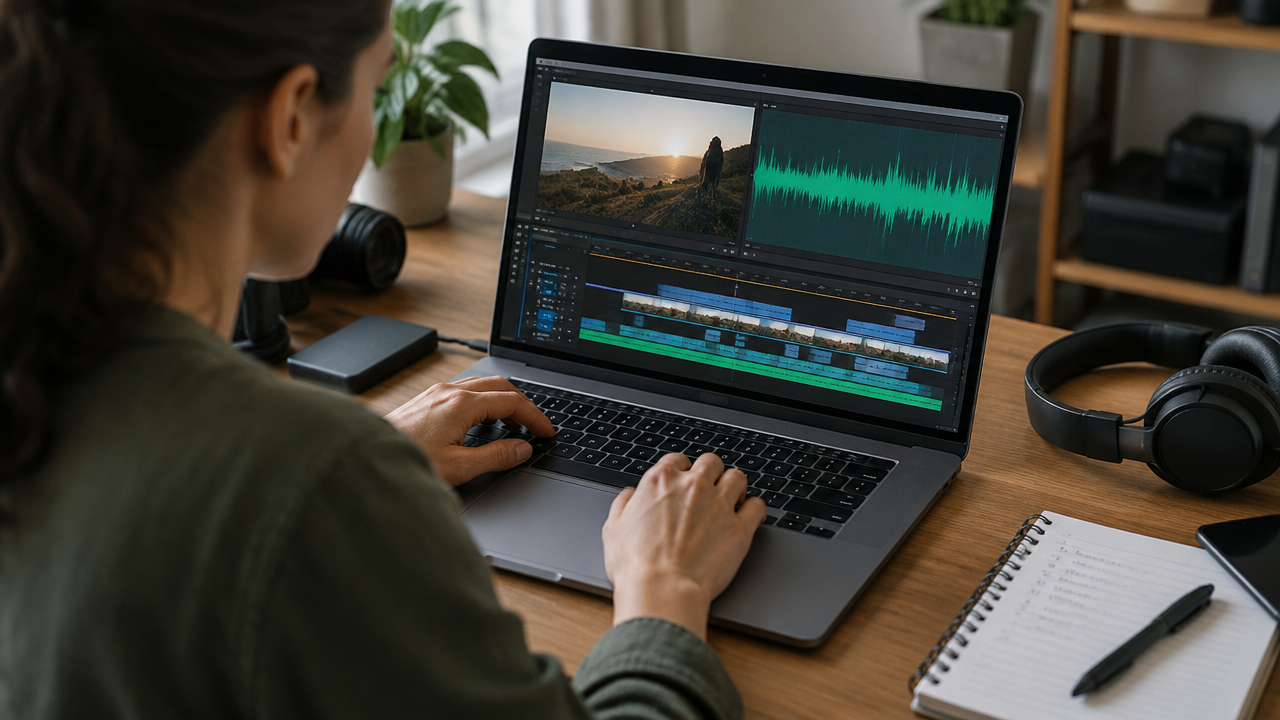
Find the Beginning and End Without Losing Context
A cut begins when the idea becomes clear and ends when it is complete. Including a few seconds of preparation may be necessary so that a response doesn’t seem out of context, but lengthy introductions often delay the main point. The closure should preserve the conclusion, instead of interrupting the speech just to fit an arbitrary time.
In practice, it is worth reviewing each selection with a simple question: Would someone who has never seen the episode understand what is happening? If the answer is no, add context through an opening sentence, a brief title, or a few additional seconds. Avoid editing in a way that alters the meaning of the statement.
A transcription with time markings speeds up the search, but playing the video remains essential. It allows for evaluating pauses, interruptions, tone of voice, reactions, and visual elements that the text does not show. VDClip can help in this flow with highlight detection, viral potential scoring, and silence removal, while editorial review ensures the cut actually works.
Edit for Vertical Format Without Hiding Who is Speaking
A short video derived from a horizontal recording needs to be reframed carefully. In interviews, the cut should keep the speaking person in frame and, when relevant, preserve the reaction of the listener. If two people appear on opposite sides, check if the automatic framing follows the exchange of speech without cutting off faces or important gestures.
Subtitles help follow the content with the sound off, but they need to be reviewed. Correct proper names, technical terms, punctuation, and words confused by automatic recognition. Keep text in short blocks, with enough contrast and placement that does not cover expressions or important information.

It is also advisable to watch the preview on a mobile device. Reviewing on a small screen reveals hard-to-read subtitles, tight framing, and details that go unnoticed on a monitor. The official guidance for Shorts states that vertical videos can be up to three minutes on this platform. This limit is specific to YouTube and should be checked again before planning for other channels.
Follow a Repeatable Production Flow
A standardized process reduces rework and helps publish regularly. The team can organize each recording in stages, from the outline to analysis, without requiring that all decisions be automated.
- Organize the material: name the episode, store the original files, and confirm permissions.
- Map the themes: read the transcription or review the recording and note promising moments.
- Select the cuts: choose complete ideas and record their start and end times.
- Edit the vertical version: adjust the frame, remove pauses that hinder rhythm, and maintain the speech’s fidelity.
- Review subtitles and audio: check transcription, names, volume, and synchronization.
- Prepare the publication: write a specific call to action, choose the network, and schedule the content.
- Track the results: record what generated attention and use the learning for future episodes.
AI tools can speed up tasks such as locating highlights, reframing the speaker, and generating subtitles. Human review remains important for correcting errors, preserving nuances, and avoiding automated selection from removing a phrase from context. VDClip brings together editing resources, branding kits, and scheduling to support this flow.
Plan Different Cuts from the Same Episode
An episode can lead to publications with distinct editorial objectives. Instead of creating several nearly identical videos, distribute the cuts by type of value: explanation, story, reasoned opinion, practical step, or answer to a question. The table below is a planning model, not a fixed formula.
| Type of Cut | What It Delivers | Example Opening |
|---|---|---|
| Direct Answer | Resolves a specific question | How to reduce customer response time? |
| Concrete Example | Shows a situation and what was learned | What changed after the team reorganized customer service? |
| Practical Guidance | Presents an action that can be applied | Three points to review before publishing a video. |
| Contextualized Opinion | Explains a position with justification | Why publishing more doesn’t always solve a content strategy? |
| Conversation Moment | Highlights a spontaneous exchange that remains understandable | What happens when an interview changes direction? |
The examples should be adapted to what was actually said. A question written for the screen can present the topic, but it should not promise an answer that the segment does not deliver. This correspondence between call and content helps establish clear expectations.
Adapt Each Video to the Network and Publication
The same file can be distributed across more than one network, but the publication doesn’t need to be identical everywhere. Adjust the title, supporting text, call to action, and duration for the planned use. A cut presenting a tip may invite comments on an experience; a segment summarizing a conversation may direct to the full episode.
YouTube reported in May 2026 that podcast content attracted over a billion monthly active viewers on its platform. This data helps show that there is an audience for video programs on that channel, but it does not guarantee reach for every episode or cut.
If the strategy also includes short videos on YouTube, the team can consult the Shorts submission guidelines to verify format and duration before publishing. For other networks, confirm the current specifications and check the preview after submission, as features and limits may vary.
Distribute the Cuts Throughout the Calendar
Publishing all segments on the same day may limit the time dedicated to each idea and make it difficult to evaluate what sparked interest. A simple calendar allows for spreading out publications, alternating subjects, and linking cuts to the release of the full episode without saturating the audience.
When building the schedule, record the source episode, the theme of each video, the platform, the call to action, and the expected date. Leave space to update a publication when a relevant question arises in the comments. If the volume of material grows, VDClip allows for organizing and scheduling publications, including videos edited outside the platform, as well as supporting batch edits.
A sustainable routine is worth more than an ambitious schedule that the team cannot maintain. Start with a cadence compatible with the time available for reviewing, publishing, and responding. Then, increase the volume if the process continues to preserve quality and consistency.
Measure Performance to Improve Upcoming Cuts
The metrics should answer an editorial question: Does the cut retain attention, generate conversation, or lead someone to the episode? Observe watch time and retention to assess pace; comments and shares to understand audience response; and visits to the episode or profile to identify interest beyond the video.
Compare publications with similar objectives and themes. An explanatory cut can be evaluated by retention and saves, while an open question may receive more comments. Also note execution factors, such as the clarity of the first sentence, subtitle readability, and duration, to separate the effect of the theme from the effect of editing.
VDClip brings together data from social networks and offers improvement recommendations to support this analysis. These signals can help prioritize hypotheses but do not replace reading comments or the team’s understanding of the audience. The next episode can test one change at a time, such as starting with a direct answer or reducing a lengthy introduction.
How VDClip Can Support Cut Production
When the team produces content from interviews, classes, broadcasts, or guidance conversations, the work often involves several repeated tasks. VDClip can locate highlights, generate subtitles in over 30 languages, adjust the framing of the speaker, and remove silences. The online editor allows for reviewing the result and adapting visual elements to the brand’s standard.
The viral potential score can serve as support for organizing options, not as a promise of performance. After editing, the team can prepare publications, schedule content, and consult centralized metrics. The practical gain lies in gathering workflow steps and reserving human time for context, quality, and audience suitability decisions.
To start, choose an episode with varied themes, mark some complete segments, and review each video on a small screen. Based on the comments and indicators, refine the selection and editing of upcoming publications. This way, the long recording becomes an organized source of content rather than an archive that is only used once.
Frequently Asked Questions
How to Transform a Podcast Episode into Short Videos?
To transform an episode into several short videos, first identify ideas that make sense on their own. Mark the beginning and end of each segment, adjust the framing for vertical format, review the subtitles, and publish each cut with a specific call to action. Then, track the results to guide the next ones.
How Many Short Videos Can Come from One Episode?
The quantity depends on the episode’s length, the variety of topics, and the quality of the segments. Instead of setting a fixed goal, only select moments that deliver a complete idea. A one-hour conversation can yield several cuts, but each video needs to have its own context and value.
Is It Necessary to Record the Podcast in Video to Create Cuts?
No. An audio-only recording can also yield short content with an image, a waveform, or supporting visual elements. Still, a video recording provides expressions and reactions that can make the cut clearer. The choice depends on the original format and the publication channel.
What Should Be the Duration of a Short Video?
The appropriate duration varies depending on the idea and the platform. The cut should last long enough to provide context, develop a point, and conclude without repetitions. On YouTube, vertical or square videos of up to three minutes can be published as Shorts, according to the platform’s official guidelines.
How to Know If the Podcast Cuts Are Working?
Evaluate signs that help understand if the cut captured attention and generated interest, such as watch time, retention, shares, comments, and visits to the full episode. Compare videos with similar themes and formats. Isolated views do not explain why a segment worked or failed.