
An AI video editing tool can speed up the transformation of podcasts, lectures, broadcasts, and other long recordings into vertical clips for Reels, TikTok, and YouTube Shorts. The right choice depends on how much the team needs to automate, review, and publish at each stage. For those looking to combine creation, editing, and distribution into one flow, VDClip combines highlight detection, subtitles, batch editing, and publishing features.
Key Points to Choose Wisely
- Test the automatic selection with a recording that represents the actual brand content.
- Check if the subtitles in English are correct and synchronized with the speech.
- Evaluate if the reframing keeps the face and important elements within the vertical image.
- Measure the time needed to review, correct, and export the clips.
- Treat potential viral scores as indicators, never as guarantees of performance.
- Compare the total cost with the volume of recordings and publications, not just the initial price.
What Workflow Needs to be Addressed?
The best choice starts with the type of recording and the expected outcome. A team that publishes snippets from a weekly podcast needs to process long episodes and review complete speeches; a teacher might prioritize identifying standalone explanations; a business may value visual identity and scheduling.
Before comparing features, record the monthly volume of material, the approximate number of clips per recording, the target networks, and who will do the review. This list helps avoid choosing an attractive platform in a demo that is unsuitable for the production routine.
- For episodes and interviews: look for contextually sufficient snippet detection, speaker identification, and generation of multiple clips.
- For classes and presentations: prioritize subtitle readability, cuts that preserve reasoning, and framing that does not hide slides.
- For marketing teams: check brand kits, batch editing, permissions, and publication organization.
- For individual creators: consider the simplicity of review, export time, and plan limits.
VDClip brings together steps that may be important for this workflow, including highlight detection, silence removal, batch editing, publishing, and performance tracking. Suitability depends on actual use, so it’s wise to test the entire process, from uploading the recording to preparing the posts.
How to Compare Automatic Snippet Selection?
A good automatic selection delivers snippets that work as small content units, with a comprehensible beginning and coherent conclusion. The system can recognize changes in subject, emphatic phrases, or relevant moments, but the result should be evaluated by meaning, not just by the number of clips generated.
Use the same file for each option considered. Choose a recording with more than one person, pauses, and changes of subject, if that scenario is part of the routine. Then compare if each cut preserves the question or explanation needed for the audience to understand the snippet without watching the entire episode.
- See if the speech starts in the middle of a sentence or ends before the conclusion.
- Check if the selection includes enough context to be understood alone.
- Make sure repeated or uninformative moments have been discarded.
- Record how many cuts need adjustments before they can be published.
A potential viral score can help order suggestions, but it does not predict the outcome of a publication. The audience’s interest depends on factors that the score does not control, such as subject, presentation, posting moment, and distribution. Human review remains necessary to avoid out-of-context cuts or promises that the recording does not support.
Subtitles and Reframing Define Final Quality
Reliable subtitles need to match the spoken words, appear at the right time, and remain legible on a small screen. In English, it’s important to observe proper nouns, technical terms, abbreviations, and differences between spontaneous speech and written text. A multilingual feature expands production possibilities but does not eliminate the need for review.
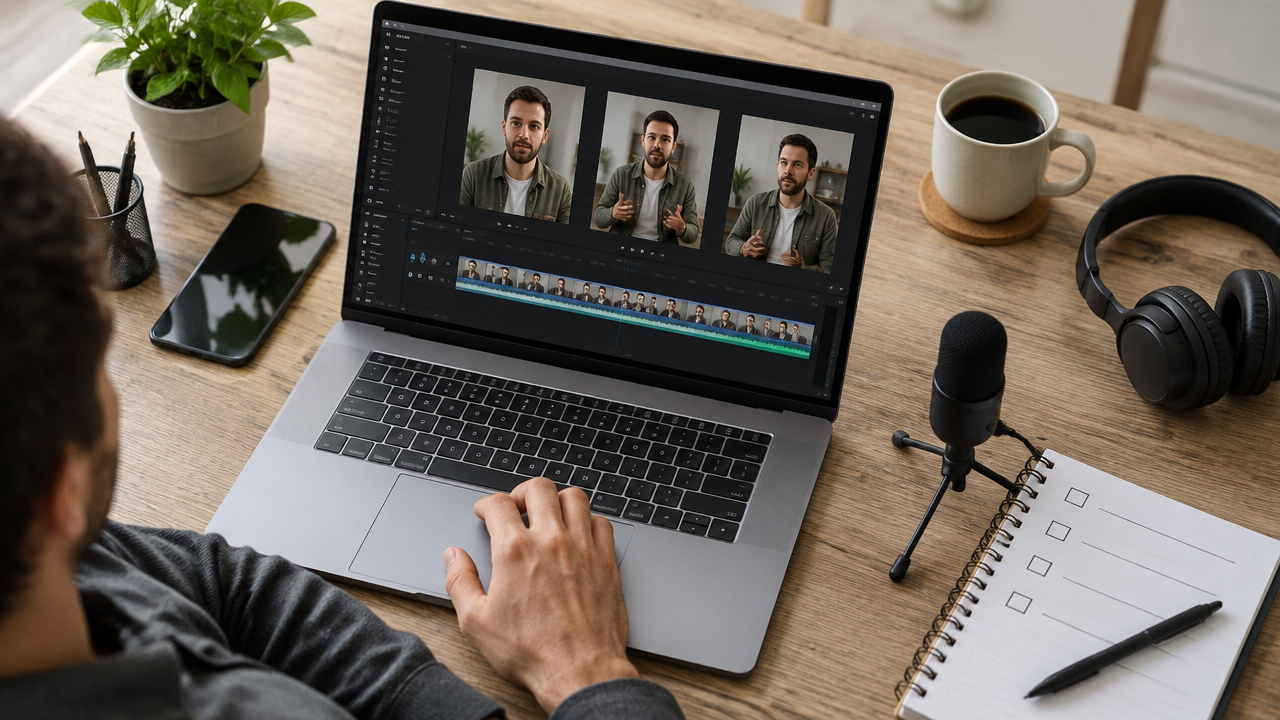
Automatic reframing also deserves a separate test. When adapting a horizontal video to 9:16, the tool needs to keep the speaking person visible and avoid cutting off gestures, products, or important information. In conversations with multiple people, follow camera changes and check if the focus shifts to the correct interlocutor.
- Check spelling, punctuation, and proper nouns in the subtitles.
- View the clip without audio to assess reading and text synchronization.
- Play with audio to detect incorrectly transcribed words.
- Inspect the beginning and end of each clip, where abrupt cuts may go unnoticed.
- Observe if the framing preserves the face, gestures, and relevant elements.
VDClip reports offering subtitles in over 30 languages, along with silence removal and framing adjustments. In the evaluation, the team should measure the result in the language and formats they actually publish, rather than assuming that an automatic function will perform the same across all recordings.

Batch Generation Saves Time When There is Review
Generating many clips at once can speed up production, provided that the tool allows checking each result without creating a difficult-to-manage queue. Automation reduces repetitive tasks, but batch cuts can also multiply transcription, framing, or context errors if they are exported without inspection.
To estimate the gain, time a complete cycle. Include the time to upload the recording, wait for the results, review each suggestion, correct subtitles, adjust the image, and export. Compare this total with the current process, considering how many usable clips are obtained, not just how many were generated.
VDClip offers batch editing to process content in volume. This feature tends to be more relevant for agencies, marketing teams, podcast producers, and organizations that frequently repurpose recordings. For occasional use, a simple review interface may have more impact than the maximum number of files processed simultaneously.
It’s also important to confirm how each plan accounts for submitted material, what limits apply to exports, and how long projects remain available. The original video duration and the number of cuts generated can affect credit consumption differently among services.
Comparison by Type of Resource and Use
The table compares production needs, not promising that an automatic function will be sufficient without review. Values and limits change according to the service and plan; thus, the pricing column distinguishes the confirmed data for VDClip from the information that needs to be checked in the chosen account.
| Resource or Flow | Recommended Use | Limitation to Evaluate | Verified Price |
|---|---|---|---|
| Automatic Highlight Detection | Transform episodes, classes, and broadcasts into clip suggestions. | The selection may omit context or choose a speech that does not work in isolation. | Varies by platform and plan. Check the current terms. |
| Transcription-Guided Editing | Locate speeches and adjust snippets when the text facilitates navigation through the video. | Depends on transcription accuracy; editing the text does not replace checking the image and audio. | Varies by platform and plan. Check the current terms. |
| Manual Finishing on the Timeline | Adjust cuts, rhythm, text, and visual elements with direct control. | May require more time and manual work when there are many recordings. | Varies by platform and plan. Check the current terms. |
| VDClip, Integrated Creation and Distribution | Generate highlights, subtitle, remove silences, apply brand kits, batch edit, publish, schedule, and analyze results. | The team still needs to review the clips. Suitability depends on the limits, resources, and conditions of the chosen plan. | The official page consulted on October 13, 2026, reports a permanent free plan with 30 minutes of video per month. Paid plan prices should be checked on the current page. |
The features described for VDClip aim to integrate creation, editing, and distribution into the same process. The company also offers social media analysis and automated responses to comments, functionalities that can reduce switching between tools when available in the appropriate plan. The official page presents the VDClip pricing conditions and options; the team should confirm the values and limits before contracting.
How to Test Options with a Fair Assessment
A useful test uses the same video, the same objectives, and the same criteria for each analyzed flow. If each tool receives a different recording, the result may reflect the quality of the material, not the selection or editing capabilities.
- Choose a representative recording, with voice, pauses, and at least one change of subject.
- Request clips for the same channels and formats, including vertical video for Reels, TikTok, or Shorts.
- Assess the coherence of the beginning and end of each selection.
- Note subtitle errors in English and synchronization issues.
- Check the framing on mobile and the readability of the text.
- Measure the review time until reaching a file ready for publication.
A simple sheet helps compare results: assign a score from 1 to 5 for cut coherence, subtitle accuracy, framing, review ease, and total time. Note examples of errors, as an average may hide significant problems, such as cutting off the conclusion of an explanation or leaving a guest out of the frame.

Publication and Analysis Complete the Flow
Exporting a file is just part of the job. Teams that publish frequently also need to prepare versions for different channels, organize dates, maintain visual consistency, and track results to decide which topics deserve new cuts.
VDClip combines creation and editing with publication, scheduling, and performance analysis features. The company also describes support for brand kits, publication of videos produced outside the platform, and automated responses to comments. Before planning the flow, confirm which social networks, formats, and functions are included in the current account conditions.
In the subsequent analysis, observe indicators related to the goal of each publication, such as retention, comments, or clicks, when these data are available. Use them to adjust openings, duration, clarity, and themes. A score generated before publication can guide prioritization, but the actual audience behavior should inform subsequent decisions.
Which Profile Tends to Benefit from Each Flow?
There is no universal choice: the most suitable tool is the one that reduces repetitive work without taking away the necessary control to maintain quality. A podcaster may prioritize discovering strong speeches; an editorial team may prefer reviewing the transcription; a creator may value manual finishing; a marketing operation may need an integrated production and distribution flow.
- For those publishing long episodes: prioritize highlight selection, clear transcription, and review of multiple clips.
- For those needing to locate specific speeches: evaluate whether the transcription allows for quick finding and adjustment of snippets.
- For those seeking visual control: confirm whether it’s possible to correct cuts, subtitles, and composition before exporting.
- For teams with a content calendar: check batch editing, brand kit, scheduling, publishing, and analysis.
VDClip can serve those looking to concentrate these steps into one flow, but the test must confirm the quality of the result, time saved, and compatibility with the routine. The decision should also consider monthly limits, video volume, and current price, not just the list of features.
Frequently Asked Questions
How to cut a video for social media?
To create a cut, choose the desired snippet, set the start and end, and export the file. For social media videos, it’s also worth adjusting the ratio, checking the framing, and including subtitles. AI tools can suggest moments, but review helps avoid incomplete sentences and abrupt context changes.
What is the best free video cutting tool?
The best free option depends on the required work. For trimming a simple snippet, a basic editor may suffice; to transform long recordings into several vertical videos, it’s important to check limits on duration, export, and AI features. Before choosing, test a real file and check the current plan conditions.
How to combine two videos into one?
Yes, a recording can be split into parts and combined into a single video using the timeline of an editor. After organizing the snippets, check if the audio and images remain synchronized and export the final file. For short publications, it may also be necessary to adjust the ratio and subtitles.
Which AI can I use to create short videos?
AI tools can identify snippets, generate subtitles, and adapt framing for vertical formats. They help speed up editing but do not ensure that each selection makes sense or that the video will reach an audience. Human review remains important to correct context, text, rhythm, and image failures.
Does a potential viral score guarantee that the video will perform well?
No. A potential viral score is an estimate, not a promise of views, shares, or growth. Performance also depends on the topic, opening, clarity, audience, and distribution. Use the score to prioritize what to review, and evaluate the real results of the publications to guide the next cuts.
To assess whether the flow fits the production routine, the team can test VDClip according to the available conditions and check whether the selection, review, and distribution meet their needs.