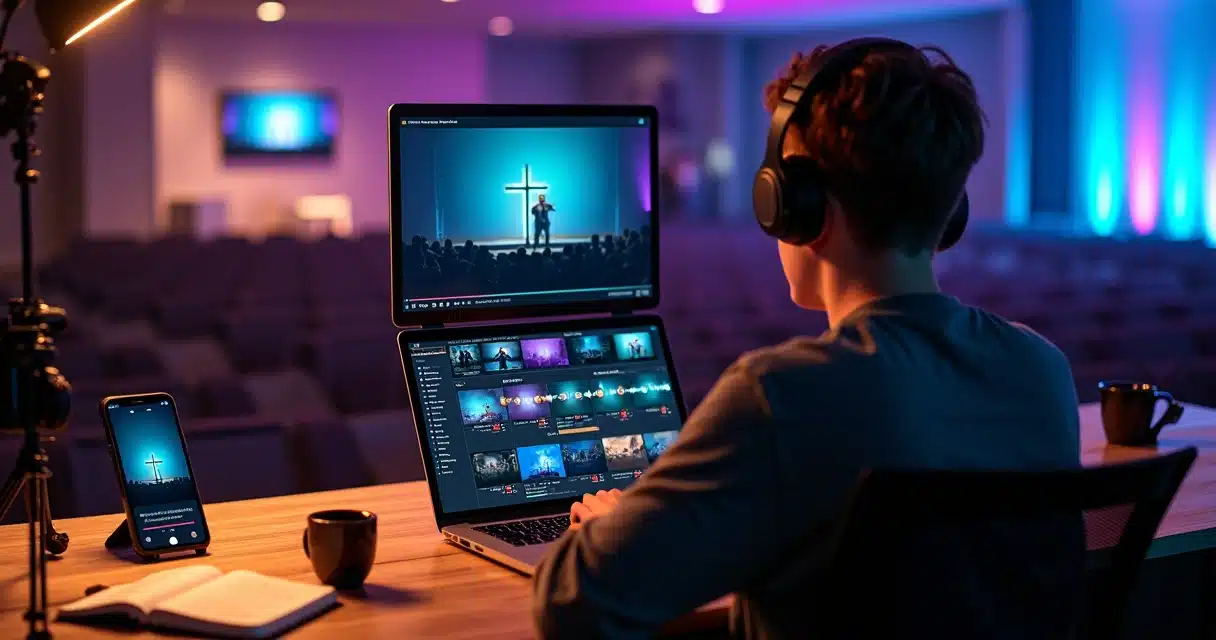
The digital presence of churches has never been stronger. Today, services, sermons, and testimonies extend beyond the temple’s walls to reach a wider audience on social media. However, not all long content is consumed, no matter how inspiring it may be. The secret now lies in engaging cuts – short, impactful videos tailored for Reels, TikTok, and Shorts.
How can we transform hours of service into minutes that capture attention, evoke emotions, and convey the message? The answer lies in creative ideas, smart editing techniques, and the use of tools that streamline the entire production process.
Transforming a powerful message into a short video is both an art and a strategy.
This article compiles everything about ideas for cuts of church content, with practical examples, script tips, the best moments to cut, and how current trends favor churches in reaching new online audiences.
Why Invest in Short Church Cuts for Social Media?
Social media prioritizes concise content. In the midst of so many videos, the viewer stops for only a few seconds. A church that adapts to this format expands the impact of its message beyond the physical limits of the temple. It is also a way to breathe new life into complete services: a precise cut can go viral, attract new followers, and engage distant members.
Moreover:
- Increases the reach and visibility of messages.
- Helps maintain consistency in content production.
- Offers opportunities for direct interaction with younger audiences.
Therefore, thinking about cutting the right content in the right way makes all the difference.
Understand What Makes a Cut Truly Engaging
Not every short excerpt holds attention. The cut that generates comments, shares, and views has some distinctive characteristics:
- Tells a story or conveys a central idea.
- Is clear, direct, and easy to consume.
- Has rhythm: it is neither too slow nor too fast.
- Contains synchronized subtitles that enhance understanding and make the video accessible.
- Includes attractive visual elements: emoji, transitions, light background music, or brief effects.
- Presents an eye-catching title and strategic hashtags.
Below, see how to identify the best moments to make cuts and some inspirations for different situations during services.
Where to Find Good Excerpts for Cuts in Services?
Often, when reviewing a recording, the question arises: which excerpt will engage? Here are some key points:
- Emotional moments: tears, laughter, spontaneous singing, impactful prayer.
- Powerful quotes: striking phrases from the preacher, thought-provoking questions, significant biblical citations.
- Quick and transformative testimonies.
- Audience responses: applause, spontaneous reactions, young people cheering.
- Demonstrations of faith, such as collective prayers, blessings, celebrations.
- Musical excerpts: praise choruses, moments of collective worship.
- Calls for reflection or the final appeal of the service.
VDClip uses artificial intelligence to automatically analyze these points, identifying peaks of emotion, voice changes, and audience responses to suggest where to cut. You don’t need to be a professional to create videos that touch viewers.
Practical Examples of Scripts for Cuts of Services, Sermons, and Testimonies
Knowing what to cut is as important as planning small openings and conclusions for the videos. Here are examples that can be adapted according to the message of the day:
An engaging cut conveys the essence of an experience in just a few seconds.
Example Script 1: Reflection Cut in the Sermon
- Opening (3 seconds): Preacher says: “Let me ask you something important today…”
- Core (8 seconds): “How many times have you felt that you weren’t capable, that no one was listening to you?” (Brief pause, camera zooms in on the face, subtitle highlighted)
- Conclusion (6 seconds): “God hears you. You are important to Him.”
Example Script 2: Musical/Worship Excerpt
- Opening (2 seconds): The moment of the chorus begins, the audience raising their hands.
- Core (10 seconds): Intense worship, soft narration in the subtitle: “When the church unites, heaven opens.”
- Conclusion (4 seconds): Applause and smiles from the worship team.
Example Script 3: Testimony for Reels
- Opening (2 seconds): “I didn’t believe I could change my life.”
- Core (9 seconds): “Until that Sunday, something happened. I heard a word that changed everything. I decided to take the first step.”
- Conclusion (5 seconds): “Today, my family smiles again.”
These scripts, combined with visual personalization, make the cuts more powerful.
 Best Editing Practices for Cutting Services and Sermons
 Best Editing Practices for Cutting Services and Sermons
Editing is what separates a simple cut from one that can go viral. Here are recommended practices to transform services into impactful short videos:
- Use precise cuts to start with the key message right away.
- Synchronize subtitles in English right at the beginning of the video, highlighting impactful words.
- Insert smooth and quick transitions, without distracting from the content.
- Apply zoom on the preacher’s face during strong speaking moments, reinforcing emotion.
- Include emojis or small visual effects in striking phrases, making the video feel younger and more informal.
- Adjust the audio by removing noise and leveling volumes, especially in excerpts with testimonies.
Tools like VDClip, with face tracking features, face motion, and customizable templates, allow you to apply these elements in just a few clicks, giving the content a professional look even without prior experience.
The first sentence needs to convince the person not to scroll to the next video.
How to Create Shorts with Strategic Subtitles and Titles?
The most effective shorts are those that combine creative subtitles with titles that invite reflection or action. Here are practical steps:
- Choose a striking phrase from the service, preferably with emotion or a call for change.
- Generate automatic subtitles and review punctuation to ensure clarity in reading, even without sound.
- Customize the subtitle: use the church’s colors, contextual emojis, and highlight keywords.
- Create an impactful title that delivers value: “What would Jesus do if He were here?”, “Do you have faith to ask?”, “How to overcome anxiety?”
- Include hashtags related to the excerpt, city, church, and target audience (#christiancut, #wordoffaith, #youthworship, #brazilianchurch).
With VDClip, all of this can be done automatically. The system suggests ideal titles and hashtags for Reels, TikTok, and Shorts formats, as well as applying synchronized subtitles without mixing the church’s visual message.
Creative Ideas for Cuts for Different Types of Church Content
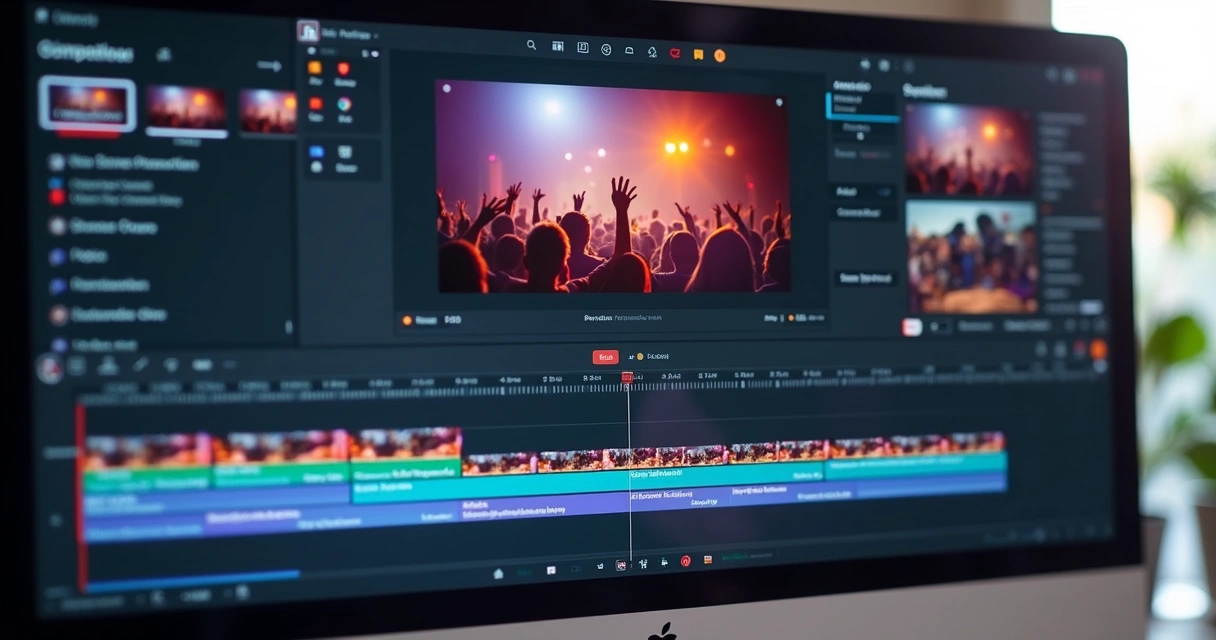 Creative Ideas for Cuts for Different Types of Church Content
The possibilities are endless, but some approaches stand out for their acceptance by the digital audience. Check out effective ideas:
- “Before and after” of the service: quick images of the empty temple and then filled, showing transformation and expectation.
- “Be part” sequence: quick invitations to get involved in ministries or charitable actions, with fast phrases from volunteers.
- Thematic cuts: faith, hope, overcoming addictions, family, youth, relationships, calling, healing.
- Duets and reactions: use the split reel function, with leaders reacting to questions, Christian memes, or biblical challenges.
- Question clips: “Have you ever felt alone in church?”; “What does it mean to trust God when everything is tough?”.
- Anonymous testimonies: with short audio statements, protecting identity, for delicate topics.
- Remixed worship songs: small excerpts of gospel music with animated subtitles or rhythmic zoom effects.
- Biblical curiosities in 30 seconds: quick references, unusual facts, tips for biblical reading.
- Call for upcoming events: invitation for the next meeting, cells, retreats, or social actions.
Inspiration can be fueled week after week from the church’s own routine.
Tips for Engagement and Reach: Subtitles, Hashtags, and Visual Identity
The secret to going viral lies in the details:
- Pay attention to visual identity: use the church’s colors, logo, and official fonts in every cut, ensuring uniformity.
- Large, colorful subtitles generate more shares, as they reach those who watch without audio.
- Prefer cuts in vertical formats, aligned with the standard of Reels, TikTok, and Shorts.
- Use specific hashtags: the church’s name, neighborhood, city, message theme, and commemorative dates.
- Make final calls requesting interaction: “Comment on your experience”, “Share with someone who needs to hear”, “Save to view later”.
In VDClip, the brand kit customization allows you to add logos, intros, transitions, and even insert emojis and custom b-roll. This way, each video maintains the church’s personality, conveying professionalism without losing charisma.
How VDClip Speeds Up the Production of Church Cuts?
 How VDClip Speeds Up the Production of Church Cuts?
Producing optimized videos used to take hours, requiring knowledge in editing, expensive software, and exclusive dedication. With VDClip, the entire process can be done in minutes, from uploading the service to publication. Here’s how:
- Automatic curation: generates suggestions for the most relevant excerpts from the video, with insights on emotion, strong speeches, and audiovisual reactions.
- Automated generation of multilingual subtitles and translations, already synchronized for quick consumption on any network.
- Visual editing with ready-made, customizable templates, logo insertion, intros, transitions, emojis, b-roll, and automatic audio cleaning.
- Advanced editor for cut personalization, refining details directly on the platform without relying on external software.
- Mass posting and scheduling for the church’s profiles across different social media, making distribution broader and more organized.
The platform also offers features like face tracking and automatic framing adjustment, ensuring that the preacher or leader is always in focus during the cut, even when moving a lot during speech.
Step by Step to Transform Church Content into Cuts for Social Media
The process can be simple and quick using technology, but it also requires a keen eye for messages that can impact lives. Follow the script:
- Review the full video and mark the emotional excerpts (testimonies, appeals, intense worship).
- Select scenes with impactful phrases and thought-provoking questions.
- Always choose excerpts between 10 and 30 seconds, avoiding long parts.
- Import into an intelligent video editor like VDClip and take advantage of the automatic curation to ease this filter.
- Customize subtitles, emojis, brand kit, and finish with strategic calls and hashtags.
- Export in the preferred format (Reels, Shorts, TikTok) and schedule the publication according to the church’s calendar.
Cutting and editing doesn’t have to be complicated: in the article on how to transform long recordings into short clips, the advantages of this method for modern churches are explored.
Real Growth: Case Studies of Churches on TikTok and Reels
Hundreds of churches across Brazil are already reaping the benefits of smart cuts: increasing monthly views, new members attracted, and testimonies that go viral.
By investing in creative ideas and applying modern editing practices, churches that once relied solely on physical presence now maintain continuous dialogue with large digital audiences, including young people distanced from traditional temples.
This confirms: transforming a service into dozens of short videos allows the message to reach previously impossible places.
Tools and Resources to Facilitate Entire Production
To ensure agility and professionalism in the production of cuts, using supporting technology is essential. With AI cuts, for example, you save time and resources, taking advantage of automation for excerpt selection and automatic subtitling.
Moreover, content like automatic cuts to grow on TikTok and tips for video editing with artificial intelligence provide constant inspiration for the church’s communication team to innovate and stand out on social media.
Useful Links to Deepen and Inspire Even More
For those who want to advance by consulting trends, automations, and concrete results, it’s worth checking how to transform long videos into short posts and everything about the world of intelligent editing.
Conclusion: From In-Person Services to Videos that Eternalize the Message
Creating cuts of church content goes far beyond simply trimming a video. It’s about expanding the reach of the Word, breaking down barriers of time, space, and generation.
With creative ideas, personalized scripts, precise subtitles, and aligned visual resources, the message touches thousands of people. And with tools like VDClip, any ministry, agency, or Christian communicator can publish relevant content to reach new audiences, strengthen members, and eternalize messages.
The next step to strengthen your church’s digital ministry is just a click away: try VDClip and discover how each video can be a seed that reaches hearts.
Frequently Asked Questions about Church Cuts for Social Media
What are cuts of content for church?
Church content cuts are short excerpts extracted from long videos of services, sermons, or testimonies, designed to highlight the most impactful parts and facilitate consumption on social media. They generally range from 15 to 60 seconds and are optimized with subtitles, titles, and visual identity, bringing the message closer to digital language.
How to create engaging cuts for social media?
To create engaging cuts, identify the moments of greatest emotion, choose phrases that convey a complete idea, and maintain a dynamic rhythm. Use synchronized subtitles, discreet visual effects, emoji insertions, and titles that provoke reflection or action. Technologies like VDClip can automate part of this process.
What themes are best for church cuts?
Themes that generate connection are the most effective: faith, overcoming, hope, family, gratitude, combating anxiety, youth, and invitations to reflect on everyday life. Transformative testimonies, striking phrases from leaders, and musical excerpts also have high engagement potential.
Where to find inspirations for Christian cuts?
Inspiration can come from the church’s own records, cases from other ministries, profiles of Christian leadership on social media, and portals about communication and digital innovation for churches. Materials produced with automated platforms, like the examples found on VDClip’s blog, also serve as valuable sources.
How to increase the reach of church cuts?
The reach depends on well-planned cuts, clear subtitles, attractive titles, specific hashtags, and consistency in postings. Prioritizing vertical videos, suitable for each platform and with the church’s visual identity, also makes a difference. Automatic scheduling and direct integration with social media, offered by professional editors, enhance the flow of publications and reinforce digital presence.