Anyone who frequently publishes short videos has already noticed a detail that changes everything. The audience recognizes a brand in seconds, sometimes even before hearing the first sentence. This happens when the visual identity is well applied. And today, AI helps to do this with more order, fewer errors, and much more scale.
An AI Brand Kit brings together the visual elements of the brand and helps apply them consistently in short videos.
In daily life, this means keeping logos, color palettes, fonts, caption styles, transitions, and even recurring words always aligned. For creators, companies, and agencies in Brazil, this care conveys an immediate sense of trust. The content appears more professional. And it does seem that way when the production is quick.
When talking about AI Brand Kit: How to Maintain Visual Identity in Short Videos, the idea is not just about a pretty visual. The goal is to make each video look like part of the same brand, even if published in different formats, such as Reels, Shorts, and TikTok. This consistency reduces noise and strengthens recall.
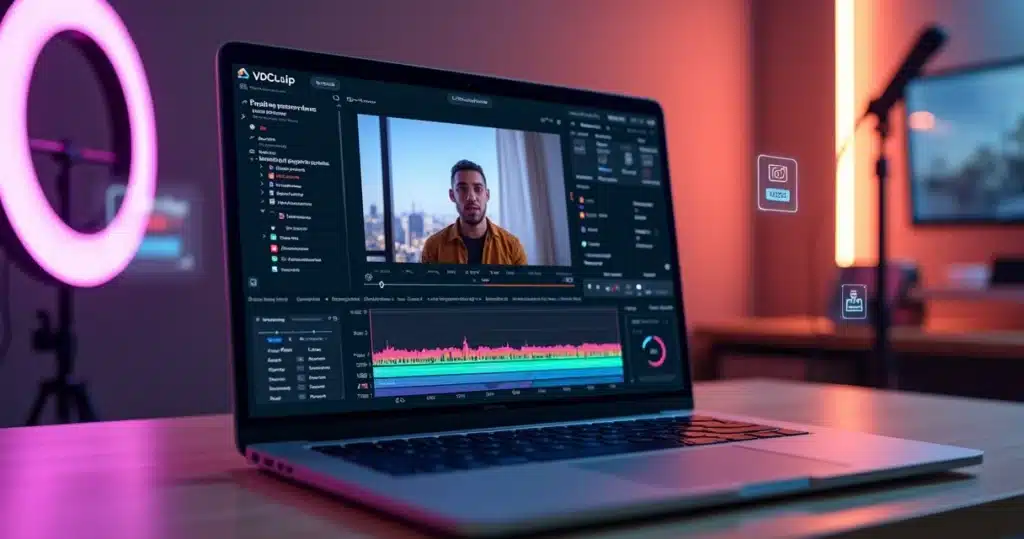
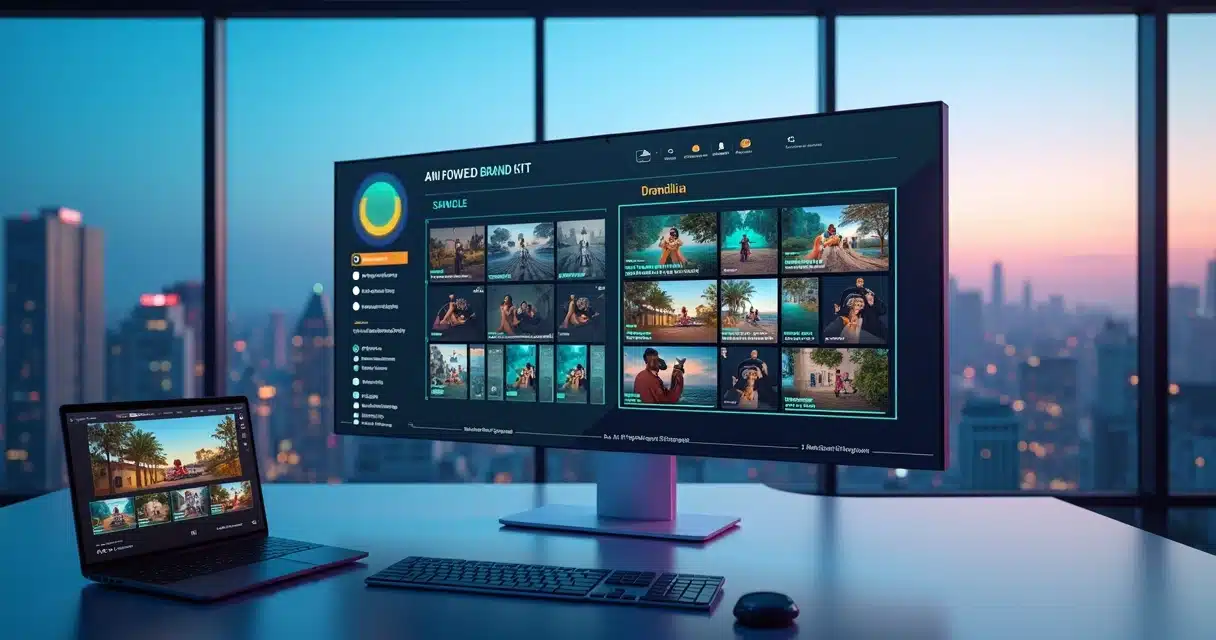
On platforms like VDClip, this process becomes more practical because users can build their own brand kit library, upload images, text fonts, and even words that help personalize the content. Thus, editing no longer starts from scratch.
What changes when the brand appears consistently
A small Brazilian aesthetics company can publish quick tips, behind-the-scenes, and testimonials. If each video uses a different color, typography, and caption, the audience may watch, but they won’t remember the brand. Now, when everything follows the same pattern, recognition grows without apparent effort.
Recognition comes from the right repetition.
Constant visual identity makes the content seem more trustworthy and easier to remember.
This applies to various scenarios:
- Creators who want to appear more professional without relying on lengthy manual editing.
- Companies that need to maintain standards among teams, campaigns, and branches.
- Agencies that produce for many clients and cannot mix styles.
- Podcasters and highlight channels that need to transform a lot of material into short pieces.
When AI enters this flow, it helps to repeat the right pattern. It’s not about stripping content of personality. It’s about protecting the brand’s personality in each new video.
What goes into an AI Brand Kit
A brand kit for short videos goes beyond just the logo in the corner of the screen. It combines visual and language rules so that creation follows the same line. When this kit is supported by AI, the application becomes faster and more predictable.
Typically, this set includes:
- Logo in horizontal, vertical, and simplified versions.
- Primary, secondary colors, and supporting tones.
- Fonts for titles, captions, and highlights.
- Intro, transition, and closing styles.
- Caption templates with defined size, color, and position.
- Emojis, icons, frames, and supporting visual elements.
- Words, expressions, and calls that match the brand’s voice.
A good brand kit does not stifle creation. It provides a foundation to repeat quality without losing agility.
In VDClip, this logic appears very directly. The personal brand kit library allows users to store brand assets to apply later in different videos, which greatly helps those who need to scale production without giving up their own identity.
 How to import and standardize fonts, logos, and colors
 How to import and standardize fonts, logos, and colors
This is the point where many people get lost. The problem is not in choosing a good font or a good color. The problem is in repeating this consistently. Therefore, it’s worth setting up a simple process.
First, the brand separates the correct files. Logos in good resolution, authorized fonts, and exact color codes. Then, upload everything to the editing tool used. Next, define rules. Where the logo appears. Which font will be used for titles. What color will be used for the main text. Which caption style will accompany the videos.
A practical sequence usually works like this:
- Select the official brand files.
- Upload logos, images, fonts, and graphic elements to the project library.
- Save standard combinations for cover, caption, intro, and visual CTA.
- Apply the same styles in videos of different formats.
- Review before posting to avoid visual deviations.
Standardizing is not about rigidly repeating everything. It’s about ensuring that the brand signals always appear the same way.
This work becomes lighter when the platform already allows saving templates and assets. In VDClip, the user can customize logos, intros, transitions, captions, and other visual details in the professional editor itself. This reduces rework and helps those who publish at volume.
Anyone wanting to delve deeper into using AI in editing can check out the content about video editing with artificial intelligence, which shows how to speed up production without losing control over the result.
Safe zones and adaptation for each platform
A common mistake happens when the video looks good in the editor but appears cut off in the app. Text disappears. Logos get too close. Captions mix with interface buttons. This is where safe zones come in.
Safe zones are areas on the screen where text, logos, and other elements should stay to avoid being covered by buttons, bars, or automatic cuts. In short videos, this makes a big difference. A misplaced detail can reduce readability and harm the brand.
Safe zones protect visual identity and improve readability in any video format.
In practice, it is advisable to follow some precautions:
- Avoid placing text too close to the edges.
- Reserve space for each social network’s interfaces.
- Test the same video in vertical, square, and horizontal formats when necessary.
- Use captions with strong contrast and legible size.
This adjustment is even more useful for Brazilian brands that publish the same campaign on various channels. A restaurant, for example, can transform a long behind-the-scenes video into several short clips with adapted messages. If the brand kit is ready and the safe zones are respected, the material maintains its standard even on different screens.
Where AI truly helps
In many production flows, the most tiring part is not having an idea. It’s executing the same pattern multiple times, correcting alignment errors, changing colors outside the manual, reviewing broken captions, and adjusting framing. AI enters precisely at this point.
In short video, it can:
- Identify the strongest segments of a long video,
- Generate cuts with face tracking and face motion,
- Create synchronized captions,
- Suggest titles and hashtags,
- Indicate the most suitable formats for each platform,
- Reapply brand templates with less manual intervention.
This type of support already makes a difference when the routine tightens. A podcaster records a one-hour conversation. AI finds the best moments, generates short clips, and prepares captions. Then, the team adjusts with the saved brand kit, applies the logo, intro, b-roll, emojis, and cleans up the audio. The work flows.
AI handles the repetition. The brand takes care of the message.
In the case of VDClip, the platform combines automation with personalization. It helps cut, caption, and track faces, but also offers an editor to refine details. This allows for speed without sacrificing finish.
Strategies for standardizing visual communication
 Strategies for standardizing visual communication
The challenge is not always in editing. Often, it’s in the lack of clear rules. When each person on the team does it their way, the brand loses form. Therefore, it’s worth establishing a small manual for short videos.
This manual can define:
- Which color will be used in titles and highlights,
- Which font appears in dialogues, cuts, and calls,
- What position the logo will have,
- Which transitions match the brand,
- Which terms reinforce the tone of communication.
The clearer the visual rule, the lower the chance of error in the publishing routine.
An agency feels this strongly. It serves five, ten, or twenty accounts. Without standardization, the team confuses colors, loses logo versions, and publishes with mixed styles. With a brand kit for each client, production gains order. And credibility follows.
Those who work with recurring content can also benefit from practical tips about short formats in tips for Reels with AI and in short videos with artificial intelligence, because this type of routine demands visual standards from the start.
Examples of use in the Brazilian context
A finance creator publishes daily cuts with market analysis. He needs to convey seriousness. He uses a dark background, light captions, highlighted keywords in color, and a short intro. AI suggests titles, cuts strong statements, and keeps the face in focus. The audience glances and already knows whose video it is.
A dental clinic produces videos with frequently asked questions. Each short answer receives the same opening, the same caption pattern, and the same shade of blue from the brand. This conveys organization. It also reduces the impression of improvisation.
Already a content agency transforms webinars into dozens of clips. With the saved brand kit, the team applies the right elements in just a few minutes. Then, they schedule bulk publication. In VDClip, this stage makes sense because the platform also offers bulk posting and scheduling directly to social networks.
For those working with cutting long content, materials on transforming long videos into automatic Shorts and creating Shorts with artificial intelligence help to better understand how to fit speed and visual standard into the same flow.
Common mistakes that an AI Brand Kit helps avoid
Some mistakes are subtle but weigh on the final result. And they almost always appear when production scales up.
- Using different fonts in videos from the same campaign.
- Switching color shades without realizing it.
- Inserting distorted or low-quality logos.
- Positioning texts outside safe zones.
- Publishing videos without a cover, caption, or closing standard.
- Wasting time redoing styles for each new edit.
When the brand saves its standards in a visual library, it reduces simple flaws that wear down the audience’s perception.
In a manual routine, these slips happen easily. With the support of AI and configured templates, the team works with more consistency and less rework.
Conclusion
 Conclusion
Maintaining visual identity in short videos does not just depend on good taste. It depends on a system. An AI Brand Kit organizes brand assets, repeats correct patterns, protects safe zones, and helps adapt content for various platforms without losing unity.
When the brand combines automation with clear visual direction, the videos start to communicate with each other. The audience recognizes faster. The communication feels firmer. And production keeps pace with the current rhythm of social networks.
For those looking to put this into practice in the Brazilian scenario, VDClip.com offers a direct path: AI-generated cuts, face tracking, face motion, automatic captioning, template personalization with the brand kit, audio cleaning, b-roll, emojis, professional editor, and bulk scheduling. It’s worth getting to know the platform and testing how this flow can transform long videos into short clips with the brand’s right face.
Frequently asked questions
What is an AI Brand Kit?
An AI Brand Kit is a set of visual elements of the brand, organized with the support of artificial intelligence to be applied consistently in videos and other pieces.
It can include logos, colors, fonts, caption styles, intros, transitions, and even frequently used words. AI helps suggest applications, repeat formats, and reduce editing errors.
How to apply visual identity in short videos?
Application begins with defining the brand’s assets. Then, these items are saved in the editing tool for reuse. The video starts to follow a standard of color, font, logo position, caption, and transition. It is also advisable to respect safe zones so that nothing is hidden by social media interfaces.
The best way is to turn visual rules into ready templates to repeat the same pattern quickly.
What elements make up a brand kit?
A brand kit for video usually includes a logo, color palette, typography, title styles, caption templates, intros, outros, icons, graphics, supporting images, and language guidelines. In some cases, soundtracks, sound effects, and framing rules also come in.
Is it worth using AI for visual identity?
Yes, especially when production is frequent. AI helps maintain consistency, suggests formats, speeds up cuts, creates captions, and reduces repeated errors. This is useful for independent creators, companies, and agencies dealing with volume.
AI does not replace the brand. It helps apply the brand more consistently.
Where to create a Brand Kit for free?
It is possible to start on platforms that offer an asset library, templates, and visual editing in the same flow. For those looking to gather a brand kit, AI cuts, captioning, professional editor, and social media publishing, VDClip emerges as a practical option to build this process and test visual standardization in daily life.