In 2024, it only takes one click for an amazing video to get lost among millions on YouTube. What separates a viral success from ignored content? Packaging. Thumbnail, title, and description: these are the first contacts the audience has with the video, and they decide the future of the post.
A good video without packaging doesn’t shine on YouTube.
Knowing how to edit and present the video the right way makes all the difference for influencers, companies, freelancers, and even teachers who seek to engage and grow. Platforms like VDClip, 100% Brazilian and focused on intelligent video editing for social media, help in this mission by speeding up the cutting and optimization process. But even those who do everything manually need to master certain techniques to stand out each video from the crowd.
Below is a true script of 9 tips for thumbnails, titles, and descriptions, including practical examples, recommendations from academic studies, and insights that serve any niche.
Why are thumbnails, titles, and descriptions decisive?
Each video on YouTube competes for the audience’s instant attention. This happens because, before watching, people judge the video in seconds by its visuals and the first words. First impressions always count, and on YouTube, the “packaging” is everything.
An attractive thumbnail is like a digital billboard on the busiest avenue of the internet. Titles and descriptions, in turn, act as the entrance and invitation for the viewer to decide whether it’s worth pressing play. If the combination doesn’t catch attention, the video runs a serious risk of being ignored even if it’s excellent.
Studies show that well-planned visual and textual strategies significantly increase click-through and retention rates. According to an analysis of political vlogs by the Federal University of Paraná, persuasive titles, arguments, and descriptions are key pieces for engaging the audience and encouraging sharing.
Tip 1: Treat the thumbnail as the first impression
The thumbnail is the visual invitation. It’s what “winks” at the viewer amidst the feed, competing for space with memes, news, podcasts, and tutorials.
- High-quality image: blurry or pixelated thumbnails discourage clicks. Always use sharp and well-produced images.
- Little text, large font: avoid long sentences; just four or five words, or even fewer, with readable font on any screen.
- Contrasting colors: vibrant tones create highlights. Dark backgrounds with light letters (or vice versa) enhance readability even on mobile phones.
- Curiosity without exaggeration: a surprised look, a mysterious detail, or an action in progress connect with the audience’s emotion.
- Content fidelity: the image must be related to what the video delivers, without misleading or deceiving to gain a click.
- Test on small screens: a good thumbnail appears well in miniatures (cell phone, smart TV, and reduced feeds).
This montage defines the initial impact. And, contrary to what many think, it’s not helpful to fill the thumbnail with eye-catching elements. Less visual pollution, more clarity and sincerity with the theme.
 Tip 2: The title is the bait for the right click
 Tip 2: The title is the bait for the right click
The title guides the expectation. It should clearly and originally explain what the video is about, balancing precision, creativity, and relevance.
- Be direct: long and complicated titles confuse. Prefer phrases with up to 60 characters.
- Use keywords: think like someone searching on Google or YouTube. Words that define the theme increase chances of appearing in searches.
- Include a differentiator: small doses of humor, puns, questions, or mystery attract attention, as long as they don’t turn the video into an empty promise.
- Beware of clickbait: misleading titles harm the channel in the medium term. The viewer notices and stops trusting.
- Relate to the audience: personalize for the target audience’s situations (“for beginners”, “quick tips”, “in 5 minutes”).
Smart titles promise, deliver, and surprise.
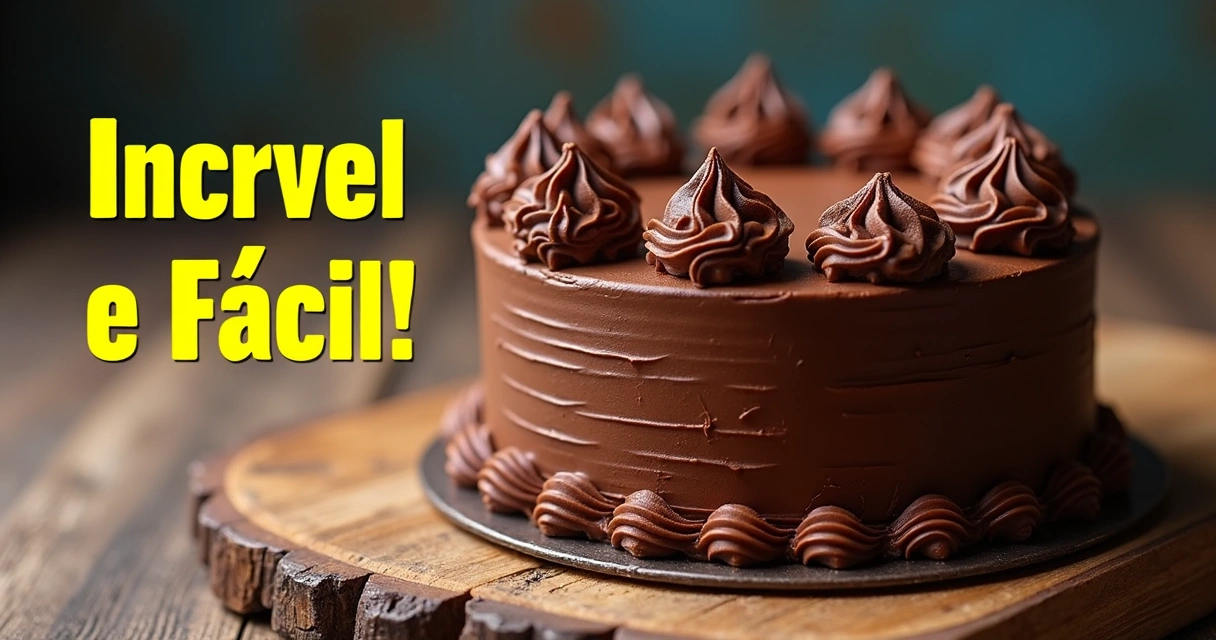
Practical example: someone is going to post a tutorial on chocolate cake.
- Weak title: “How to Make a Cake”.
- Generic title: “Easy Homemade Cake Recipe”.
- Attention-grabbing title: Ultimate Chocolate Cake Recipe: Flavor in Every Bite
This choice makes the theme clear, promises a tasting experience, and increases interest using terms searched by those looking for recipes.
Tip 3: Description is story and strategy
The description is not just a summary. It’s a space to provide context, engage, teach, and also help with search.
The first three lines are precious. Only they appear before the “show more” button. Use this space to deliver immediate value, suggestions, calls to action, or main information. For example:
Learn how to make the fluffiest and most delicious chocolate cake recipe in a few steps!
- Include natural keywords: use terms that people actually type to find this content.
- Tell a story and context: describe situations, the origin of the recipe, reasons to watch, or details that captivate.
- Add extra information: ingredients, materials, useful links, safety guidelines, references, etc.
- Use timestamps in long videos: make it easier for those looking for a specific segment. For example: 00:00 Introduction 01:05 Ingredients 03:15 Preparation Method
- Combination of marketing and story: make the audience feel part of the video, inviting comments or shares.
Analyses from the Federal University of Paraná reinforce that precise and detailed textual descriptions facilitate the categorization of content for search engines, boosting organic reach.
Tip 4: Fidelity and transparency avoid traps
In a study by the Fluminense Federal University, it was found that videos with sensationalist thumbnails and misleading titles, promising big news but without basis, become challenges for public trust on YouTube. This applies to any theme: entertainment, cooking, education, or business.
If the thumbnail highlights an amazing scene, it needs to appear in the video. If the title promises a secret, that secret needs to be revealed.
Maintaining the balance between grabbing attention and delivering what was promised is one of the most valuable, yet least respected, rules. Sincerity builds loyalty and generates recurrence.
Tip 5: Adapt for small screens
More than 60% of YouTube access comes from mobile devices, according to global streaming data. Therefore, what looks perfect on a desktop screen should be tested on smartphones.
- Readable font in miniatures
- Few elements in the thumbnail
- Attention to details cut off on smaller screens
Videos designed for mobile reach further.
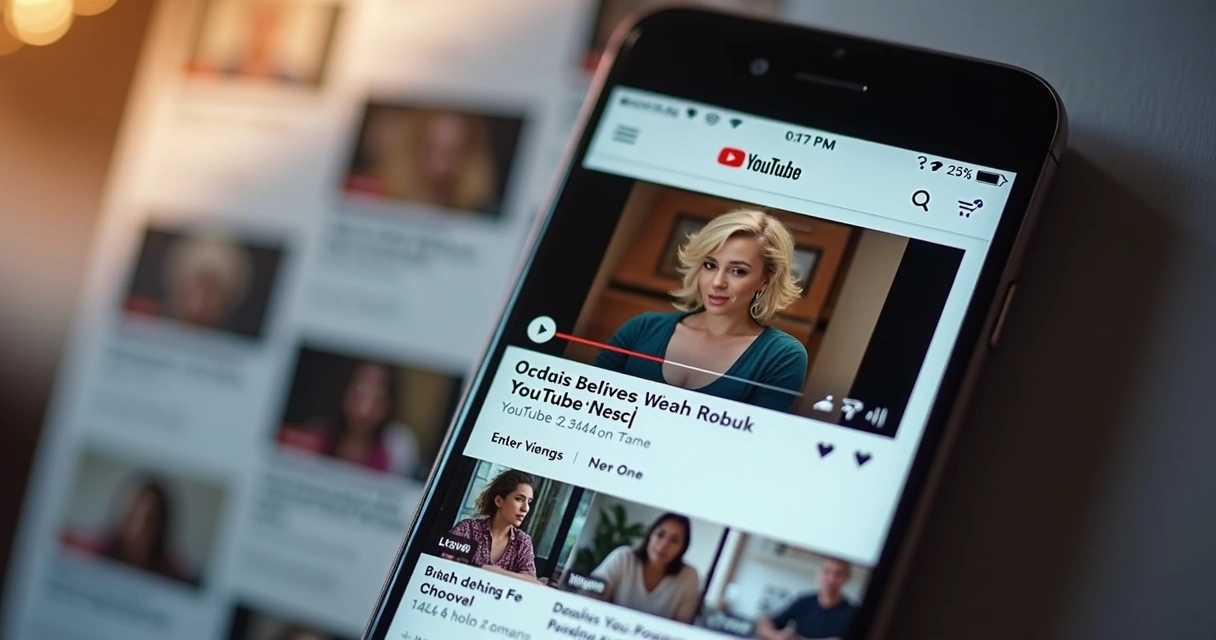 The VDClip website itself provides recommendations on ideal short video formats for different social networks, reminding that vertical formats facilitate consumption on mobile.
Tip 6: Keywords: the secret to reach
For the video to appear in YouTube and Google searches, it is essential to work with keywords in the title and description. But they must always be natural, aligning with the actual search intent of the audience.
- Place the most searched words further to the left in the title.
- Repeat important terms organically in the description and tags.
- Study how the audience types questions and adapt titles to include those expressions.
- Never repeat words too much; besides being tiresome, it can confuse algorithms.
The strategic use of artificial intelligence in editing can suggest words related to the theme, facilitating the choice for those starting out or wanting to save time.
Tip 7: Subtle but effective calls to action
In the description text (and sometimes at the end of the title), suggesting a next step engages but needs to be natural and brief. Simple and effective examples:
- “Leave your comment with the question.”
- “Check out other videos on the channel.”
- “Share with someone who loves chocolate.”
Objective invitations increase audience participation. And this interaction is one of the factors that the algorithm values to distribute content more.
Tip 8: Invest in authentic visuals and consistent templates
The channel or company needs identity. Standardized thumbnails (with color palette, graphic elements, or equal borders) are quickly recognized in the feed. But standardization should go hand in hand with authenticity.
- Use the same font family
- Maintain color patterns aligned with the channel theme
- Include recurring elements (logo, avatar, photo style)
- Customize each video: avoid total sameness
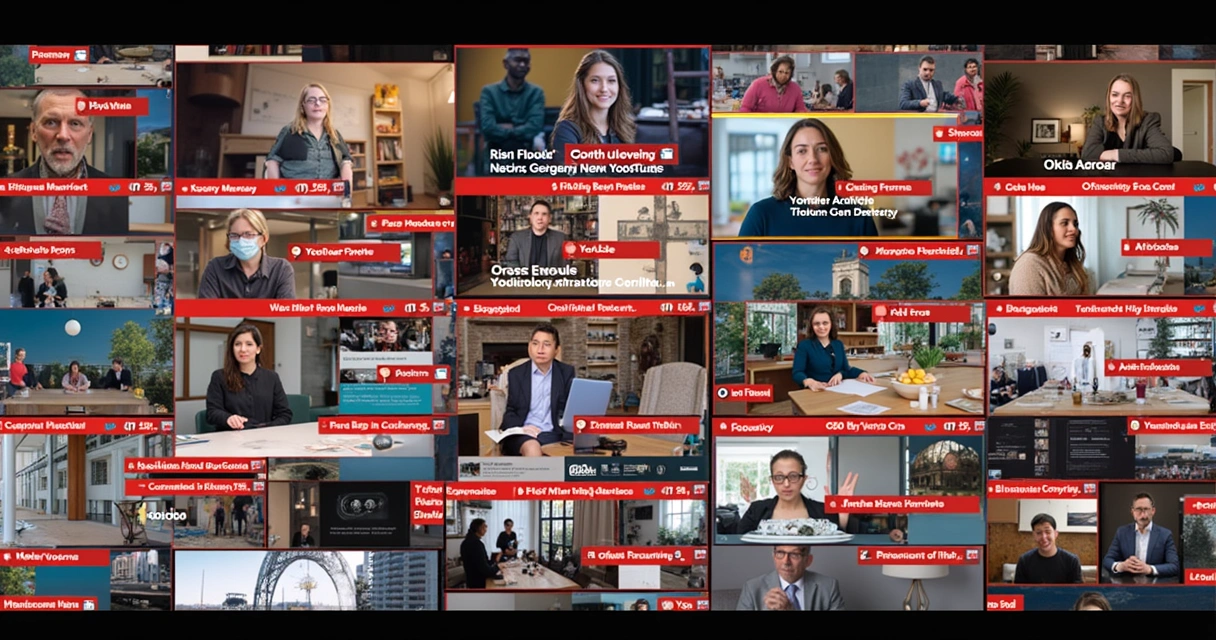 Tools like the VDClip shorts editor provide customizable templates to speed up this process, allowing quick adaptations for different platforms and types of videos.
Tip 9: Learn from examples and always test
YouTube is always changing. The secret of many successful channels lies in observing what has worked, quickly adapting, and experimenting with new variations. There is no ready formula, but there is a strategy: test, measure, and adjust.
- Compare thumbnails and titles of videos that performed better on your channel or in reference channels.
- Monitor metrics: click-through rate, watch time, and subscriptions.
- Make small changes and observe results week to week.
Even experienced creators report positive surprises with simple changes, such as reversing the order of words, changing the dominant color of the thumbnail, or adding a call more focused on the current audience.
It’s also worth using AI resources, such as those available in the YouTube shorts automatic creator, to suggest cuts, titles, and subtitles that can improve the overall performance of the content.
Practical example: Chocolate cake from scratch to top
Imagine YouTuber Alice, a specialist in homemade recipes. When posting a video of “chocolate cake,” she applies the previous tips:
- Thumbnail: sharp image of the already cut cake, showing the creamy texture and shiny frosting, clean background, and the phrase “Incredible and Easy!” in yellow.
- Title: “Ultimate Chocolate Cake Recipe: Flavor in Every Bite”
- Description: right in the first lines, “Learn how to make the fluffiest and most delicious chocolate cake recipe in a few minutes! Simple ingredients, quick preparation, and tips to get it right. 00:00 Introduction 00:45 Ingredients 02:30 Step by step”
Alice also complements with:
- Keywords like “chocolate cake,” “easy recipe,” “fluffy cake”;
- Links to other related videos;
- A prompt: “What’s your favorite filling for cake? Tell us in the comments!”.
The result? Featured video in the feed, high click-through rate, and engagement.
From the kitchen to the business channel: adapt the tips for any niche
The techniques for thumbnail, title, and description apply to all segments, recipes, study tips, travel vlogs, makeup tutorials, interviews, or business podcasts.
- An educational channel can show the cover of a book, with a question highlighted.
- Travel vlogs can use the most beautiful scenery of the destination, keeping the text short and curious.
- Business videos benefit from graphs, serious images, and calls focused on results.
In the end, those who plan and create these elements with attention achieve engagement, establish a presence, and increase the channel’s reach.
Planning: the step that defines the future of the video
Investing time planning thumbnails, titles, and descriptions has ceased to be a detail to become a focal point. Creators, companies, and brands that treat these elements as a priority transform ordinary videos into visible and memorable experiences.
For those looking to speed up this process, tools like VDClip automatically identify the most relevant segments, suggest subtitles and strategic titles, customize formats, and optimize content to appear better in searches and social media.
When combining creativity with technique makes the difference
Repeatedly, the success stories on YouTube in 2024 show the same pattern: those who combine strategy, attention to detail, and dedication to “packaging” each video manage to stand out, whether beginner or veteran.
There is no magic trick, but rather a consistent path that combines creativity, visual care, and textual intelligence.
If the goal is to grow on YouTube, it’s worth dedicating effort to thumbnails, titles, and descriptions for every new video. And, for those who need to speed up creation or seek advanced resources, VDClip is there, ready to be a strategic partner in this journey of audience, relevance, and real connection with the public.
Now it’s time to act. Start planning your next video, test the tips, and engage with what differentiates great creators: attention to detail, creativity in the journey, strategy in the click. Discover VDClip and transform each video into irresistible content for YouTube and other social media.
Frequently Asked Questions (FAQ)
What is a thumbnail on YouTube?
A thumbnail is the visual miniaturized version of the video displayed in search results and YouTube feeds, functioning as an invitation or “poster” that stimulates the user’s click. It should be relevant to the content, visually appealing, and readable, even on small screens. A good thumbnail stands out the video in the crowd and improves click-through rates.
How to create catchy titles for videos?
To create catchy titles, prioritize clarity and objectivity, limiting the text to 60 characters. Include keywords related to the theme, avoiding ambiguities and misleading promises. Mix creativity, questions, humor, or mystery, always maintaining a faithful relationship with the video. Adapt the title to the target audience, making it more appealing to those who are truly searching for the content.
Is it worth investing in long descriptions?
Long descriptions can bring benefits when well-structured, as they offer context, details, keywords, and engagement resources, such as timestamps to facilitate navigation. The most important thing is to ensure that the first three lines are objective and intriguing, since they appear first in the feed. In informative or tutorial videos, a more complete description can boost reach and viewer retention.
Where to find ideas for creative thumbnails?
Inspiration for creative thumbnails can come from observing trends in reference channels in your niche, following designers on Instagram or Pinterest, analyzing the colors and styles that stand out the most in the feed, and even using templates offered by platforms like VDClip. It’s also worth experimenting with different styles and testing which work best for your audience.
What are the best practices for descriptions?
The best practices include, besides using keywords naturally, telling an engaging story, summarizing the video right in the first lines, adding relevant information (like links to other videos or materials), and inserting timestamps in long content. Make the description clear, objective, and inviting for the viewer to act (comment, like, or share). This enhances engagement and makes it easier for the algorithms to recommend the video.