A long live stream can have humor, tension, reactions, and strong phrases. But almost always, this material gets lost in hours of broadcasting. This is where the Twitch clip generator with AI comes in, a practical way to transform loose snippets into short videos ready to circulate on social media.
A good AI clipping system finds promising moments, adjusts the framing, and delivers clips with a higher chance of retention.
For those who stream games, converse with the community, or react to content, this changes the routine. Instead of reviewing an entire recording, they can work with ready-made suggestions, automatic captions, and vertical formats already designed for TikTok, Instagram, and YouTube. According to the coverage on the State of Video 2025, 41% of brands are already using AI for video creation, and over 60% of AI users are using or planning to use this resource for captions. The movement is clear.
In practice, Twitch creators no longer need to be professional editors to maintain a daily presence on multiple platforms. They just need a simple, repeatable, and quick workflow.
What is a Twitch clip generator with AI
This type of tool takes the recording of the live stream, reads the audio, interprets pauses, peaks in speech, scene changes, and reactions, and then suggests the best points to turn into short clips. In many cases, it also creates captions, centers the face, and adapts the video to a vertical format.
The focus is not just on cutting, but on choosing excerpts that hold attention in the first few seconds.
This makes a difference because audience behavior has changed. An article on the rise of short videos on social media shows how quick content has started to drive reach and profile discovery. Those who stream and ignore this format tend to grow more slowly.
When a person works with a solution like VDClip, for example, they can combine best moment detection, face tracking, face-motion, automatic captioning, and fine editing all in one place. This reduces steps and makes the process lighter.
A long live stream yields several videos.
Why viral clips are born from Twitch
Twitch is an environment for real-time reaction. This creates natural peaks of emotion. An unexpected failure in the game, a cheeky response from the chat, a scare, a rare play, or a firm opinion. All of this is born with clip energy.
The problem is that these moments appear amidst large blocks. Without AI support, searching for this material can turn into hours of manual review. With automated support, the person finds the strongest cuts much more quickly.
The excerpts that tend to generate good results have some clear signs:
- They start with action or a strong phrase in the first few seconds.
- They have simple context, easy to understand outside of the full live stream.
- They provoke emotional reactions, such as surprise, laughter, or tension.
- They work without relying on long explanations.
Those looking for ways to produce more attractive live cuts with AI often notice this early: the viral clip is not always in the best technical moment, but in the snippet that makes the person stop scrolling on the screen.
How to transform a live stream into short clips
The process can be broken down into simple steps. This helps even those who have never opened an editor before.
Access VDClip: Click here
1. Upload the video or the link to the live stream.
The person uploads the live stream file or the link to the saved video. In a modern workflow, this is the starting point for all automatic content reading.
2. Let the AI identify the strongest excerpts
The system looks for changes in rhythm, striking speeches, reactions, and moments with the most retention potential. Instead of starting from scratch, the creator begins to review suggestions.
AI shortens the path between a long live stream and several publishable clips.
3. Adjust duration and initial hook
Not every good moment becomes a good clip without editing. Often, only two adjustments are needed: starting a little before the reaction and ending just after the highlight. The ideal is to avoid slow introductions.
4. Apply automatic captions
A large part of the audience watches without sound in the first few seconds. Captions hold attention, improve understanding, and help with quick consumption. In a workflow like creating cuts with AI, this step is already integrated into the work.
5. Center the face and action
In a live stream, the scene changes constantly. Face tracking and face-motion help keep the focus on the streamer or the point of greatest interest. This makes the video feel more natural in the vertical format.
 6. Customize visual identity
 6. Customize visual identity
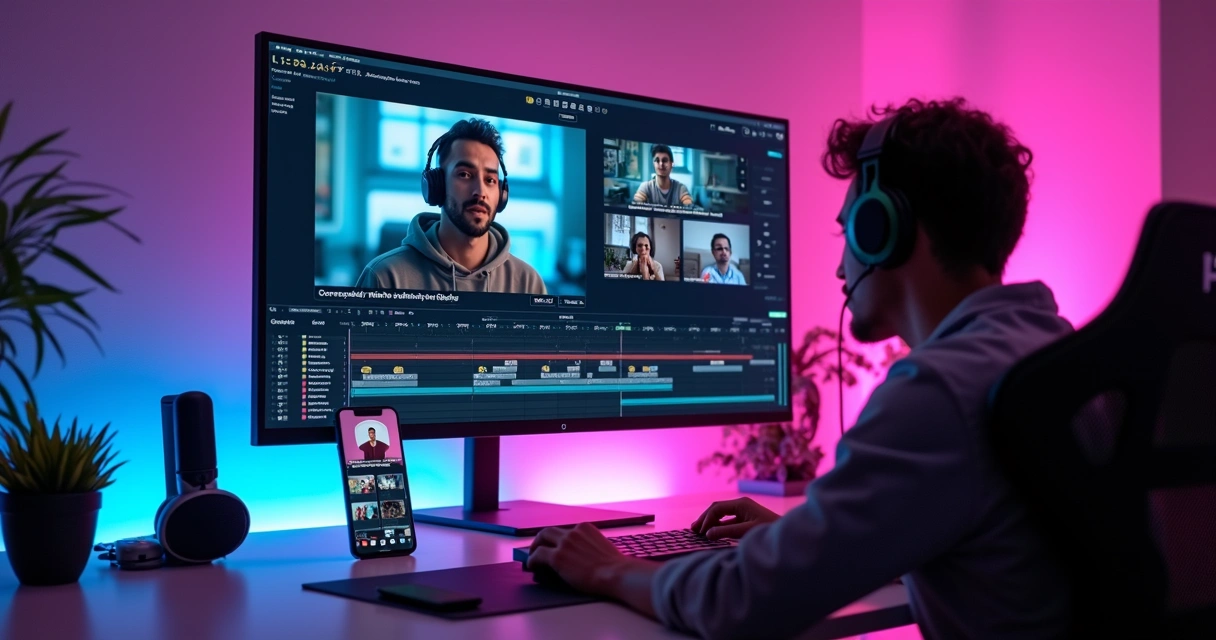
At this point, logos, intros, transitions, emojis, b-roll, and brand colors come into play. Those producing at volume need visual standards. VDClip allows you to create templates and a brand kit to maintain consistency without redoing everything for each post.
7. Clean audio and refine in the editor
Background noise, long pauses, or misplaced text can be resolved in the professional editor of the platform itself. This gives freedom to adjust each clip without leaving the workflow.
8. Export in the right format
The same live stream can generate different videos for each network. A 20-second clip may perform better on TikTok. Another, 45 seconds long, may yield more on YouTube Shorts. In an automated cutting path with AI, format adaptation is part of the routine.
Which functions make a difference in the result
Not every AI tool delivers the same type of support. When comparing features, creators should focus less on broad promises and more on the functions that affect the final video.
The key points include:
- Automatic detection of the best moments.
- Customizable and synchronized captions.
- Face tracking for vertical cuts.
- Editor for fine adjustments without switching environments.
- Templates with logos, intros, and transitions.
- Audio cleaning and inclusion of b-roll.
- Bulk posting and scheduling for social media.
The fewer loose steps in the workflow, the greater the consistency of publication.
This perspective helps to understand why solutions like the AI viral clip generator are gaining traction. The creator is not just looking to cut video. They want to publish more, with standards, and without getting stuck in editing.
How to adapt the clip for each network
The same snippet may perform poorly on one platform and very well on another. The reason lies in the context of consumption.
On TikTok, the hook needs to be immediate. A surprising statement, an absurd defeat, or a short reaction tend to work well. On Instagram, cuts with visual appeal, clear captions, and fast rhythm respond well. On YouTube Shorts, slightly more explanatory videos can hold attention longer.
A simple adaptation usually follows this logic:
- Choose a cut with a strong start.
- Adjust the duration for the destination network.
- Change title, cover, and supporting caption.
- Maintain vertical format and focus on the face.
Those working with viral cuts with artificial intelligence quickly realize that the video does not need to be identical across all networks. Small changes increase the chance of reach.
Practical examples of clips that tend to go viral
 Practical examples of clips that tend to go viral
There are recurring patterns. A streamer spends several minutes in a normal match. Suddenly, they make an improbable play and shout a short phrase. This snippet, with a large caption and quick cut, tends to perform well. In another case, the person responds to the chat firmly and generates immediate identification. That works too.
The formats that repeat the most include:
- Instant reaction to something unexpected.
- Funny failure followed by a short comment.
- Very objective tip extracted from a moment in the live stream.
- Strong opinion that generates debate.
The viral cut almost always delivers quick context, clear emotion, and a clean closure.
This explains why so many people leave a single live stream with five, ten, or even more high-quality clips. The content was already there. It just needed to be organized.
How AI helps those who don’t know how to edit
Many people freeze before even starting. The timeline looks complicated. Choosing the framing generates doubt. The caption takes time. This blockage is common.
With AI, the barrier falls because the system does the heaviest lifting. It suggests scenes, writes captions, tracks the face, and prepares the material for publication. The person acts more as a reviewer than a complete editor.
In the case of VDClip.com, this goes beyond basic cutting. The platform also offers audio cleaning, insertion of visual elements, template customization, in-browser editing, and bulk scheduling. For those who publish frequently, this workflow significantly shortens repetitive work.
Consistency beats improvisation.
Conclusion
Those who stream on Twitch are already producing raw material for short videos every day. What defines growth is not just making good live streams but transforming those moments into clips that are easy to watch, share, and remember.
Generating viral cuts with AI means reducing manual work and increasing the chance of reach with content that already exists.
When a person chooses a platform that combines best moment detection, captions, face-motion, face tracking, brand kit, professional editor, and social media posting, the process becomes less cumbersome and part of the routine. For those looking to implement this with a Brazilian and intuitive solution, it’s worth checking out VDClip.com and starting to transform long live streams into short videos with more presence on social networks.
Frequently Asked Questions
How does a Twitch clip generator work?
It receives the recording of the live stream, identifies excerpts with the most potential based on speech, rhythm, reaction, and scene change, and transforms these points into short clips. In many cases, it also adds automatic captions, adjusts the vertical framing, and prepares the video for social media.
How to generate viral clips using AI?
The most common path is to upload the live stream, let the AI suggest the best moments, review the excerpts, shorten the opening, apply captions, and export in the right format for each platform. The viral clip usually arises from scenes with a quick hook, clear emotion, and easy-to-understand context.
What is the best clip generator for Twitch?
The best generator is one that combines automation with creative control. It should offer detection of strong moments, synchronized captions, face tracking, fine editing, visual customization, and posting on social networks. For those looking for this set in a Brazilian platform, VDClip fits very well in this scenario.
Do I need to pay to use clip generators?
It depends on the plan and the resources offered. Some solutions work with limits on volume, export, or editing functions. When a person publishes frequently, a paid plan usually makes sense because it delivers more agility, better finishing, and fewer manual steps.
Do AI-generated clips really go viral?
Yes, they can go viral. AI helps find promising excerpts and speeds up production, but the reach depends on the strength of the moment, the initial hook, the caption, the format, and the adaptation for each network. The technology increases speed and improves presentation, but the content still needs to capture attention.