AI in podcasts August 12, 2026 12 min de leitura

7 Automations for Podcasts: Smart Cuts to Posting

Conheça 7 automações para podcasts com IA: do corte inteligente à legenda e agendamento em múltiplas redes sociais.

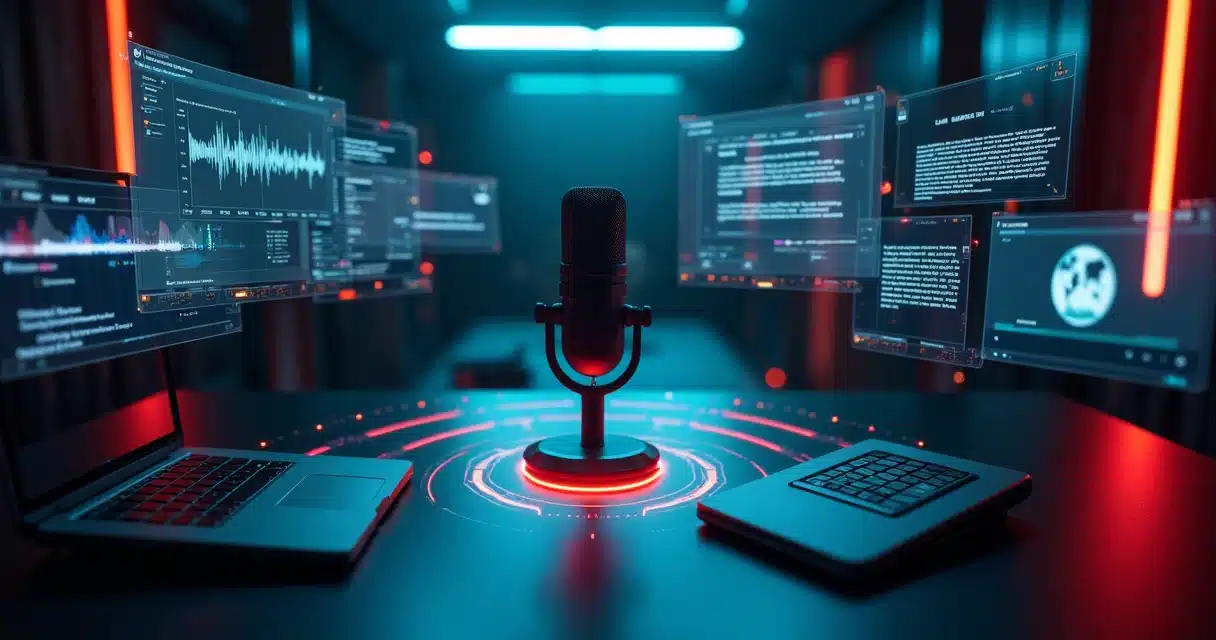
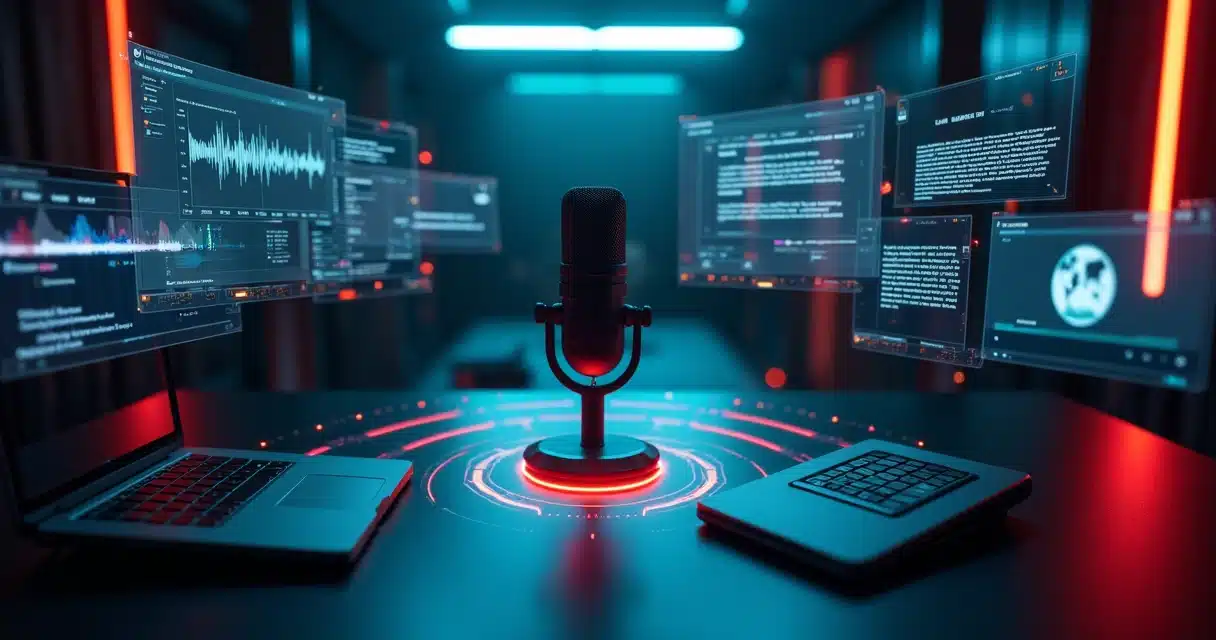
Painel de automações de podcast com fluxo de trabalho em telas flutuantes

Anyone who produces podcasts already knows the scene. The episode ends, the conversation was good, the content has value, but the real work hasn’t even finished. There’s transcription, material cleaning, choosing the best excerpts, creating clips, titles, descriptions, graphics, and uploading to each channel. In no time, a creative task turns into a long queue of repetitive actions.

This is where automation changes the pace of podcast production.

When the team, or even a single person, sets up a flow with artificial intelligence from the cut to automatic posting, the podcast stops relying on hours of post-production to remain active. The process becomes lighter, more consistent, and with fewer hurdles. This applies to both weekly programs and daily interviews, videocasts, cut channels, and corporate content.

The theme of 7 podcast automations, from cut to automatic posting, has gained traction because it addresses a very real pain point. There is a lot of good content stuck in lengthy episodes that could yield dozens of short pieces for social media. And when this doesn’t happen, reach and frequency lag behind.

In practice, automation does not replace editorial vision. It organizes the path. From it, the producer spends less time on manual tasks and more time on topics, camera presence, and project growth. This movement is already evident in initiatives related to automation and data analysis, such as the hub for development and experimentation of AI solutions applied to public management, which shows how intelligent flows can reduce repetitive stages in various contexts.

1. Organized capture with automatic triggers

The first gain doesn’t start at the cut. It begins earlier, at the entry of the material. Many podcasts waste time because each recording arrives with confusing names, loose versions, and scattered files. The automation here is simple and very useful: create a standard for receiving, naming, and sending to a central folder.

When the capture already enters organized, everything else happens with less friction.

A common flow can follow this order:

  1. The recording ends and the file is sent to a defined folder.

  2. A trigger renames the episode with the date, guest, and number.

  3. The system notifies the team on an internal channel.

  4. The next steps of transcription and cutting are initiated.

This detail may seem small. It is not. It avoids rework, reduces version errors, and prepares the ground for more advanced automations. An experienced producer tends to recognize this early: chaos at the beginning leads to delays at the end.

2. Automatic transcription to speed everything up

After recording, transcription becomes a central piece. It helps locate strong speeches, separate blocks, write show notes, create titles, and select cuts with more context. Previously, this took a considerable amount of time. Now, AI completes this step in a few minutes.

Automatic transcription transforms audio into text and paves the way for cuts, summaries, and subtitles.

For those working with video podcasts, the gain is even greater. With text in hand, it becomes easier to find:

  • Frases com potencial de viralização.

  • Moments of strong and concise responses.

  • Questions that work well as hooks.

  • Themes that can turn into extra posts.

In a well-structured flow, transcription not only serves as an archive. It feeds other automations. A system can identify keywords, suggest chapters, and even separate the best excerpts by topic. This significantly shortens the time between recording and publishing.

Text becomes a map.

It is at this stage that many teams begin to see the value of having everything connected. An hour-long episode can transform into short clips, descriptions, internal emails, and promotional materials without starting from scratch at each step.

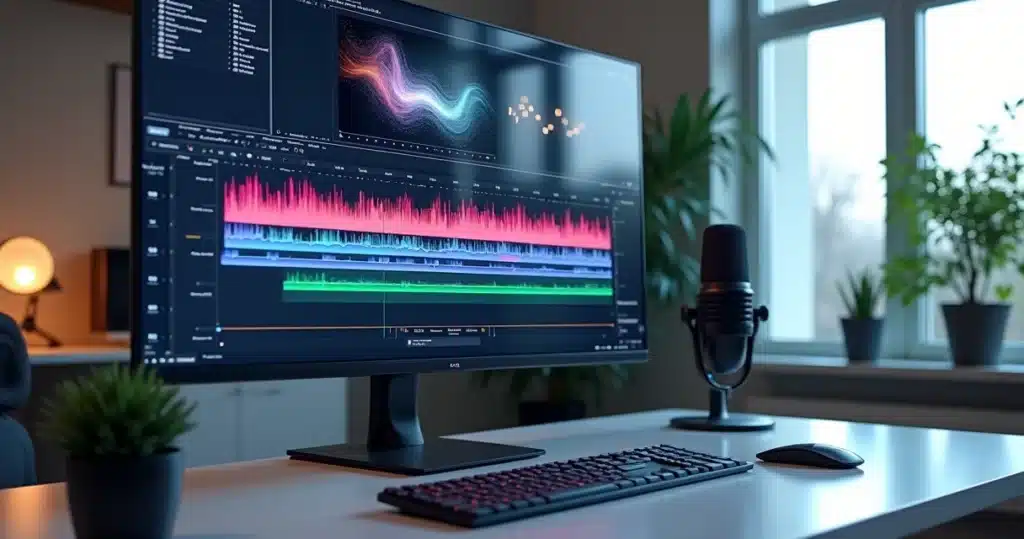
Screen with automatic podcast transcription and excerpt markings

3. Smart cutting of the best moments

Then comes the most visible part of automation: intelligent cutting. Instead of watching the entire episode multiple times, the producer can rely on AI to detect moments with a higher chance of engagement. This includes changes in tone, impactful speeches, direct responses, and excerpts that stand alone.

Smart cutting reduces hours of manual searching and increases the volume of clips published.

For those wanting to understand better how this process works, it makes sense to see materials on creating cuts with AI and also about video cutting with AI to transform long videos into viral shorts, since this type of strategy directly interacts with the routine of podcasts and videocasts.

This is where VDClip naturally appears in the flow. The platform is designed to transform long videos into short clips quickly, identifying the most relevant moments and generating cuts with resources that make a difference in daily life, such as face tracking, face-motion, synchronized subtitles, and an editor within the platform itself.

In practice, this helps in three fronts:

  • Maintain visual focus on who is speaking.

  • Adapt the framing to a vertical format.

  • Deliver a clip close to the publication point.

An episode with a guest, for example, can yield response cuts, behind-the-scenes, opinions, and emotional moments. All this without the manual process of cutting frame by frame.

4. Subtitles, audio cleaning, and visual identity in bulk

A good podcast clip doesn’t just depend on the chosen excerpt. It needs to be easy to consume on small screens and without sound. That’s why automating subtitles and visual treatment is so important.

Automatic subtitles increase retention and help the content work even without audio.

In addition to subtitles, it’s worth automating presentation elements. Among them:

  • Program logo.

  • Short intro.

  • Standardized transitions.

  • Audio cleaning.

  • B-roll and emojis at specific points.

  • Colors and fonts from the brand kit.

This layer makes the content appear more professional, even when the production is lean. And this weighs in public perception. There are very good podcasts that lose strength because the clips come out looking improvised. When the template is already set up, consistency grows without requiring the same effort for each video.

On VDClip, this stage can be refined in the platform’s professional editor, allowing for material customization before publication. For those wishing to scale cuts with their own identity, this detail often makes a difference.

5. AI-generated titles, show notes, and hashtags

After the video is ready, a stage that is often underestimated comes in. The episode needs context. And so do the clips. Weak titles, generic descriptions, and unintentional hashtags can limit the reach of good material.

AI can also suggest titles, summaries, and hashtags based on the actual content of the episode.

This type of automation helps those who get stuck when it’s time to write. From the transcription, the system proposes variations of titles, theme summaries, and short texts for each network. Instead of starting with a blank page, the producer starts from a ready base and adjusts the tone.

A simple flow can gather:

  1. General summary of the episode.

  2. Chapters with central themes.

  3. Main title for audio and video platforms.

  4. Short titles for clips.

  5. Hashtags related to the subject and format.

This process also helps maintain unity between the complete episode, cuts, and supporting posts. Those who publish across several networks feel this clearly. It’s not just about writing faster. It’s about publishing with coherence.

For those working heavily with cuts, materials on viral podcast clips for social media help better align excerpt selection, supporting text, and final format.

Vertical podcast clips ready for social media

6. Automatic scheduling and posting across multiple channels

Publishing also takes time. Even more so when the podcast works with complete episodes, teasers, cuts, reposts, and reminders. Without automation, each piece becomes an isolated task. With automation, content enters a queue and follows a calendar.

Automatic scheduling helps the podcast maintain consistency without relying on manual posting every day.

This point is one of the most strategic for those wanting frequency. A podcast can record once and supply weeks of content. It’s just a matter of organizing a distribution logic. A common example:

  • Monday: episode teaser.

  • Tuesday: complete episode.

  • Wednesday: cut with a strong quote.

  • Thursday: cut with host’s question.

  • Friday: behind-the-scenes or light clip.

When this is already programmed, the project gains regularity. And social media likes regularity. For those wanting to structure this stage, the topic of video scheduling and cuts with AI aligns very well with this flow.

In the case of VDClip.com, there is the possibility of mass posting and scheduling directly to social media. This reduces the back and forth between editing and publishing. Content goes from cutting, through the final adjustment, and into the calendar without so many loose steps.

7. Automatic notifications and continuous repurposing

The seventh automation closes the cycle. It is not enough to cut and post. It is useful to notify participants, record what was published, and feed new rounds of content. This care keeps the operation alive.

Automatic notifications help activate guests, team members, and promotion channels right after publication.

A well-thought-out flow can do the following:

  1. Publish the episode or clip.

  2. Send an automatic message to the guest and host.

  3. Provide ready-to-share links.

  4. Record the piece in a spreadsheet or dashboard.

  5. Schedule recycling of the same cut on another date.

This automation may seem administrative, but it impacts reach. Many guests share the content when they receive the finished material, with short text and the correct link. If this notice does not happen, the opportunity passes. Simple as that.

It is also worth repurposing old episodes. A podcast with fifty interviews can have an enormous stock of still useful excerpts. With AI, the producer can revisit this archive, locate themes that have returned to debate, and generate new clips. In short video networks, this often works very well.

Panel for scheduling short podcast videos

How to set up a real flow without complicating it

Many people imagine that automation requires a large structure. Not always. A solo creator can start with a short flow and gradually expand. The smartest move is usually to set up a simple, stable, and repeatable line.

A practical example would be this:

  1. Recording sent to a standard folder.

  2. Automatic transcription of the episode.

  3. Selection of the best excerpts with AI.

  4. Generation of clips with subtitles, face-motion, and framing.

  5. Application of a template with logo, intro, and transitions.

  6. Creation of title, description, and hashtags.

  7. Batch scheduling for social media.

  8. Automatic notification for participants.

This is a feasible flow, even for those without strong editing experience. And this is one of the most encouraging points of this movement. AI reduces the technical barrier. The creator stops relying on a cumbersome process to publish with a professional appearance.

For those focusing on vertical formats, it’s also worthwhile to keep an eye on applications related to generating Instagram Reels clips with AI, because this type of output directly aligns with current short content consumption.

Automating is not losing control.

It is gaining time to better decide what deserves highlighting.

Conclusion

The 7 podcast automations, from cut to automatic posting, highlight a very clear point: the growth of a program does not only depend on the quality of the conversation but on the ability to transform each episode into various formats published consistently. When the routine becomes too manual, consistency drops. When AI enters with method, the content circulates more.

A good podcast needs to be heard, seen, clipped, and distributed consistently.

From transcription to scheduling, each automation reduces post-production time and opens up space for more creative decisions. The producer becomes better positioned to test hooks, publish more cuts, maintain visual standards, and activate guests right after each posting. For small teams, this is significant. For larger operations, even more so.

Those wishing to implement this flow with intelligent cuts, face tracking, subtitles, audio cleaning, brand kit personalization, professional editing, and mass posting can learn more about VDClip.com. The platform’s proposal directly addresses this new way of producing podcasts, with more speed and more presence on social media.

Frequently Asked Questions

What are automations for podcasts?

Automations for podcasts are processes set up to perform repetitive tasks with little or no manual action. They can include transcription, cut selection, subtitle creation, title generation, post scheduling, and notification sending. In practice, podcast automation is transforming manual steps into standardized flows.

How to automate podcast cuts?

To automate podcast cuts, the producer can use AI to analyze the episode, locate the most relevant excerpts, and generate short clips in formats suitable for social media. Then, they can apply subtitles, vertical framing, and visual identity in a standardized way. Platforms like VDClip assist in this process by bringing together intelligent cutting, face-motion, subtitles, and editing in one environment.

Is it worth using automation in podcasts?

Yes, it is worth it for those who want to publish more without increasing manual work to the same extent. Automation reduces delays, helps maintain consistency, and better allows for repurposing each episode. Even small podcasts benefit when they can transform a long episode into several short pieces.

What are the best automation tools?

The best automation tools are those that fit into the real flow of the podcast. In general, it is worth looking for solutions that cover transcription, AI cutting, subtitles, editing, templates, scheduling, and distribution. The best scenario is usually one where fewer steps are left loose, as this reduces errors and shortens post-production.

How to automate episode posting?

Episode posting can be automated with a calendar linked to the final material. After the episode and the cuts receive titles, descriptions, and the correct format, they can enter publishing queues for defined days and times. Automating posting means moving away from improvisation and maintaining a continuous presence on channels.

Create your clips with AI

30 free minutes. No credit card required.

Try Free

Create your clips now

Turn long videos into viral clips in minutes with artificial intelligence.

Get Started Free
AI for podcasts August 12, 2026 12 min de leitura

7 Automations for Podcasts: Smart Cuts to Posting

Conheça 7 automações para podcasts com IA: do corte inteligente à legenda e agendamento em múltiplas redes sociais.

Painel de automações de podcast com fluxo de trabalho em telas flutuantes

Anyone who produces podcasts already knows the scene. The episode ends, the conversation was good, the content is valuable, but the real work hasn’t even finished yet. There comes the transcription, the cleaning of the material, the selection of the best excerpts, the creation of clips, the titles, the descriptions, the artwork, and the sending to each channel. In no time, a creative task turns into a long queue of repeated actions.

This is where automation changes the pace of podcast production.

When the team, or even a single person, sets up a workflow with artificial intelligence from cutting to automatic posting, the podcast stops relying on hours of post-production to remain active. The process becomes lighter, more consistent, and with fewer hitches. This applies to both weekly shows and daily interviews, videocasts, cut channels, and corporate content.

The topic of the 7 podcast automations, from cutting to automatic posting, has gained traction because it addresses a very real pain point. There is a lot of good content stuck in long episodes that could yield dozens of short pieces for social media. And when this doesn’t happen, reach and frequency fall behind.

In practice, automation does not replace editorial vision. It organizes the path. From it, the producer spends less time on manual tasks and more time on topics, camera presence, and project growth. A movement that is already appearing in initiatives related to automation and data analysis, such as the hub for development and experimentation of AI solutions applied to public management, which shows how intelligent workflows can reduce repetitive steps in various contexts.

1. Organized Capture with Automatic Triggers

The first gain doesn’t start at the cut. It starts before, at the entry of the material. Many podcasts waste time because each recording comes with confusing names, loose versions, and scattered files. The automation here is simple and very useful: create a standard for receiving, naming, and sending to a central folder.

When the capture already comes organized, everything else happens with less friction.

A common workflow can follow this order:

  1. The recording ends, and the file is sent to a defined folder.

  2. A trigger renames the episode with the date, guest, and number.

  3. The system notifies the team in an internal channel.

  4. The next steps of transcription and cutting are initiated.

This detail may seem small. It’s not. It avoids rework, reduces version errors, and prepares the ground for more advanced automations. An experienced producer tends to notice this early: chaos at the beginning turns into delays at the end.

2. Automatic Transcription to Speed Up Everything

After the recording, transcription becomes a central piece. It helps to locate strong speeches, separate blocks, write show notes, create titles, and select cuts with more context. Before, this took a high amount of time. Now, AI does this step in just a few minutes.

Automatic transcription transforms audio into text and opens the way for cuts, summaries, and subtitles.

For those working with video podcasts, the gain is even greater. With the text in hand, it becomes easier to find:

  • Sentences with viral potential.

  • Moments of strong and short responses.

  • Questions that work well as hooks.

  • Themes that can turn into extra posts.

In a well-constructed workflow, transcription serves not only for archiving. It feeds other automations. A system can identify keywords, suggest chapters, and even separate the best excerpts by subject. This greatly shortens the time between recording and publishing.

Text becomes a map.

It is at this phase that many teams begin to realize the value of having everything connected. A one-hour episode can turn into short clips, descriptions, internal emails, and promotional materials without starting from scratch at each step.

Screen with automatic podcast transcription and excerpt markings

3. Smart Cutting of the Best Moments

Then comes the most visible part of automation: smart cutting. Instead of watching the entire episode multiple times, the producer can rely on AI to detect moments with a higher chance of engagement. This includes changes in tone, impactful speeches, direct responses, and excerpts that stand alone.

Smart cutting reduces hours of manual searching and increases the volume of published clips.

For those who want to better understand how this process works, it makes sense to see materials on creating cuts with AI and also about video cuts with AI to transform long videos into viral shorts, as this type of strategy directly relates to the routine of podcasts and videocasts.

This is where VDClip appears naturally in the workflow. The platform was designed to transform long videos into short clips quickly, identifying the most relevant moments and generating cuts with features that make a difference in everyday life, such as face tracking, face-motion, synchronized subtitles, and an editor within the platform itself.

In practice, this helps in three fronts:

  • Maintain visual focus on who is speaking.

  • Adapt the framing to the vertical format.

  • Deliver a clip already close to the point of publication.

An episode with a guest, for example, can yield cuts of responses, behind-the-scenes, opinions, and emotional excerpts. All this without the manual process of cutting frame by frame.

4. Subtitles, Audio Cleaning, and Visual Identity in Batches

A good podcast clip doesn’t just depend on the chosen excerpt. It needs to be easy to consume on small screens and without sound. That’s why automating subtitles and visual treatment carries so much weight.

Automatic subtitles increase retention and help the content function even without audio.

In addition to the subtitle, it’s worth automating presentation elements. Among them:

  • Program logo.

  • Short intro.

  • Standardized transitions.

  • Audio cleaning.

  • B-roll and emojis at specific points.

  • Colors and fonts from the brand kit.

This layer makes the content look more professional, even when the production is lean. And this affects the audience’s perception. There are many good podcasts that lose strength because the clips appear improvised. When the template is already set up, consistency increases without requiring the same effort for each video.

In VDClip, this stage can be refined in the platform’s professional editor, which allows for customizing the material before publication. For those wanting to scale cuts with their own identity, this detail usually makes a difference.

5. Titles, Show Notes, and Hashtags Generated by AI

After the video is ready, there comes a stage that is often underestimated. The episode needs context. And the clips do too. Weak titles, generic descriptions, and unintentional hashtags can limit the reach of good material.

AI can also suggest titles, summaries, and hashtags based on the actual content of the episode.

This type of automation helps those who freeze when it’s time to write. From the transcription, the system proposes variations for headlines, theme summaries, and short texts for each network. Instead of starting with a blank page, the producer starts from a prepared base and adjusts the tone.

A simple workflow can gather:

  1. General summary of the episode.

  2. Chapters with central themes.

  3. Main title for audio and video platforms.

  4. Short titles for clips.

  5. Hashtags related to the topic and format.

This process also helps maintain unity between the complete episode, cuts, and supporting posts. Those publishing on multiple networks feel this clearly. It’s not just about writing faster. It’s about publishing coherently.

For those who work heavily with cuts, content about viral podcast clips for social networks helps align the choice of excerpt, supporting text, and final format.

Vertical podcast clips ready for social media

6. Automatic Scheduling and Posting on Multiple Channels

Publishing also consumes time. Especially when the podcast works with full episodes, teasers, cuts, reposts, and reminders. Without automation, each piece becomes an isolated task. With automation, the content enters a queue and follows a calendar.

Automatic scheduling helps the podcast maintain consistency without relying on manual publication every day.

This point is one of the most strategic for those wanting frequency. A podcast can record once and supply weeks of content. It’s just a matter of organizing a distribution logic. A common example:

  • Monday: episode teaser.

  • Tuesday: full episode.

  • Wednesday: cut with a strong phrase.

  • Thursday: cut with the host’s question.

  • Friday: behind-the-scenes or light excerpt.

When this is already scheduled, the project gains regularity. And social media likes regularity. For those wanting to structure this stage, the topic of video scheduling and video cutting with AI aligns very well with this workflow.

In the case of VDClip.com, there’s the possibility of mass posting and scheduling directly to social networks. This reduces the back-and-forth between editing and publishing. The content goes from cutting, through final adjustment, to the calendar without so many loose steps.

7. Automatic Notifications and Continuous Reuse

The seventh automation closes the cycle. It’s not enough to cut and post. It’s useful to notify participants, record what was published, and feed new rounds of content. This care keeps the operation alive.

Automatic notifications help activate guests, the team, and dissemination channels right after publication.

A well-thought-out workflow can do the following:

  1. Publish the episode or clip.

  2. Send an automatic message to the guest and host.

  3. Deliver ready-to-share links.

  4. Record the piece in a spreadsheet or panel.

  5. Schedule recycling of the same cut on another date.

This automation seems administrative, but it affects reach. Many guests share the content when they receive the finished material, with short text and correct link. If this notification doesn’t happen, the chance passes. Simple as that.

It’s also worth reusing old episodes. A podcast with fifty interviews can have a huge stock of still useful excerpts. With AI, the producer can go back into this archive, locate themes that have returned to the debate, and generate new clips. In short video networks, this tends to work very well.

Panel for scheduling short podcast videos

How to Set Up a Real Workflow Without Complicating Things

Many people imagine that automation requires a large structure. Not always. A solo creator can start with a short workflow and gradually expand. The smartest approach is often to set up a simple, stable, and repeatable line.

A practical example would be this:

  1. Recording sent to a standard folder.

  2. Automatic transcription of the episode.

  3. Selection of the best excerpts with AI.

  4. Generation of clips with subtitles, face-motion, and framing.

  5. Application of a template with logo, intro, and transitions.

  6. Creation of title, description, and hashtags.

  7. Batch scheduling for social networks.

  8. Automatic notification for participants.

This is a feasible workflow, even for those without strong editing experience. And that’s one of the most exciting aspects of this movement. AI reduces the technical barrier. The creator stops relying on a heavy process to publish with a professional appearance.

For those focusing on vertical formats, it’s also worth following applications related to generating Instagram Reels clips with AI, as this type of output directly relates to the current consumption of short content.

Automating is not losing control.

It’s gaining time to better decide what deserves to be highlighted.

Conclusion

The 7 podcast automations, from cutting to automatic posting, show a very clear point: the growth of a program does not solely depend on the quality of the conversation but on the ability to transform each episode into various formats published frequently. When the routine becomes too manual, consistency drops. When AI enters methodically, the content circulates more.

A good podcast needs to be heard, seen, cut, and distributed consistently.

From transcription to scheduling, each automation reduces post-production time and opens up space for more creative decisions. The producer is better positioned to test hooks, publish clips in larger volumes, maintain visual standards, and activate guests right after each post. For small teams, this is significant. For larger operations, even more so.

Those wanting to put this workflow into practice with smart cuts, face tracking, subtitles, audio cleaning, brand kit customization, professional editing, and mass posting can learn more about VDClip.com. The platform’s proposal directly aligns with this new way of producing podcasts, with more speed and more presence on social networks.

Frequently Asked Questions

What are automations for podcasts?

Automations for podcasts are processes configured to perform repeated tasks with little or no manual action. They can include transcription, selection of cuts, creation of subtitles, generation of titles, scheduling of posts, and sending notifications. In practice, podcast automation is about transforming manual steps into standardized workflows.

How to automate podcast cuts?

To automate podcast cuts, the producer can use AI to analyze the episode, locate the most relevant excerpts, and generate short clips in formats suitable for social media. Then, they can apply subtitles, vertical framing, and visual identity in a standardized way. Platforms like VDClip assist in this process by gathering smart cuts, face-motion, subtitles, and editing in one environment.

Is it worth using automation in podcasts?

Yes, it’s worth it for those who want to publish more without increasing manual work to the same extent. Automation reduces delays, helps with consistency, and allows for better reuse of each episode. Even small podcasts benefit when they can transform a long episode into several short pieces.

What are the best automation tools?

The best automation tools are those that fit into the actual workflow of the podcast. Generally, it’s worth looking for solutions that cover transcription, AI cuts, subtitles, editing, templates, scheduling, and distribution. The best scenario is usually one where fewer steps are left loose, as this reduces errors and shortens post-production.

How to automate the posting of episodes?

The posting of episodes can be automated with a calendar linked to the final material. Once the episode and cuts receive titles, descriptions, and the correct format, they can enter publication queues for defined days and times. Automating posting means moving away from improvisation and maintaining continuous presence on channels.

Create your clips with AI

30 free minutes. No credit card required.

Try Free

Create your clips now

Turn long videos into viral clips in minutes with artificial intelligence.

Get Started Free