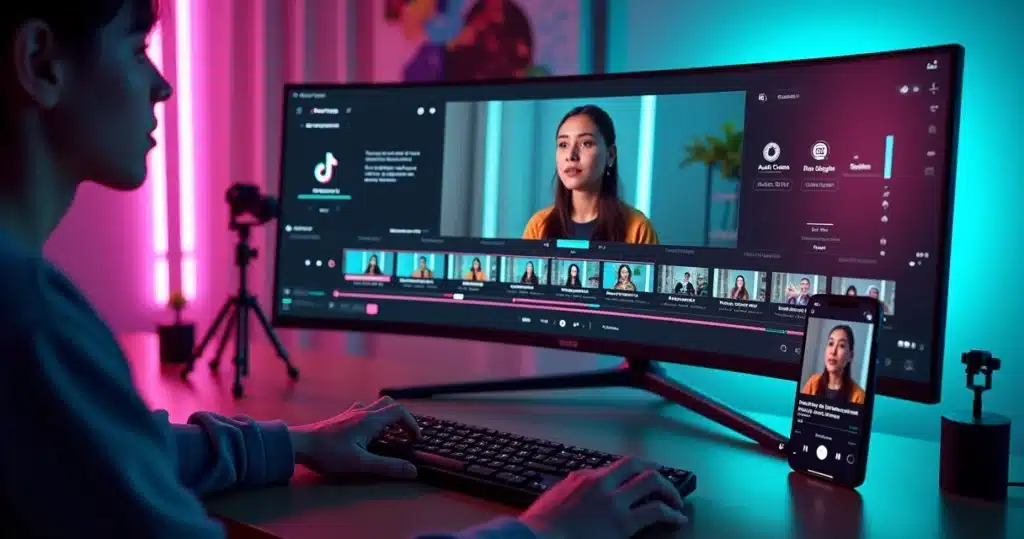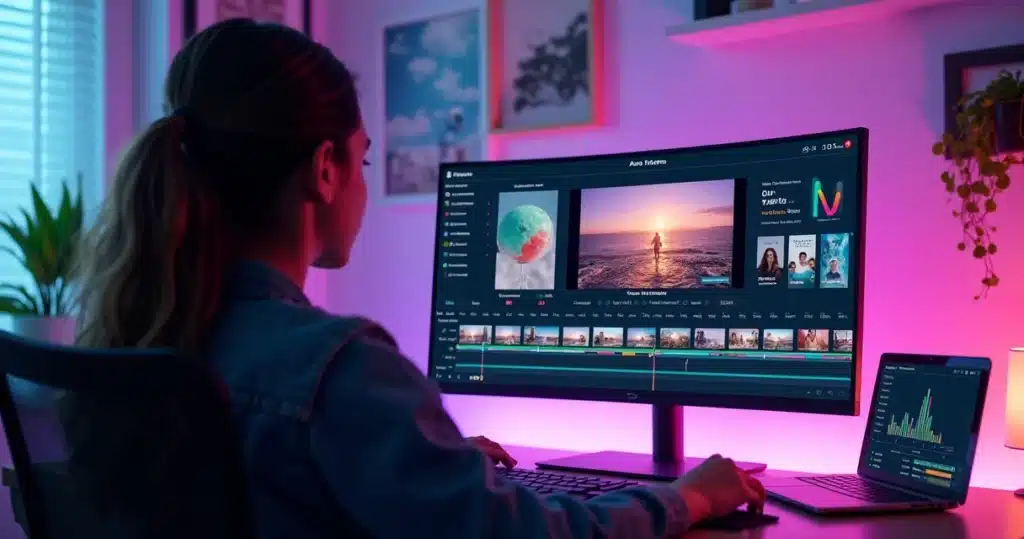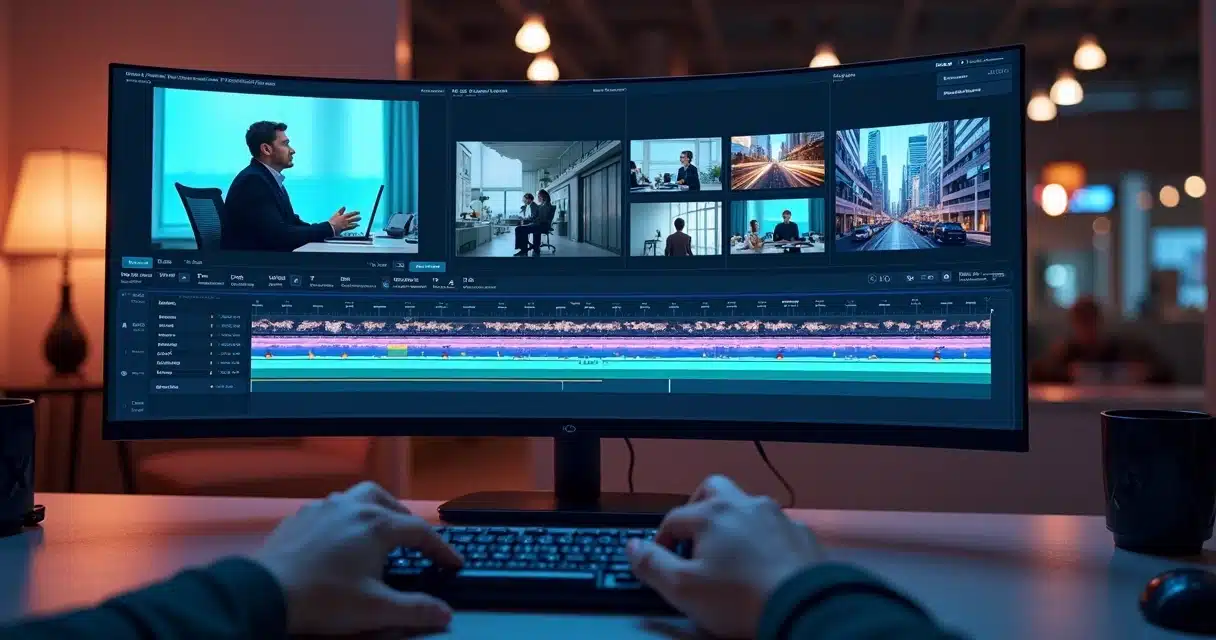
Anyone who produces short content has felt the same pressure. The video has good dialogue, the message is clear, but a still screen for many seconds drops attention. This is where B-roll comes in. When it appears at the right moment, the cut gains rhythm, visual context, and a better chance to hold the audience until the end.
B-roll is the visual supporting material that complements the main speech and makes the video more lively.
In the 2026 scenario, learning how to add automated B-roll in AI cuts has ceased to be a technical detail. It has become part of the publication workflow for creators, companies, podcasters, cut channels, and marketing teams. The good news is simple: artificial intelligence can already identify pauses, topic changes, keywords, and segments with greater retention potential to suggest automated insertions.
This changes the game significantly. Before, a person had to watch the entire video, mark cut points, search for supporting images, adjust duration, synchronize subtitles, and review everything. Today, platforms like VDClip shorten this path with automatic curation, cut generation, synchronized subtitles, face tracking, face-motion, and a vast library of images and videos for B-roll without copyright issues.
What B-roll Does in Short Videos
In short videos, every second works under pressure. If nothing new happens on screen, the chance of abandonment increases. B-roll serves to break the visual monotony without losing focus on the main message. It can illustrate an idea, reinforce a fact, cover abrupt cuts, show the environment, product, process, or reaction.
In short formats, B-roll helps increase retention because it gives the eye a new point of interest.
This applies to both talking-head videos and faceless videos. In the first case, it eases the repetition of the camera on the face. In the second, it practically drives the entire visual narrative. In both cases, the result tends to be more fluid.
Less still screen. More attention.
There is also a perception point. A cut with well-inserted B-roll seems more thought out, even when done with automation. This is very important for brands and professionals who need to publish frequently without losing visual standards.
The use of AI in editing does not reduce the value of the content. On the contrary. A study published in the journal Computers & Education in 2025 showed that AI-generated videos achieved learning outcomes equivalent to those produced by humans. This reinforces that automation can deliver functional and quality material, as long as the workflow is well configured.
How AI Chooses the Best Segments for B-roll
Automatic selection does not happen by chance. Current systems evaluate visual, textual, and auditory signals. They read the transcription, detect topics, observe pauses, identify moments of emphasis, and understand when speech calls for visual support.
In general, AI considers factors such as:
- Words that indicate action, place, object, or comparison.
- Segments where there is abstract explanation and the image can facilitate understanding.
- Changes in rhythm, such as short pauses and topic turns.
- Points where a visual cut helps hide silence removals or errors.
AI does not insert B-roll just to “decorate,” but to match image and intention of the speech.
This type of logic already appears in attention-guided editing systems. An article in the International Journal of Human-Computer Studies from 2024 presented an automated pipeline for editing lecture videos with near-professional quality and much shorter editing time. In practice, this type of research helps explain why automation works so well for social media cuts.

Step by Step to Add Automated B-roll
The process can be simple when the platform organizes the workflow well. In a common routine, the person uploads the main video, lets the AI create the cuts, and then refines the visual part with suggested B-roll and subtitles.
1. Define the Base Video
The first step is to choose content with clear speech and an objective theme. It can be an interview, podcast, class, review, testimony, or narration. The cleaner the audio, the better the AI’s reading tends to be.
On VDClip, this initial step aligns well with resources for automatic video editing with AI, which accelerate the transformation of long content into publishable material.
2. Generate the Main Cuts
After uploading, AI detects the strongest moments of the video. It selects speeches with the most engagement potential and structures short versions for TikTok, Reels, Shorts, and other formats.
B-roll works best when it comes in over a cut that already has hook, rhythm, and clarity.
Those who want to jump straight to this stage can follow a flow to create cuts with AI to reduce manual work right from the start.
3. Activate the Automatic B-roll Suggestion
At this stage, the tool identifies where the supporting image makes sense. Some segments call for a short contextual video. Others fare better with a static image, light zoom, text overlay, or emojis. In a more comprehensive platform, AI also recommends the type of media that is most suitable.
In the case of VDClip, in addition to automatic insertion based on AI recommendations, there is a wide library of images and videos for B-roll without copyright. This is very helpful when the person wants to maintain posting volume without spending hours searching for external material.
4. Adjust Style, Duration, and Position
Not every B-roll should fill the screen. In many cases, it works better in quick cuts, with short transitions or partial overlays. This is where personalization makes a difference.
Good practices at this stage include:
- Keep the B-roll short when the speech is already strong on its own.
- Use literal images for complex or technical subjects.
- Reserve more marked movements for moments of higher energy.
- Preserve visual identity with logo, colors, intro, and transitions from the brand kit.
If there is a need for refinement, the professional editor within the platform helps reposition elements, swap assets, and clean up small visual excesses.
5. Synchronize with Dynamic Subtitles
Subtitles and B-roll need to talk to each other. If both compete for the same space, the video becomes tiring. Therefore, it is ideal to choose templates that keep reading free and prioritize keywords in the subtitles.
Dynamic synchronized subtitles enhance understanding of the content and help B-roll reinforce speech.
On VDClip, the person finds resources for automatic subtitles, face-motion, face tracking, and template customization with logo, intro, transition, audio cleaning, emojis, and other visual elements.
6. Export in the Right Format
The closing requires attention to aspect ratio, resolution, and final rhythm. For short videos, vertical is usually the standard. It is also worth reviewing whether the first second brings visual impact, whether the B-roll comes in early, and whether the ending does not lose strength.
Those working with volume can save time with routines for automatic cuts with AI and then use bulk posting and scheduling directly to social media.
How to Customize B-roll Without Losing Naturalness
Automation does not mean a generic appearance. The best results appear when the person adjusts the style to the type of content. A business video may call for cleaner and more sober B-roll. A cut for entertainment can accept more movement, zoom, effects, and emojis.
There are three common pathways for customization:
- Documentary visual, with contextual images, environment, and real details.
- Commercial visual, with smooth transitions, brand colors, and cleaner framing.
- Accelerated visual for virality, with quick cuts, textual reinforcement, and more frequent visual support.
When the content is faceless, B-roll takes on an even greater role. It builds almost the entire visual narrative. In talking-head videos, it works better as a breath, reinforcement, and change of rhythm. In both cases, the secret is not to cover the good speech with an excess of images.
Types of AI Solutions and Their Differences
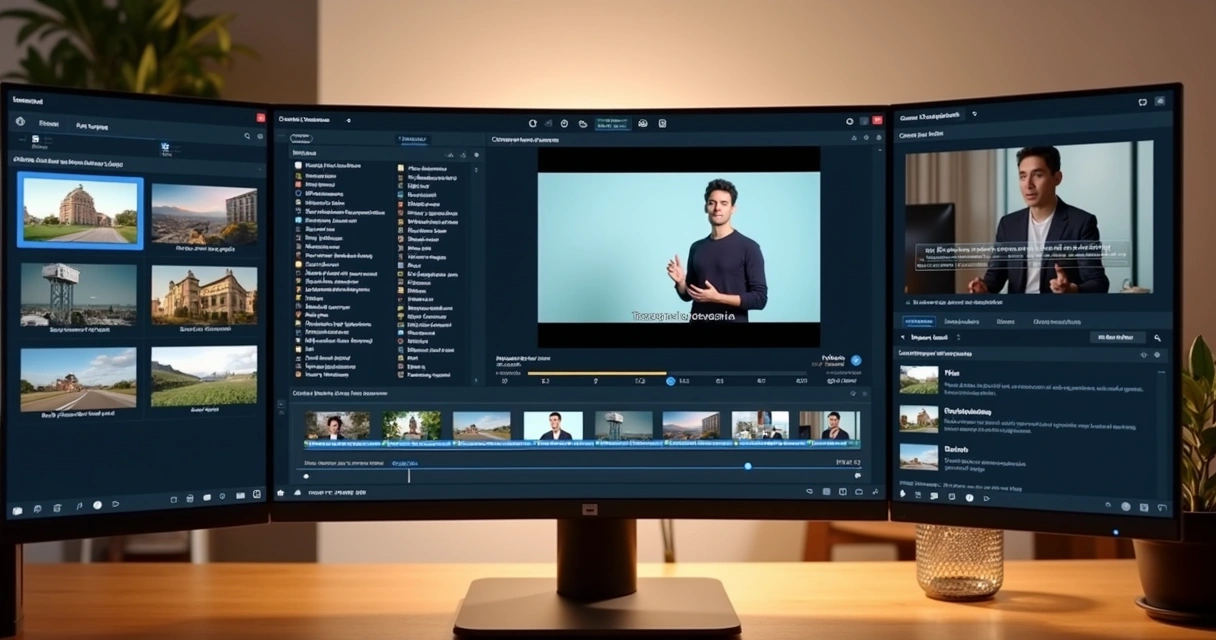
When it comes to solutions for automated B-roll, there are clear differences in the workflow. Without naming specific tools, it is worth observing the most common groups.
The first group includes tools focused on quick cuts. They generate clips quickly but often offer little freedom for fine-tuning. The second group includes platforms with automation and an internal editor, which gives more control over subtitles, branding, audio, and B-roll. The third group includes systems designed for teams, with publication at scale and volume management.
The best AI solution for automated B-roll is the one that combines good visual suggestion with simple final editing.
In practical terms, differences appear in factors such as:
- Quality of speech reading and transcription.
- Level of customization of the template.
- Presence of a library for B-roll.
- Face tracking and face-motion features.
- Integration with publication and scheduling.
For those seeking a more complete workflow, VDClip tends to fit well because it combines cut curation, subtitles, B-roll, internal editor, and distribution. This makes sense for solo creators but also for agencies and teams that do not want to jump between various tools.
It is also worth knowing structures aimed at short videos, such as the AI viral clip generator and workflows designed for YouTube Shorts with automatic editing by AI.
Time, Cost, and Access for Beginners
For a long time, editing with B-roll seemed like a task for those who already mastered professional software. Today, the scenario has changed significantly. AI has removed tedious steps from the process and made the work more accessible for those starting out.
In practice, cost reduction appears in several points:
- Fewer hours spent watching and marking good moments.
- Less dependence on frame-by-frame editing.
- Faster search for supporting visual material.
- Less rework with subtitles and framing.
A person who previously needed several programs and external banks can now solve almost everything in one environment. For many, this is what makes the process viable. Especially for those who publish several videos per week.
Automation saves real time.
This does not eliminate human review. It still matters for tone, context, and brand choices. But it is no longer necessary to start from scratch. And that makes a difference.

Conclusion
Learning how to add automated B-roll in AI cuts in 2026 means understanding a real change in content production. Short video asks for rhythm. It asks for clarity. It asks for images that accompany speech. When AI takes over sorting the best segments, suggesting visual supports, and organizing subtitles, framing, and publication, the process becomes lighter, and the result tends to improve.
Automated B-roll does not replace the main message but enhances its strength on screen.
For those wanting to transform long videos into more engaging clips, with face tracking, face-motion, audio cleaning, templates with brand kit, copyright-free B-roll library, internal editor, and bulk scheduling, getting to know VDClip.com may be the next natural step.
Frequently Asked Questions
What is automated B-roll in AI videos?
Automated B-roll is the insertion of supporting images or videos made with the help of artificial intelligence. The tool reads the speech, identifies segments that require visual context, and suggests or applies this material at the most appropriate point of the cut.
How to add automated B-roll in video cuts?
The most common way is to upload the main video to a platform with AI, generate the cuts, activate B-roll suggestions, review the duration and style of the insertions, adjust subtitles, and export in the desired social media format. In solutions like VDClip, this workflow happens within the platform itself.
What are the best software for automated B-roll?
The best software are those that combine good speech reading, coherent visual suggestion, media library, editor for fine-tuning, synchronized subtitles, and publication integration. Instead of only looking at automation, it is worth considering whether the tool also helps with review and posting scale.
Does automated B-roll really improve my videos?
Yes, when well applied. B-roll reduces the feeling of a still screen, helps explain ideas, covers abrupt cuts, and gives more rhythm to the video. This tends to improve retention, perception of quality, and engagement, especially in short formats.
How much does it cost to use AI for B-roll?
The cost varies according to video volume, editing resources, and the presence of media library, subtitles, brand kit, and scheduling. Even so, using AI is usually more cost-effective than doing the entire process manually or setting up a workflow with several separate tools.