Transforming a long recording into useful clips requires more than just cutting the video into small parts. The editor needs to pinpoint moments that make sense on their own, preserve the main idea, and adapt the image, audio, and subtitles for the publishing channel. This process helps creators, educators, businesses, and marketing teams repurpose interviews, classes, podcasts, and broadcasts.
Main Points for Transforming Recordings into Clips
- Define who each clip is for and what idea should remain memorable.
- Mark segments that have context, a complete message, and a good beginning.
- Edit the cut for the target format without losing important information.
- Review voice, subtitles, and framing before publishing.
- Track results to identify which themes and openings merit further testing.
What Makes a Segment a Good Choice for a Clip?
A good segment communicates a complete idea without relying on several previous minutes. The viewer should understand the topic, recognize why it matters, and find a clear conclusion or next step.
During the review of the recording, the editor can look for direct answers, practical explanations, brief stories, well-founded opinions, and moments of surprise. An emphatic statement, by itself, does not guarantee that the segment will work: the message needs to be comprehensible outside the original context.
- Context: Does the segment make it clear what the person is talking about?
- Value: Is there information, an example, or an emotion that interests the audience?
- Autonomy: Is the clip still understandable without the previous question?
- Rhythm: Can long pauses and repetitions be removed without distorting the speech?
A team can note the theme and the start and end times of each possibility. This screening avoids editing deeply into moments that do not support a standalone publication.
How to Find the Best Moments in a Long Recording?
The selection becomes more efficient when it combines a theme-driven review with listening to the marked segments. A transcript can help locate recurring questions and important terms, but the audio remains necessary to understand pauses, tone, and intention.
Consider a one-hour conversation about financial organization. Instead of starting with the entire timeline, the team can look for the most recurring question, locate the answer, and check if there’s a concrete example that helps explain it. The chosen segment can start a few seconds before the answer if this is necessary to set the context for the viewer.
- Record the main subject of the recording and the expected audience.
- Make a quick initial review or consult a transcript.
- Mark segments with a clear idea, noting entry and exit times.
- Rewatch the candidates with the audio on and check the context.
- Separate strong options from those that would require additional explanations.
The initial cut does not need to be perfect. The goal of screening is to create a manageable list for detailed editing, without confusing a catchy phrase with a complete message.
What Are the Steps to Edit a Clip?
A consistent workflow separates selection, assembly, and review. Thus, content cuts do not mix with aesthetic adjustments, and the team can identify where each rework originated.
- Define the delivery: establish audience, platform, message, and format before editing.
- Make the rough cut: remove errors, off-topic deviations, excessive silences, and repetitions that do not add value.
- Preserve logic: maintain the necessary order for the speech to remain accurate and natural.
- Adjust the image: reposition the frame, correct cuts, and insert visual elements only when they help.
- Treat the audio: balance the voice, reduce disruptive noise, and avoid music that competes with speech.
- Add text and review: correct subtitles, check the reading on mobile, and export the final version.
In interviews with multiple people, the assembly also needs to clarify who is speaking. In classes or demonstrations, it may be necessary to keep a screen, object, or gesture that is part of the explanation.
How to Adapt the Framing for Vertical Video?
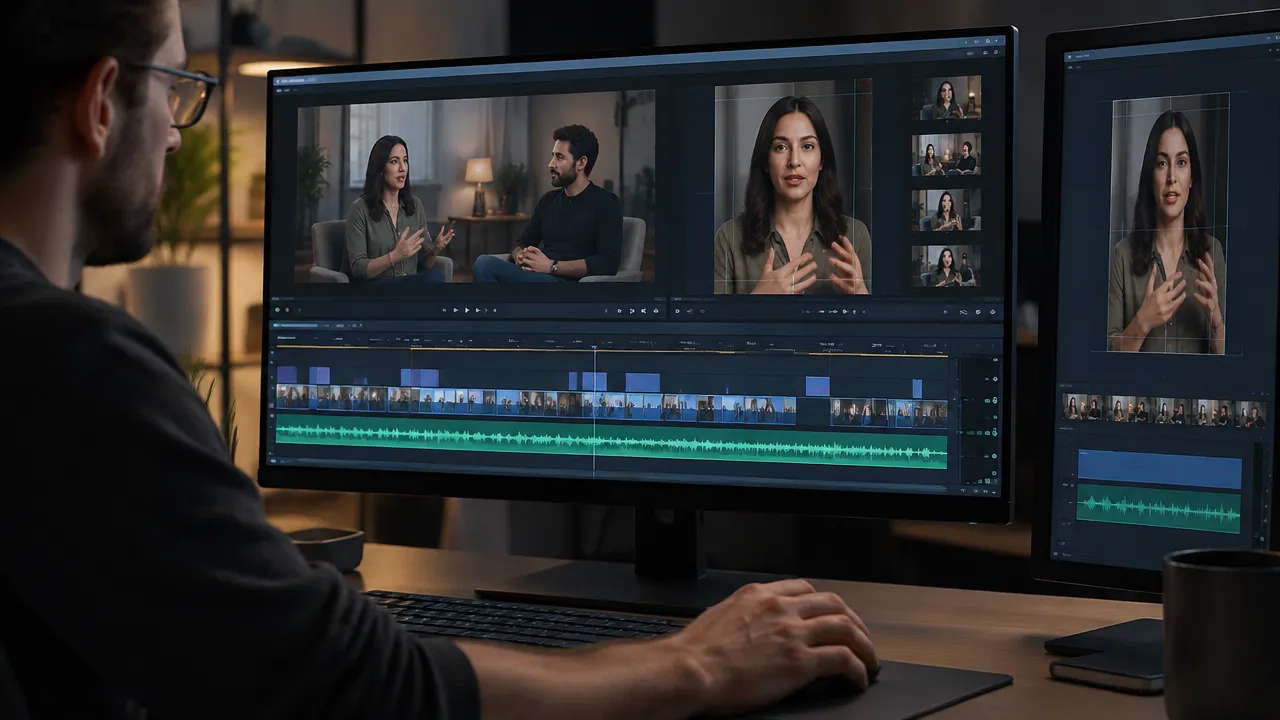
The vertical format requires choosing what remains visible, not just zooming in on the center of a horizontal image. An automatic cut can clip the speaker’s face or remove an element necessary for the explanation, so the preview needs to be checked in mobile size.
When a person speaks directly to the camera, the framing should keep the face and main gestures within the visible area. In an interview with two people, the cut can alternate between who is speaking and a wider shot. If the conversation includes a demonstration, the object or screen must also remain legible.
- Check that the face is not pressed against the top edge.
- Preserve space for subtitles without covering hands, products, or important information.
- Ensure that cuts between shots do not appear abrupt or confusing.
- Observe the result on a small screen, not just in the editing window.
When the video will be published on more than one channel, it is worth keeping a clean version of the project. This way, the team can adjust the ratio, text position, and duration for each destination without reconstructing the cut from the beginning.
How to Review Subtitles and Audio Before Publishing?
Subtitles need to be correct, synchronized, and easy to read; the audio must keep the speech comprehensible from start to finish. Automatic transcription speeds up preparation, but proper names, technical terms, numbers, and punctuation may still require manual correction.
The W3C explains that subtitles include speech and relevant sounds and should accompany the visual content. The organization also recommends reviewing automatically generated subtitles, which may contain errors. This review improves accessibility and helps viewers in noisy environments or without sound, as detailed in the W3C guidelines on subtitles.
- Compare the subtitles with the audio, especially for names, acronyms, and numbers.
- Break long sentences into blocks that can be read without effort.
- Check contrast, size, and position over different parts of the image.
- Listen to the clip with headphones and also through the mobile speaker.
- Lower music or background noise if they hinder understanding of the voice.
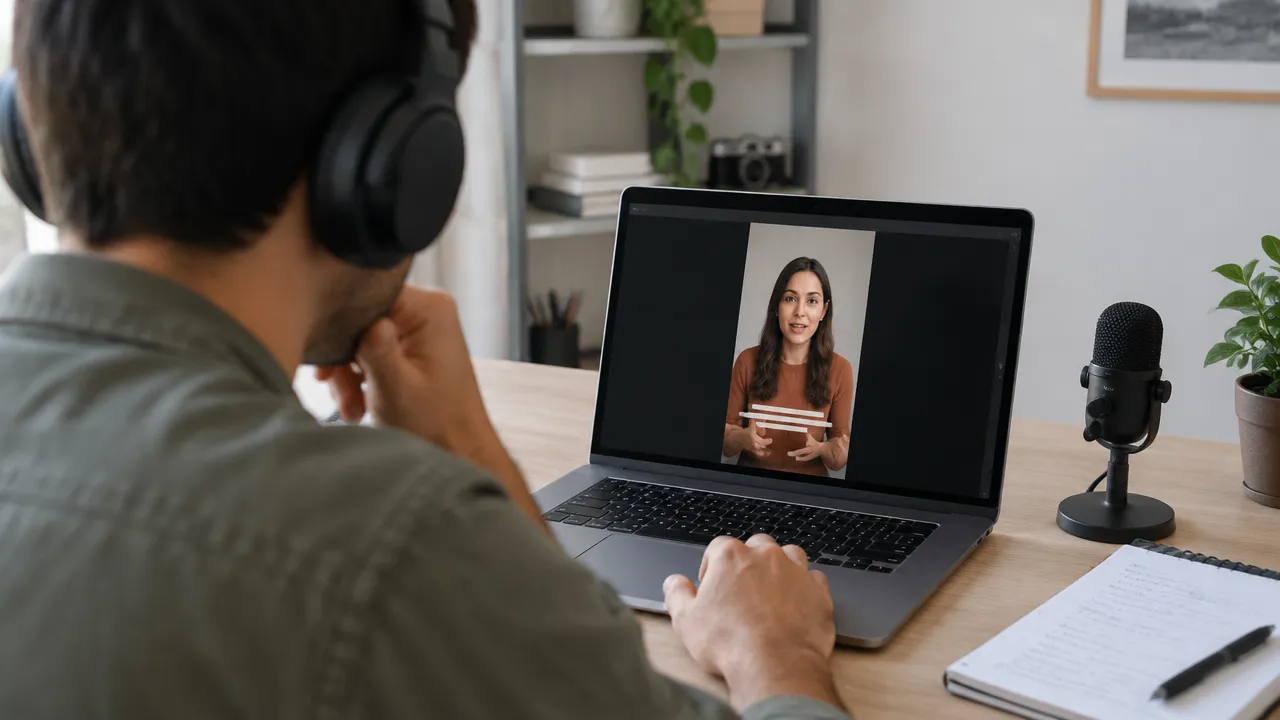
Subtitles embedded in the image can be useful when the platform or type of publication requires always-visible text. When there is an option for a separate subtitle track, the team may also consider the possibility for the audience to activate or deactivate it.
What Editing Workflow Best Meets Each Need?
The choice of workflow primarily depends on the amount of material, the level of control needed, and the frequency of publication. A manual editor offers frame-by-frame control; automations can reduce repetitive tasks; a combination of both typically serves teams that need volume without sacrificing editorial review.
| Need | Recommended Workflow | Point of Attention |
|---|---|---|
| An occasional short video | Manual editing with basic cuts and text | Allocate time for subtitles and audio checks |
| Multiple clips from a recording | Transcription, marking segments, and batch editing | Review each segment to maintain context and accuracy |
| Frequent publications across channels | Production model with versions, formats, and schedule | Adapt framing and texts according to the destination |
| Recordings with speeches and technical terms | Initial automation with detailed human review | Check names, numbers, jargon, and speech cuts |
An automatic tool can find highlights and create subtitles, but the final selection still depends on the editorial context. For a brand, for instance, a controversial statement may attract attention while contradicting the intended message. The judgment of the team remains necessary.
How Much Does it Cost to Edit a Video?
There is no single price for editing a video because the final duration and work time do not always correspond. A short recording may require many revisions; a long and well-organized session may yield several clips with less effort per piece.
To estimate the cost of a service, the professional can detail what is included and calculate the expected time for each stage. The budget becomes clearer when separating the number of recordings, number of versions, revisions, subtitles, audio treatment, and deadlines.
- Source Material: duration, sound quality, and organization of files.
- Selection: manual search of segments or review of previously marked moments.
- Complexity: animations, supporting images, color correction, or multiple participants.
- Deliveries: number of clips, formats, languages, and channels planned.
- Revisions: number of included changes and cost of additional requests.
For an internal team, the cost can also be estimated by production time. Comparing hours spent and clips published helps decide which tasks deserve automation and which need individual editorial attention.
How Can VDClip Support Clip Production?
VDClip was created to transform long recordings into short videos ready for social media. The platform can detect highlights, generate subtitles in over 30 languages, adjust framing for speakers, remove silences, and assign viral potential scores.
The flow also includes online editing, branding features, inserting supporting images, publishing, and scheduling. The company offers analysis of social media and automated responses to comments. In addition to recordings processed on the platform, VDClip allows batch editing and scheduling videos created outside of it.
These features can be useful to podcasters, educators, marketing teams, and other professionals who frequently repurpose content. Still, the team should review the selected moments, correct subtitles, and validate each version before publishing. An automated score helps prioritize options but does not replace understanding the audience or the brand’s intent.
How to Evaluate if the Clips Are Working?
A useful evaluation compares performance against the defined objective for the video. If the clip aims to present a new topic, the team can observe reach and views; if it seeks to stimulate conversation, comments and shares may provide more relevant signals.
It is best to change one variable at a time when the team tests openings, topics, or subtitle styles. For example, two clips on the same subject may start with different phrases. The comparison becomes more informative when duration, audience, and publication period are similar.
- Record the theme, opening, duration, format, and channel of each publication.
- Observe retention and interactions, considering the objective of each piece.
- Look for patterns across multiple publications instead of drawing conclusions from a single result.
- Use the learning to guide the next selection of segments.
The production cycle ends when the results inform the next script or recording. Thus, editing ceases to be merely a technical step and begins to help the team choose better which ideas to develop.
Frequently Asked Questions
How to Edit a Video?
Editing starts with defining the goal and reviewing the recording. Then, the editor marks the clearest segments, eliminates pauses and repetitions, reorganizes the framing, adjusts the audio, and adds subtitles. Finally, they check the clip on mobile and export a version suitable for the publishing platform.
What is the Best Program to Edit Videos?
The best program depends on the type of recording, the volume of work, and the control needed. For a few videos, a simple editor can handle cuts and texts. To transform episodes, classes, or broadcasts into multiple clips, a workflow with highlight detection, subtitles, and automatic reframing can reduce repetitive tasks.
How to Edit a Video Easily?
The simplest way is to start with a short segment and a single purpose, such as answering a question or presenting an idea. The editor removes what does not contribute, checks the audio, adjusts the video to the target format, and reviews the subtitles before publishing.
How Much Does Video Editing Cost?
The price depends on the length of the recording, the number of cuts, subtitles, audio treatment, and the number of versions requested. To estimate the cost, the professional can calculate work hours, revisions, and deliveries. A short video may require a lot of editing if the original recording is long or complex.
Can Video Editing Make Money?
Editing can generate income when it meets a clear demand, such as producing clips for creators, companies, courses, or events. The professional needs to consider selection time, editing, revisions, and delivery when setting prices. A portfolio with before-and-after examples helps demonstrate quality and define the service offered.