Creating live cuts for social media works best when the company treats the original broadcast as raw material, not as a finished piece. The goal is to transform a long video into short, vertical, and easy-to-understand clips even outside the context of the live stream. For those producing classes, podcasts, interviews, services, or brand content, this process extends the lifespan of each recording and reduces the time spent on manual editing.
In practice, a well-published cut is one that delivers a complete idea in a few seconds. This requires selection of excerpts, a strong opening, clear captions, vertical framing, and adaptation for each platform. When this flow is standardized, the company publishes with more consistency and learns faster what truly captures attention.
Key Points to Transform Lives into Publishable Content
- The best excerpt is not the longest: it’s the one that is quickly understood and has a hook in the first few seconds.
- Captions are no longer a detail: they help retention, context, and accessibility.
- Vertical format simplifies distribution: a well-prepared file circulates with less rework across various networks.
- Each channel requires adjustment: duration, pace, cover, and supporting text change according to use.
- Automation reduces bottlenecks: tools like VDClip speed up cutting, reframing, captioning, and publishing.
What Makes a Live Cut Work on Social Media
A cut only deserves publication when it works on its own. This means that the audience needs to understand the topic without watching the entire live stream beforehand. Generally, the best clips emerge from objective answers, short stories, reaction moments, common mistakes, applicable tips, and speeches with clear opinions.
It is also important to remember that social networks are competitive environments for attention. According to a Pew Research Center survey, YouTube, Instagram, and TikTok continue to be among the most used social platforms, reinforcing the need to adapt the same recording for more than one destination. Instead of publishing the entire live on all channels, the company gains more reach when distributing several cuts with different functions.
Before editing, it is worthwhile to apply three questions to the chosen excerpt:
- Does the video capture attention in the first 2 to 3 seconds?
- Does someone arriving without context understand the main message?
- Does the clip deliver a clear conclusion, promise, or learning?
How to Choose the Best Moments from the Broadcast
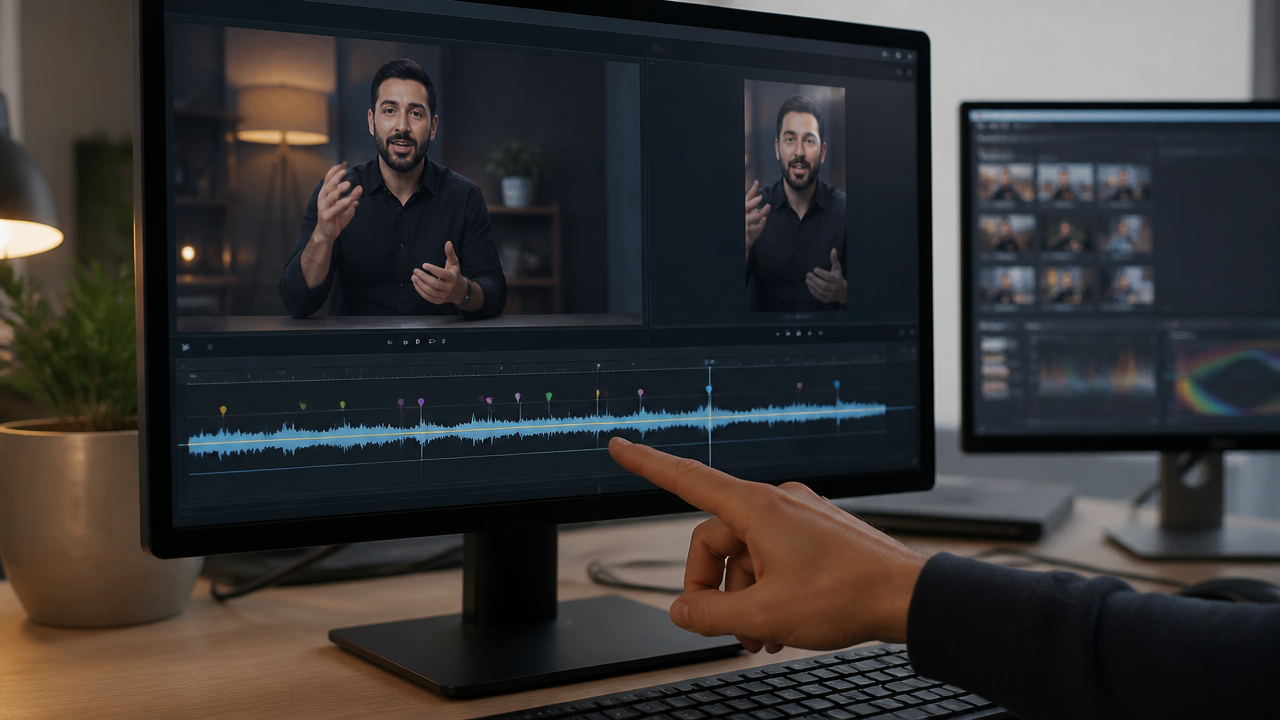
The selection of the excerpt defines almost the entire performance of the cut. The safest route is to look for parts where the person speaks with energy, answers something specific, or delivers a phrase that could become a title. When the clip’s opening already starts at the high point, the chance of retention increases.
A practical way to filter good moments is to separate the live into blocks of intention. Normally, they divide into explanation, proof, opinion, behind-the-scenes, and call to action. The most useful excerpts for social networks usually arise when two of these elements appear together, such as opinion plus proof, or explanation plus example.
The process can follow this script:
- review the live at increased speed;
- mark peaks of energy, short responses, and complete stories;
- discard excerpts that depend on prior context;
- write a provisional title for each selection;
- prioritize the clips whose title seems strongest.
When the company uses VDClip, this work becomes faster because the platform identifies moments with potential, organizes cuts, and helps transform long files into clips ready for review. This reduces the time between recording and publishing, which tends to be the main bottleneck in small teams.
Captions, Framing, and Rhythm: The Editing Triad
After choosing the excerpt, the editing needs to facilitate consumption without sound and on a small screen. YouTube’s own documentation on editing Shorts explains that text on screen helps the audience follow the content and remain connected to the video from start to finish. In live cuts, this is even more important because the speech originates in a longer context.
Besides the captions, the vertical reframing needs to highlight the face, expression, and central point of the action. If the original video was horizontal, the cut cannot leave too much empty space nor cut off decisive gestures. The rhythm also requires attention: long pauses, slow recoveries, and digressions need to be removed.
In practice, the company improves the result when it does the following:
- opens the clip with the strongest phrase, without a lengthy introduction;
- uses large, legible, and well-synchronized captions;
- keeps the main face in focus in the frame;
- removes silence, repetition, and side excerpts;
- inserts a short title on the cover or in the first few seconds when it makes sense.
For automation, VDClip combines captions, reframing, silence removal, and online editing. This allows standardizing the visual and speeding up reviews without starting each clip from scratch.
Do Live Cuts Work Without Captions?
In most cases, it’s not the best choice. Captions increase clarity, assist accessibility, and hold attention better when a person is watching the video without audio. YouTube’s own guide on automatic transcription recommends reviewing machine-generated captions, as accent, noise, and pronunciation can cause errors.
This means that automation without review still leaves room for problems. The ideal is to use AI to speed up the first version and then correct names, technical terms, and line breaks. In short clips, a small caption error already affects understanding and credibility.
| Element | Good Practice | Common Mistake |
|---|---|---|
| Caption | Short and synchronized phrases | Long blocks covering the screen |
| Opening | Immediate hook | Starting with a warm-up of the live |
| Framing | Face and action in the center | Too much empty space |
| Duration | Only what’s necessary to close the idea | Keeping leftovers out of attachment to the excerpt |

Which Format Works Best for Publishing Across Multiple Platforms
The vertical format in 9:16 is the most useful starting point for wide distribution. The advantage lies in reusability: a well-crafted cut can be adjusted for YouTube Shorts, Instagram, TikTok, Facebook, and LinkedIn with minor adjustments to duration, title, and supporting text.
Instead of creating a single video and replicating it equally everywhere, the company gains more when it adapts the same material for different intentions. A cut can become a short version for discovery, a medium version for explanation, and a version with a final call to drive traffic to a larger video, landing page, or profile.
This adjustment can follow a simple logic:
- discovery: shorter cut, strong initial phrase, and quick editing;
- authority: excerpt with objective explanation and real example;
- conversion: speech with pain, solution, and direct final call.
Flow tools like VDClip help because they maintain visual kits, organize multiple versions, and allow faster publishing. When the team works with frequent lives, this prevents the recording from accumulating without turning into useful content.
How to Create a Continuous Publishing Process
The best result does not come from an isolated cut, but from a routine. Each live can yield several assets: short clips, thematic cuts, teasers, versions with different titles, and reuse on future dates. The secret is to turn editing into a system, not a handcrafted task every time.
A simple routine usually works well:
- define the goal of the live before recording;
- separate 5 to 10 moments with potential right after the broadcast;
- edit first the excerpts that are easiest to understand without context;
- publish in batches throughout the week;
- measure retention, saves, shares, and comments;
- use this feedback to choose new cuts in the next lives.
This model also creates a content library. Over time, the company discovers which openings capture more, which themes generate more shares, and which speeches yield reusable clips. For those publishing at volume, VDClip shortens this cycle with detection of the best moments, viral potential scoring, and posting schedule in the same flow.
Frequently Asked Questions
What does streaming mean?
Streaming is the continuous transmission of audio or video over the internet, without requiring the entire file to be downloaded before playback. In the context of this article, the live is the original recording in real-time, and the cuts are short excerpts edited for better circulation on social media.
How to choose the best moments from a live to turn into a cut?
The best excerpts usually gather three signals at the same time: a strong phrase right at the beginning, context that can be understood in a few seconds, and a clear conclusion. When the video depends on a long explanation to make sense, it tends to perform worse as a short clip.
Do live cuts work without captions?
No. Captions increase understanding, help maintain attention, and make the content more accessible. The ideal is to use reviewed captions, with good line breaks and visual highlights for important words, without covering the face of the speaker.
Which format works best for publishing cuts on social networks?
The safest format is vertical, in 9:16, with a strong opening in the first few seconds and duration adjusted to the topic. In many cases, the same cut can generate short and medium versions to test retention, reach, and clicks across different networks.
How to publish the same cut on multiple networks without rework?
The most efficient process is to create a base cut, then adapt the opening, caption, title, and duration for each channel. Platforms like VDClip help automate this flow with intelligent cutting, captions, reframing, and publication organization.