Every day, more people consume videos on the internet—whether for entertainment, sharing ideas, or boosting their businesses. According to data from IBGE, more than 87% of Brazilians aged 10 or older accessed the internet in 2023, and of those, nearly 88% watched videos daily. With such a large audience, video cutting and editing have become not only common but also necessary activities. But do you really need expensive, heavy, and hard-to-use software for that? Not exactly.
Simplicity can be the key to success in video editing.
It is in this scenario that online services like Clideo gain ground, promising quick cuts, simple adjustments, and optimized exports directly from the browser. And of course, the convenience of not having to install anything already excites both beginners and seasoned creators. It almost seems like magic.
Why are so many people looking to cut and edit videos online?
Video content production has become more democratic. It’s not only marketing agencies, famous channels, or professional studios producing reels, shorts, and promotional videos. Beginner influencers, teachers, small businesses and even teenagers — according to screen time studies — are increasingly adopting social networks, especially those focused on video.
But time is short. Budgets don’t always allow expensive software. And few people have patience to spend hours learning traditional editors. Surprised? Not really, considering Brazil leads streaming consumption in Latin America, yet still faces challenges in valuing local production, according to government reports.
What does the Clideo service do, and why does it matter?
Clideo is an online platform that allows you to cut, edit and transform videos directly from your browser, without downloading heavy programs or paying for premium licenses. With a few clicks, you can trim a long recording into a short, engaging clip ready to publish. The appeal is not only speed but extras like adding subtitles, choosing music, and adjusting formats for each social network.
 From the start, Clideo targets those who don’t want to waste time learning advanced features. The interface highlights the most-used buttons and, with automatic captions and intuitive tools, delivers results in minutes.
Step-by-step: Cutting, editing and exporting videos easily
Based on common experiences, the typical workflow usually follows this outline:
- File upload: The user drags the video straight from the computer to the site. No installation or mandatory signup is required for quick tasks.
- Precise trimming: On the timeline, simply mark the segments you want to keep. The online editor shows seconds and frames, which allows reasonable control even for detailed videos.
- Format adjustment: Clideo offers options to adapt the video to each platform’s format — square for Instagram, vertical for TikTok, or horizontal for YouTube.
- Add automatic captions: A very handy feature is automatic subtitle generation. The user selects the language and can edit the generated captions to correct any words.
- Music and tracks: Adding soundtrack is easy; with one click you can upload your own music or choose from available options.
- Export and download: Once the cut is finished, the video can be exported — a few minutes are enough even on moderate connections. It’s ready to be published on the preferred network.
A short, engaging video can be produced quickly.
Features that make life easier for creators
Clideo brings together features in its interface that used to be separate, reducing the frustration of having to jump between multiple tools for small tasks:
- Compression with hardly noticeable quality loss – The video keeps good sharpness even with reduced size, making it ideal for fast uploads.
- Compatibility with multiple video formats such as MP4, MOV, AVI and others.
- Integration with social networks, making it easier to send content to platforms like Instagram, TikTok, YouTube and Facebook.
- Simple customization with cuts, captions, music and export options.
- An interface adapted for different experience levels, without complex menus.
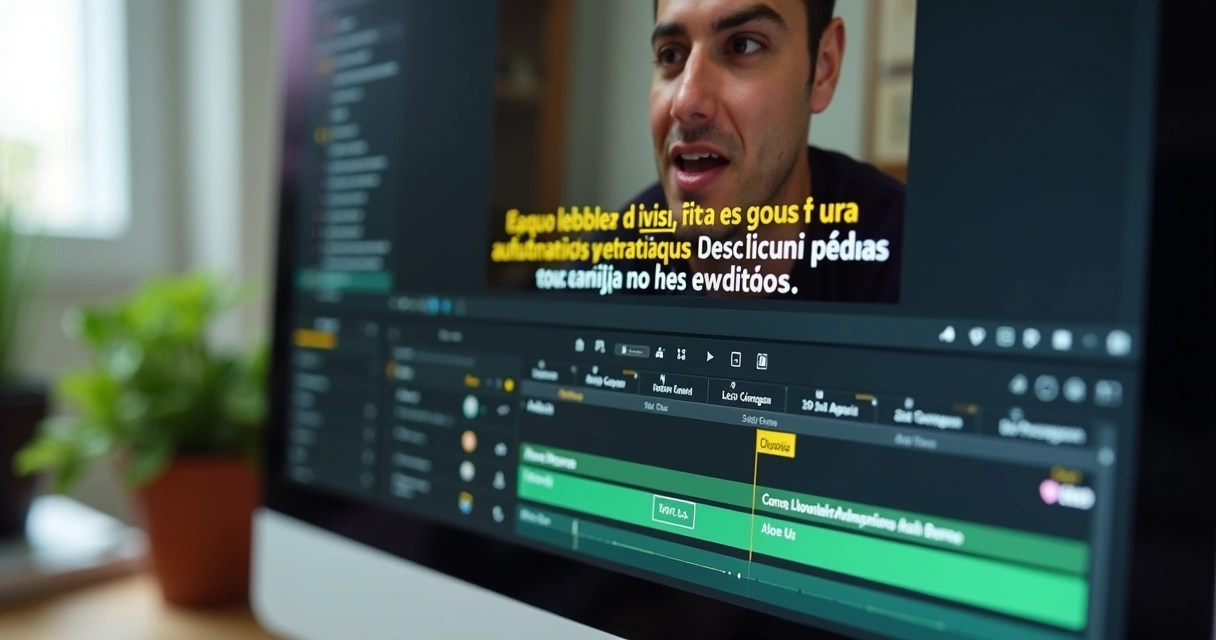 Pay attention to automatic captions: besides improving accessibility, they significantly boost engagement, especially among viewers who watch videos on public transit, at school, or at work without sound.
Limitations to consider
Not everything is perfect. The free version adds watermarks to exported videos, which can be a problem for those aiming for a more professional appearance. Additionally, more advanced features — like exporting videos in high resolution or customizing caption fonts and colors — are often restricted to paid plans.
This doesn’t remove the convenience, but it’s worth considering if you plan high-volume production or want a cleaner, watermark-free look for your videos.
Smart alternatives and automation for Brazilian creators
Some creators look for even more advanced features, especially those who want to produce short videos intelligently and almost automatically. AI-based tools like VDClip are recommended in this scenario. VDClip is a 100% Brazilian platform designed to identify and automatically cut the best moments from videos, suggest titles and hashtags, and export directly to social networks.
Try it now
To learn how automation can transform your workflow, check out these detailed resources:
- Practical guide to automatic cuts
- How to cut long videos with AI
- Turning long recordings into clips
- How to grow on TikTok with automatic cuts
- Common mistakes when cutting videos for social networks
 More than just a tool, choosing automated and intuitive platforms saves time, boosts engagement, and increases the chances of going viral without becoming a video editing expert. This is evident for those who follow the national streaming market and understand how local production needs flexible, accessible and fast solutions like VDClip.
Conclusion
Editing and trimming videos online has become much more practical with platforms like Clideo, but the biggest productivity leap happens when you combine automation, artificial intelligence, and an approach that values Brazilian content.
For those who truly want to stand out on social networks, trying automated options designed for the national context — such as VDClip — could be the next step. And if you want to transform long recordings into viral clips without headaches, a visit to VDClip.com may pleasantly surprise you. The time is now: compare, test, and find the solution that puts your content ahead!
Try it now
Frequently Asked Questions
What is Clideo and what is it for?
Clideo is an online tool designed to cut, edit, and adapt videos without the need to install programs on your computer. It helps convert long recordings into content ready for social networks, and includes useful features like subtitle insertion and format adjustments.
How do I cut videos using Clideo?
To cut videos, just go to the site, upload the desired file, drag the start and end handles on the timeline to select the segment to keep, and click export. The service processes the file and provides it for download in a few minutes while maintaining good image quality.
Is Clideo free or paid?
Clideo offers a free version, but it adds a watermark to exported videos. For those who need watermark-free videos and more advanced features, such as higher-resolution exports and more detailed customization, paid plans are available.
Which video formats does Clideo accept?
The platform accepts a variety of popular formats such as MP4, AVI, MOV, WMV, FLV, and others. This allows users to work with different file types without having to convert them before editing.
Is it safe to use Clideo to edit videos?
Generally, Clideo follows appropriate privacy standards and deletes videos from its servers after a short period. Still, it is recommended to read the service’s privacy policies and avoid uploading extremely sensitive content to any online editor.